Use cases · 22 pages
What People Make With an AI 3D Model Generator
Each page follows one kind of project from a single photo to a finished file: the settings that matter, what the model looks like straight out of the generator and what to fix before you print it or import it.
3D printing
Figurines, miniatures and multicolour prints, with the slicer settings and printer profiles that suit each one.
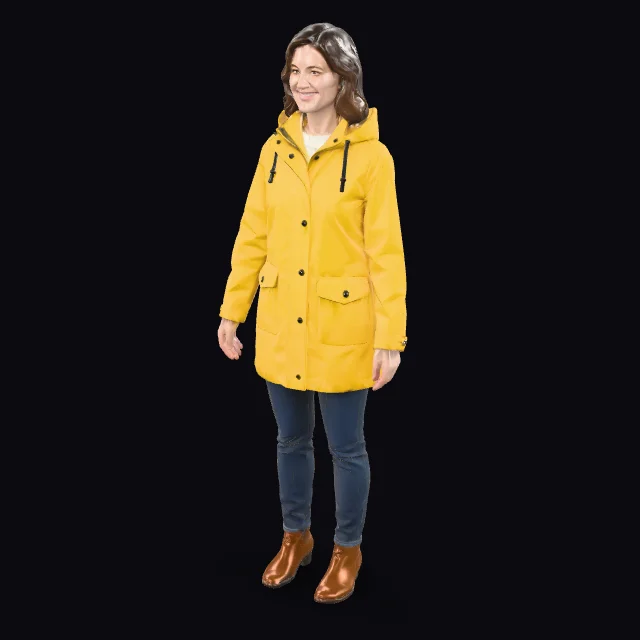
Figurine From Photo
One photo of you, your dog or a drawing in; a figurine you print at home out.
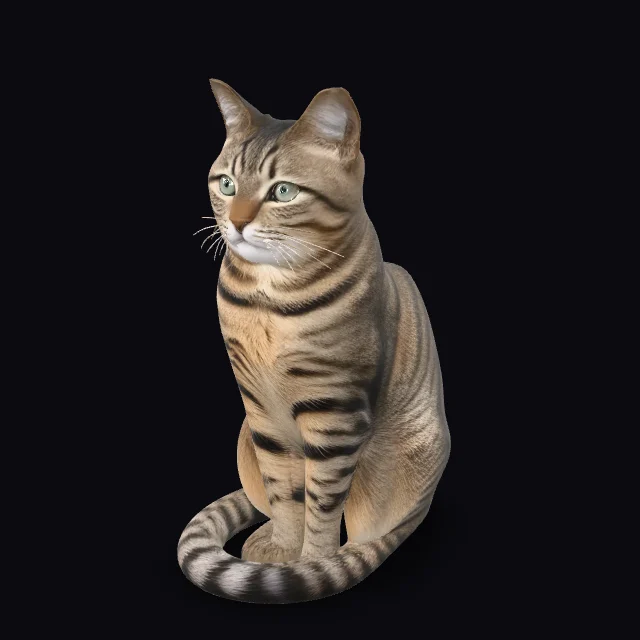
Pet Figurine
The best photo of your dog, cat or rabbit in; a pet figurine to print and paint out.
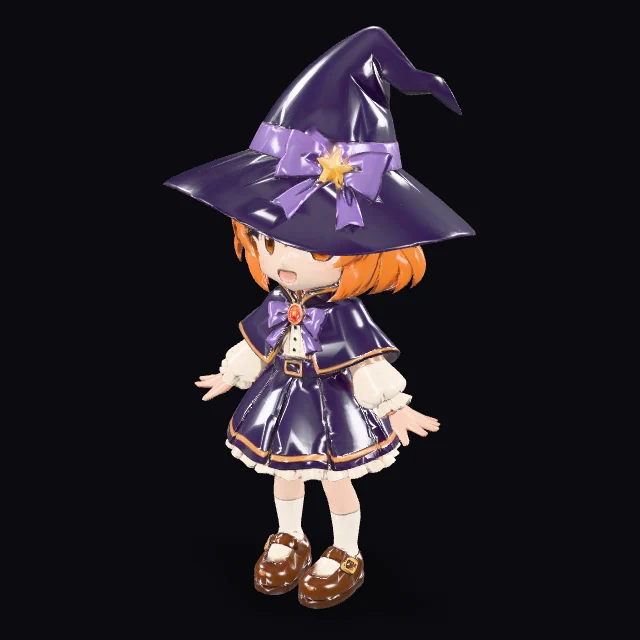
Anime Figure
Your original character art in; a textured anime 3D model to render, rig or print out.
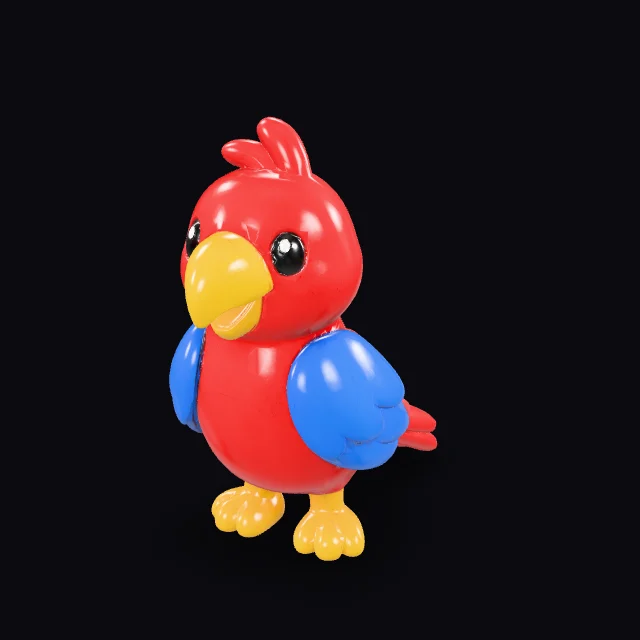
Multicolor 3D Print
A full-colour model as the map, a clean mesh to paint across your AMS or MMU.
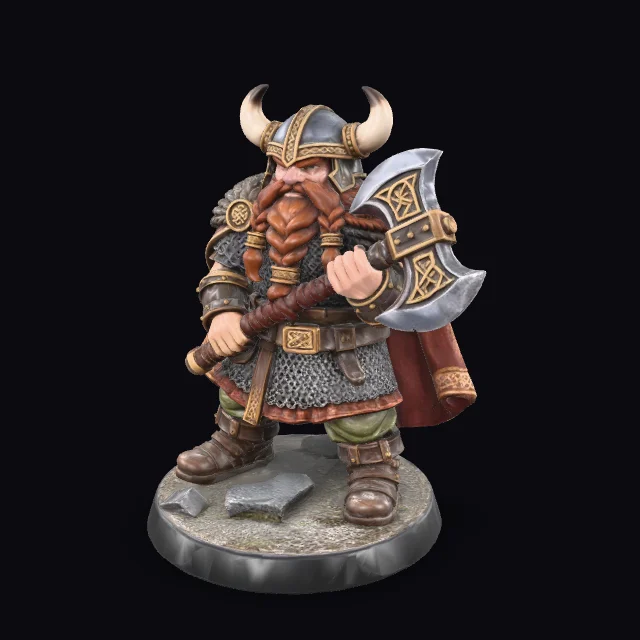
Resin Miniatures
Your party's characters from one image each, with a support plan that holds.
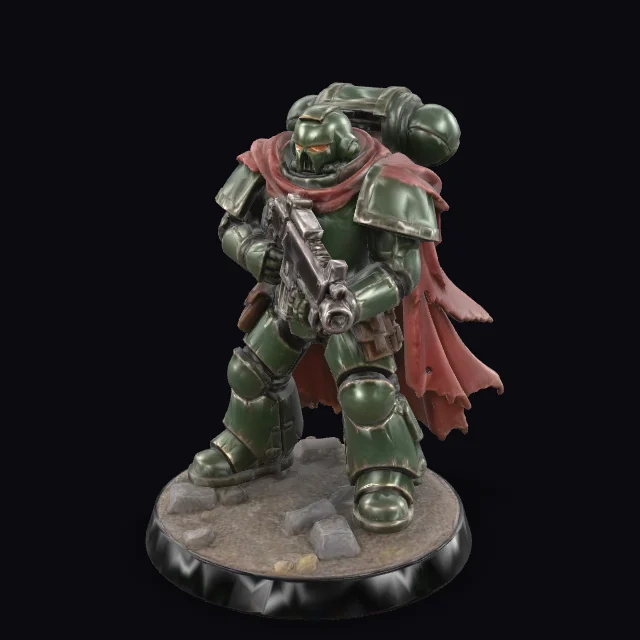
Custom Warhammer Miniatures
Your own hero, beast or terrain piece from one image, scaled to the table.
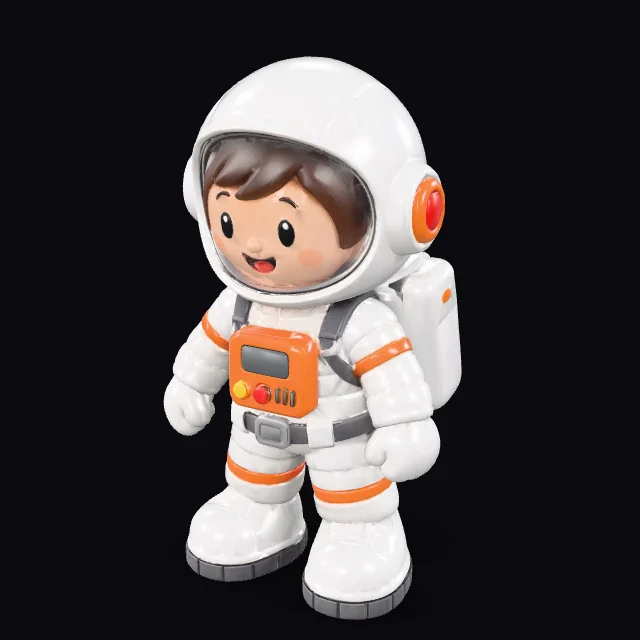
Bambu Lab 3D Models
One photo in; a mesh sized for your Bambu plate and ready for Bambu Studio out.
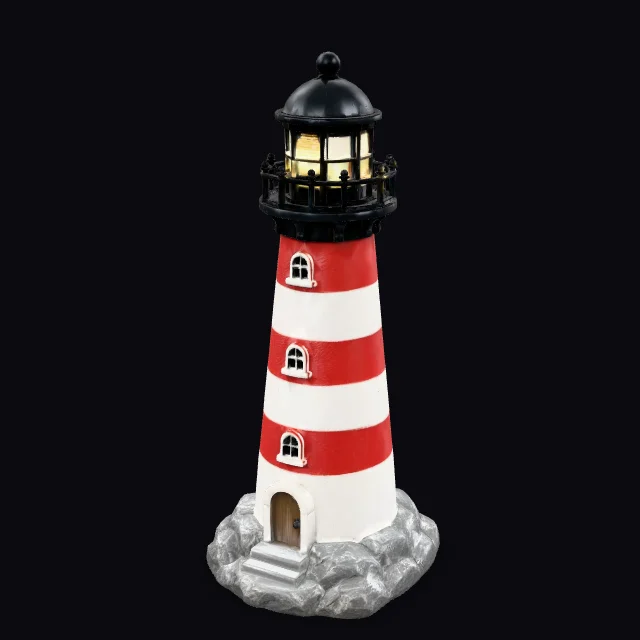
Prusa 3D Models
A photo in; a clean mesh to finish with PrusaSlicer's own tools out.
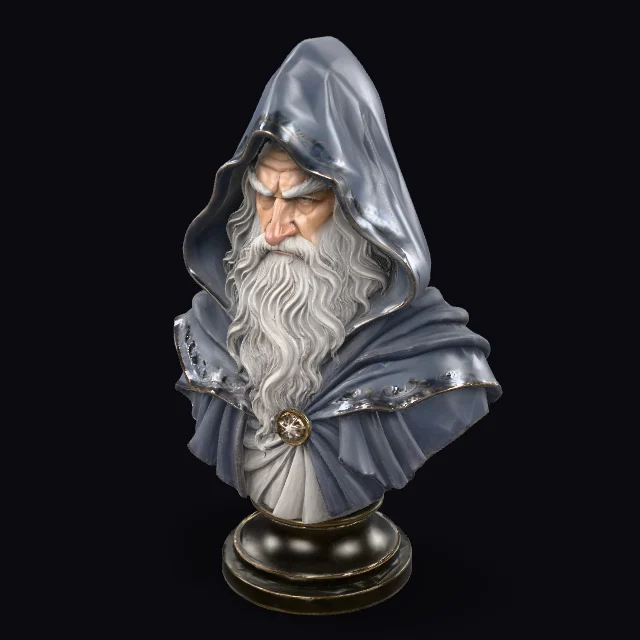
Elegoo 3D Models
One photo in; a resin-ready STL for your Mars or Saturn out.
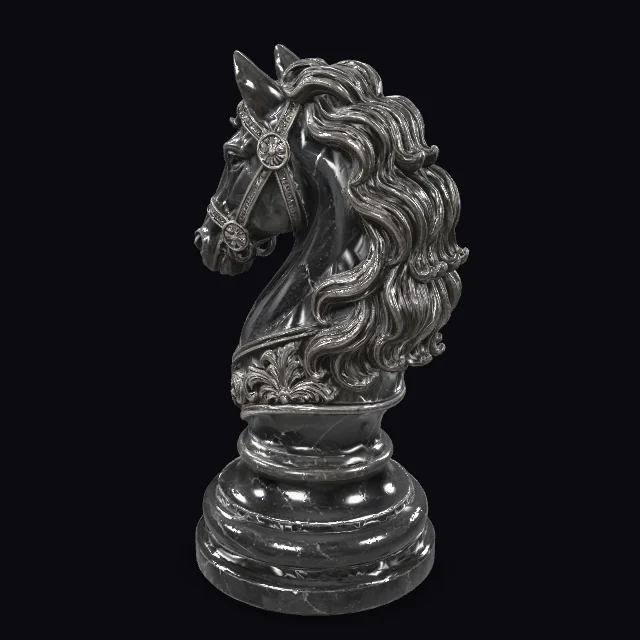
Anycubic 3D Models
One photo in; one STL for your Photon or your Kobra out.
Games and virtual worlds
Props, characters and avatars sized for the engine or platform they are going into, with triangle budgets and import steps.
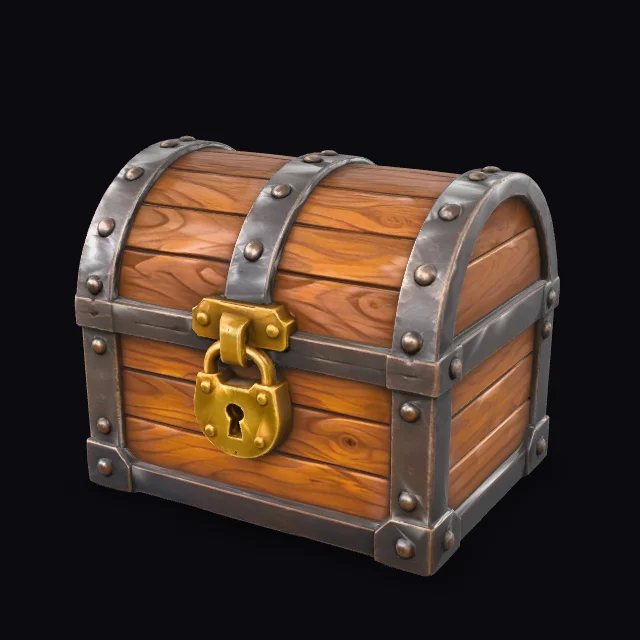
Game Asset Generator
Concept, textured model, free LODs, rig and animation clips: a whole asset pipeline in one chat.
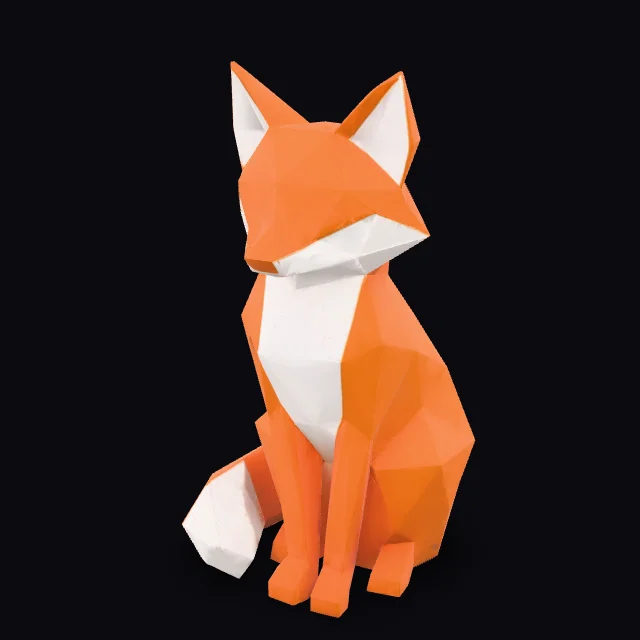
Low Poly Generator
Picture in, textured model out, then a free remesh to exactly the triangle budget your game or scene can afford.
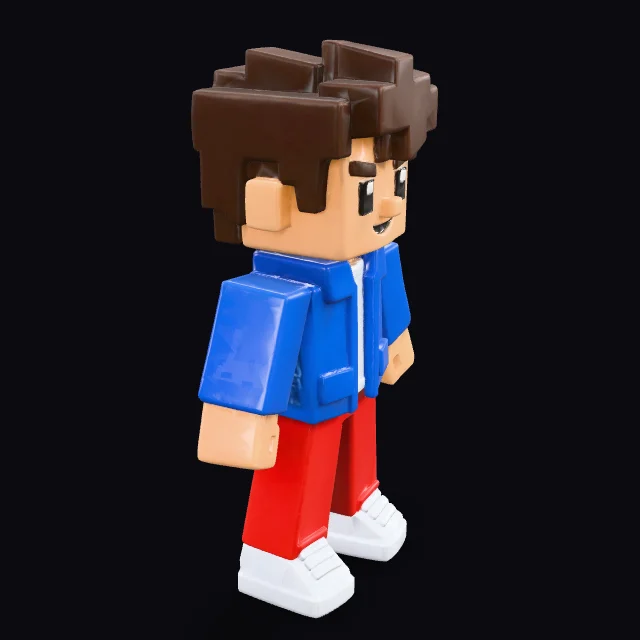
Roblox Model Maker
One picture in, a textured prop under Roblox's 20,000-triangle limit out, ready for Studio's Importer.
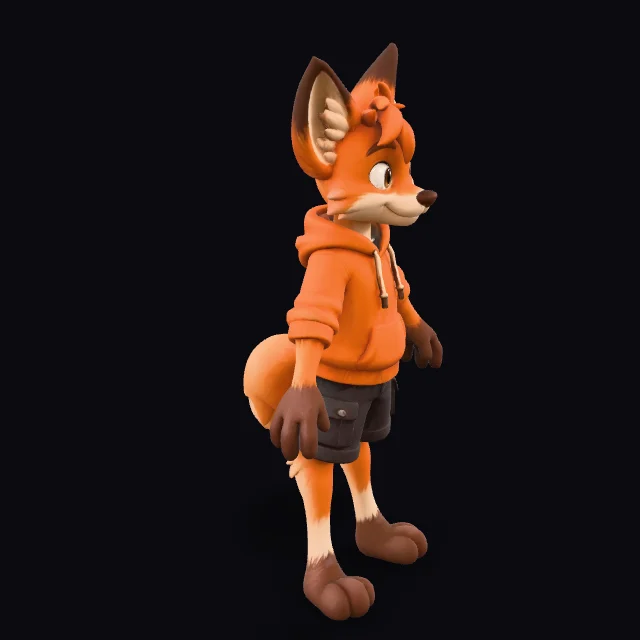
VRChat Avatar
Your character art in; a textured, rigged humanoid base out, ready for the Unity steps.
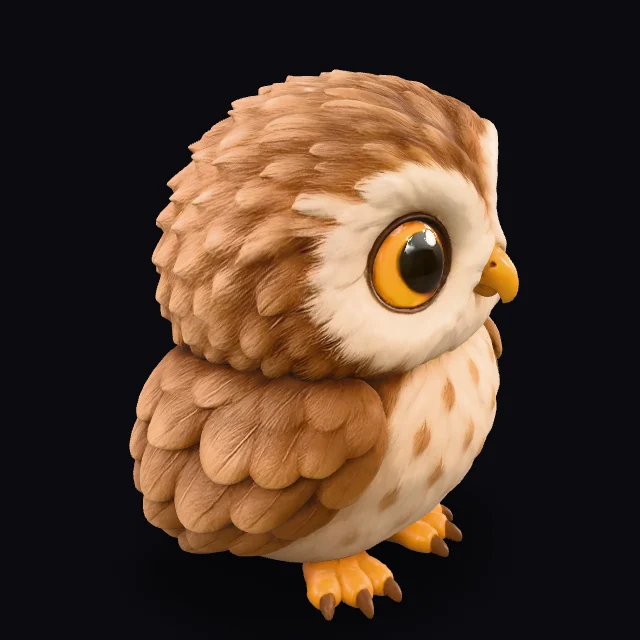
Second Life Mesh
One picture in; a textured mesh for hats, pets, props and creature avatars out.
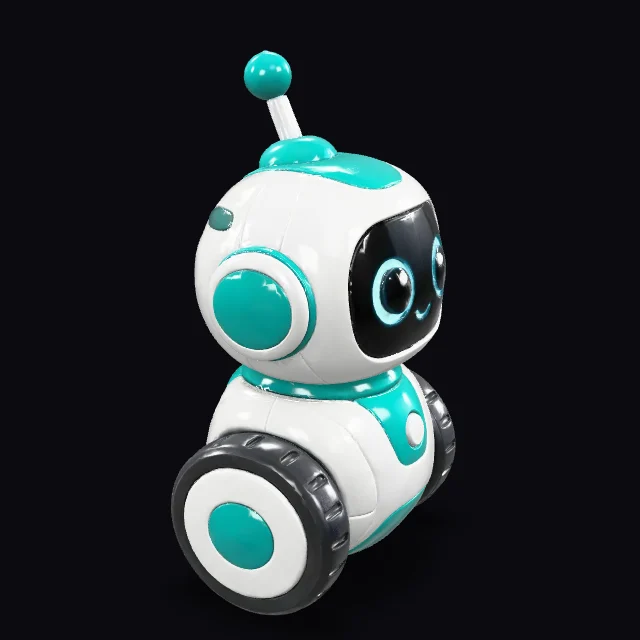
Unity 3D Models
A textured GLB from one photo, imported as a Unity prefab with glTFast, remeshed for mobile for free.
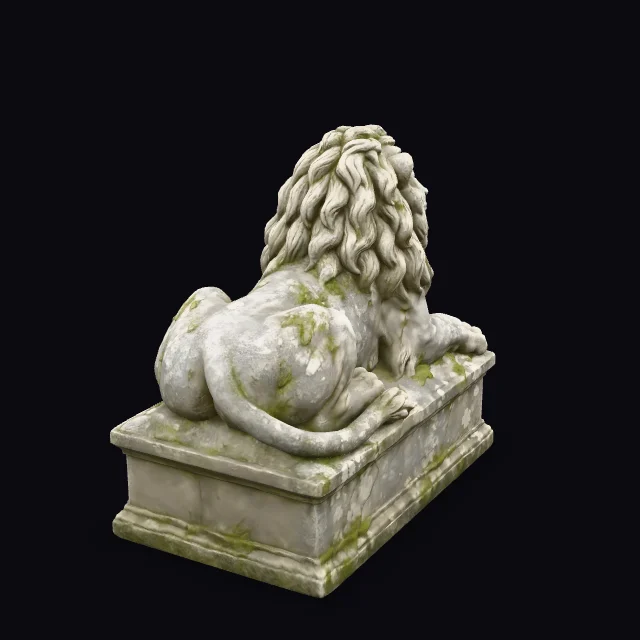
Unreal Engine 3D Models
A textured GLB from one photo, dragged straight into the Content Browser: dense for Nanite, or remeshed for free.
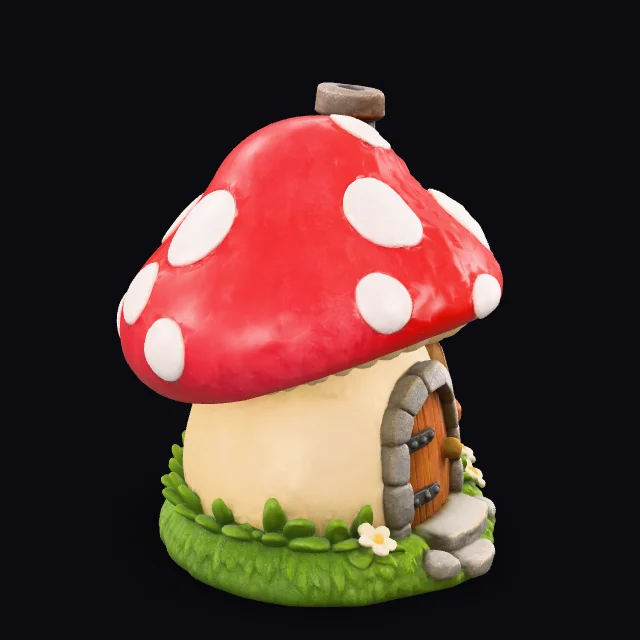
Godot 3D Models
A textured GLB from one photo, copied under res:// and imported by Godot 4 with its material and, for characters, its animations.
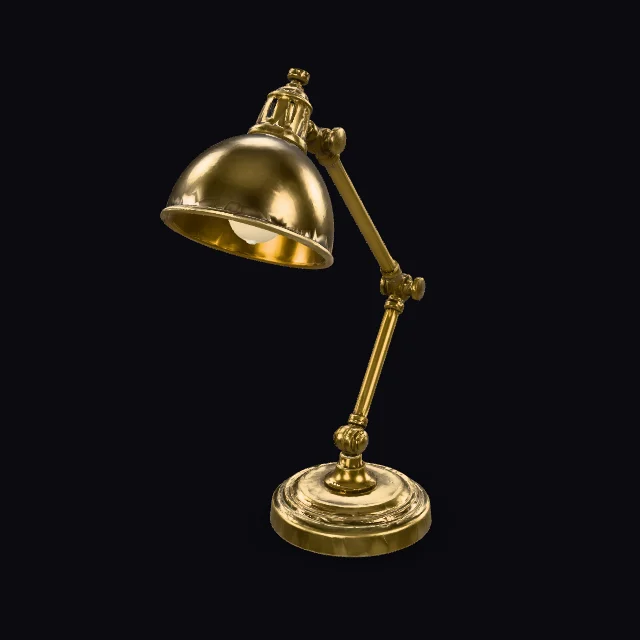
Blender AI
A textured model from one photo, imported into Blender as GLB with its material wired up, ready to clean up or sculpt.
Design and AR
Furniture, buildings and products as models a client can turn around on a phone or place in a room.
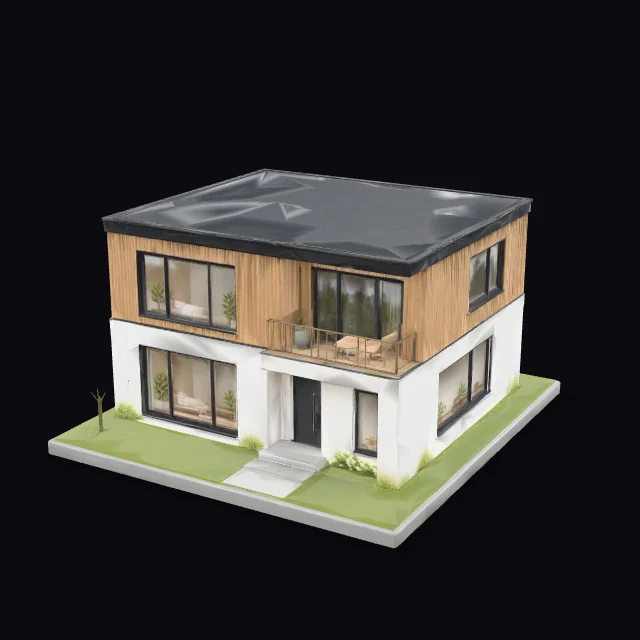
Architecture
One building photo, render or sketch in; a textured presentation model out. Not CAD.
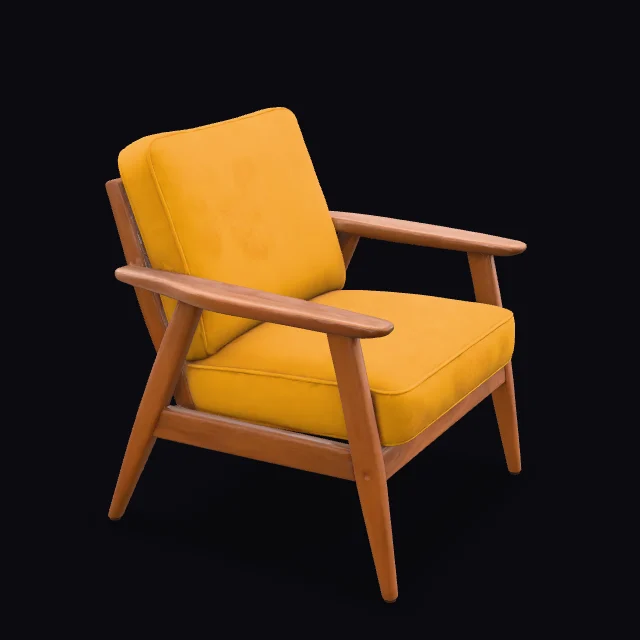
Interior Design
A product photo of a chair, lamp or sofa in; a textured furniture model for your scenes out.
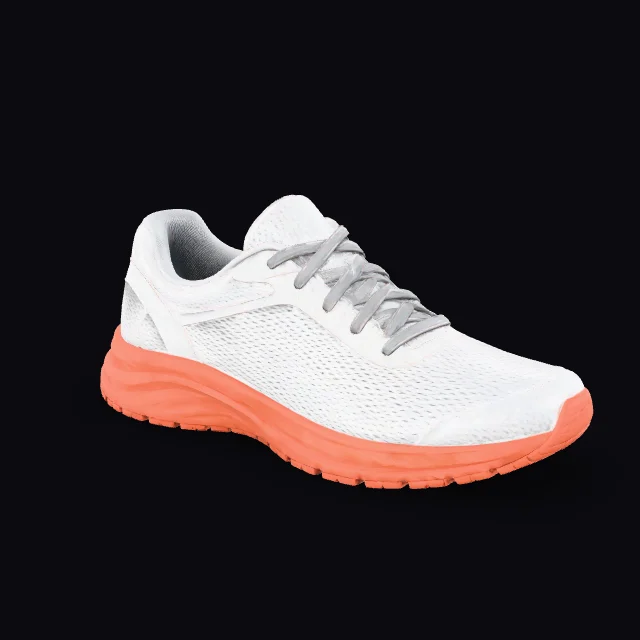
AR Models
One product photo in; a textured model people can place in their room on iPhone or Android out.
Questions
Can I 3D print a model from Snapshapy?
Yes. The agent builds a textured model you can export as STL or 3MF on a paid plan and slice in Bambu Studio, PrusaSlicer or your resin slicer. The printing pages above give the settings for each printer.
Can I use the models in a game?
Yes. GLB is free on every plan and imports into Unity, Unreal, Godot, Blender and Roblox Studio. The free remesh tool brings a model under a platform's triangle limit.
Can I sell what I make?
Both paid plans include a commercial licence, so you can sell prints and use the models in commercial games.
Make your first model free
Upload one photo. The Snapshapy agent builds a textured 3D model in 4–7 minutes, and GLB export is free on every plan.