Use case · VRChat
A VRChat Avatar Maker for the Model, Not the Whole Upload

3 free credits on sign-up — enough for one textured model. No card.
Upload one picture of your character. The agent builds a textured 3D body in 4–7 minutes for 3 credits and rigs it for 3 more. Visemes, the avatar descriptor and the upload still happen in Unity.
- Textured model: 3 credits
- Rig for humanoids: 3 credits
- 160 animation clips, free
- GLB free on every plan
3 At a glance
- Textured model plus skeleton
- 6 credits
- That pair on the Starter plan
- ≈ $0.29
- Most models are ready in this window
- 4–7 min
- Triangles for an Excellent PC avatar
- 32,000
What this VRChat avatar maker does, and what it leaves to you
As a VRChat avatar maker, Snapshapy makes the body of your avatar. You give the agent one picture of an original character, it returns a full-colour 3D model, and for 3 more credits it adds a skeleton to any upright, two-legged figure. That is the part that used to take a week of sculpting and texturing.
It does not hand you a finished, upload-ready VRChat avatar. VRChat wants a Unity project with the VRChat SDK, a Humanoid rig mapped in Unity, an avatar descriptor, mouth shapes for lip sync and a build that fits the performance ranks. None of that comes out of the agent. Plan on an evening in Blender and Unity the first time, less once you know the route.
If that sounds like the right trade, read on: the steps below are the whole list, in order.
How to make a VRChat avatar from a picture
Seven steps. The first three happen in the chat at /app; the rest are standard VRChat work in Blender and Unity.
- 1
Upload the character
Use the VRChat avatar maker box at the top of this page. A front view, standing, arms a little away from the body, whole figure in frame. A turnaround sheet works even better; see character sheet to 3D.
- 2
Get the textured model
3 credits, most ready in 4–7 minutes. Orbit it and check the back of the hair and the hands. Ask for another try if a part is wrong.
- 3
Rig it
Say "rig it". For 3 credits the agent adds a skeleton, usually in 1–3 minutes. The rig card offers a rigged FBX for download.
- 4
Add mouth shapes in Blender
Lip sync needs shape keys. Sculpt a few for the vowels (aa, oh, ou, E, ih) on the face, or keep it simple with a jaw bone.
- 5
Import into Unity
Create the project with the VRChat Creator Companion so you get the right Unity version and the Avatars SDK. Drop in the FBX and set the rig type to Humanoid.
- 6
Add the avatar descriptor
Place the view position between the eyes, point the lip sync at your shape keys and fix any bone the Humanoid mapping missed.
- 7
Build and publish
Check the performance rank in the SDK panel, then build and upload. A Quest version is a second, lighter build of the same avatar.
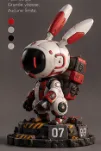
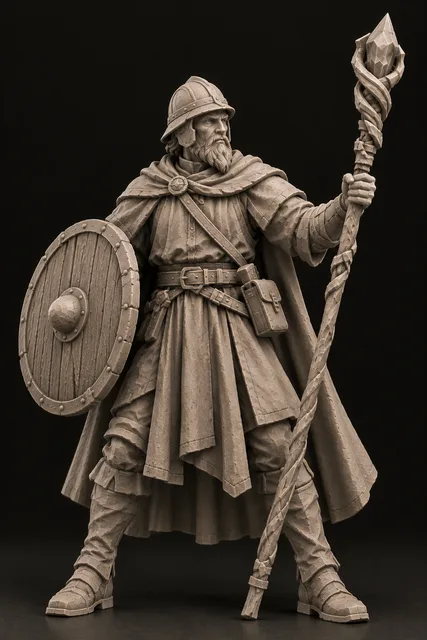
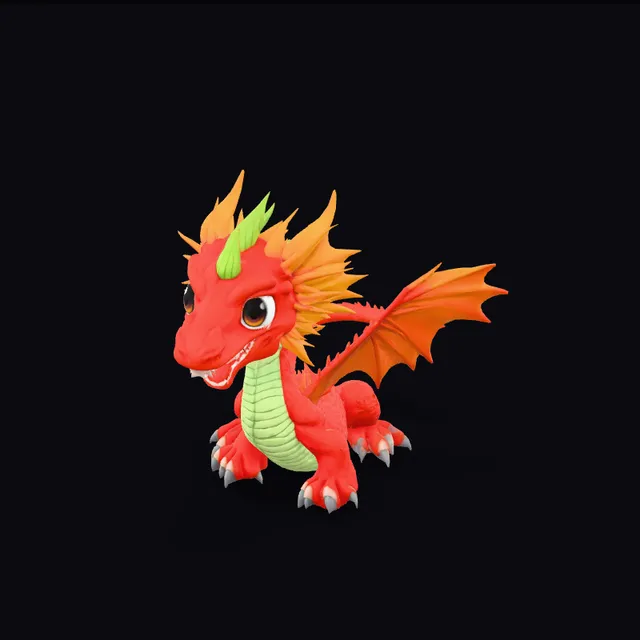
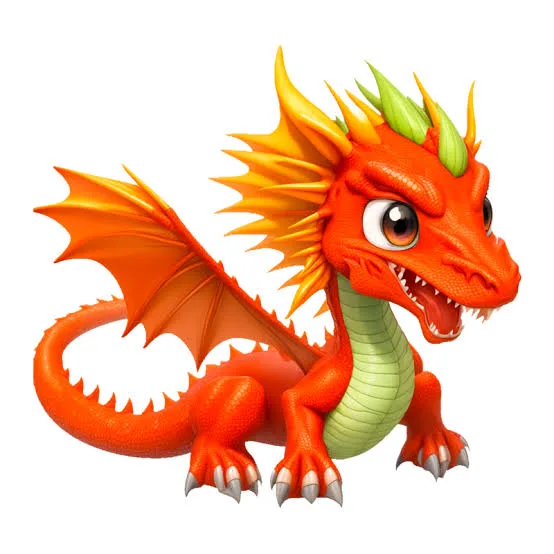
VRChat avatar creator examples from a single picture
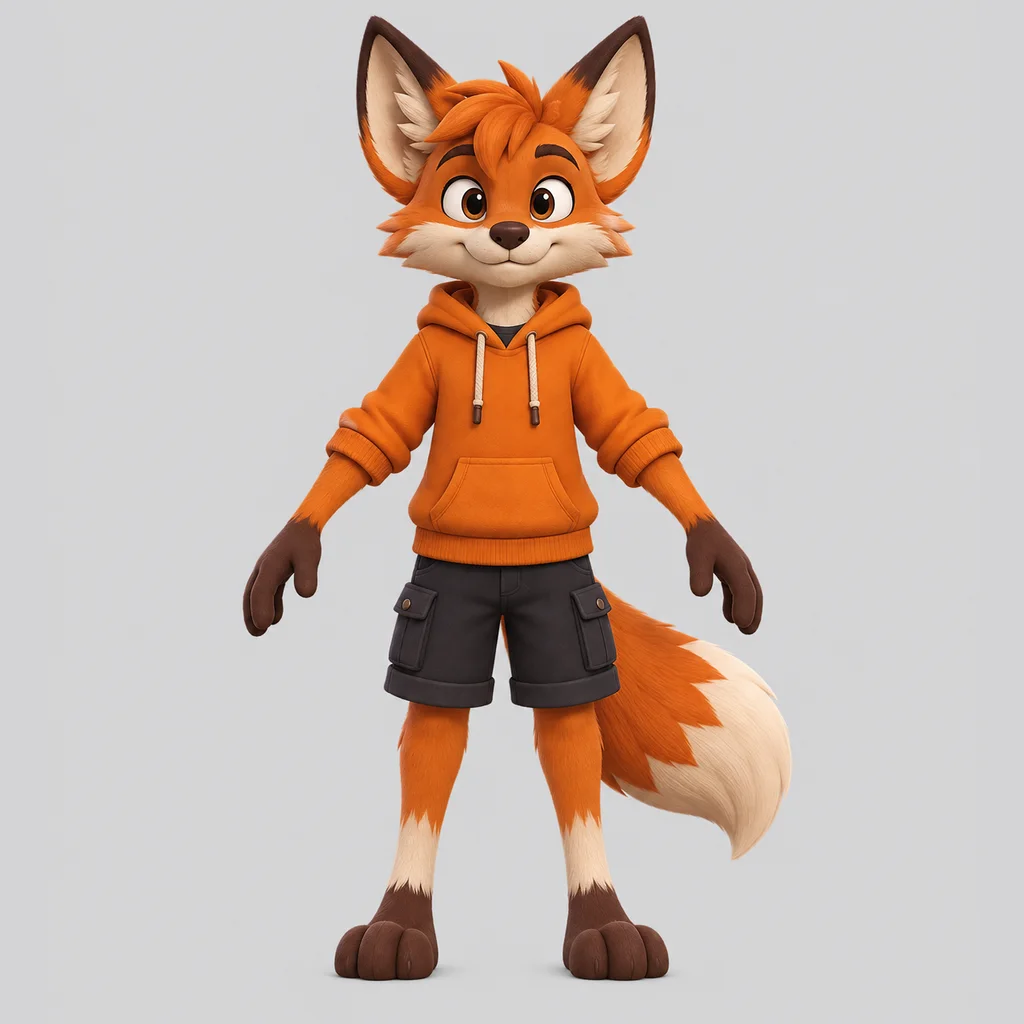
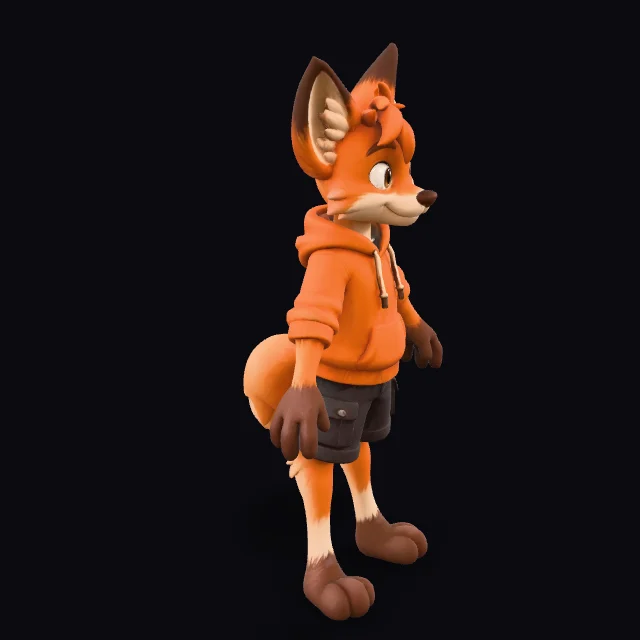
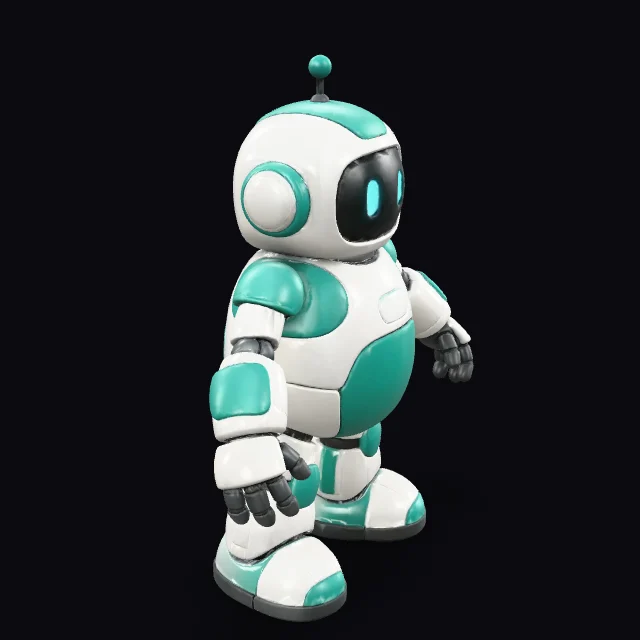
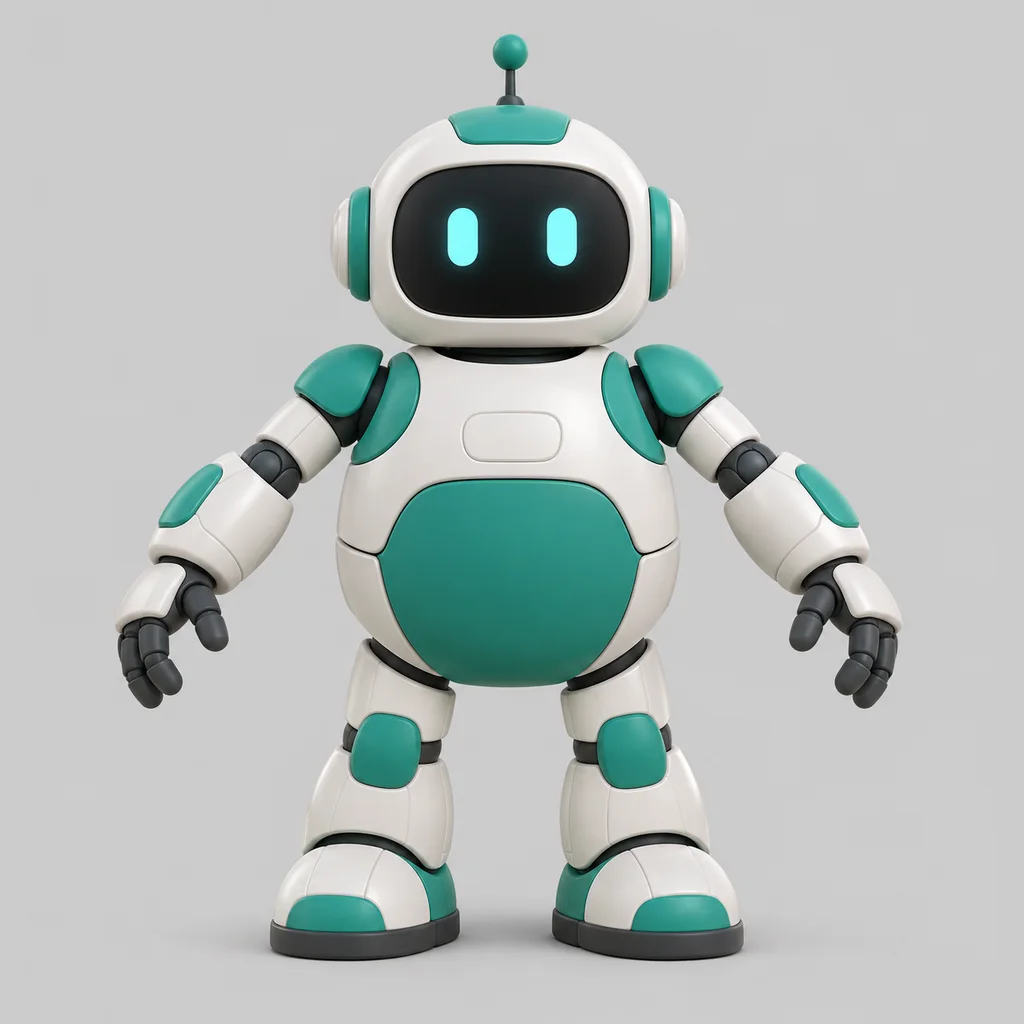
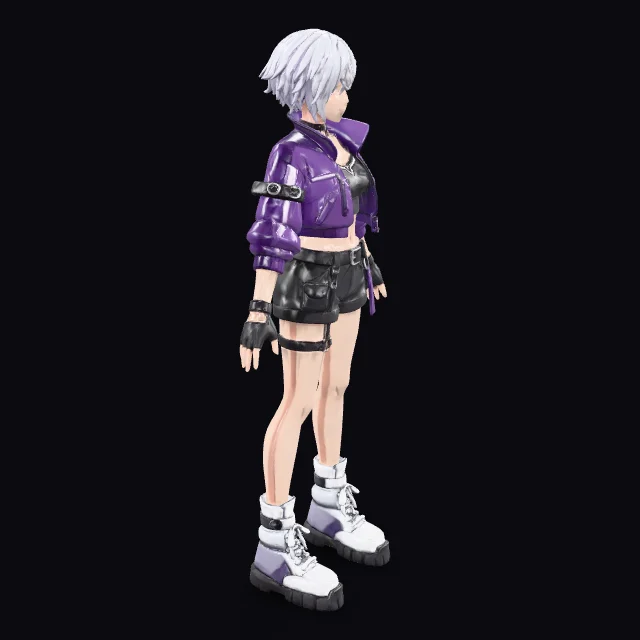
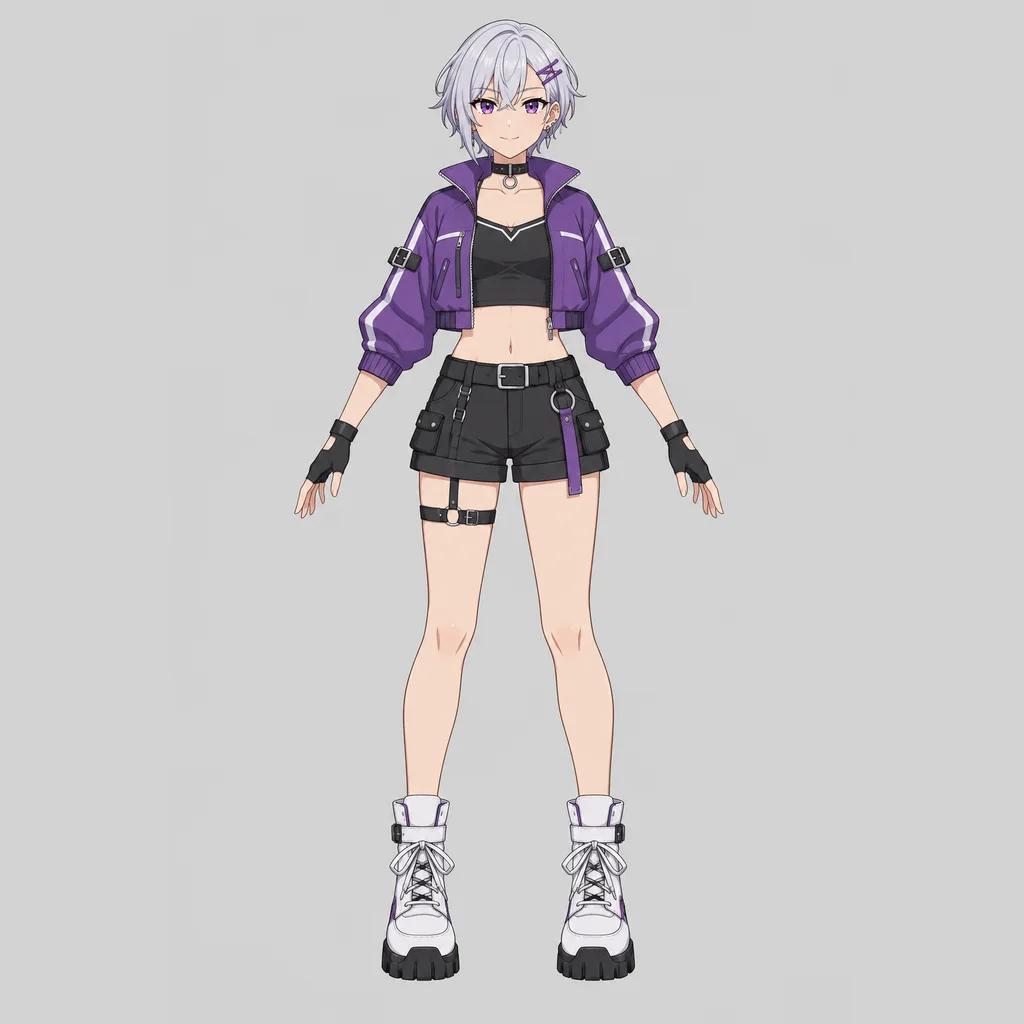
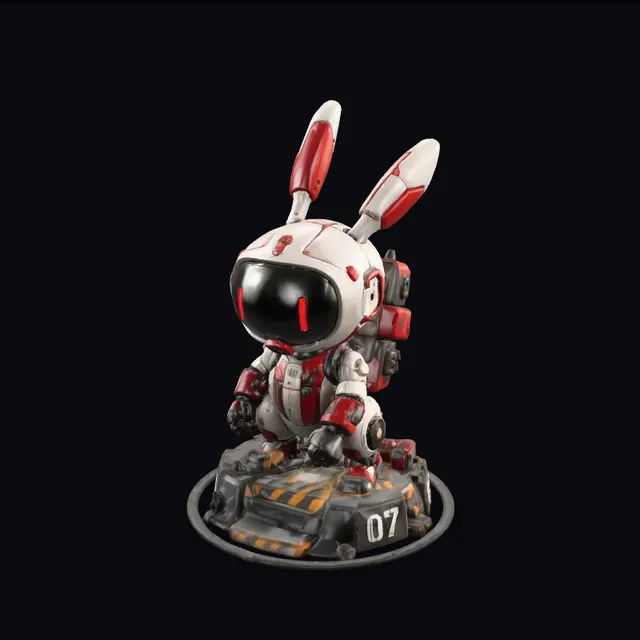
Each base model below started as one image. They are textured and humanoid, which is what the rig step needs; none of them has visemes or a descriptor yet.

VRChat performance ranks that matter for a generated avatar
VRChat grades every avatar on its triangle, material and bone counts. Past Poor it is Very Poor, which PC players can choose to hide; on Quest, Poor and Very Poor avatars are hidden by default.
| Rank | PC triangles | PC materials | Quest triangles | Quest materials |
|---|---|---|---|---|
| Excellent | 32,000 | 4 | 7,500 | 1 |
| Good | 70,000 | 8 | 10,000 | 1 |
| Medium | 70,000 | 16 | 15,000 | 2 |
| Poor | 70,000 | 32 | 20,000 | 4 |
Bones count too: 75 for Excellent on both platforms, up to 400 for Poor on PC and 150 on Quest. A Snapshapy model is one mesh with one textured material, so materials are rarely your problem; triangles are.
Fitting the model into VRChat's triangle budget
A fresh textured model from any VRChat avatar maker is built for looks, not for a frame budget, so count before you import. Open the rigged FBX in the free FBX viewer; it lists triangles, meshes and textures.
For a PC avatar, ask the agent for a lower triangle count before rigging; remeshing is free. Around 30,000 triangles keeps you inside Excellent with room for a hat or a prop. For Quest, aim near 7,500 and expect to lose small details like buttons and loose hair strands.
If the rigged file still comes in high, use Blender's Decimate modifier on the mesh and keep the armature untouched.
- PC target: about 30,000 triangles
- Quest target: about 7,500
- Remeshing costs 0 credits
- Check counts in the FBX viewer
Rigging: what the skeleton covers and what VRChat still needs
The rig works on upright, two-legged characters: people, robots, chibis and cartoon animals that stand like people. Four-legged animals, vehicles and props fail with "not recognised as a humanoid", and the 3 credits come back on their own.
The skeleton covers the body: spine, arms, legs, head. Unity's Humanoid setup maps it from there, and you should check every slot in the mapping screen once. It does not add the extras VRChat players expect:
- Visemes. No mouth shapes come with the model; you make them in Blender.
- Eye tracking. Eyes are painted on the texture, so there are no eyeballs to move.
- Swinging hair, ears, tails. Add bones to them in Blender and give them PhysBones in Unity.
The AI pose changer page shows what the same skeleton does with the 160 library clips.
Pictures that make a VRChat avatar that rigs cleanly
The rig finds shoulders, elbows, hips and knees from the shape. Feed the VRChat avatar maker a shape where those are easy to see.
Do
- Draw or pick a front view in a relaxed A-pose
- Keep the arms clear of the body and the legs apart
- Use bold, flat colours; they texture cleanly
- Give the character visible feet, even on a chibi
- Use your own character or one you have rights to
Avoid
- Use a pose with crossed arms or hands on hips
- Pick a long gown or a mermaid tail for a walking avatar
- Expect fine hair strands to survive a Quest budget
- Upload a group shot; one character per model
- Rely on the model for working eyes or mouth
What this VRChat avatar maker costs per character
A textured model is 3 credits and the rig is 3 more. On Starter ($19 a month for 400 credits, about 130 models) that pair costs about 29 cents; the first month is $9. Pro is $29 for 600 credits. Remeshing and animation clips cost nothing, and a failed job refunds itself.
New accounts get 3 free credits with no card: enough for one textured model, downloadable as GLB, but not for the rig. That is the cheap way to see whether your character survives the trip into 3D before you pay. Plans are on pricing.
Unity, Blender and the VRChat SDK are free, so the rest of the bill is your time.
Questions about vrchat avatar
Is Snapshapy a complete VRChat avatar maker?
No. It makes the textured 3D body and, for upright two-legged characters, the skeleton. You still add mouth shapes for lip sync, set up the Humanoid rig and avatar descriptor in Unity with the VRChat SDK, keep the model inside the performance ranks and upload it yourself. Expect a few hours the first time you do it.
Can I make a VRChat avatar for free?
Partly. New accounts get 3 free credits, which is one textured model you can download as GLB and inspect. Rigging costs another 3 credits, so the skeleton needs a paid plan or bought credits. Starter is $9 for the first month. Unity, Blender and the VRChat SDK themselves cost nothing.
How many triangles can a VRChat avatar have?
For the Excellent rank on PC, up to 32,000 triangles; Good, Medium and Poor all stop at 70,000, and anything above is Very Poor. On Quest the steps are 7,500, 10,000, 15,000 and 20,000. Ask the agent for a lower triangle count before rigging, which is free, and check the result in a viewer.
Does it work for Quest avatars?
Yes, with a tighter budget. Quest avatars above 15,000 triangles rank Poor or worse, which Quest players don't see by default, and Excellent stops at 7,500. Remesh low, keep one material and use a VRChat mobile shader in Unity. Upload the Quest build as a second version of the same avatar so both platforms see it.
Will my avatar have lip sync and blinking?
Not out of the box. The model has no shape keys and its eyes are painted onto the texture. For lip sync, sculpt a few mouth shapes in Blender and assign them in the avatar descriptor, or use a jaw bone. For blinking, add a blink shape key. A character with a mask, visor or screen face skips most of this.
What file do I import into Unity?
Use the rigged FBX from the rig card, since Unity reads FBX without extra packages. Set the rig type to Humanoid in the import settings and check the bone mapping. The plain textured model also downloads as GLB on every plan, which is the file to open in Blender if you want to edit it first.
Can I use the 160 animation clips in VRChat?
Not as your walk. VRChat drives a Humanoid avatar with its own locomotion, so the library clips aren't needed for movement. They are useful for testing how the rig bends before you import, and an animated GLB can be a starting point for a custom emote if you convert and wire it up in Unity yourself.
Can I sell avatars made with this VRChat avatar creator?
Paid plans include a commercial licence for the models you generate, so a base you finish yourself can be sold. That covers our part only. Base it on an original character or one you have rights to, because the licence does not make someone else's character yours to sell.
Start your VRChat avatar maker workflow
Upload one picture of your character. The textured base is free on a new account; rig it when it looks right.
Upload your character