Guides · 15 pages
Guides to 3D Models, 3D Printing and File Formats
Step-by-step guides for turning a picture into a model or a print, and short explainers for when a file format question is the only thing between you and the slicer.
How-to guides
From one photo to a model, a print or an animated character, with the steps written out and the usual mistakes called out.
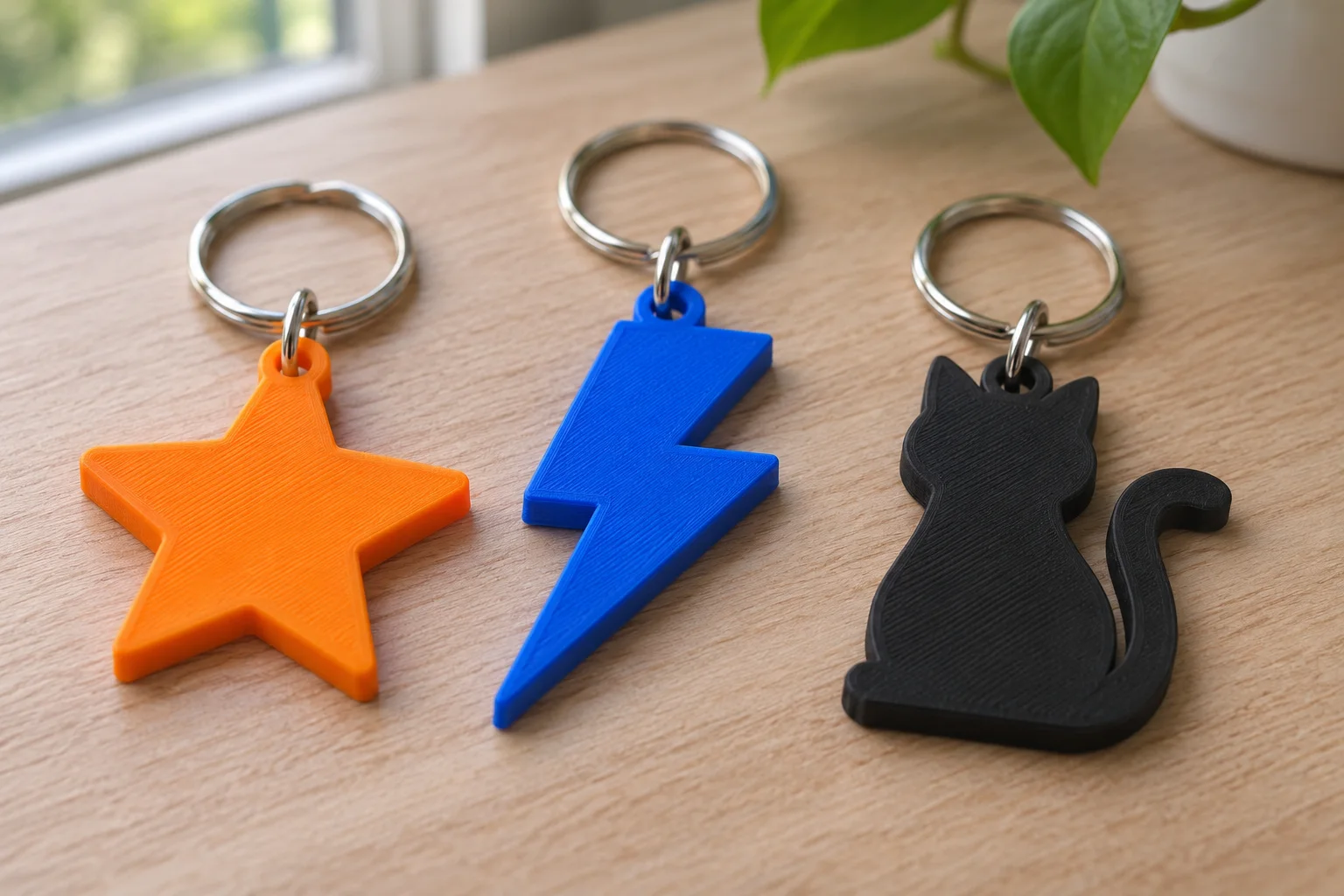
2D to 3D
Logo, photo, drawing or character art: the method that turns each kind of picture into the right kind of 3D.
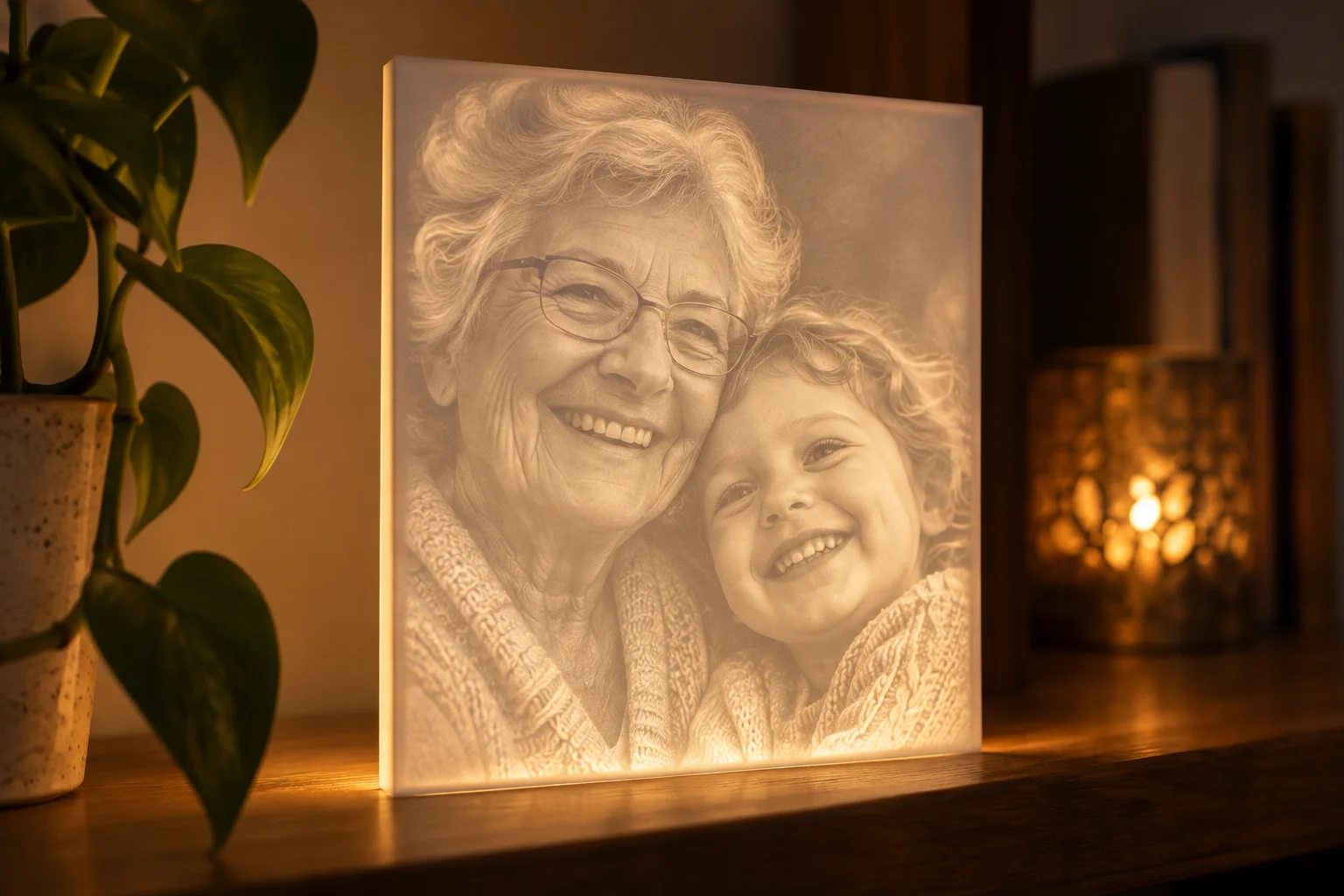
3D Print a Picture
Lithophane, colour panel, relief or figure: four ways to print a photo, with settings, time and cost for each.
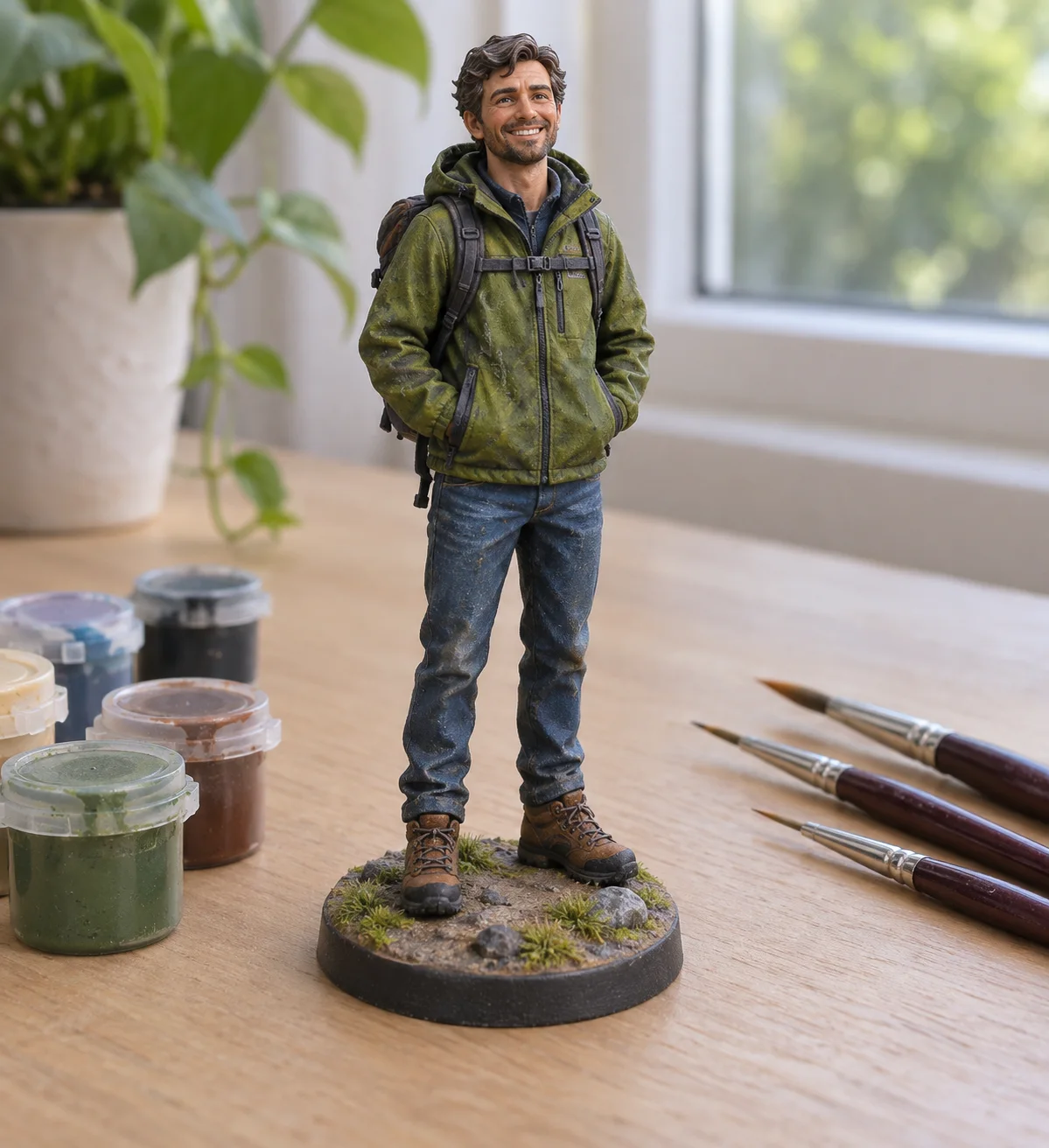
Make a 3D Figure of Yourself
Sculpt, scan, AI from one photo or order one: how each route to a figure of yourself compares on time, cost and likeness.
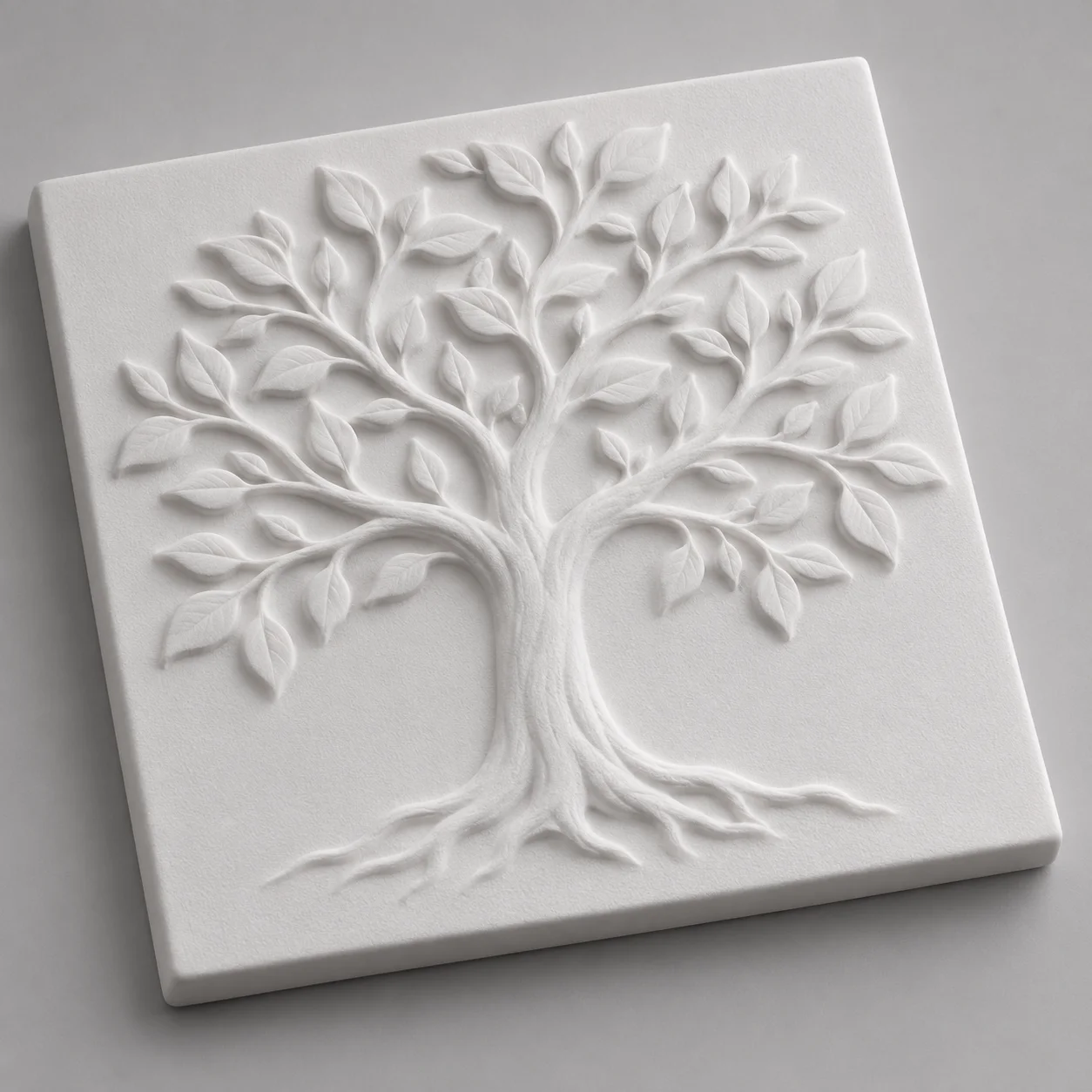
Image to 3D in Blender
Four ways to get from a picture to a mesh in Blender, with the menus, the settings and what each one costs you in time.
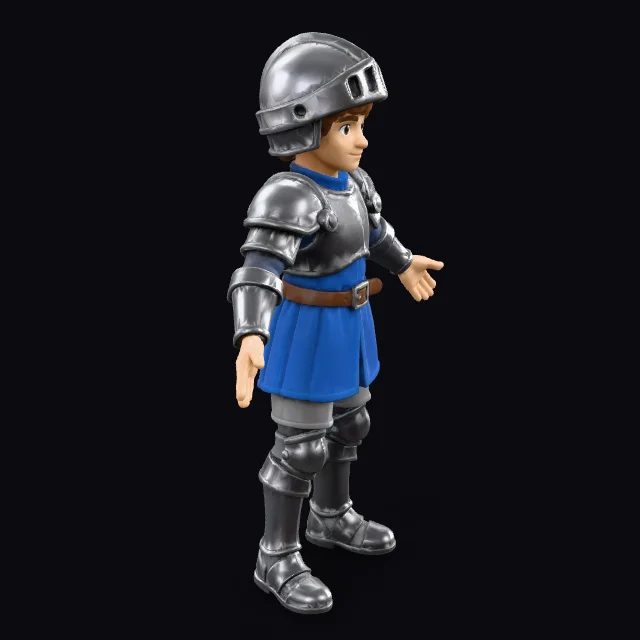
Mixamo Animation
Get an AI-made character through Adobe's free auto-rigger: the right file, the right pose, the right download settings.
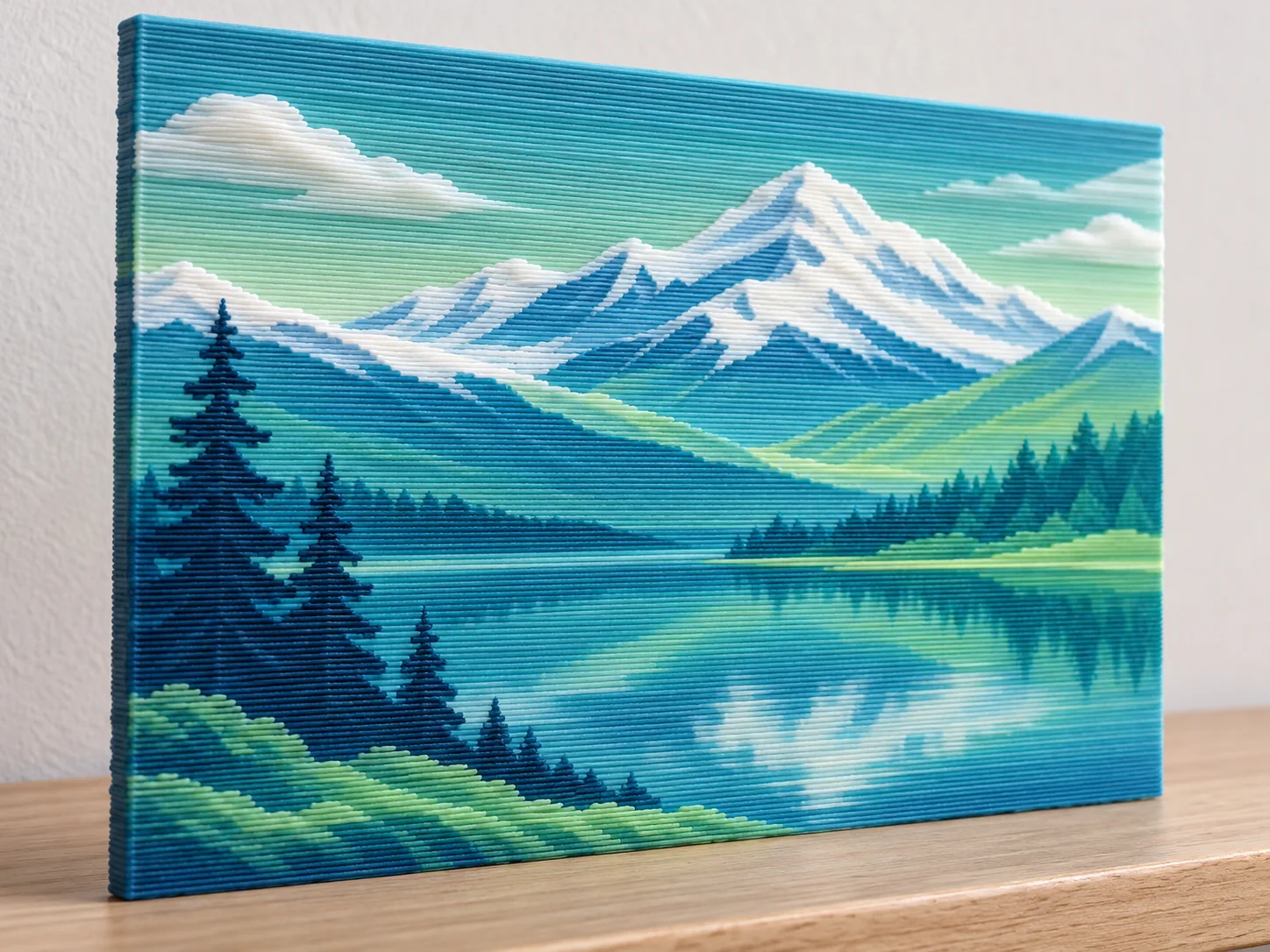
HueForge Alternative
Filament painting, lithophanes or a full multicolor model on an AMS: which colour print fits your picture.
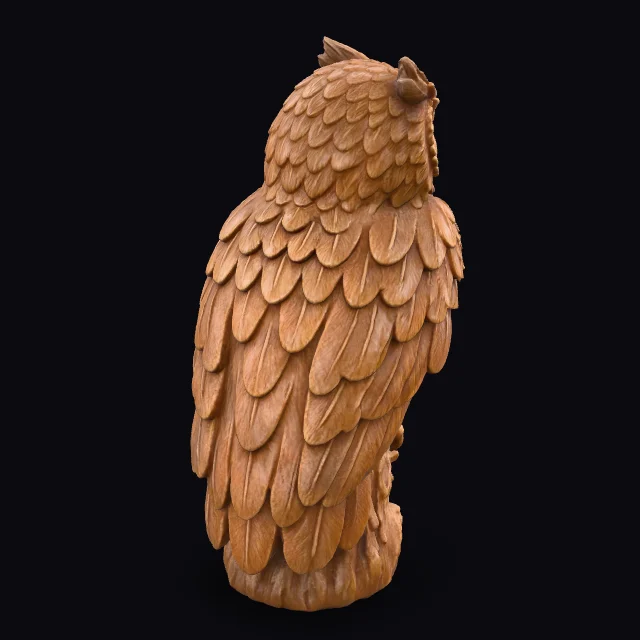
Can ChatGPT Make 3D Models?
What ChatGPT really produces for 3D work (code, scripts, images), what it can't, and the workflows that get you a usable file.
Free Blender models
The kinds of places free models come from, what their licences allow, and how to bring each format into Blender.
3D model pricing
Freelancer, stock marketplace or AI: what a 3D model really costs on each route, with dated numbers.
3D file formats
What each format keeps and drops (colour, units, animation, editability) and which one your printer, engine or CAD tool wants.
Best file format for 3D printing
3MF, STL, OBJ, STEP, AMF and G-code ranked for printing, with what each slicer opens.
STL vs OBJ
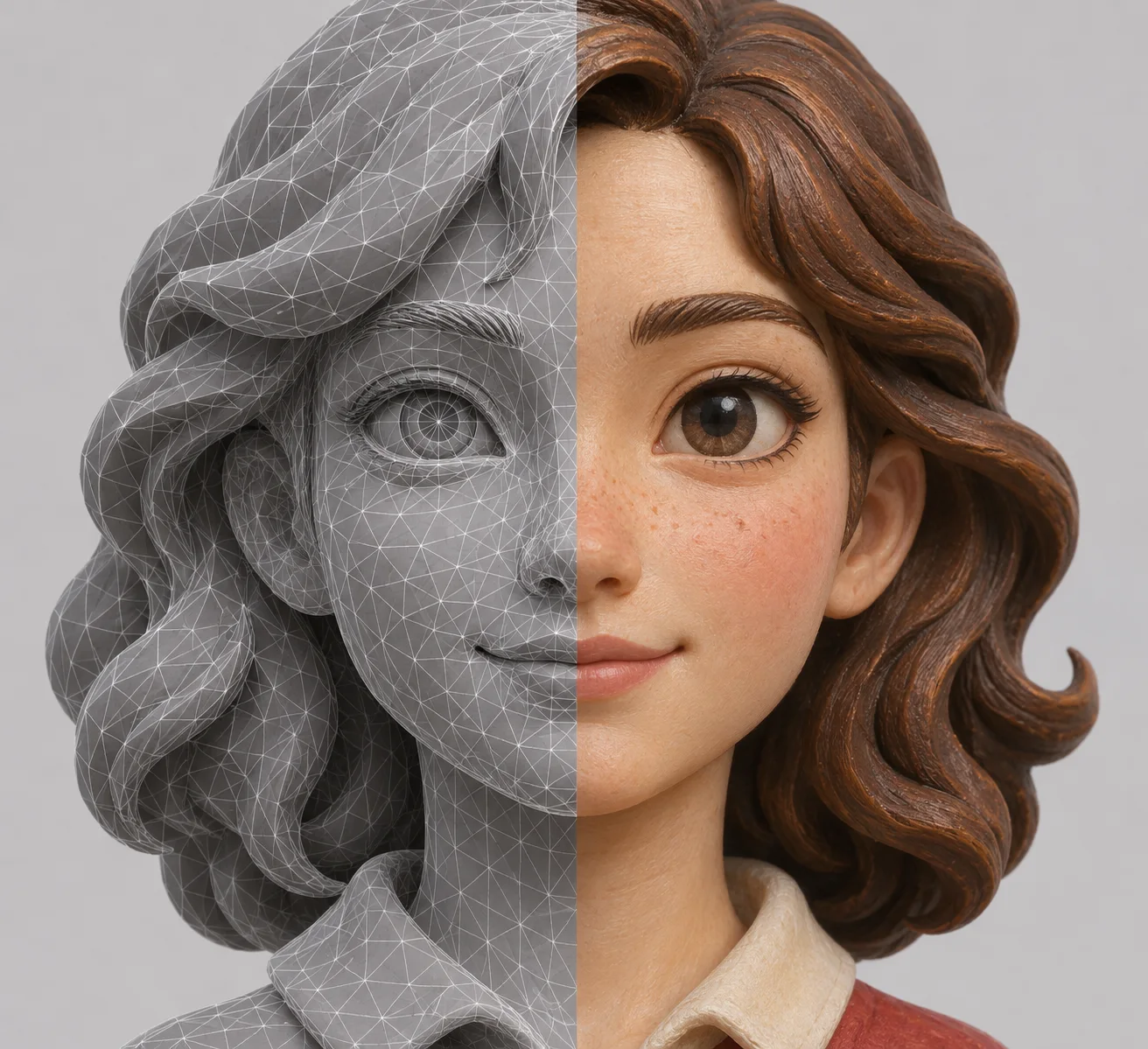
Shape only, or shape plus UVs and textures: what each format stores, how big it gets, and which to pick.
3MF vs STL
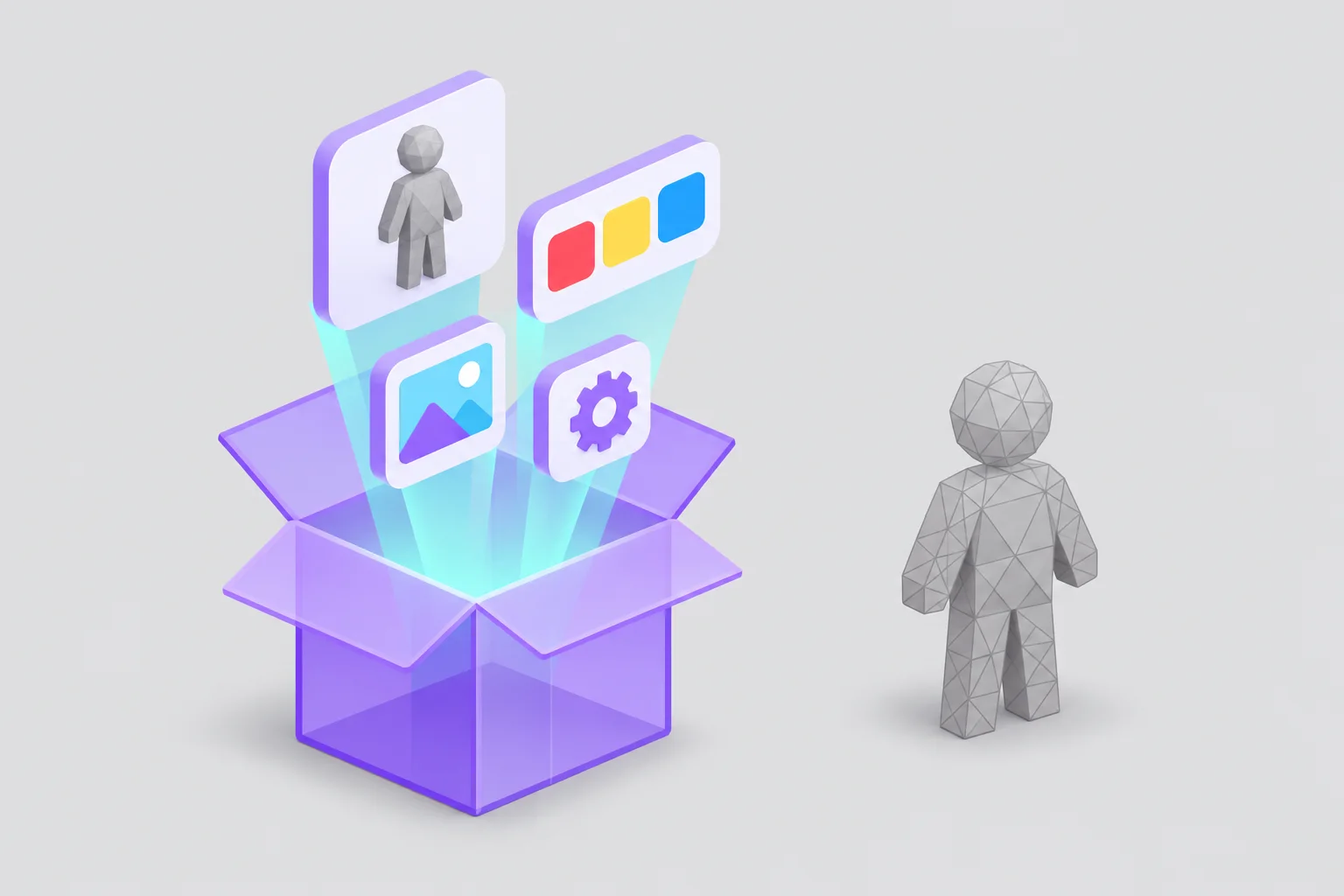
A zipped print project with units, parts and colours, or a bare triangle list: which to slice and share.
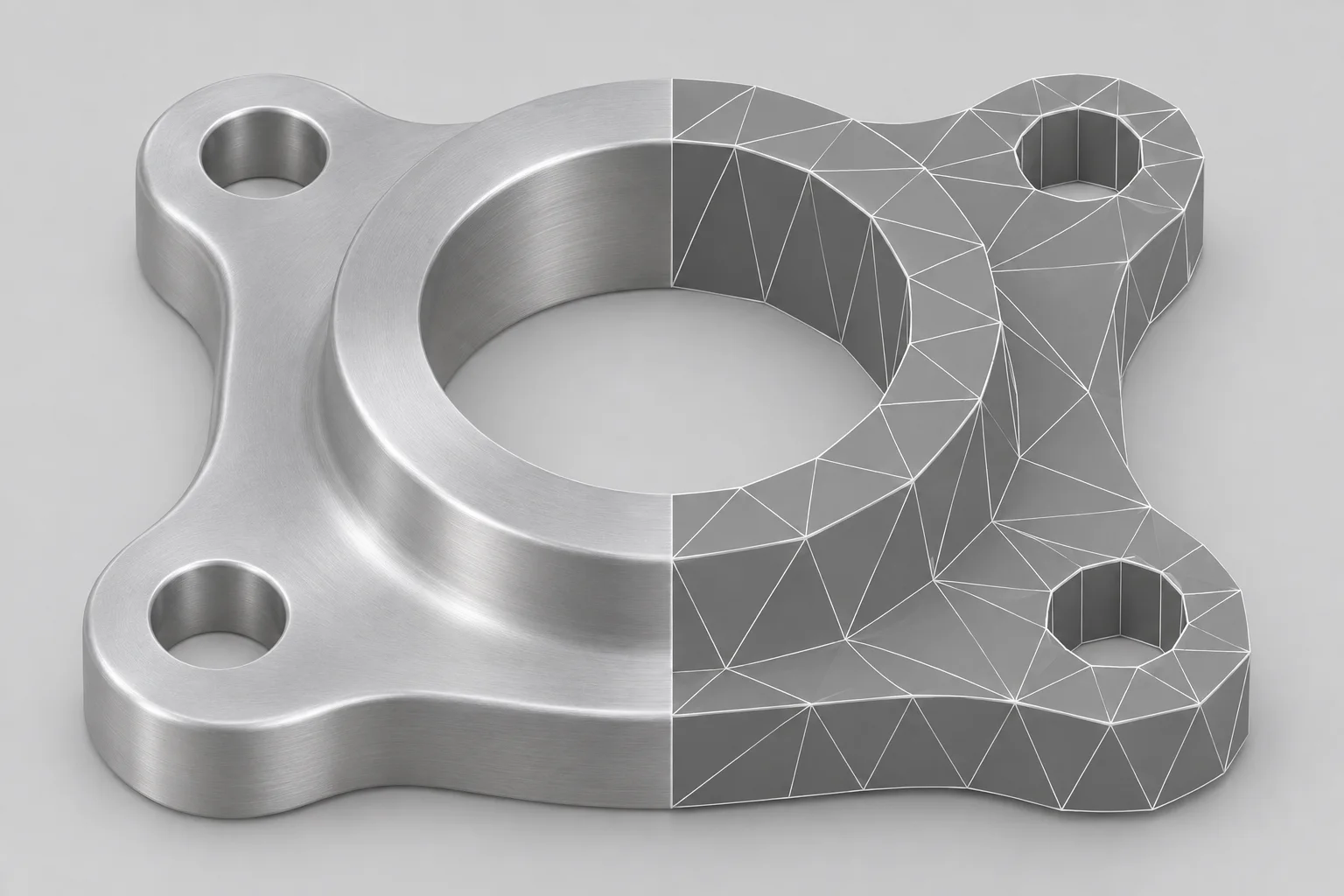
STEP vs STL
Exact CAD surfaces with units, or a triangle mesh with neither: what each stores and who needs which.
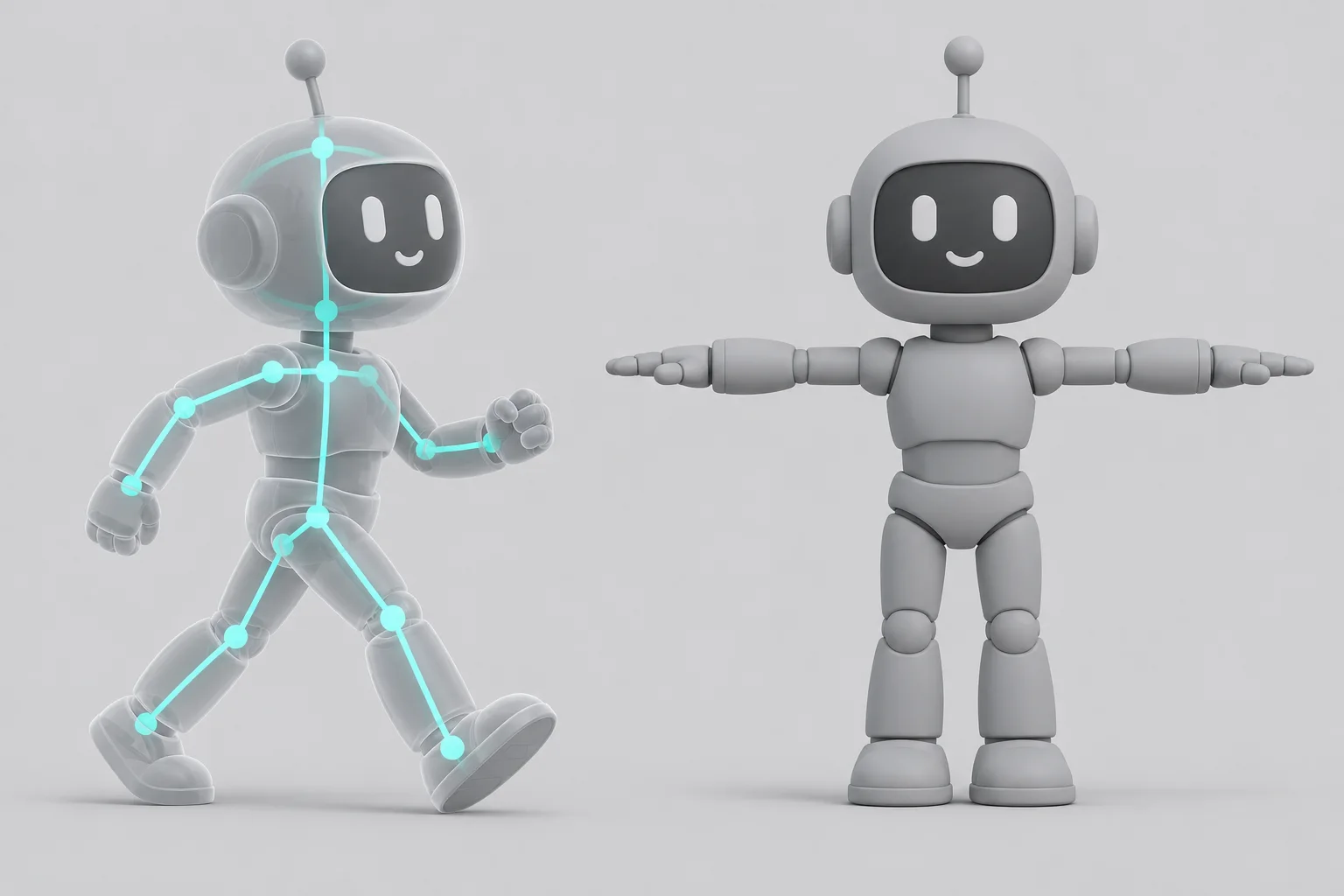
FBX vs OBJ
A full scene with bones and animation, or a static mesh anyone can read: what FBX and OBJ each carry.
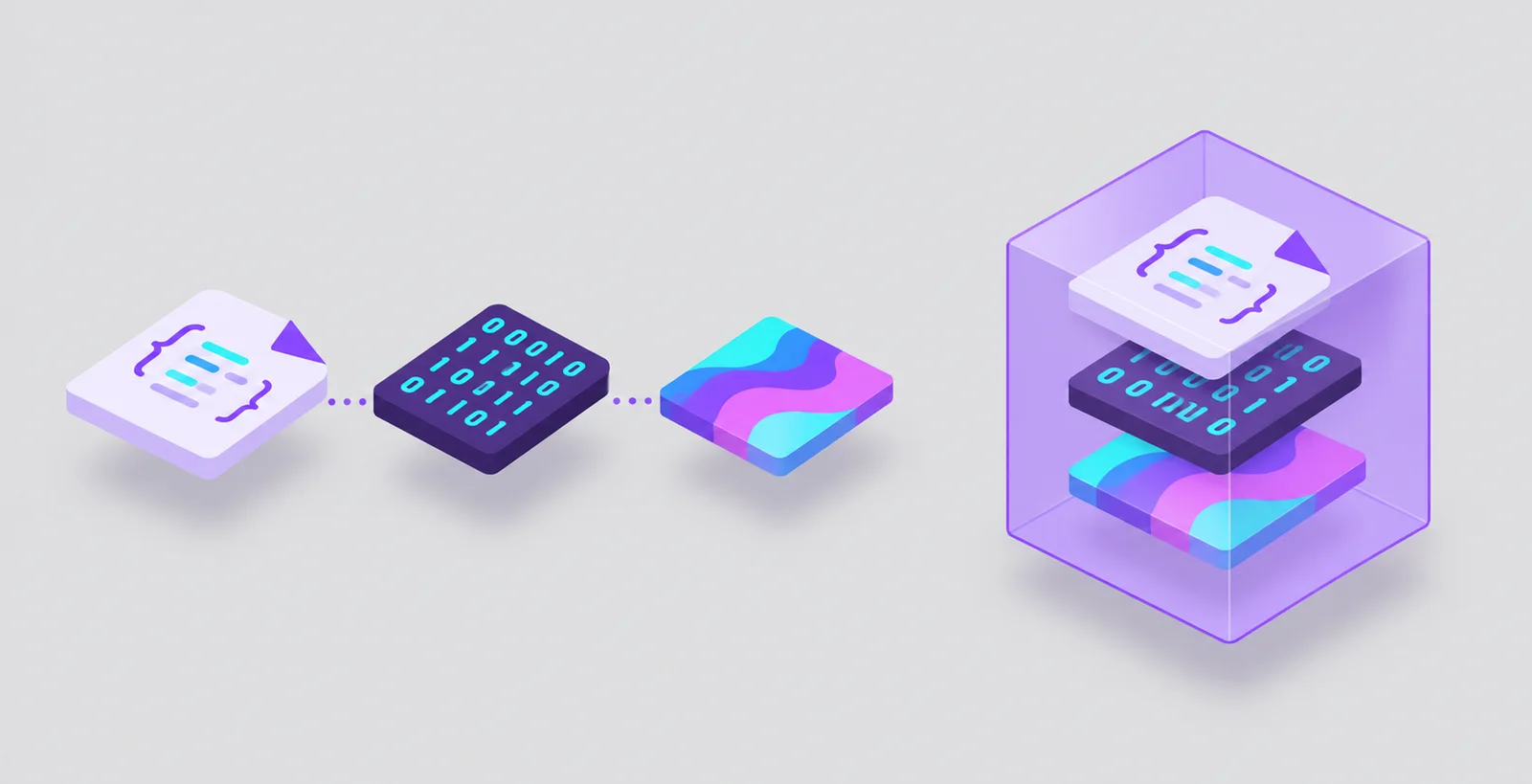
GLB vs glTF
One binary file or a JSON file with side files: the same glTF 2.0 model, packaged two ways.
Questions
Which file format should I use for 3D printing?
3MF if your slicer supports it, because it keeps colour and units; STL works everywhere. The best file format for 3D printing guide compares them.
Can I turn a 2D picture into a 3D model?
Yes. Upload one clear photo to Image to 3D and the agent builds a textured model in 4–7 minutes. The 2D to 3D guide covers which pictures work best.
Make your first model free
Upload one photo. The Snapshapy agent builds a textured 3D model in 4–7 minutes, and GLB export is free on every plan.