Use case · Unity
Unity 3D Models From One Photo, as a Prefab in Your Project

3 free credits on sign-up — enough for one textured model. No card.
Upload one photo. The Snapshapy agent builds a textured model in 4–7 minutes, remeshes it for free to your triangle budget, and hands you a GLB that glTFast turns into a prefab. The first model is free.
- GLB free on every plan
- Free remesh for mobile and VR
- Rigged FBX for humanoids
- ≈ $0.14 per model on Starter


3 At a glance
- glTFast, installed once per project
- 1 package
- Unity and glTF agree on scale
- 1 unit = 1 m
- Remesh for mobile, VR or LODs
- 0 credits
- Most models are ready in this window
- 4–7 min
From a photo to Unity 3D models in your scene
Six steps. The glTFast install happens once; after that a new prop takes a few minutes.
- 1
Generate the model
Upload one photo of a single object in the box at the top of this page or the chat at /app. 3 credits, most ready in 4–7 minutes. Or describe it with text to 3D.
- 2
Remesh to your target
Ask the agent for a triangle count with textures kept, for example 10,000 for a mobile prop. Free, about 30 seconds.
- 3
Install glTFast once
Unity doesn't read glTF by default. In Window > Package Manager, click +, choose Install package by technical name (Add package by name in older versions) and enter
com.unity.cloud.gltfast. - 4
Drop the GLB into Assets
Drag the file into the Project window. glTFast imports it as a prefab with its meshes, material and texture.
- 5
Place, scale and collide
Drag the prefab into the scene and compare it with a default 1 m cube. Add a Box or Capsule Collider for gameplay, or a Mesh Collider with Convex on for objects with a Rigidbody.
- 6
Add LODs for distance
Remesh the same model twice more, import each GLB, and put them in an LOD Group on a parent object.
AI 3D models for Unity: examples from one photo each
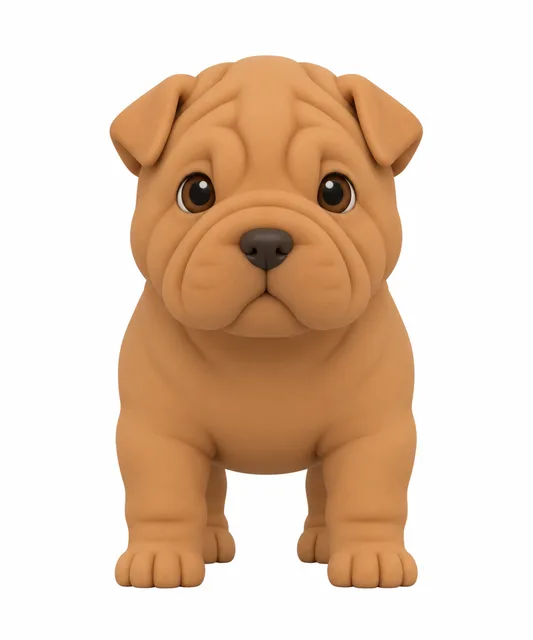
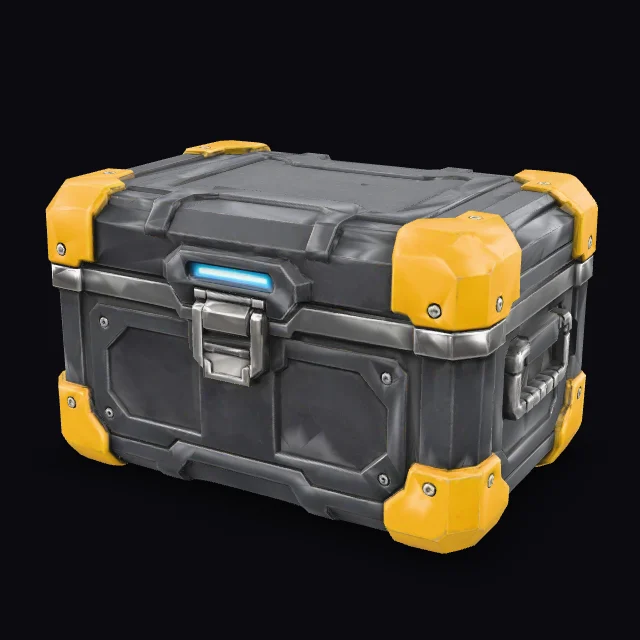
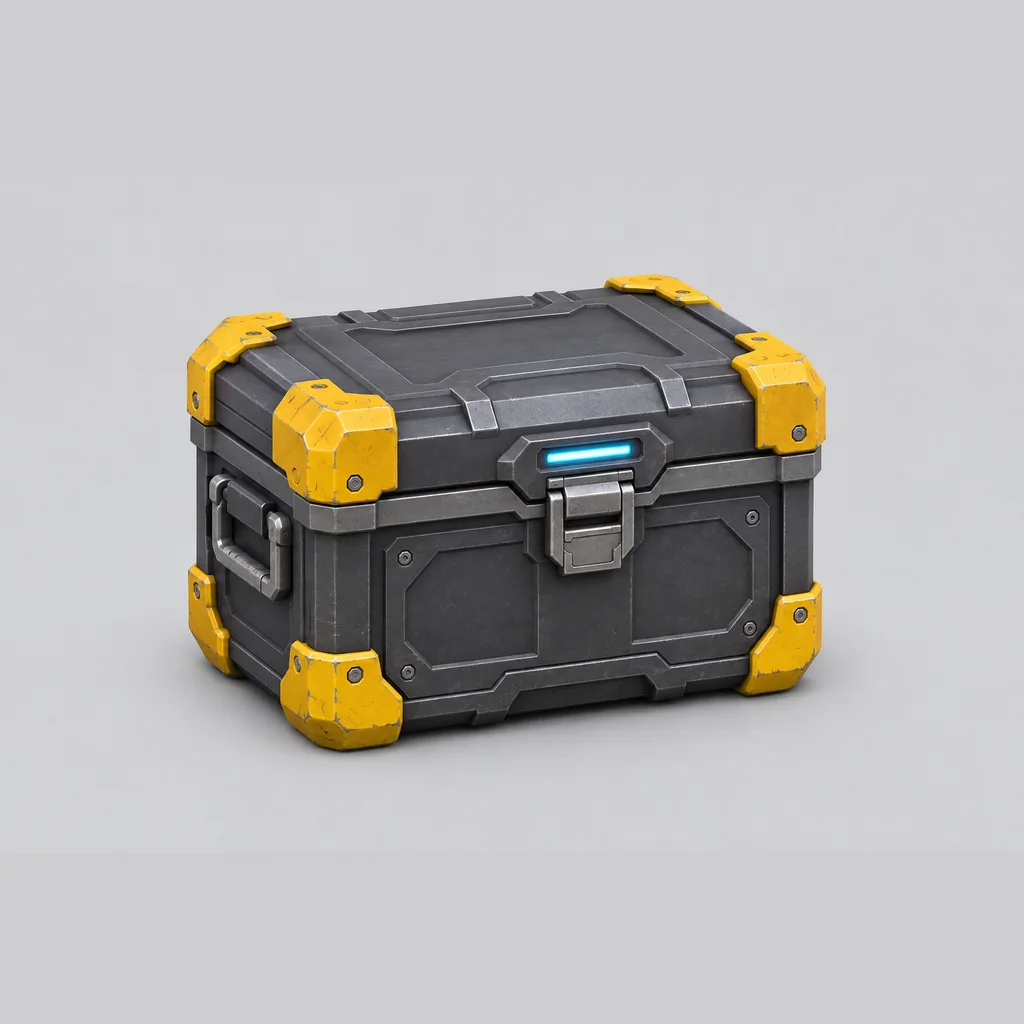
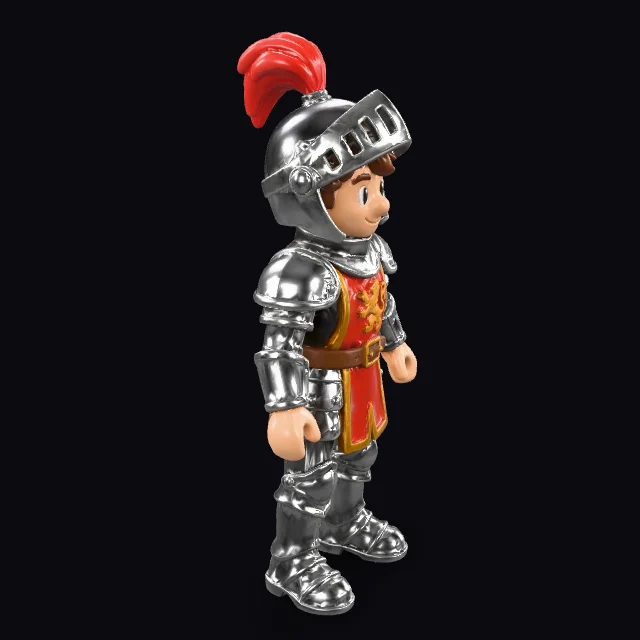
Props of the kind a Unity project burns through: a mobile game pickup, a scene prop for a prototype and a character for a background crowd.
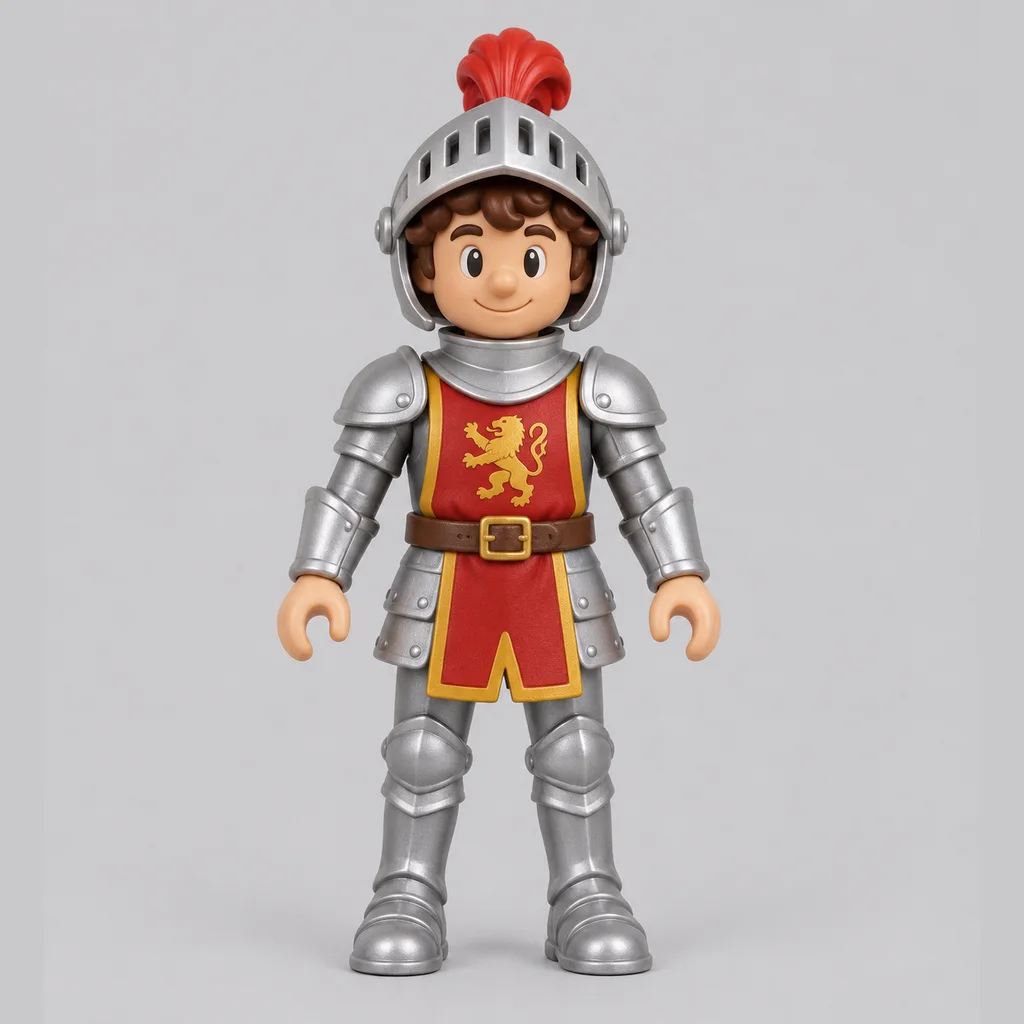
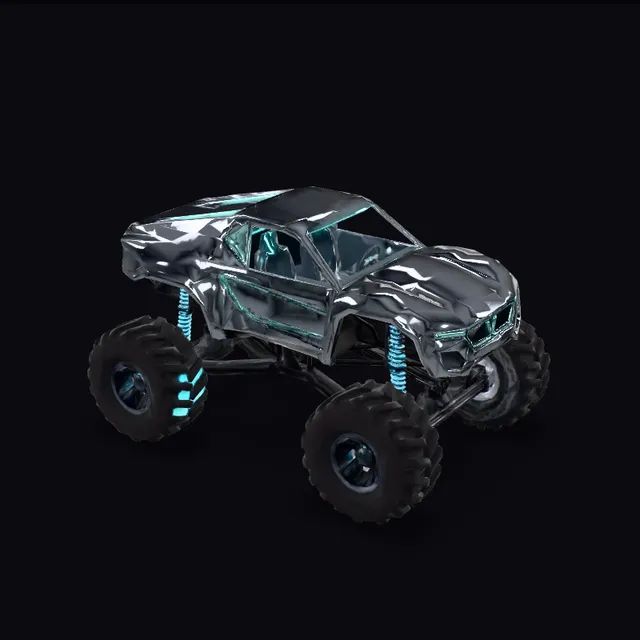
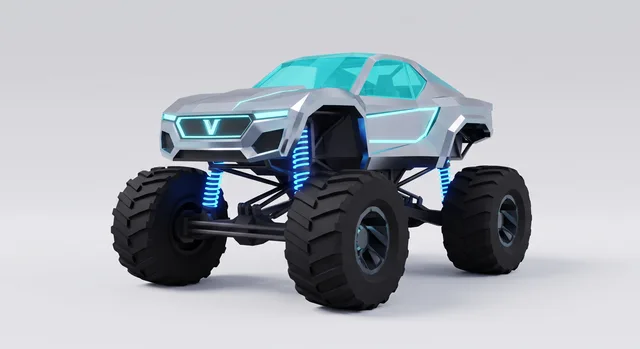
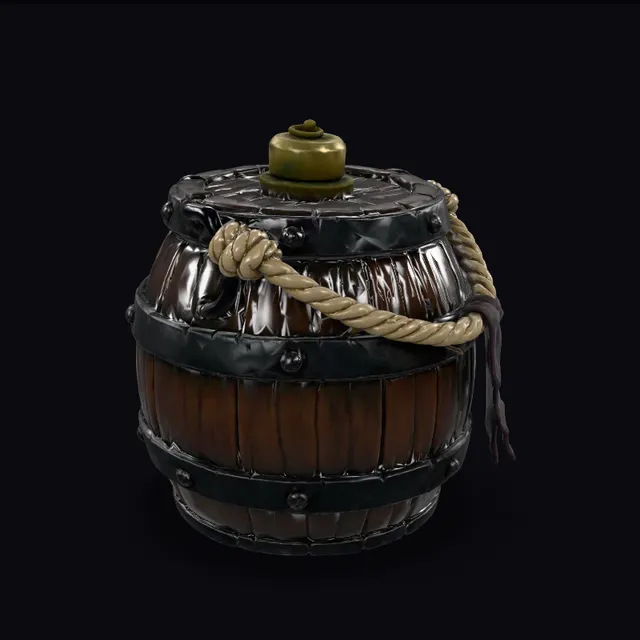

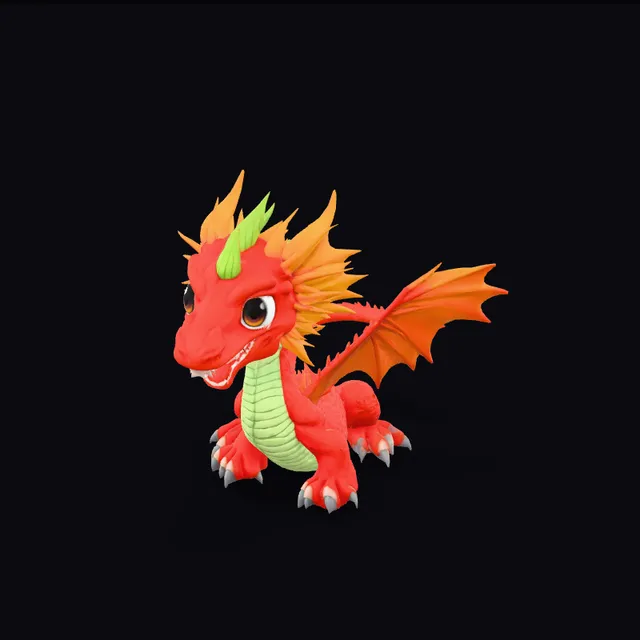

GLB or FBX: 3D assets, Unity side
Two files cover almost every case. Pick by whether the model has a rig.
| File | From Snapshapy | How Unity reads it | Use it for |
|---|---|---|---|
| GLB | Free on every plan | glTFast package, imported as a prefab | Static props, scenery, vehicles |
| FBX | With a rigged character | Unity's built-in model importer | Humanoid characters you animate with an Animator |
| OBJ | Paid plans | Built-in importer; materials need rewiring | Projects where you can't add packages |
Unrigged models are not offered as FBX. For a static prop, use the GLB with glTFast.
Unity 3D models in URP, HDRP and the Built-in pipeline
glTFast supports all three render pipelines and builds materials for the one your project uses, so the same GLB works in a URP mobile game and an HDRP showcase.
The texture is a baked colour map, which means lighting decides most of the final look. Check every new model under your real scene lighting, not the default preview. If it reads flat, the fix is usually in the scene: a reflection probe, a sky, a directional light with soft shadows.
For mobile, keep props between 1,000 and 10,000 triangles and remesh hero objects to around 15,000. For PC, 30,000 to 100,000 is comfortable for a close-up object. Every remesh is free, so try two targets and profile both.
- URP, HDRP and Built-in supported by glTFast
- Judge colour under your own lighting
- Mobile props: 1k–10k triangles
- Every remesh: 0 credits
Rigged characters as Unity Humanoids
For an upright two-legged character, ask the agent to rig it for 3 credits. You get FBX files with the skeleton, plus walk and run clips.
In Unity, select the FBX, open the Rig tab of the Import Settings, set Animation Type to Humanoid and click Apply. Unity maps the bones to its Avatar, so Humanoid animations you already own can drive the character through an Animator Controller.
The agent also offers 160 free library clips, baked into a GLB. Rigging works only on humanoids: four-legged animals, vehicles and props fail and refund their credits. For other rigging routes, see the Mixamo animation guide.
- Rig: 3 credits, humanoids only
- FBX with walk and run clips
- Set Animation Type to Humanoid
Tips for 3D assets in Unity from a photo
Most problems with imported 3D assets in Unity are scale, collision or triangle count. All three are quick to get right up front.
Do
- Compare every new prefab with a 1 m cube
- Use primitive colliders wherever they fit
- Keep a dense master and remesh copies for LODs
- Apply scale on the prefab, not on each instance
- Check the triangle count in the free glTF viewer first
Avoid
- Put a Mesh Collider on a dense mesh that moves
- Ship the full-resolution model in a mobile build
- Expect OBJ to bring the material across cleanly
- Try to rig a four-legged animal; it will fail
- Upload screenshots of other games' assets
What Unity 3D models cost on Snapshapy
A textured model is 3 credits. On Starter, $19 a month for 400 credits, that is about 14 cents per model, or about 7 cents in a $9 first month. Pro is $29 for 600 credits. Remeshing and animation clips are free, rigging is 3 credits, and failed jobs refund themselves.
A 30-prop environment kit plus five rigged characters is 120 credits, under a third of a Starter month. New accounts get 3 free credits, no card, for one model to test in your project, and the GLB is free. Paid plans add a commercial licence and OBJ, STL, 3MF and USDZ exports. See pricing, or the Unreal Engine and Godot pages if you work in more than one engine.
There is no Unity plugin and no API; you download files and import them.
Questions about unity 3d models
Can Unity import GLB files?
Not out of the box. Install the glTFast package once per project: Window > Package Manager, click +, choose Install package by technical name (Add package by name in older versions) and enter com.unity.cloud.gltfast. After that, a GLB dropped into Assets imports as a prefab with its meshes, material and texture, ready to drag into a scene.
Are these Unity 3D models free?
You can start free. New accounts get 3 credits with no card, which makes one textured model, and GLB downloads are free on every plan. Remeshing is free too. For more models and a commercial licence you need a plan: Starter is $19 a month for 400 credits, with the first month at $9.
Do the models work with URP and HDRP?
Yes. glTFast supports the Universal, High Definition and Built-in render pipelines and creates materials for whichever one your project uses. The texture is a baked colour map, so judge the result under your real scene lighting, and add a reflection probe or sky if it reads flat.
Can I get rigged and animated characters in Unity?
Yes, for upright two-legged characters. Rigging costs 3 credits and gives you FBX files with walk and run clips. In Unity, set the FBX's Animation Type to Humanoid in the Rig tab, and it works with Animator Controllers like any Humanoid. Four-legged animals and props can't be rigged.
How many triangles do the models have?
As many as you ask for. A fresh model is dense, and the free remesh cuts it to any target from 1,000 to 300,000 triangles with textures kept. Common Unity targets are 1,000 to 10,000 for mobile props and 30,000 to 100,000 for close-up objects on PC. Check counts in the free glTF viewer.
Why is my model tiny or huge in the scene?
Generated models come at an arbitrary size. Unity and glTF both use metres, so place a default 1 m cube next to the prefab, scale the prefab until it looks right, and apply the scale in the prefab itself rather than on each instance in the scene.
Can I sell a Unity game with AI 3D models from Snapshapy?
Yes, on a paid plan. Starter and Pro include a commercial licence for the models you generate, covering games you sell, as long as you have the rights to the photos you upload. Use your own photos, drawings or concepts made in the chat, not other games' assets.
Make Unity 3D models from your own photos
Upload one photo, get a textured GLB, and drop it into Assets. The first model is free and every remesh costs nothing.
Upload a photo