Simulator and tycoon builders
Upgrades, collectibles, pets and machines: a tycoon can need fifty distinct meshes before launch. At 3 credits each, fifty props use 150 of Starter's 400 monthly credits.
Use case · Roblox

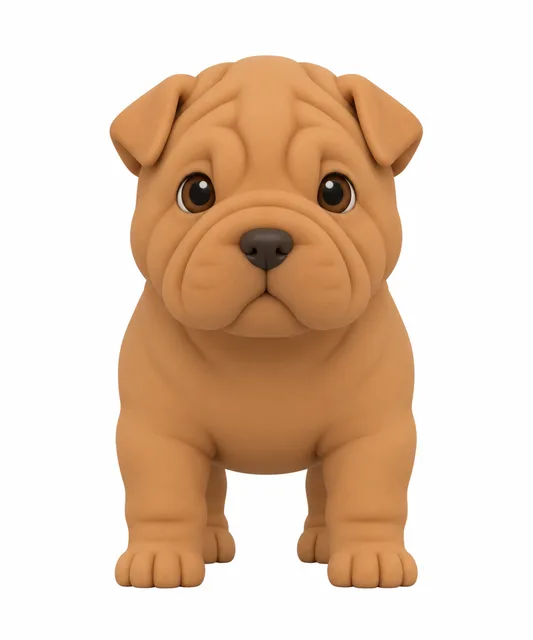
3 free credits on sign-up — enough for one textured model. No card.
Upload one picture of the prop you need. The Snapshapy agent builds a textured 3D model in 4–7 minutes and remeshes it under Roblox's triangle limit for free. Your first model costs nothing, and GLB, the file Studio imports, is free on every plan.
3 At a glance
Most Roblox builders can script or design levels but never learned to model. A Roblox model maker fills the gap for the objects a game needs by the dozen.
Upgrades, collectibles, pets and machines: a tycoon can need fifty distinct meshes before launch. At 3 credits each, fifty props use 150 of Starter's 400 monthly credits.
Checkpoint flags, trophies, crates, signs and statues for the lobby. Chunky, readable shapes with flat colours suit the Roblox look and survive a low triangle budget well.
Furniture, food, shop props and vehicles for a town. Photograph a real object, or describe it in words with text to 3D, and the model comes back with its texture already painted.
Five steps. The first three happen in the Snapshapy chat, the last two in Studio. Plan on ten minutes the first time.
Use the box at the top of this page or the chat at /app. One object, plain background, nothing cut off. PNG, JPG or WebP. A three-quarter view shows the agent more of the shape than a flat front view.
The agent returns a full-colour model in 4–7 minutes for 3 credits. Turn it round and check the back, which the picture never showed. If it misses, say what to change and run it again.
Type "remesh to 10,000 triangles and keep the textures". It is free and takes about 30 seconds. Download the result as GLB, which is free on every plan.
In Studio's File menu choose Import, pick the .glb, read any warnings in the preview and click Import. The mesh arrives as a MeshPart inside a Model, with its texture attached.
Resize the part in studs to fit your scene, tick Anchored for static props, and set CollisionFidelity to Box or Hull so players don't snag on every detail.
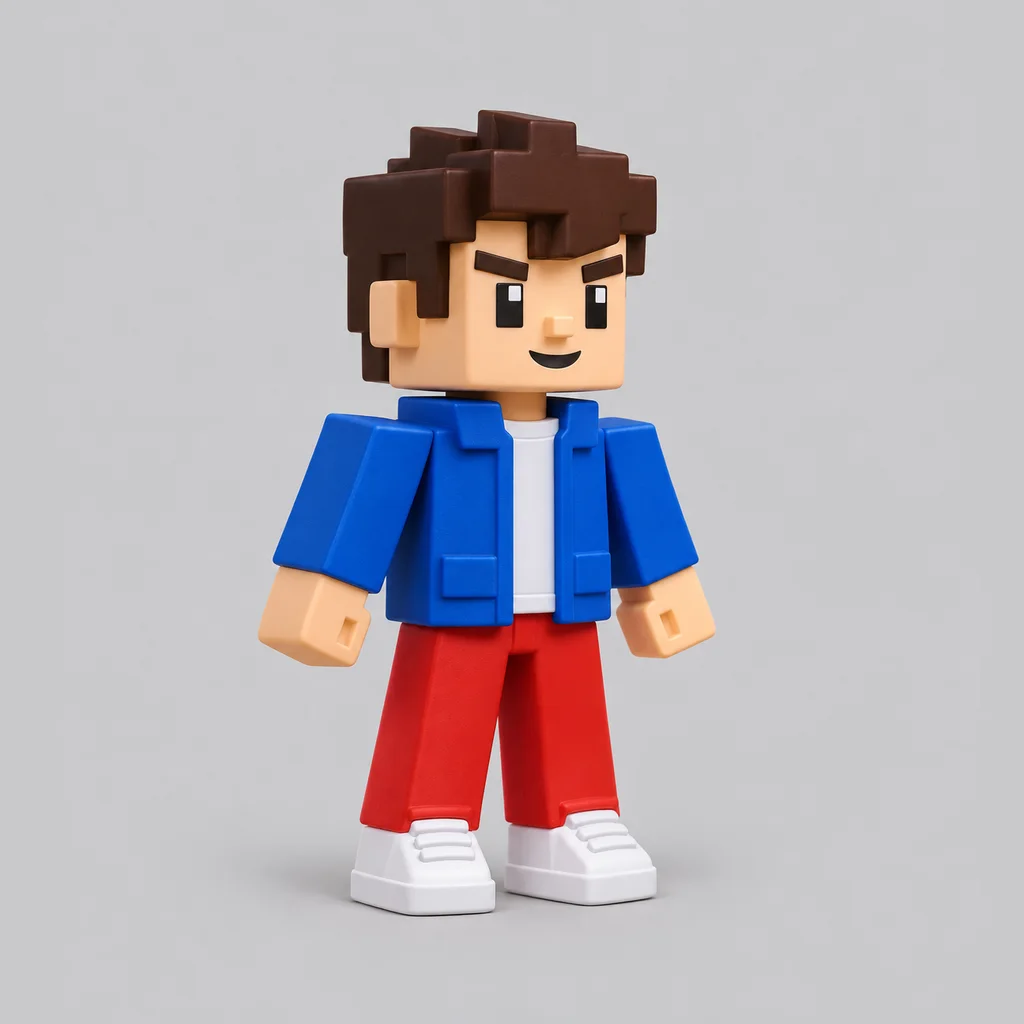
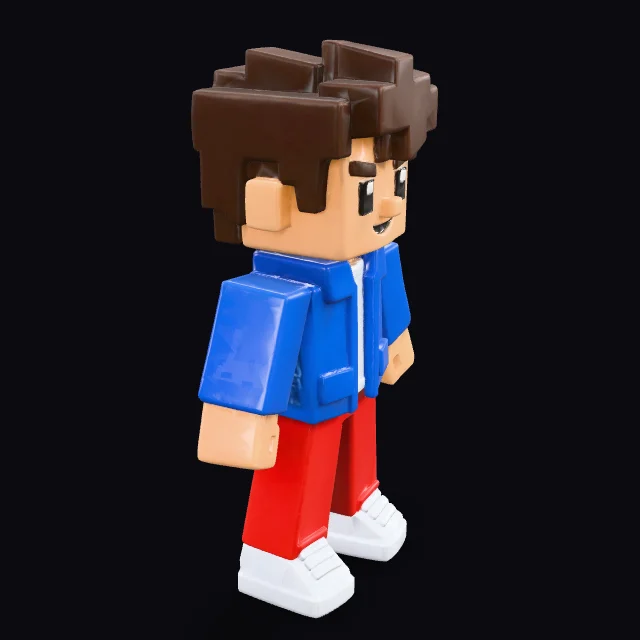
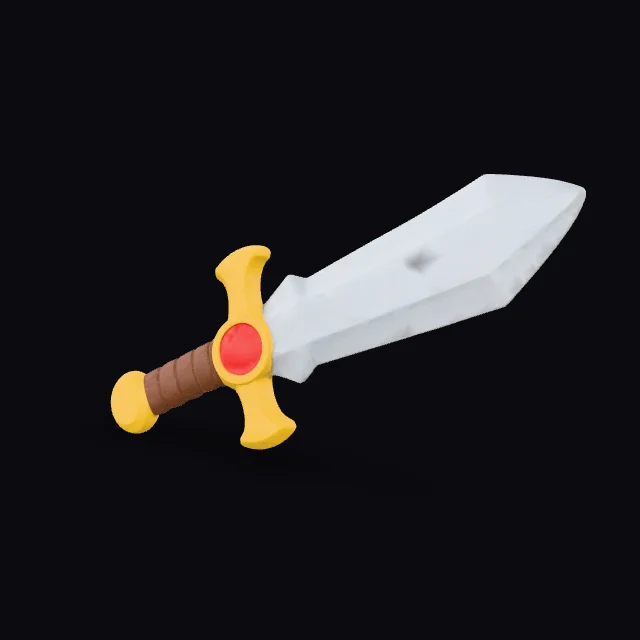
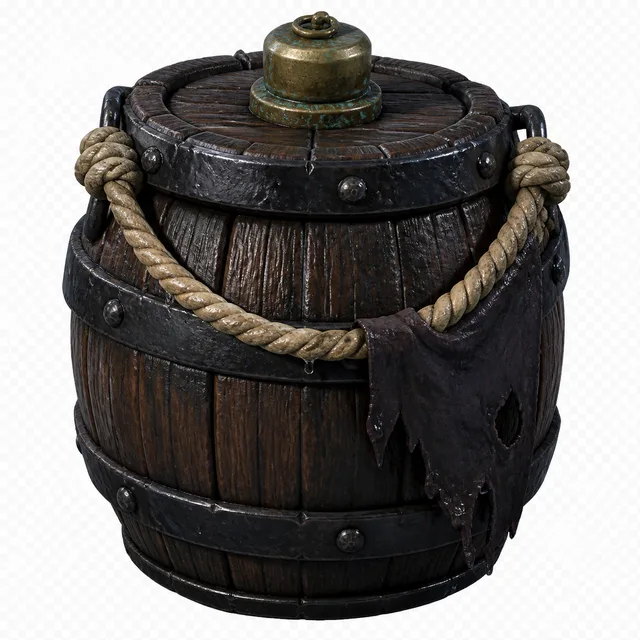
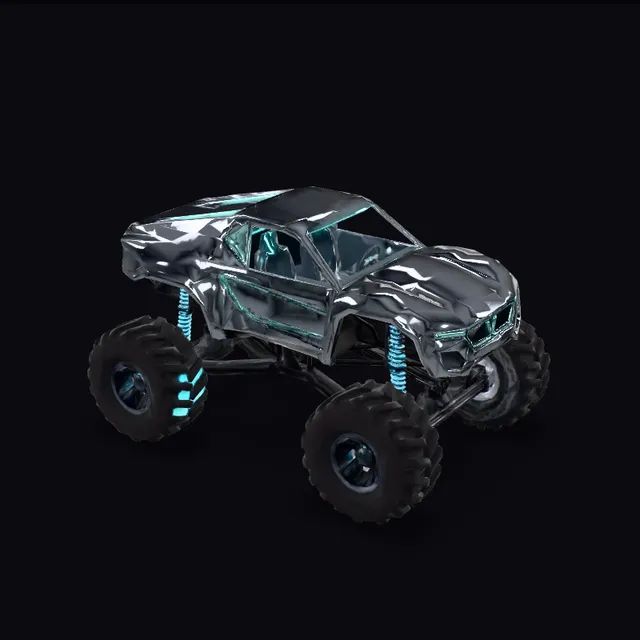
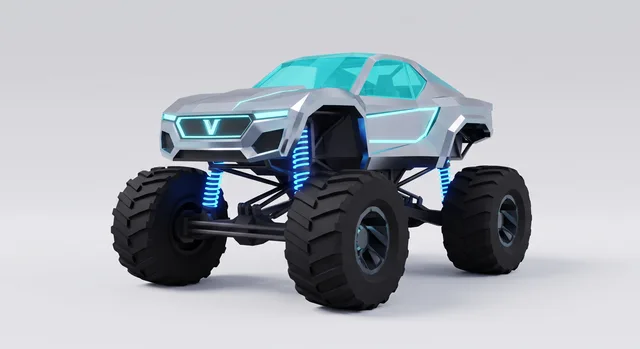
Each model started as one picture and came out of the same pipeline you use. Spin them round and judge the side the picture never showed.
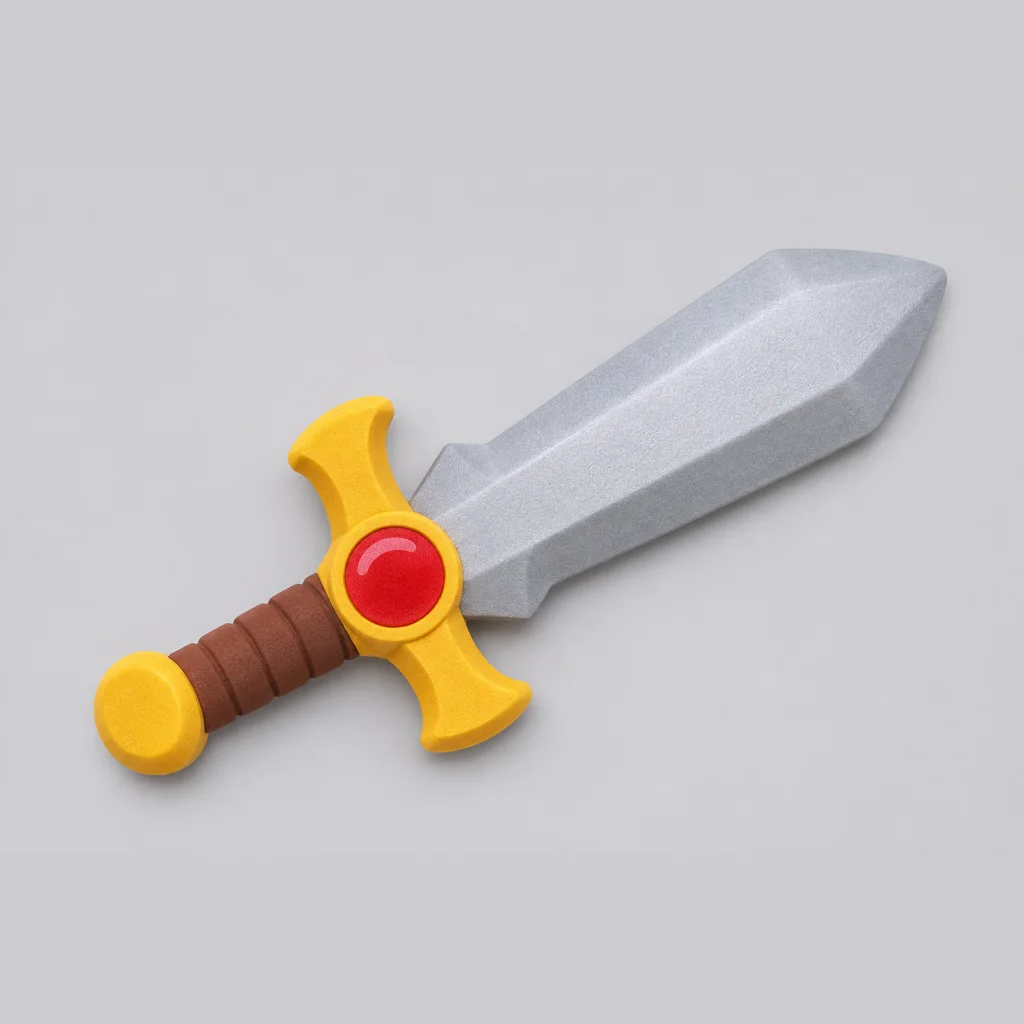
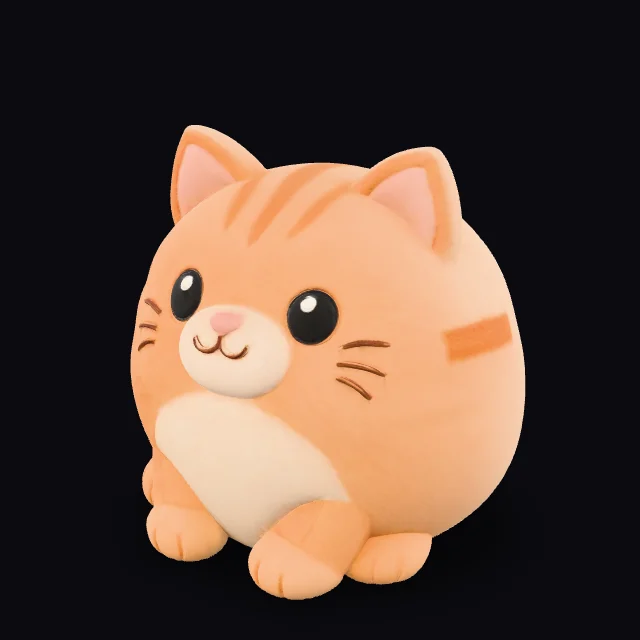
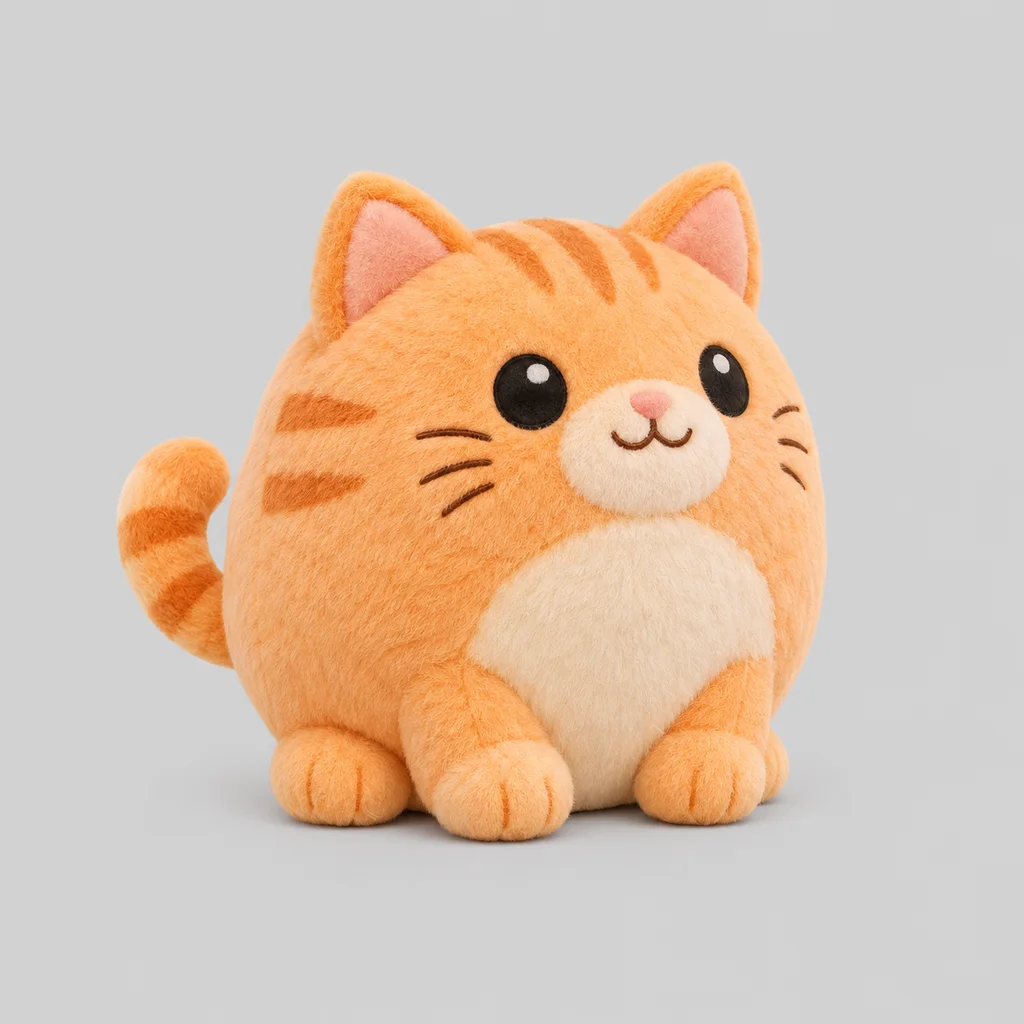
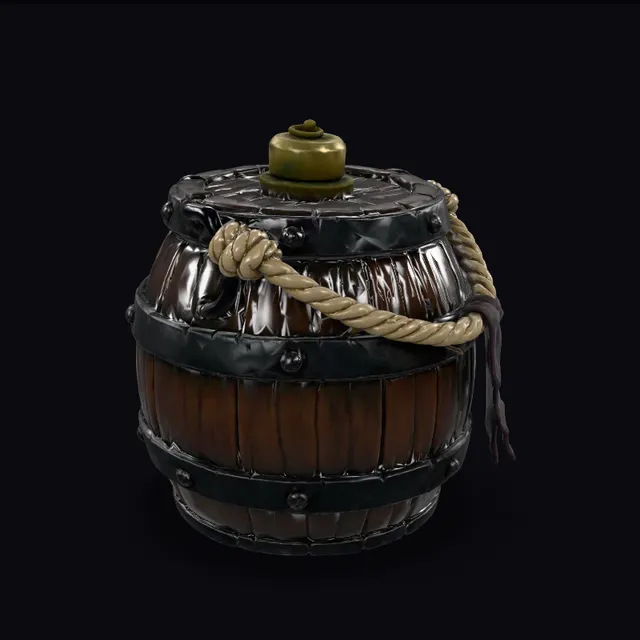
These are the limits that decide whether an import goes through. Snapshapy handles the first two; the rest are settings in Studio.
A freshly generated model is dense, because density keeps detail for close-ups and printing. That is well over what Studio will take for one mesh.
In the Snapshapy Roblox model maker, the fix is one sentence in the chat. The remesh tool takes any target from 1,000 to 300,000 triangles, with presets at 5k, 10k and 30k. Choose keep textures and the UV map survives, so the colours still line up after import.
With textures kept, the UV seams set a floor: a very low target gives up detail first. For small pickups, 3,000 to 5,000 triangles is plenty. For a lobby statue players walk around, 10,000 to 15,000 looks better. Check the real count in the free glTF viewer before you import.
Starting points for the remesh step of any Roblox model maker workflow. Lower is cheaper on phones, which is where much of Roblox plays.
| Prop | Example | Remesh target | Collision |
|---|---|---|---|
| Pickup or coin | Gem, key, potion | 2,000–4,000 | Box |
| Hand-held tool | Sword, wand, flashlight | 4,000–8,000 | Box or Hull |
| Pet | Cat, dragon, slime | 6,000–10,000 | Hull |
| Furniture or vehicle | Sofa, kart, truck | 8,000–15,000 | Hull |
| Lobby statue | Trophy, hero statue | 12,000–18,000 | Box |
Every remesh is free, so try two targets and keep the lighter one if you can't see the difference in game.
The picture decides most of the result. Roblox rewards bold silhouettes, so pick inputs that already have them.
Do
Avoid
A static NPC is easy: generate the character, remesh it and import it like any prop.
A character that moves is a different job. Snapshapy can rig an upright two-legged character for 3 credits and animate it with 160 free clips, and the rig comes with FBX downloads. That skeleton is a general humanoid rig, not Roblox's R15 avatar body, which needs its own parts, attachments and cages. Treat the result as a base to adapt in Studio or Blender, not a ready-to-wear avatar. Our Blender page covers the cleanup step.
There is no plugin and no direct upload to Roblox: you download the file and import it yourself. Marketplace UGC items have their own technical and policy checks, so read Roblox's current rules before you sell one.
A textured model costs 3 credits. On Starter, $19 a month for 400 credits, that is about 14 cents a prop, or about 7 cents in the first month, which costs $9. Pro is $29 for 600 credits, about 200 models. Remeshing is always free, and a failed job refunds its credits on its own.
A 40-prop starter kit for a tycoon is 120 credits, under $6 of a Starter month. New accounts get 3 free credits with no card, enough for one model to test in Studio, and the GLB download is free. Paid plans add OBJ, STL, 3MF and USDZ exports and a commercial licence. See pricing, or the Unity page if you build in more than one engine.
You can start free. New accounts get 3 credits with no card, which makes one textured model, and GLB, the format Roblox Studio imports, downloads free on every plan. Remeshing under Roblox's limit is free too. After that, Starter is $19 a month for 400 credits, about 130 models, and the first month costs $9.
A single mesh can't go over 20,000 triangles, and Studio refuses the import if it does. Generated models are denser than that, so ask the agent to remesh to a target such as 10,000 with textures kept. It is free and takes about 30 seconds. Avatar items have stricter budgets of their own.
Yes. Studio's Importer accepts .glb and .gltf as well as .fbx and .obj. A GLB comes in as a Model holding a MeshPart with its texture attached. Open the importer, pick the file, read any warnings in the preview, and click Import. Then scale it in studs and set its collision.
Most models are ready in 4–7 minutes after you upload the picture. The remesh takes about 30 seconds more. Importing, scaling and setting collision in Studio adds a few minutes the first time and under a minute once you have a routine, so a new prop can be in your place within fifteen minutes.
Not a ready-to-wear one. Snapshapy can rig a two-legged character for 3 credits and animate it with free clips, but the skeleton is a general humanoid rig, not Roblox's R15 body with its cages and attachments. Use it as a static NPC or as a base you adapt in Studio or Blender.
Usually scale, lighting or the remesh. Roblox measures in studs, so resize the MeshPart after import. Studio's lighting differs from the preview, so judge the colours in your own place. If fine details vanished, remesh again at a higher target; every remesh is free, so you can compare two versions side by side.
Paid plans include a commercial licence, so you can use the models in experiences you monetise, as long as you have the rights to the picture you uploaded. Imported meshes still pass Roblox's normal moderation, and Marketplace UGC items have extra rules, so check Roblox's current policies before selling an item.
No. Snapshapy works in the browser: you chat with the agent, download the GLB and import it with Studio's own Importer. There is no plugin, no API and no direct upload to Roblox. The upside is that the same file also works in Blender, Unity, Godot or any other tool you use.
Upload one picture. The first textured model is free, the GLB is free, and remeshing it under Roblox's limit costs nothing.
Upload a picture