Use case · Elegoo resin printers
Elegoo 3D Models From a Photo, Ready for Your Resin Vat

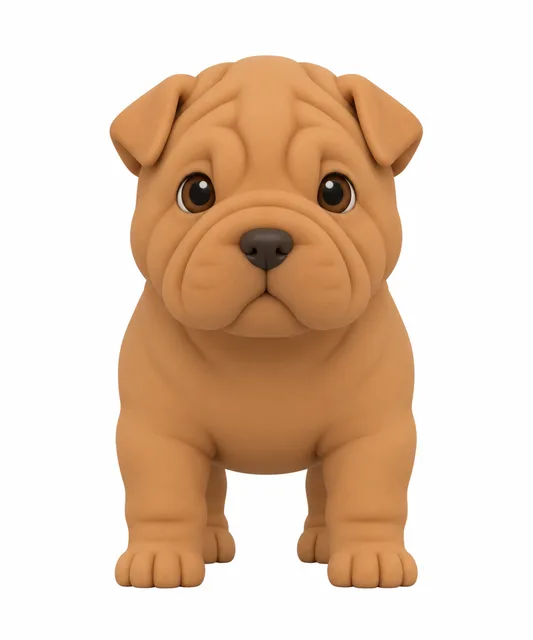
3 free credits on sign-up — enough for one textured model. No card.
Upload one photo and the Snapshapy agent builds a textured 3D model in 4–7 minutes, then a print mesh at the size you name for your Mars or Saturn. The first model is free; STL export comes with a paid plan.
- Mars and Saturn sizes
- Print mesh for 0 credits
- 3 credits per model
- Failed jobs refunded
3 At a glance
- One textured model, about 14 cents on Starter
- 3 credits
- Most models are ready in this window
- 4–7 min
- A typical resin layer, under half an FDM fine layer
- 0.05 mm
- Remeshing it for your resin slicer
- 0 credits
Why photo-made Elegoo 3D models suit resin
A model built from a photo is organic: folds, fur, faces, small raised details. That is exactly what a resin printer shows off. At a 0.05 mm layer, a 60 mm figure keeps eyes, buttons and hair texture that an FDM nozzle would smooth away.
Snapshapy makes the model; your resin slicer does the rest. You chat with the agent at /app, it builds a textured model from one photo, then remeshes it into a print mesh at your size. You download the STL and open it in Chitubox, Lychee or Elegoo's own slicer, where you hollow, support and slice it for your printer.
There is no plugin and no direct send to the printer. What you get is a model nobody has posted: your pet as a bust, a figure from your own concept art, or a one-off gift.
From photo to Elegoo resin prints in six steps
Ten minutes with the agent and the slicer, then the printer and the wash station do the slow part.
- 1
Upload one photo
Use the box at the top of this page. PNG, JPG or WebP, one subject, plain background, nothing cut off.
- 2
Get the textured model
The agent builds it in 4–7 minutes for 3 credits. Check the back; if something is off, say what and run it again.
- 3
Ask for a resin print mesh
Type "make this printable at 60 mm tall, 300k triangles". Resin shows more detail, so a denser mesh is worth it. Remeshing is free.
- 4
Export the Elegoo STL
Download the STL and check it in the free STL viewer if you like.
- 5
Hollow, support, slice
In your slicer, hollow anything thicker than about 15 mm, add drain holes, tilt it, add supports, then slice for your machine.
- 6
Print, wash, cure
Wash in IPA or water for water-washable resin, remove the supports, and cure under UV.
Elegoo resin prints start as one image
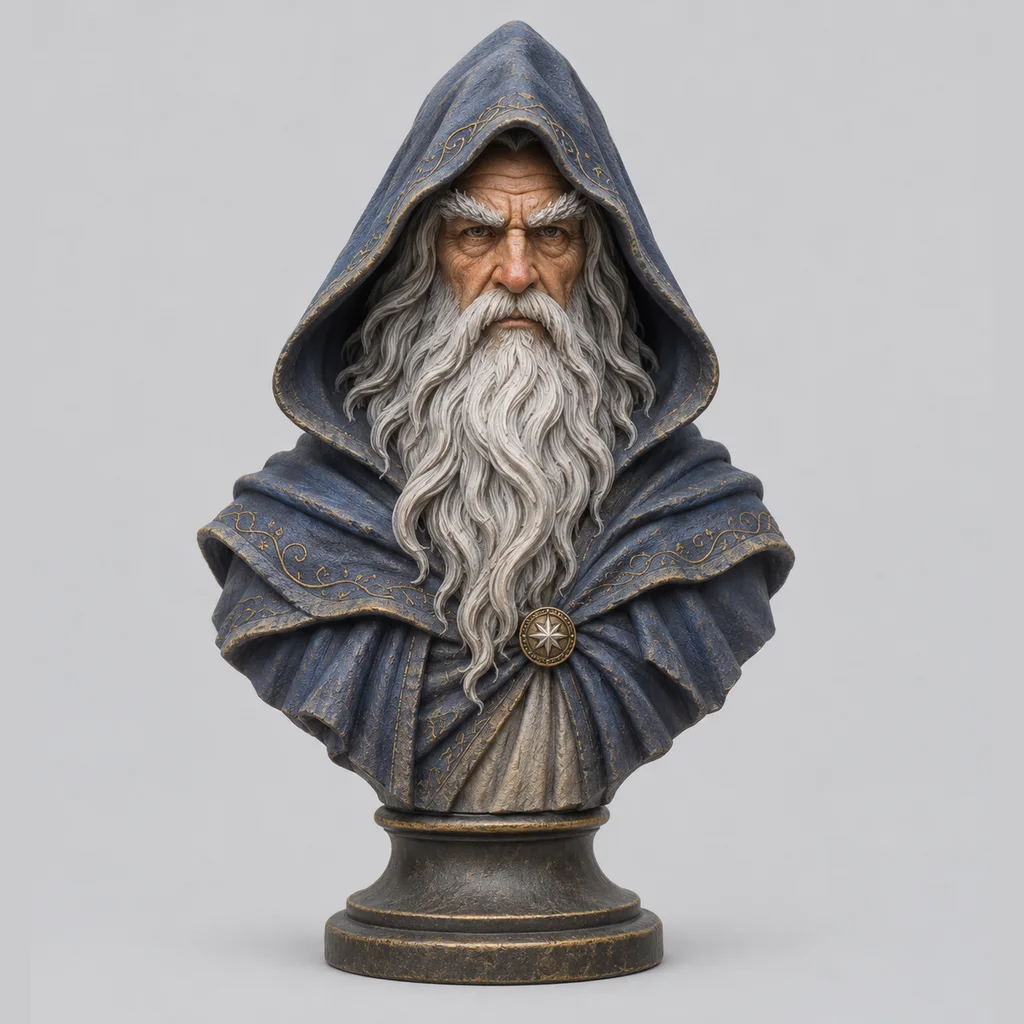
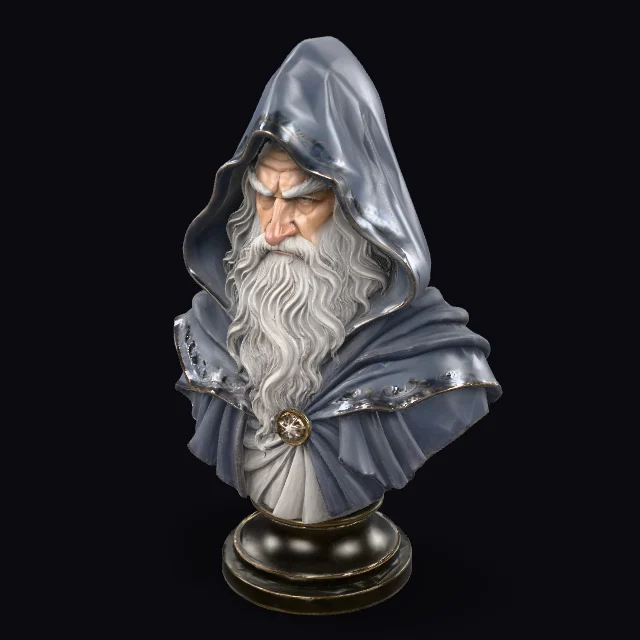
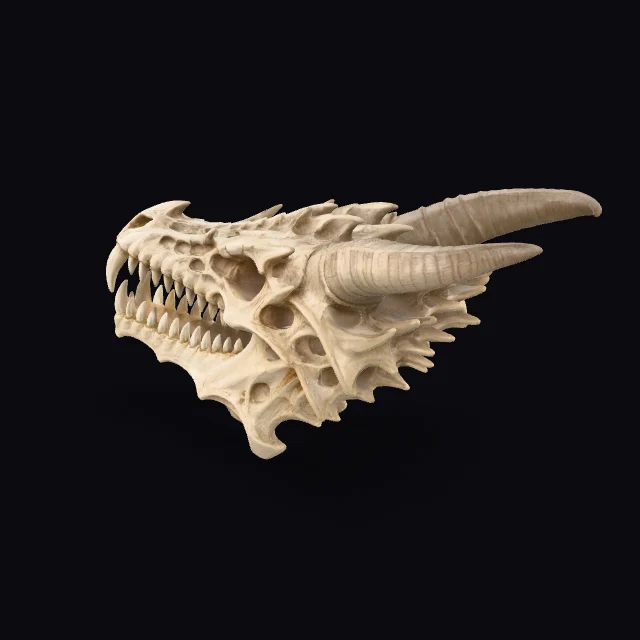
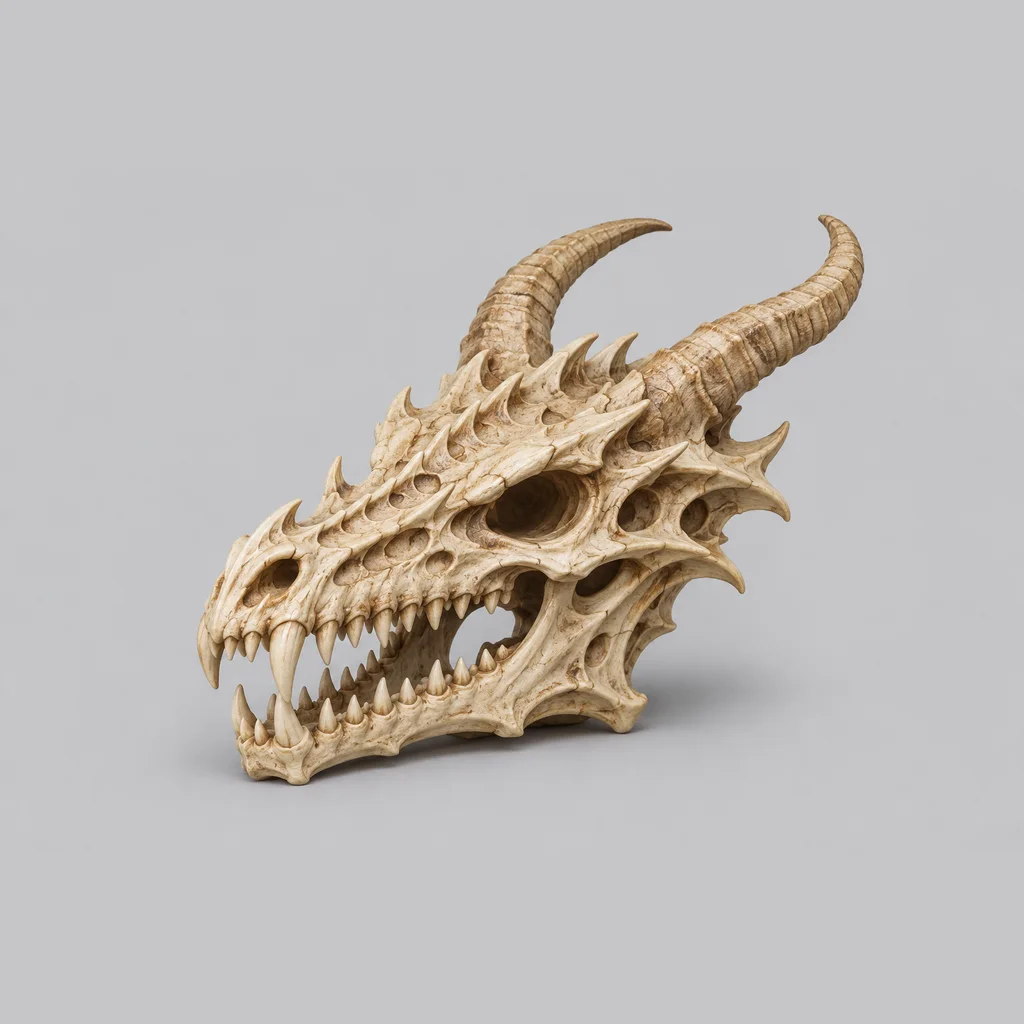
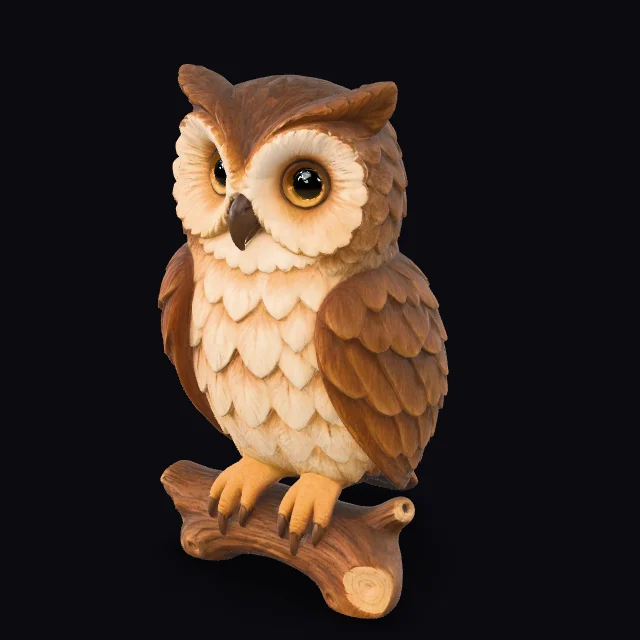
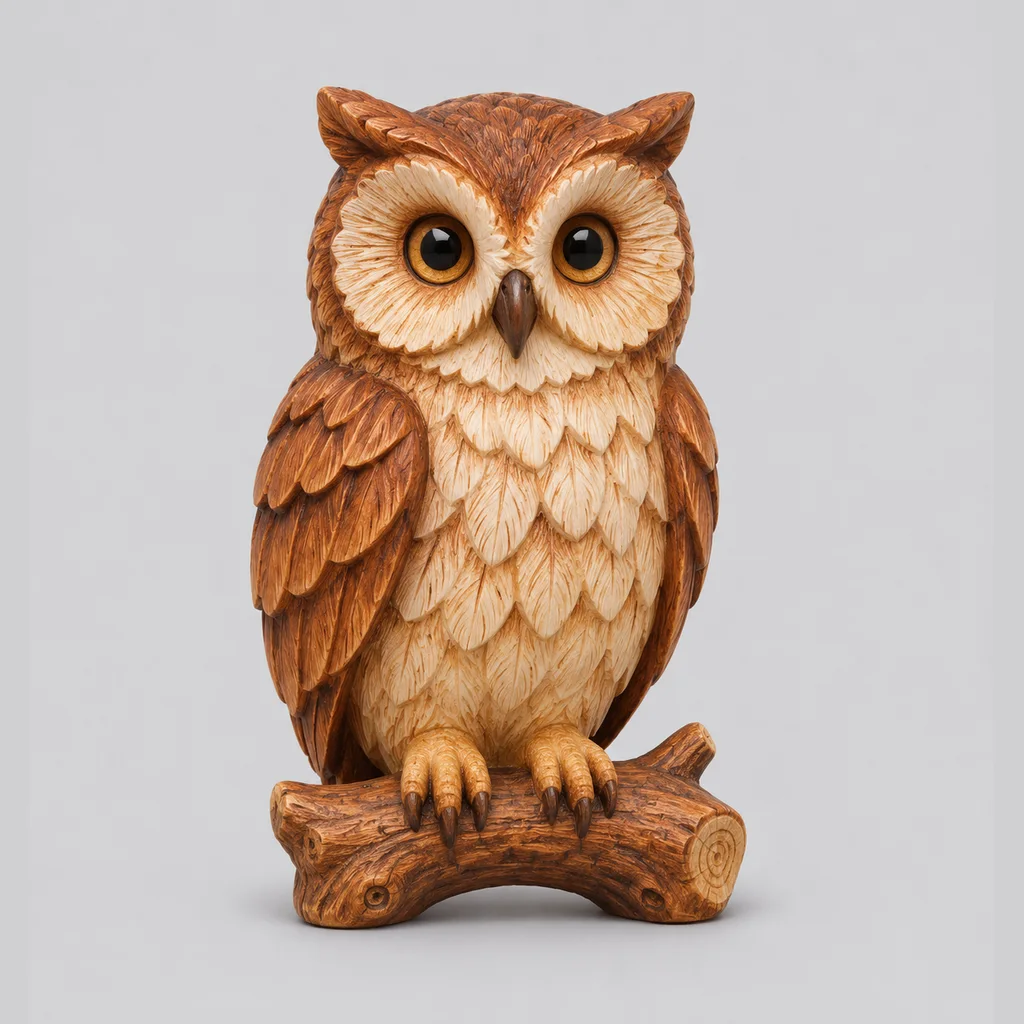
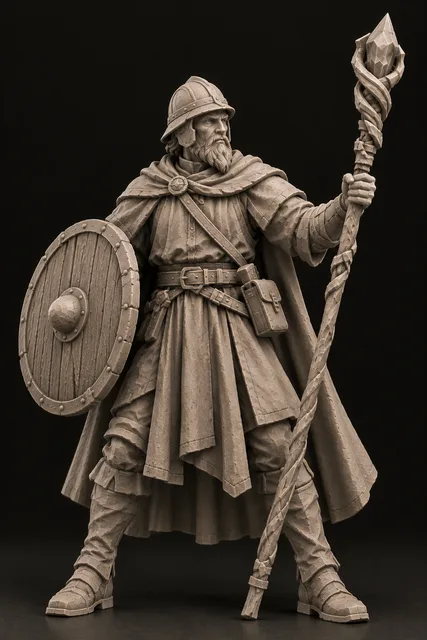
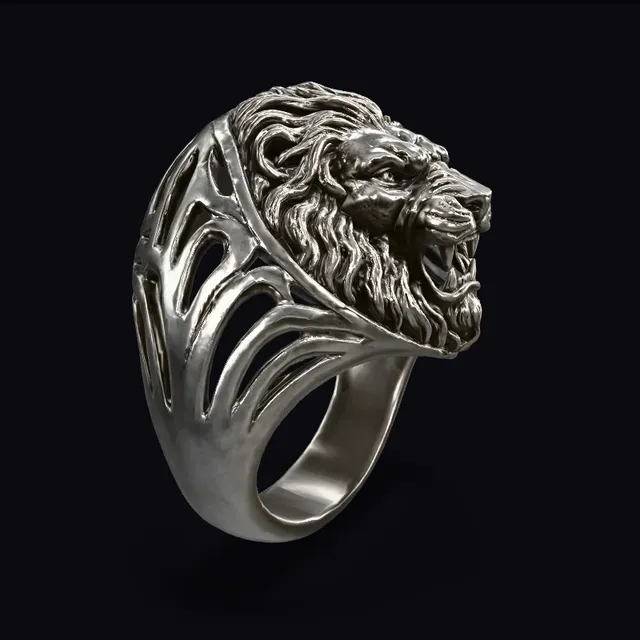
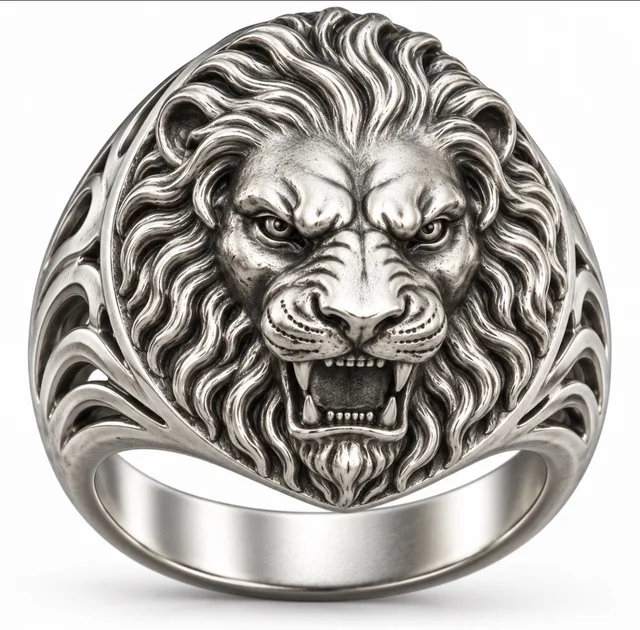
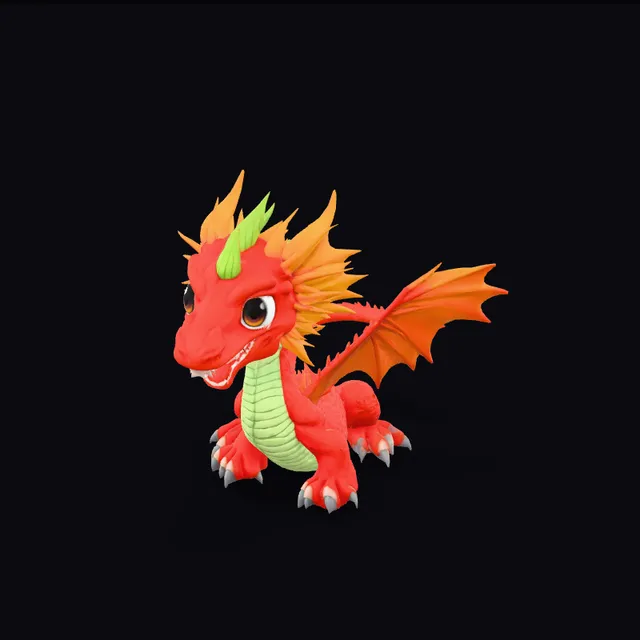
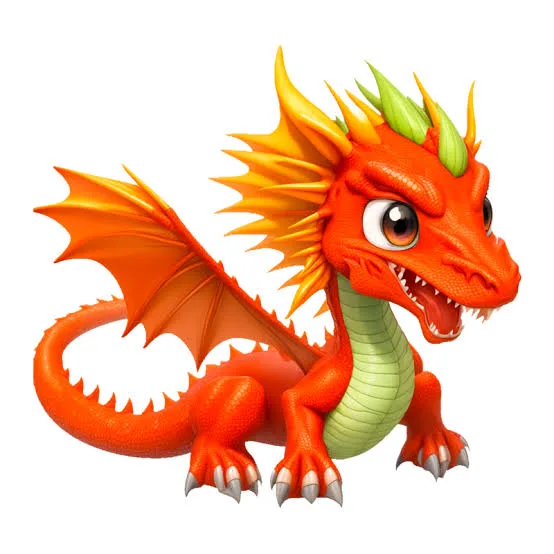
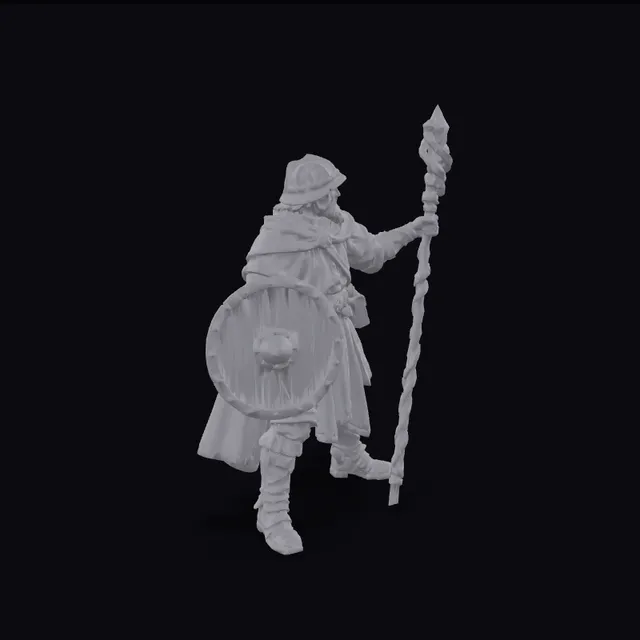
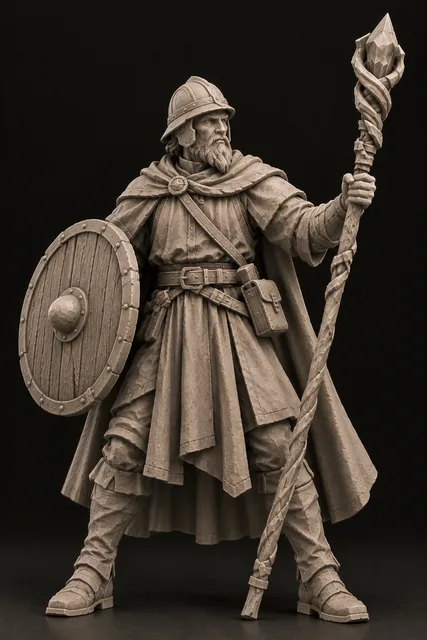
Each model came from a single picture. The three made for this page are the kind of subject resin owners print: busts and detailed display pieces.

Which Elegoo printer for which model
Elegoo's resin line comes in two sizes and its FDM line covers the larger jobs. Pick the machine by the model, not the other way round.
| Model type | Good fit | Why | Ask the agent for |
|---|---|---|---|
| Miniatures, 25–35 mm | Mars series | Small plate, fast, finest detail | Height in mm, 150k–250k triangles |
| Busts and figures, 60–120 mm | Saturn series | Larger plate and taller Z | Height in mm, 300k triangles |
| A batch of figures | Saturn series | Fill the plate; layer time stays the same | One model, copy it in the slicer |
| Toys and decor over 150 mm | Neptune or Centauri Carbon (FDM) | Cheaper per gram, no washing | Height in mm, 150k triangles |
A resin layer takes the same time whether the plate holds one model or ten, so batches are nearly free in print time.
Resin settings for photo-made Elegoo 3D models
Starting points for standard grey or 8K resin. Exposure differs by resin and printer, so run your resin's calibration print first.
- Layer height
- 0.05 mm; 0.03 mm for faces under 40 mm
- Exposure
- From your resin's calibration test, not a guess
- Hollowing
- Anything thicker than about 15 mm, 2 mm walls
- Drain holes
- Two holes of 3–5 mm near the lowest point
- Tilt
- 30–45° so no layer is a large flat area
- Supports
- Light on details, medium for the base of the model
- Triangles
- 250k–400k; ask the agent when you remesh
Washing and curing Elegoo resin prints
Fresh resin prints are sticky and soft. Clean them before you touch the supports.
- Wear nitrile gloves and work somewhere ventilated.
- Wash in two baths of IPA, a dirty one then a clean one, two to three minutes each. Water-washable resin goes in water instead.
- Flush hollow models through the drain holes so no liquid resin stays inside.
- Let it dry fully, then remove the supports while the resin is still a little flexible.
- Cure under UV for a few minutes, turning it so every side gets light. Over-curing makes thin parts brittle.
A wash-and-cure station such as Elegoo's Mercury does both in one box. Keep the textured model open as your painting reference afterwards.
- Gloves and ventilation
- Two IPA baths, flush hollow parts
- Short UV cure, rotate the part
Do and don't for an Elegoo STL from a photo
When Elegoo 3D models fail in the vat, the cause is usually orientation, hollowing or exposure, not the mesh.
Do
- Ask the agent for the final height in millimetres
- Hollow busts and anything solid over 15 mm
- Run an exposure test for every new resin
- Tilt models so no layer is a big flat island
- Fill the plate with copies; time per layer stays the same
Avoid
- Print a solid 100 mm bust; it wastes resin and can crack
- Lay large flat surfaces parallel to the screen
- Skip drain holes on a hollow model
- Over-cure thin parts like horns and fingers
- Handle uncured resin without gloves
What Elegoo 3D models cost to make and print
A model costs 3 credits. On Starter ($19 a month for 400 credits, about 130 models) that is roughly 14 cents per model, and about 7 cents in the first month, which costs $9. Pro is $29 for 600 credits, about 200 models. Remeshing is free, and failed jobs refund their credits on their own.
New accounts get 3 free credits, one textured model, no card. It downloads free as GLB, so you can check it before paying. A resin slicer needs STL, which comes with a paid plan; see pricing.
Resin is the bigger cost. A 30 mm miniature uses a few millilitres; a hollowed 80 mm bust uses roughly 20 to 40 ml, depending on wall thickness. Hollowing usually cuts the resin of a solid bust by more than half.
What to expect, honestly
The back is predicted. One photo shows one side, so the back of a bust or figure is the agent's best guess. Check it on the colour model before you print.
The file has no supports. You add them in your slicer; that is also where you hollow and add drain holes. Pre-supported files are not something the agent produces.
The finest detail is set by the photo. A resin printer can show more than the model contains, so a sharp, well-lit photo matters more here than on FDM.
Thin parts are fragile in resin. Horns, staffs and fingers under about 1 mm snap when you remove supports. Ask the agent to thicken them. For tabletop pieces, start from the miniature generator and the resin miniatures guide. On an Anycubic instead? See Anycubic 3D models.
Questions about elegoo 3d models
Are Elegoo 3D models from Snapshapy free?
The first model is. New accounts get 3 free credits with no card, which is one textured model, and GLB download is free on every plan. Resin slicers need an STL, and STL export comes with a paid plan. Starter costs $9 for the first month, then $19 a month for 400 credits, about 130 models.
Which file should I download for an Elegoo printer?
The STL of the print version. Open it in Chitubox, Lychee or Elegoo's own slicer, hollow and support it there, and the slicer writes the file format your printer reads. The textured GLB is for previewing and as a painting reference; a resin slicer needs the plain mesh. 3MF also works in slicers that accept it.
What layer height should I use for Elegoo resin prints?
0.05 mm is the usual starting point and works for most figures and busts. Drop to 0.03 mm for small faces and miniatures under about 40 mm, at the cost of longer print time. Layer height matters less than exposure, so run your resin's calibration print before changing anything else.
Do I need to hollow the model?
For anything thicker than about 15 mm, yes. Hollow it with walls of around 2 mm and add two drain holes of 3 to 5 mm near the lowest point. That saves resin, lowers the peel force on each layer and reduces the risk of cracks. Small miniatures can stay solid.
Why are parts of my resin print missing?
Usually an unsupported island: a part that starts in mid-air with nothing under it, such as a chin, a fingertip or a horn. Check the slicer's island detection and add supports there. Under-exposure can also make thin parts fail to stick, so confirm exposure with a calibration print for your resin.
How long does it take to make a model?
Most models are ready in 4–7 minutes after you upload the photo, and the print version takes another short wait at no cost. Slicing takes a few minutes. The print time depends on height, not on how many models are on the plate: a 60 mm figure at 0.05 mm is roughly 1,200 layers.
Does it work with Elegoo FDM printers too?
Yes. The same STL or 3MF slices for a Neptune or Centauri Carbon. Ask the agent for a larger size, since FDM loses fine detail under about 80 mm, and a lighter mesh of 100k to 200k triangles. Print at 0.12 mm with tree supports, and skip hollowing; infill does that job on FDM.
Can I sell prints of the models?
Paid plans include a commercial licence for the models you generate, so you can print and sell them. Use photos you have the rights to, and don't copy trademarked characters or another sculptor's work. With the model at about 14 cents of credits on Starter, resin and your time set the price.
Make Elegoo 3D models from your photos
Upload one picture. The first textured model is free, and the resin print mesh costs nothing extra.
Upload your photo