Use case · Unreal Engine
Unreal Engine 3D Models From One Photo, Dense Enough for Nanite

3 free credits on sign-up — enough for one textured model. No card.
Upload one photo. The Snapshapy agent builds a textured model in 4–7 minutes; drag the GLB into the Content Browser and UE5 imports it with its material. Keep it dense for Nanite or remesh it for free. The first model is free.
- Native glTF import in UE5
- Free remesh for non-Nanite targets
- Rigged FBX for humanoids
- ≈ $0.14 per model on Starter
3 At a glance
- UE5 reads GLB with its own importer
- 0 plugins
- Highest remesh target, triangles
- 300k
- Most models are ready in this window
- 4–7 min
- Per textured model
- 3 credits
How to get Unreal Engine 3D models from a photo
Five steps, and nothing to install on the Unreal side.
- 1
Generate the model
Upload one photo of one object in the box at the top of this page or the chat at /app. 3 credits, most ready in 4–7 minutes. Describe it in words with text to 3D if you have no photo.
- 2
Decide: Nanite or a remesh
For a static prop on a desktop or console project, keep the full model and let Nanite handle it. For mobile, characters or VR, ask for a free remesh with textures kept.
- 3
Drag the GLB into the Content Browser
GLB is free on every plan. UE5 imports it as a Static Mesh with its material and texture.
- 4
Turn on Nanite
Tick Build Nanite in the import options, or right-click the Static Mesh later and enable Nanite there.
- 5
Add collision and place it
Open the Static Mesh Editor, add a simple Box or Capsule collision or an auto convex one, then drop the mesh into your level and scale it.
3D models for Unreal Engine, made from one photo
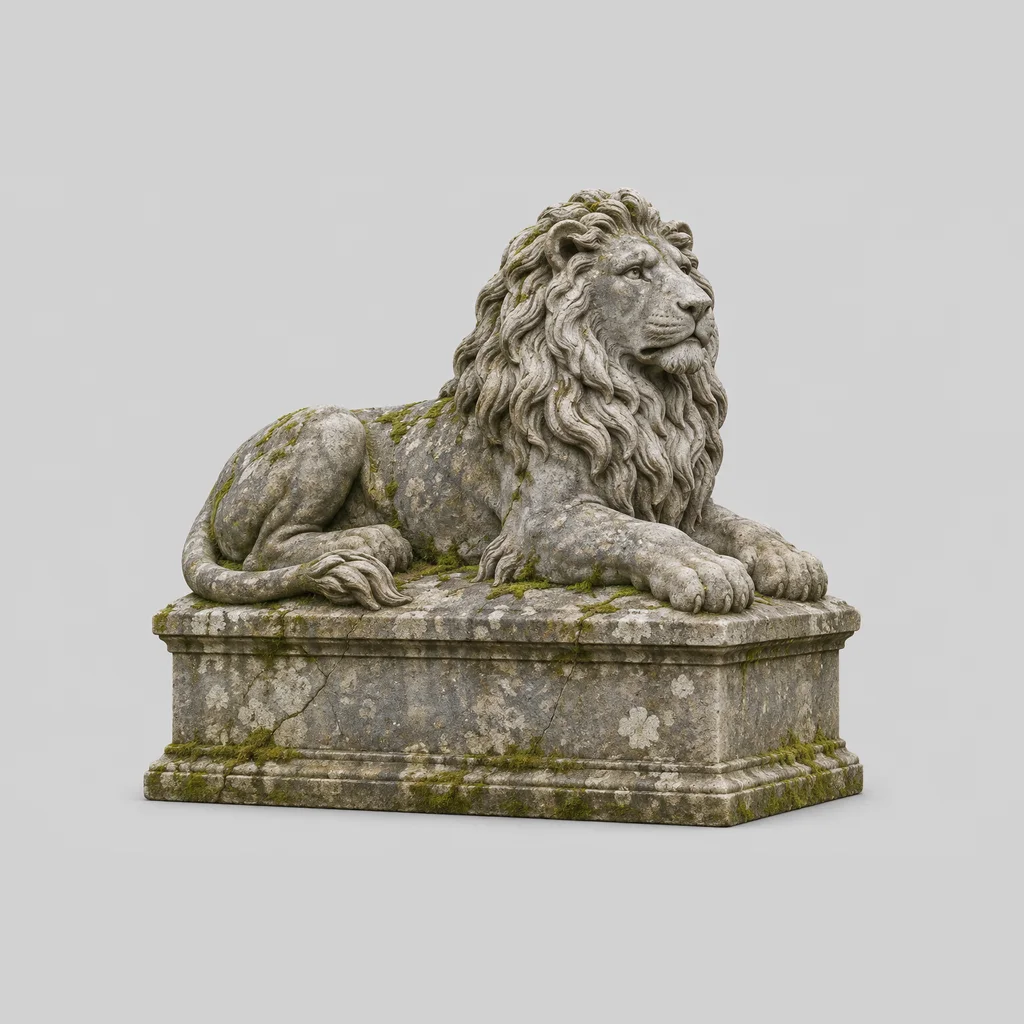
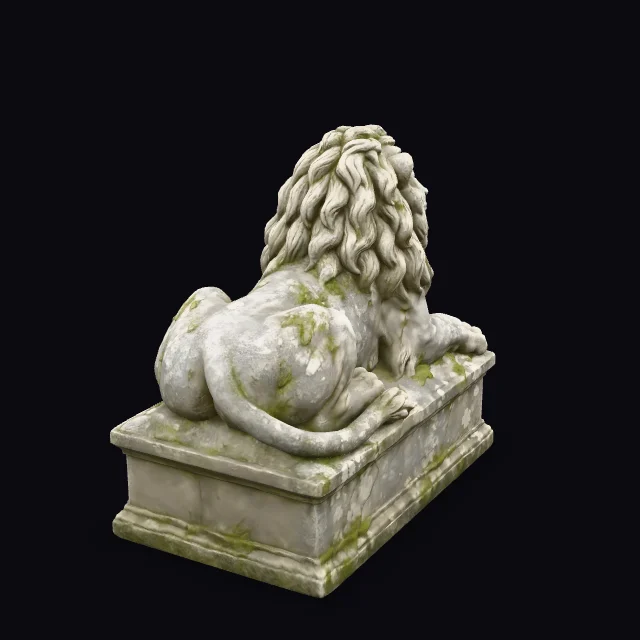
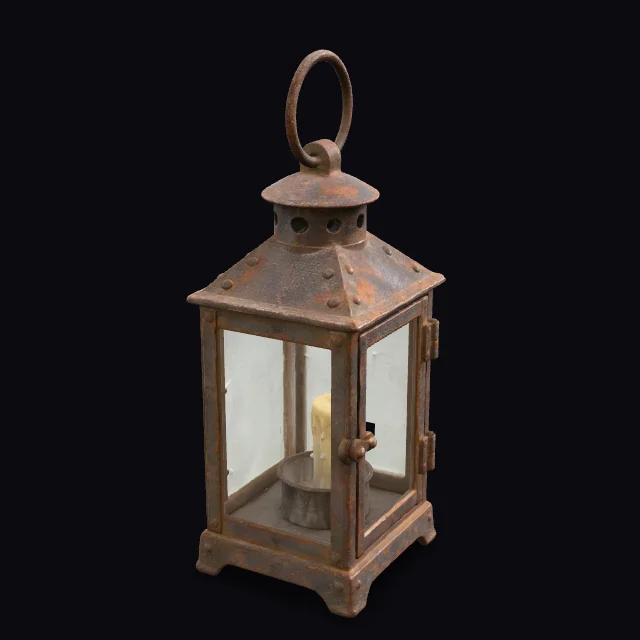
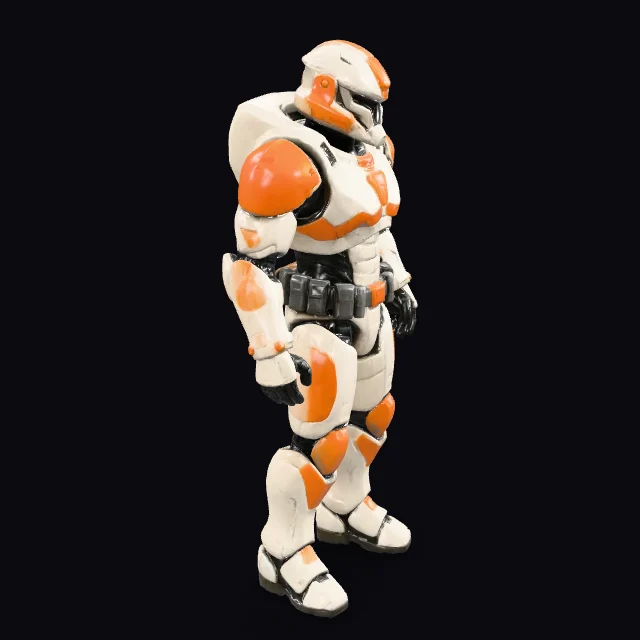
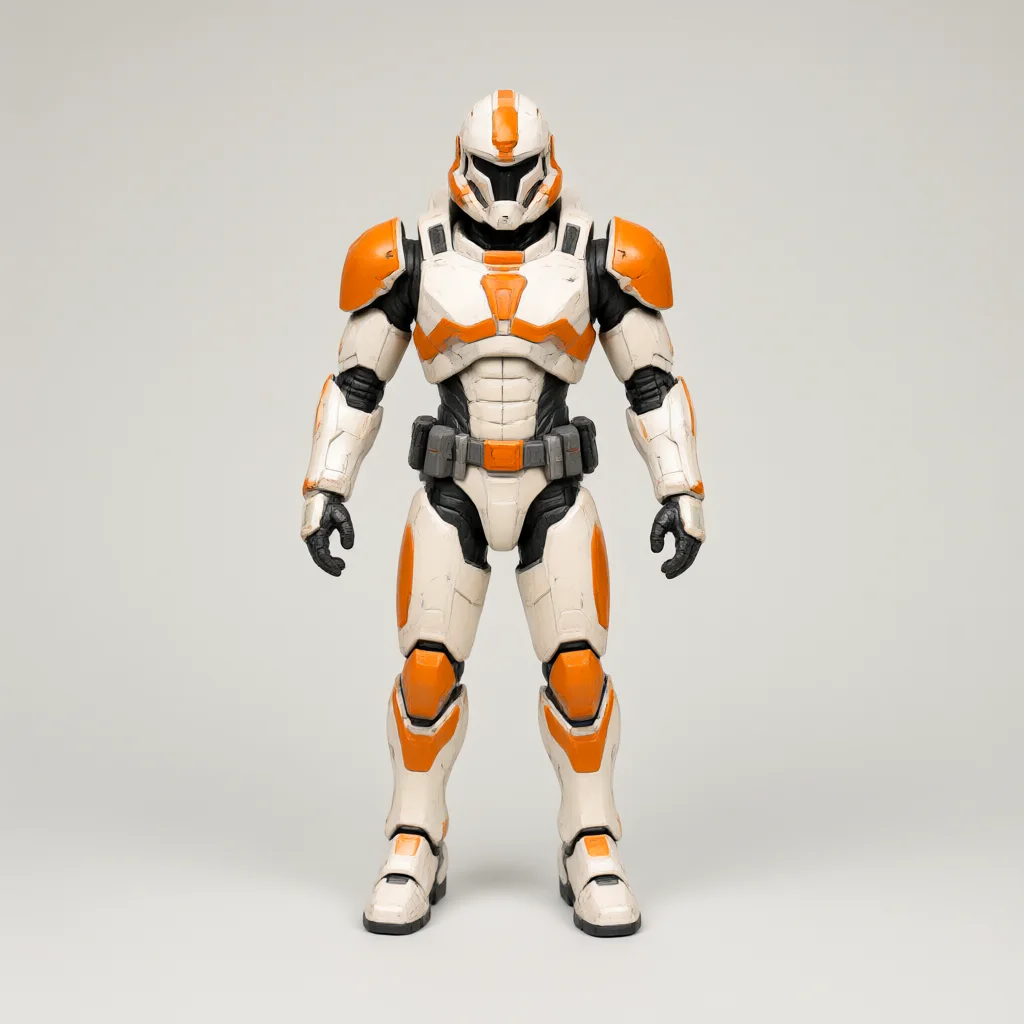
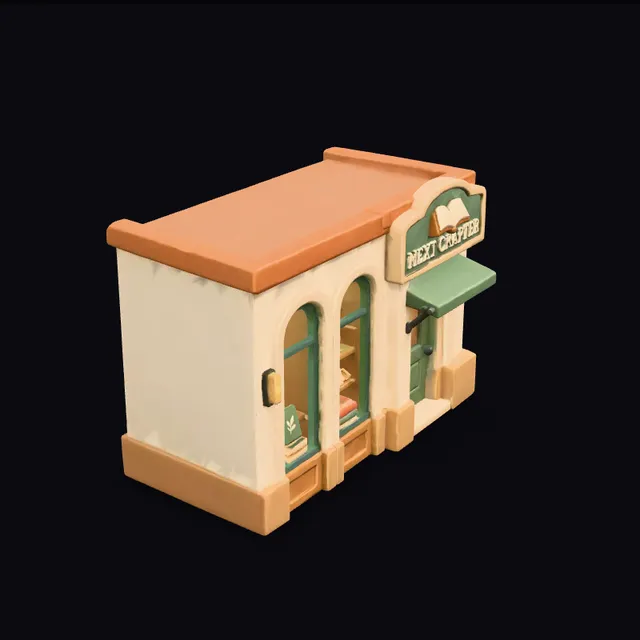
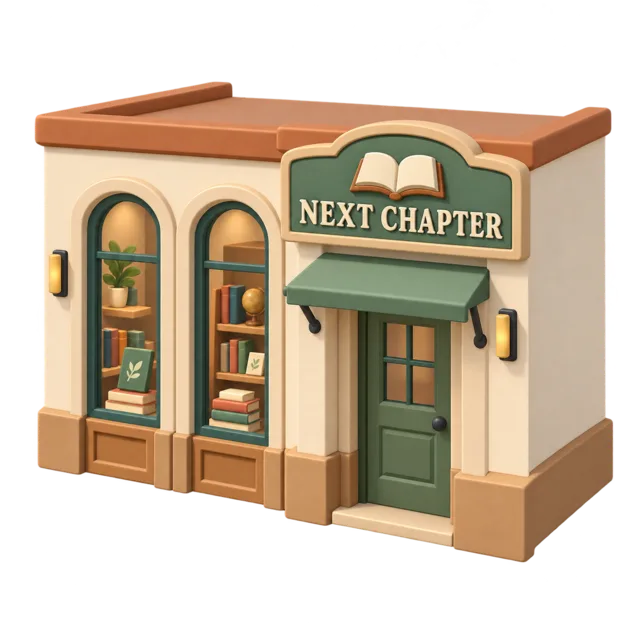
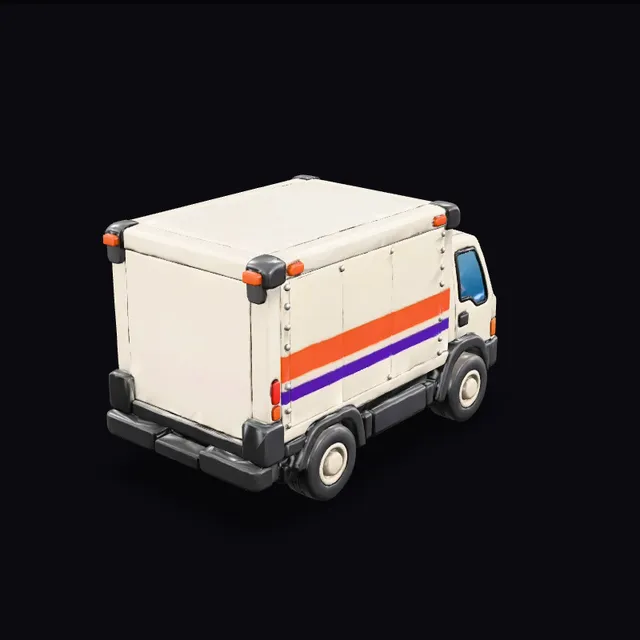
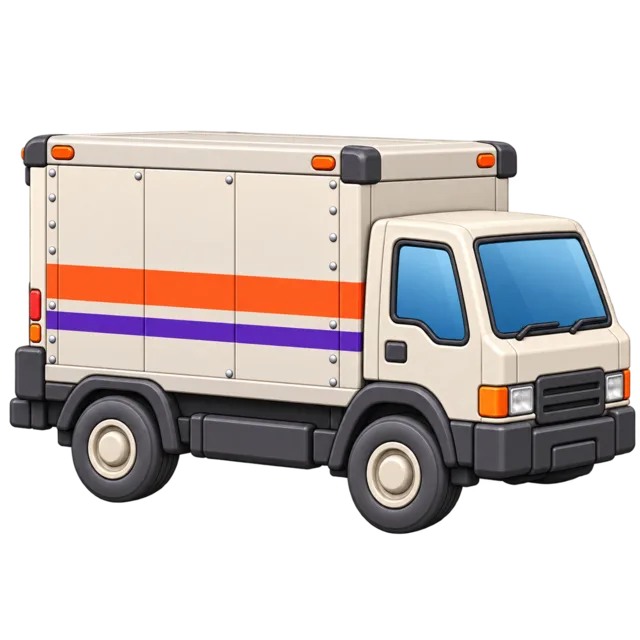
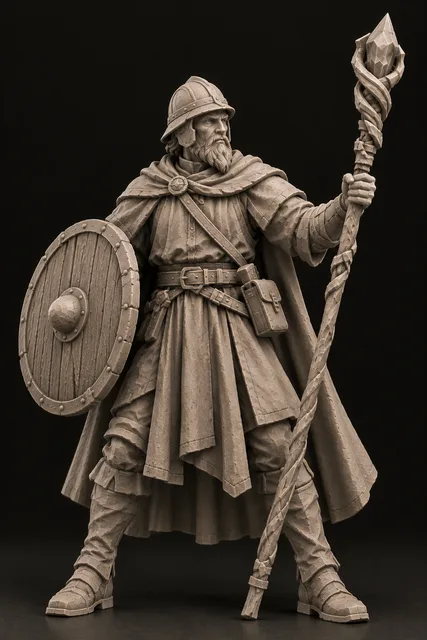
Environment pieces of the kind Unreal scenes need many of, plus a character to rig. Every model below came from a single picture.


Why Unreal Engine 3D models can stay dense
Most engines want a generated model cut down before import. Unreal Engine 5 often doesn't. Nanite streams and simplifies dense static meshes on its own, so a heavy, detailed model can go straight into a desktop or console scene.
That changes the workflow. Keep the full model for anything static and seen up close: statues, rocks, ruins, props on a table. You save the remesh step and keep every detail the photo gave you.
Nanite works best on static meshes; skeletal mesh support is newer, and not every target platform supports Nanite. For mobile projects, characters you will rig and props you will physically simulate, use the free remesh instead: 5,000 to 30,000 triangles with textures kept covers most cases.
- Static and close-up: keep it dense, enable Nanite
- Mobile or VR: remesh to 5k–30k
- Characters: rig them on a remeshed copy
- Remeshing is free, about 30 seconds
Which file for which Unreal asset
GLB for everything that doesn't move, FBX for characters with a skeleton.
| Asset | File | From Snapshapy | Imports as |
|---|---|---|---|
| Static prop or scenery | GLB | Free on every plan | Static Mesh with material |
| Rigged character | FBX | With a rig, 3 credits | Skeletal Mesh with Skeleton |
| Older pipeline | OBJ | Paid plans | Static Mesh; rewire the material |
FBX is offered only with a rigged character. Unrigged models come as GLB, which UE5 reads natively.
Rigged characters and AI assets: Unreal skeletal meshes
For an upright two-legged character, ask the agent to rig it for 3 credits. You get a skeleton bound to the mesh, walk and run clips, and FBX files. Import the FBX and Unreal creates a Skeletal Mesh, its Skeleton and the clips as Animation Sequences.
To reuse animations you already have for another skeleton, such as the default mannequin, set up a retarget with Unreal's IK Retargeter.
The agent's 160 library clips are free and are baked into a GLB. Rigging works on humanoids only; four-legged animals, vehicles and props fail and refund their credits. Other rigging routes are in the Mixamo animation guide.
- Rig: 3 credits, humanoids only
- FBX imports as a Skeletal Mesh
- 160 library clips, free
Tips for 3D models for Unreal Engine
Scale, collision and lighting are where an imported model goes wrong. Each takes a minute to set up properly.
Do
- Check scale against the default mannequin or a 1 m cube
- Use simple collision on props players touch
- Light the scene before judging the texture
- Keep a dense master and remesh copies for other platforms
- Read the triangle count in the free glTF viewer before import
Avoid
- Use per-poly collision on a dense mesh that moves
- Assume Nanite treats a rigged character like a static prop
- Rig a four-legged animal; it will fail
- Ship a full-resolution model to a mobile target
- Upload screenshots of another game's assets
What Unreal Engine 3D models cost, and the limits
A textured model is 3 credits: about 14 cents on Starter, $19 a month for 400 credits, and about 7 cents in the $9 first month. Pro is $29 for 600 credits. Remeshing and library clips are free, rigging is 3 credits, and failed jobs refund automatically. New accounts get 3 free credits with no card, and the GLB is free. Paid plans add a commercial licence and OBJ, STL, 3MF and USDZ. See pricing.
The limits: the backs of objects are predicted from one view, meshes are triangles rather than clean quads, and the texture is a baked colour map rather than a full set of hand-authored PBR maps. There is no Unreal plugin and no API. For lighter targets see the low poly page; for cleanup between tools, the Blender page.
Questions about unreal engine 3d models
Can Unreal Engine import GLB files?
Yes. Unreal Engine 5 imports glTF and GLB natively: drag the file into the Content Browser, check the import options and confirm. A static model arrives as a Static Mesh with its material and texture. No plugin is needed, and you can enable Nanite during import or on the mesh afterwards.
Are these Unreal Engine 3D models free?
You can start free. New accounts get 3 credits with no card, which makes one textured model, and GLB downloads are free on every plan. Remeshing is free too. For more models and a commercial licence you need a plan: Starter is $19 a month for 400 credits, and the first month costs $9.
Should I enable Nanite on generated models?
For static props and scenery on desktop or console projects, usually yes. Nanite handles dense meshes well, so you can keep the full detail of the generated model and skip remeshing. For characters, physics props and platforms without Nanite support, use the free remesh to a target such as 10,000 triangles instead.
Can I get rigged characters for Unreal?
Yes, for upright two-legged characters. Rigging costs 3 credits and gives you FBX files with a skeleton plus walk and run clips. Unreal imports them as a Skeletal Mesh with Animation Sequences. Use the IK Retargeter to play animations made for another skeleton. Four-legged animals and props can't be rigged.
Why does my model look wrong under Lumen?
Usually lighting or scale, not the file. The model carries a baked colour texture, so a scene without a sky or with extreme exposure makes it look flat or washed out. Check it in a lit level with a sky light. If it is the wrong size, scale it against the default mannequin, then judge the colours again in the final lighting.
How long does it take?
Most models are ready in 4–7 minutes after the photo is uploaded. A remesh adds about 30 seconds, and rigging is one more job. Importing into Unreal takes under a minute, so a new prop can be in your level about ten minutes after you take the photo.
Can I use these AI assets in a commercial Unreal project?
Yes, on a paid plan. Starter and Pro include a commercial licence for the models you generate, as long as you have the rights to the photos you upload. Unreal Engine's own licence terms for your project are separate and apply as usual.
Make Unreal Engine 3D models from your photos
Upload one photo, drag the GLB into the Content Browser, enable Nanite. The first model is free.
Upload a photo