Use case · Bambu Lab printers
Bambu Lab 3D Models From Your Own Photos, Sized for Your Plate

3 free credits on sign-up — enough for one textured model. No card.
Upload one photo and the Snapshapy agent builds a textured 3D model in 4–7 minutes, then a print mesh at the height you name, ready to drop into Bambu Studio. The first model is free; STL and 3MF export come with a paid plan.
- Sized for A1 mini to X1
- Print mesh for 0 credits
- 3 credits per model
- Failed jobs refunded
3 At a glance
- One textured model, about 14 cents on Starter
- 3 credits
- Most models are ready in this window
- 4–7 min
- Largest cube on an A1, P1S or X1 plate
- 256 mm
- Remeshing it for Bambu Studio
- 0 credits
Where Snapshapy fits in a Bambu Lab workflow
Snapshapy makes the file; Bambu Studio does everything after that. You chat with the agent at /app, it builds the model, and you download an STL or 3MF and open it in Bambu Studio like any file from a model site. From there you slice, send to the printer over the network or a card, and print as usual.
That matters for what you can expect. There is no plugin and no direct send to your printer or to MakerWorld. What you get instead is a model of your thing: your dog, your kid's drawing, a part of your own design, a figure nobody has uploaded yet.
The usual job is Bambu Lab 3D models people can't find anywhere: a desk figure of a pet, a custom cake topper, a toy from a drawing, or a one-off gift.
Bambu image to 3D, step by step
About ten minutes at the computer before the print starts. Steps three and four are where you set up the file for your machine.
- 1
Upload one photo
Use the box at the top of this page. PNG, JPG or WebP, one subject, plain background, nothing cut off.
- 2
Check the textured model
In 4–7 minutes you get a full-colour model for 3 credits. Spin it round; if the back looks wrong, tell the agent and run it again.
- 3
Ask for a print size
Type "make this printable at 120 mm tall, 150k triangles". The agent remeshes it for free, textures off, scaled in millimetres.
- 4
Export STL or 3MF
Both open in Bambu Studio. 3MF keeps the scale with the file; STL is the safe choice for sharing. Preview it in the free 3MF viewer first if you like.
- 5
Slice and send
Import, auto-orient, add tree supports, pick a fine process preset, then send it to your printer as you would any model.
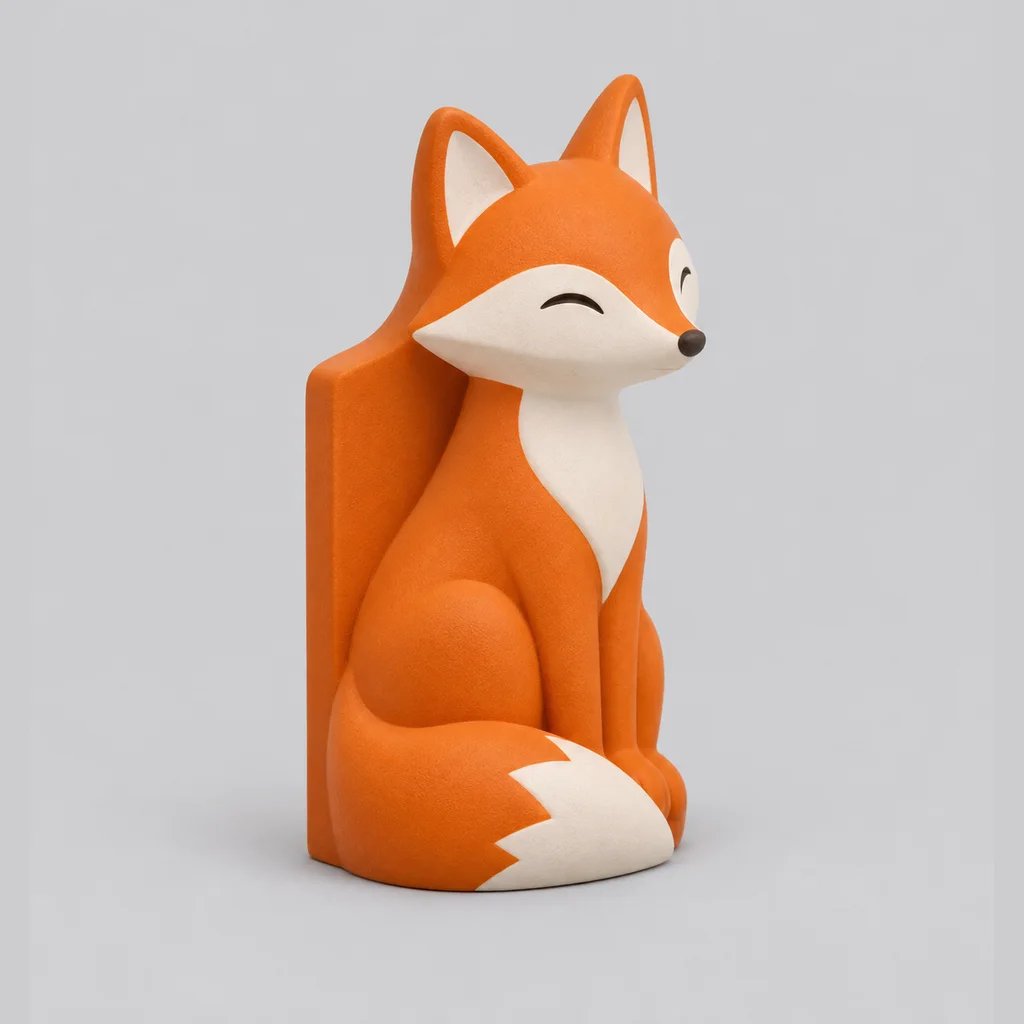
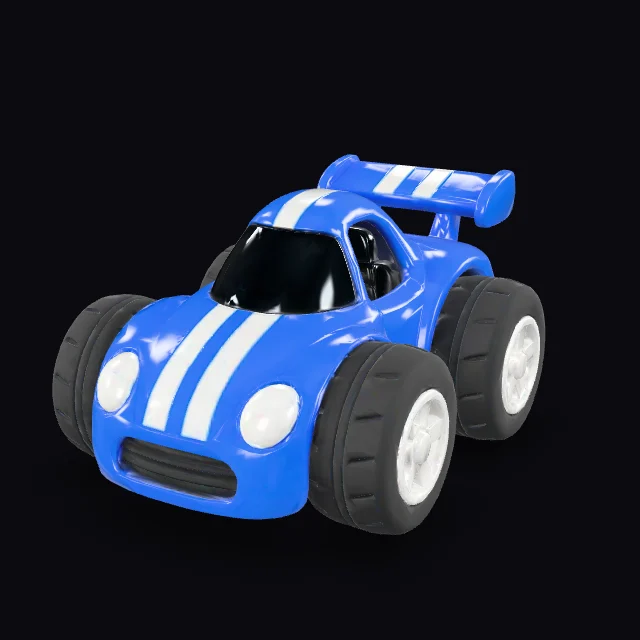
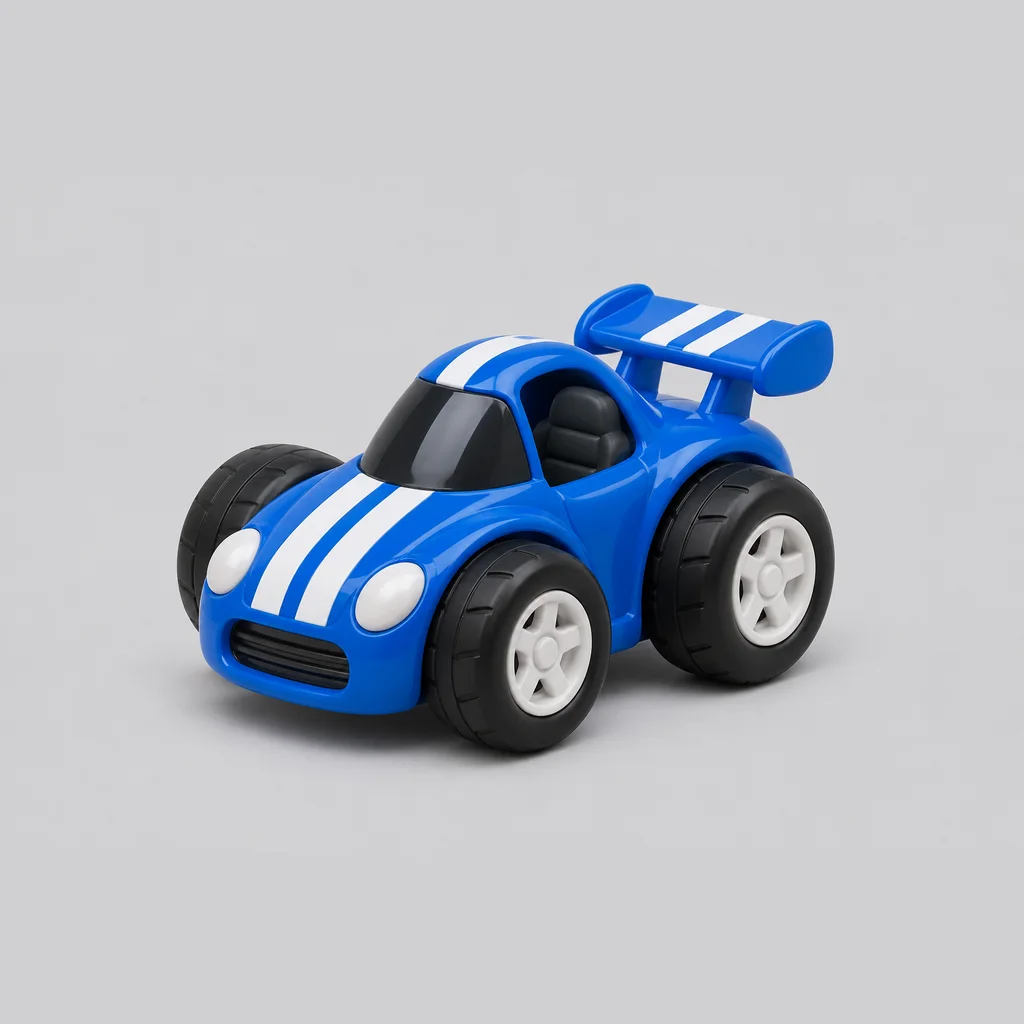
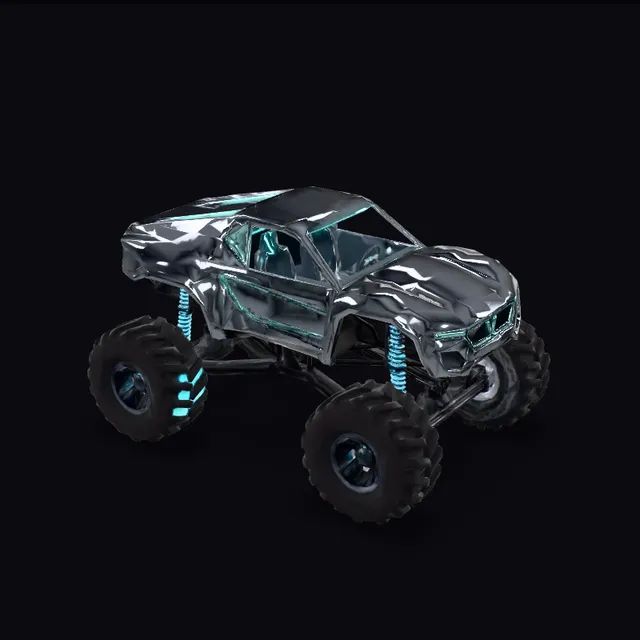
Bambu Lab 3D models made from one picture each
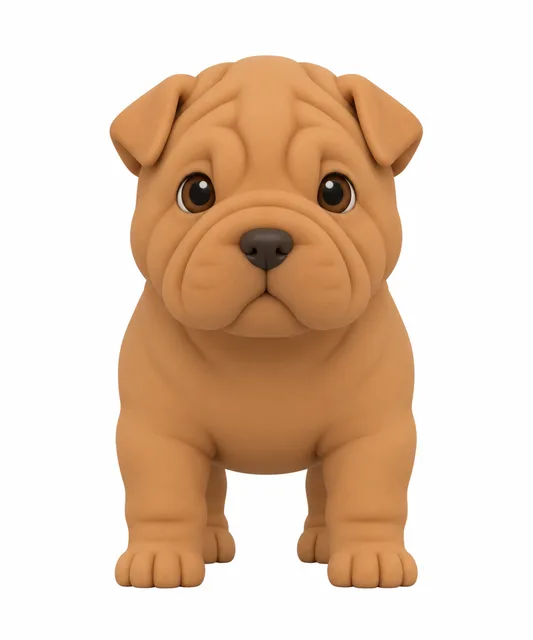
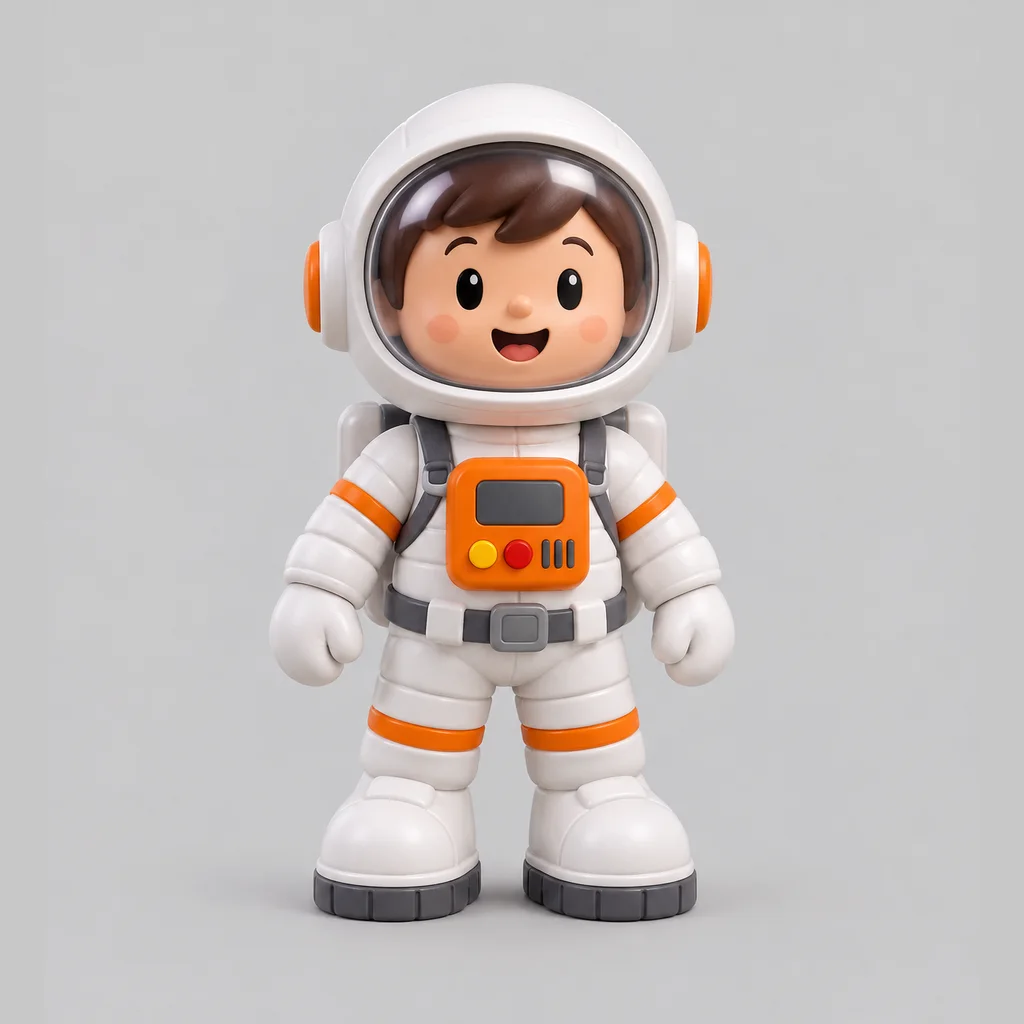
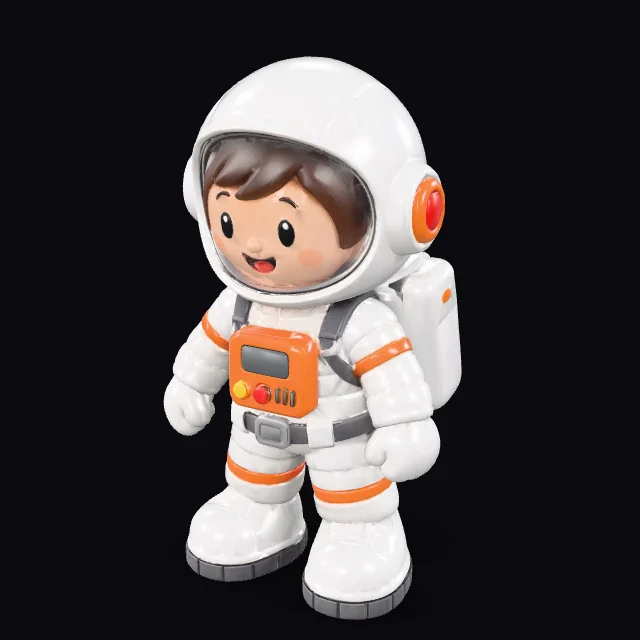
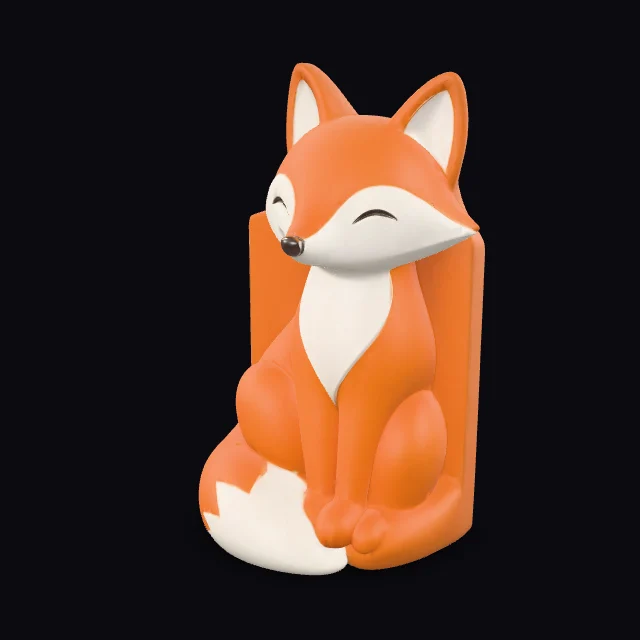
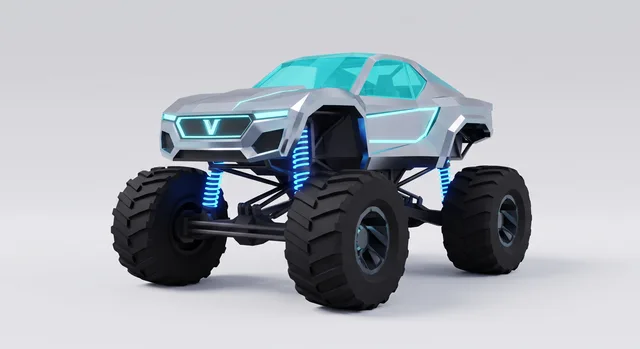
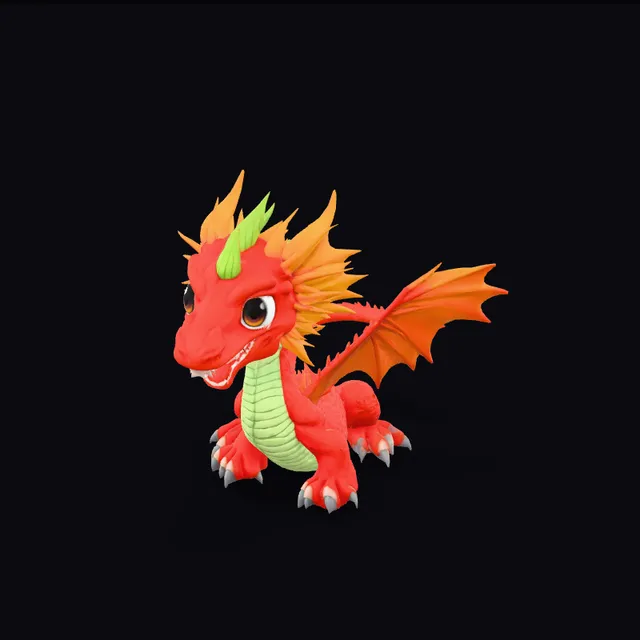
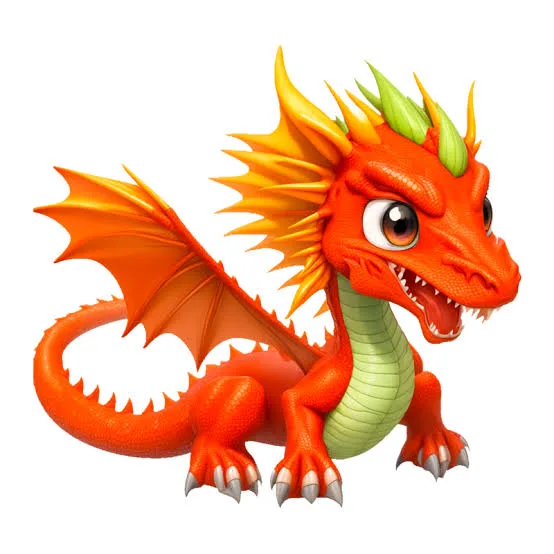
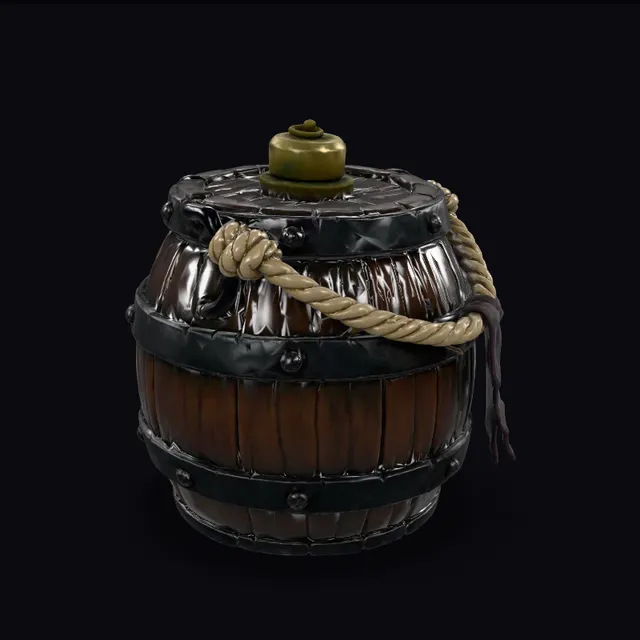
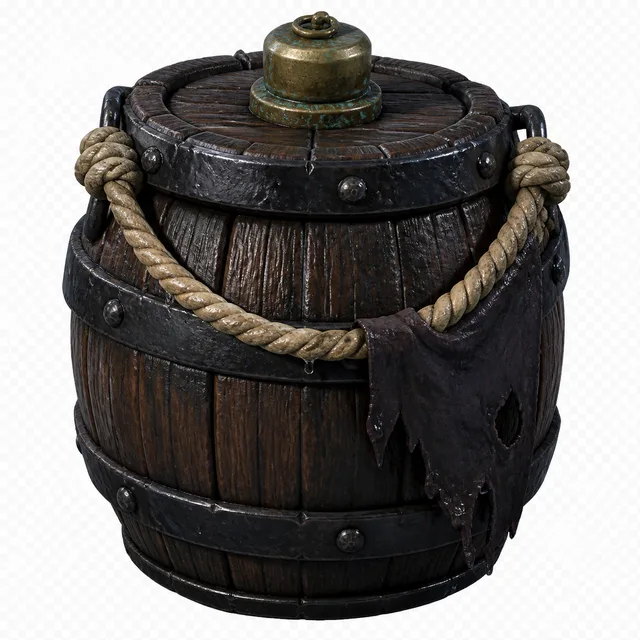
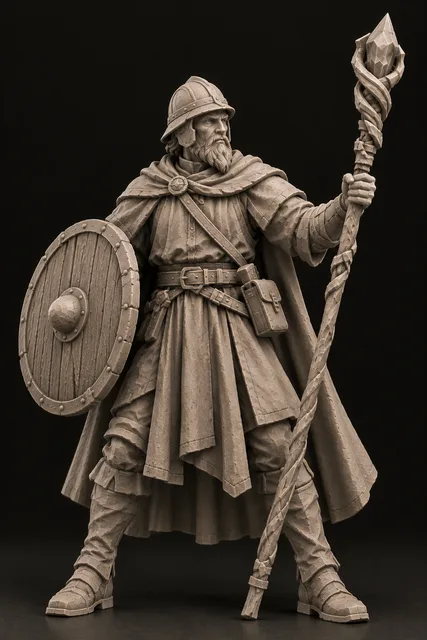
Each model started as a single image. Three were made for this page with FDM in mind: chunky shapes, wide bases, few thin parts.
How big your Bambu Lab 3D models can print
Build volume sets the ceiling. Ask the agent for a height that leaves a few millimetres of margin, and rotate in Bambu Studio if a model is long.
| Printer | Build volume | Comfortable figure height | Colour option |
|---|---|---|---|
| A1 mini | 180 × 180 × 180 mm | Up to about 170 mm | AMS lite, 4 colours |
| A1 | 256 × 256 × 256 mm | Up to about 245 mm | AMS lite, 4 colours |
| P1S / P1P | 256 × 256 × 256 mm | Up to about 245 mm | AMS, up to 16 |
| X1 Carbon | 256 × 256 × 256 mm | Up to about 245 mm | AMS, up to 16 |
| P2S | 256 × 256 × 256 mm | Up to about 245 mm | AMS 2 Pro and AMS HT, up to 20 |
| X2D | 256 × 256 × 260 mm | Up to about 250 mm | Dual nozzle, up to 25 |
| H2D | 325 × 320 × 325 mm (single nozzle) | Up to about 310 mm | Dual nozzle, up to 25 |
The X1 Carbon and P1P are no longer sold new, but the numbers still hold for the one on your desk. The A1 and A1 mini can also run a full AMS through the AMS HUB accessory. Bigger than the plate? Ask for a taller model and use Bambu Studio's cut tool to split it into parts you glue together.
Bambu Studio settings for a photo-made figure
Starting points for a 100–150 mm figure in PLA on the stock 0.4 mm nozzle and a textured PEI plate.
- Process preset
- 0.12 mm Fine for faces, 0.16 mm Optimal if time matters
- Walls
- 3 loops, so sanding never breaks through
- Infill
- 10–15% gyroid; figures are mostly shell
- Supports
- Tree (auto), threshold angle around 30°
- Orientation
- Upright on the feet or base; auto-orient as a check
- Flat base
- Cut 0.5 mm off the bottom so it sits flat
- Triangles
- 100k–200k; ask the agent when you remesh
Bambu Lab multicolor: using your AMS on a photo model
The STL or 3MF you export is one mesh with no colours assigned. To use your AMS, paint it in Bambu Studio: open the colour painting tool, pick a filament slot, and fill or brush each zone.
The textured model is your map. Download it as GLB, which is free on every plan, keep it open beside Bambu Studio, and copy what you see. A pet with three colours takes ten minutes to paint; a busy figure can take thirty.
Keep the palette small. Every swap on an AMS purges filament, so a model with four bold colours prints faster and wastes less than one with eight. The full colour workflow is on the multicolor 3D print page.

- Export is one uncoloured mesh
- Paint zones in Bambu Studio
- GLB colour model as the guide
- 3 to 5 colours keeps purge down
Getting good Bambu Lab 3D models from a photo
FDM rewards solid shapes. Choose the photo with the printer in mind.
Do
- Pick subjects with a wide, flat base or feet
- Shoot the whole object, with space around it
- Ask for a height in millimetres when you remesh
- Print faces and figures at 0.12 mm
- Check the sliced preview for floating islands
Avoid
- Expect parts under 1.5 mm to survive at small sizes
- Send the textured file straight to the slicer; use the print version
- Print a 30 mm figure on FDM and expect a face
- Upload a group photo; one subject per model
- Skip supports under outstretched arms and wings
What Bambu Lab 3D models cost to make
A model costs 3 credits. On Starter ($19 a month for 400 credits, about 130 models) that is roughly 14 cents per model, and about 7 cents in the first month, which costs $9. Pro is $29 for 600 credits, about 200 models. Remeshing for print is free, and failed jobs refund their credits on their own.
New accounts get 3 free credits, one textured model, no card. It downloads free as GLB, so you can check the shape before paying. Printing needs STL or 3MF, which come with a paid plan; details on pricing.
Filament is the rest. A 120 mm PLA figure uses roughly 30 to 45 g, well under a dollar at common spool prices. Paid plans include a commercial licence, so you can sell what you print.
What to expect, honestly
The back is predicted. One photo shows one side, so the back of a figure is the agent's best guess. It is usually plausible, but check it before you print.
The model is organic, not engineered. It is built for figures, toys and decor, not for parts that must fit a bolt to a tenth of a millimetre. For brackets and enclosures, a CAD program is still the right tool.
Thin parts need help. Antennae, tails and fingers can come out under 1.5 mm at small sizes; ask the agent to thicken them or print larger.
For a figure of a person or pet, the figurine from photo page goes deeper on posing. For small tabletop pieces, use the miniature generator. Printing on a Prusa instead? See Prusa 3D models.
Questions about bambu lab 3d models
Are Bambu Lab 3D models from Snapshapy free?
The first model is. New accounts get 3 free credits with no card, which is one textured model, and GLB download is free on every plan. Printing needs an STL or 3MF export, which comes with a paid plan. Starter is $9 for the first month, then $19 a month for 400 credits, about 130 models.
Does it send the model straight to my Bambu printer?
No. Snapshapy has no plugin and no direct send. You download the STL or 3MF, open it in Bambu Studio, slice it and send it to the printer the way you send any file. That takes under a minute and keeps every printer setting under your control, including plate type, filament and supports.
Does the 3MF keep its colours in Bambu Studio?
No. The export is a single mesh without filament assignments. For an AMS print, open the colour painting tool in Bambu Studio and assign the zones yourself, using the textured GLB model as the reference. A model with three or four bold colours takes about ten minutes to paint.
How long does Bambu image to 3D take?
Most models are ready in 4–7 minutes after you upload the photo, and the print version takes another short wait at no cost. Then the printer takes over: roughly 2 to 3 hours for an 80 mm figure and 5 to 7 hours at 120 mm at 0.12 mm layers, less with the 0.16 mm preset.
What layer height should I use?
0.12 mm for anything with a face, which is the Fine preset on most Bambu printers. Use 0.16 mm for toys, props and larger pieces where print time matters more. Going down to 0.08 mm helps only on small figures and roughly doubles the print time compared with 0.16 mm.
Will it fit an A1 mini?
Yes, if you ask for the right size. The A1 mini prints up to 180 mm in each direction, so ask the agent for 160 or 170 mm at most when you remesh. Larger models can be cut into parts in Bambu Studio and glued. The A1, P1 series and X1 Carbon take up to 256 mm.
Does it work with OrcaSlicer or other printers?
Yes. The STL and 3MF are standard files, so they open in OrcaSlicer, PrusaSlicer, Cura and Lychee as well as Bambu Studio, and print on any FDM or resin printer. Nothing in the file is locked to Bambu Lab. Only the colour painting step depends on the slicer and filament changer you use.
Can I sell prints of models I make?
Paid plans include a commercial licence for the models you generate, so you can print and sell them. Use photos you have the rights to, and don't copy trademarked characters or another maker's design. At about 14 cents of credits per model on Starter, the model is the smallest cost in a sale.
Make your own Bambu Lab 3D models
Upload one photo. The first textured model is free, and the print mesh sized for your plate costs nothing extra.
Upload your photo