A closed, all-round shape
The back and sides are generated too, so you can turn the model a full 360 degrees and it holds up.
AI image to 3D

3 free credits on sign-up — enough for one textured model. No card.
Upload one picture and the Snapshapy agent turns it into a full-colour 3D model, usually in 4–7 minutes, for 3 credits. Your first model is free, and GLB download is free on every plan.
There are no sliders, presets or quality modes to pick. You upload a picture, say what you need it for, and the agent runs the jobs.
Drop a PNG, JPG or WebP into the box above or into the chat at /app. A product photo, a phone snapshot, a render or a drawing all work. Add a line about the object and what the model is for: a game, a print, a shop listing.
The agent starts a model job for 3 credits. A card appears in the chat and fills in when the model lands, with a 3D preview you can spin. If the job fails, the 3 credits go back to your balance without you asking.
Download the GLB from the card on any plan. On a paid plan, export STL, OBJ, 3MF or USDZ too. Or keep talking: ask for a lighter mesh, a print version, a rig for a character, or a second try with a note on what to fix.
Every model here started as one image. The small photo shows what went in, the large render what came out. Live versions you can rotate are on the home page.
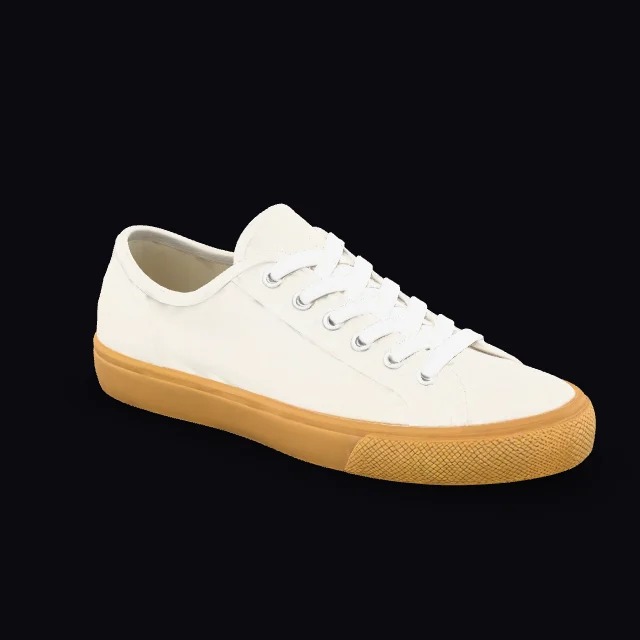
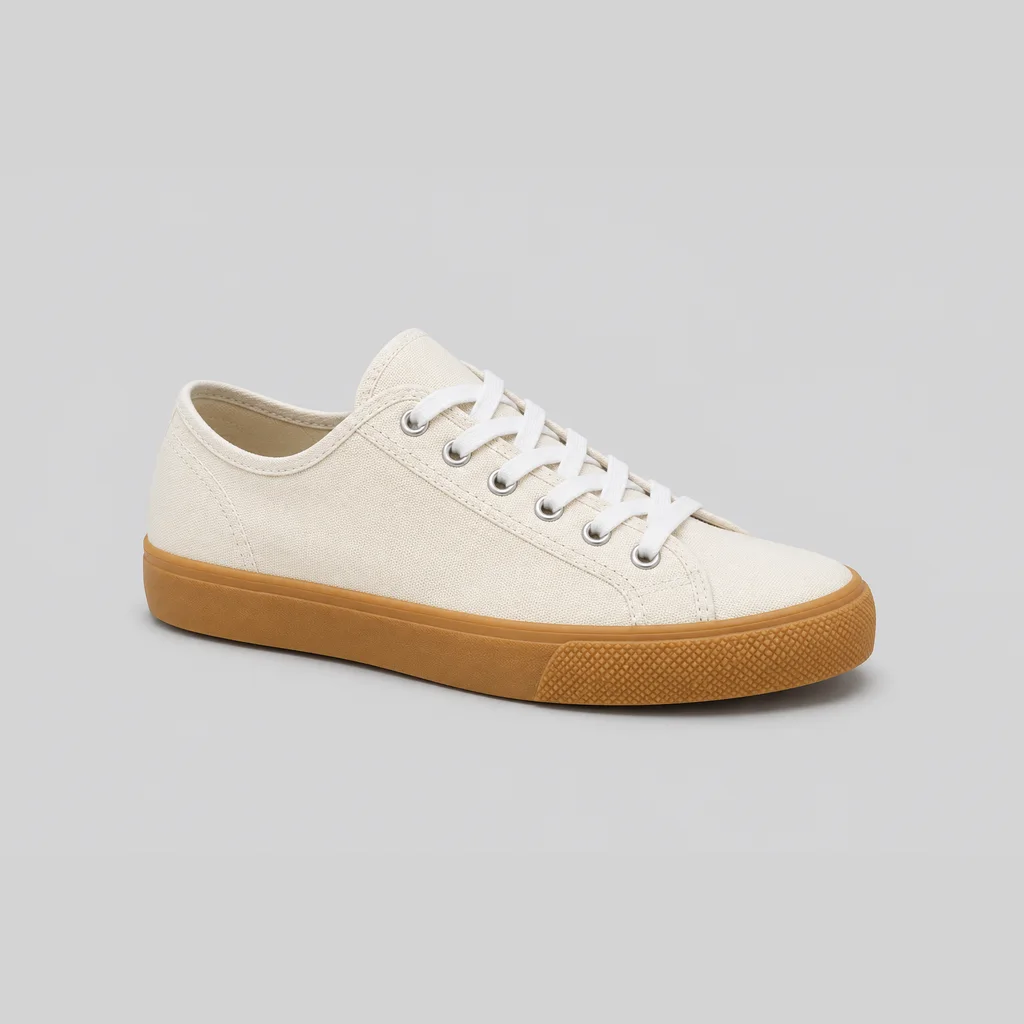
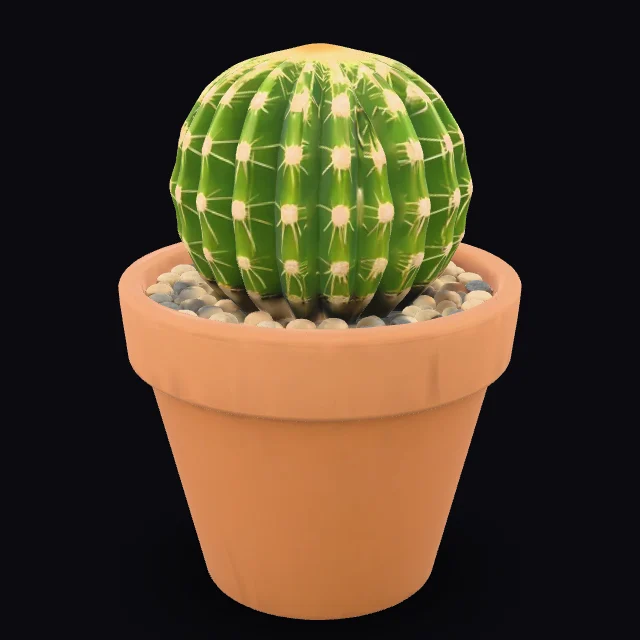
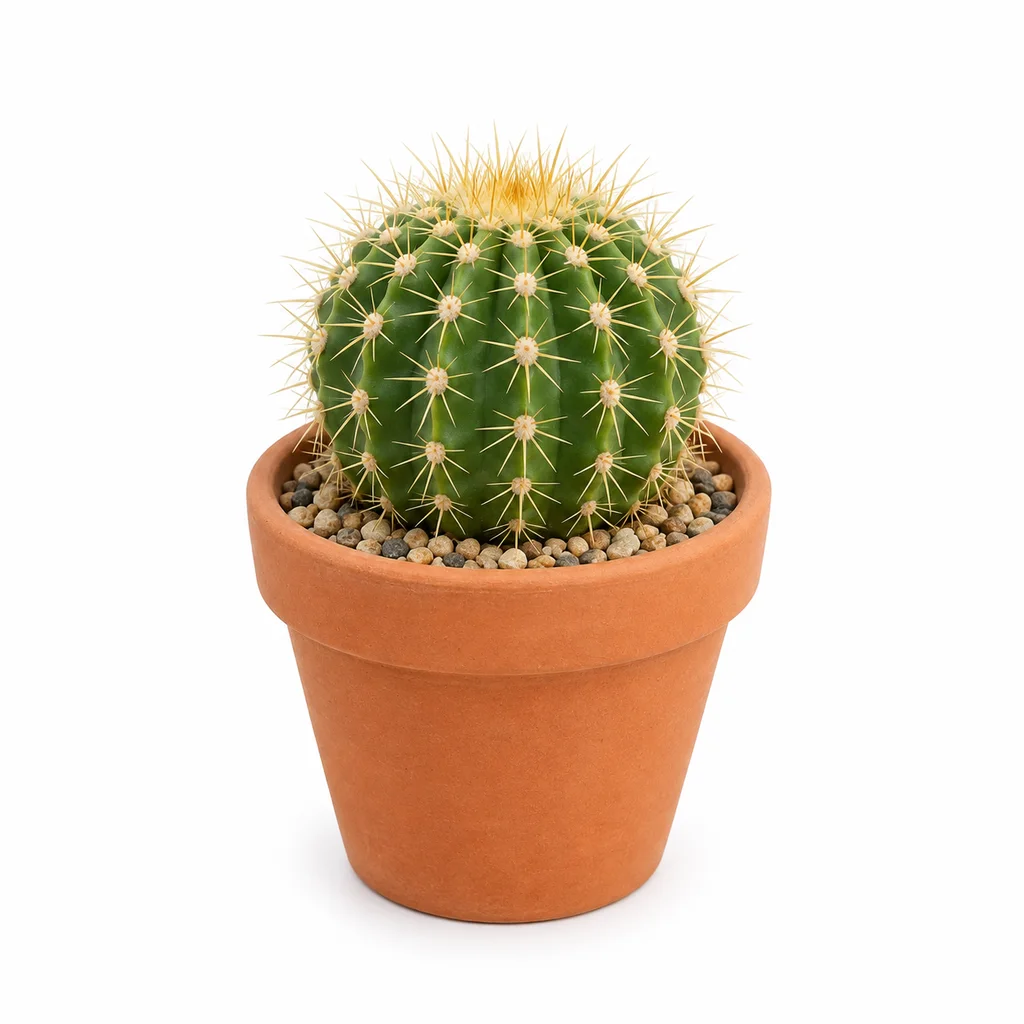
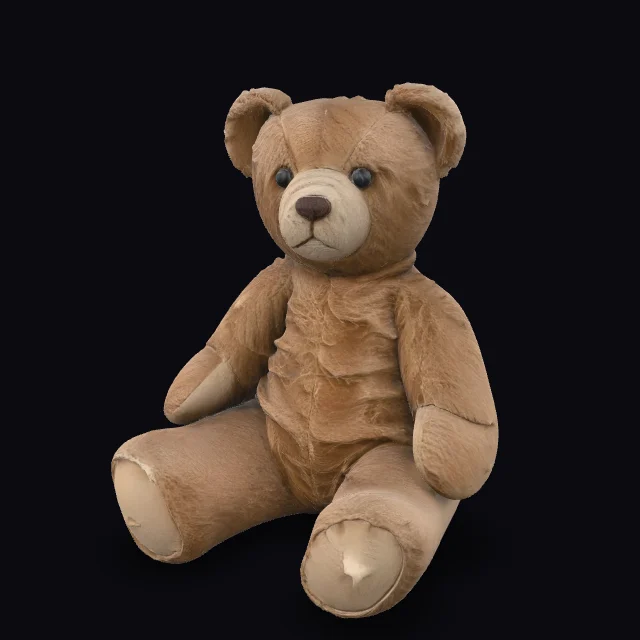
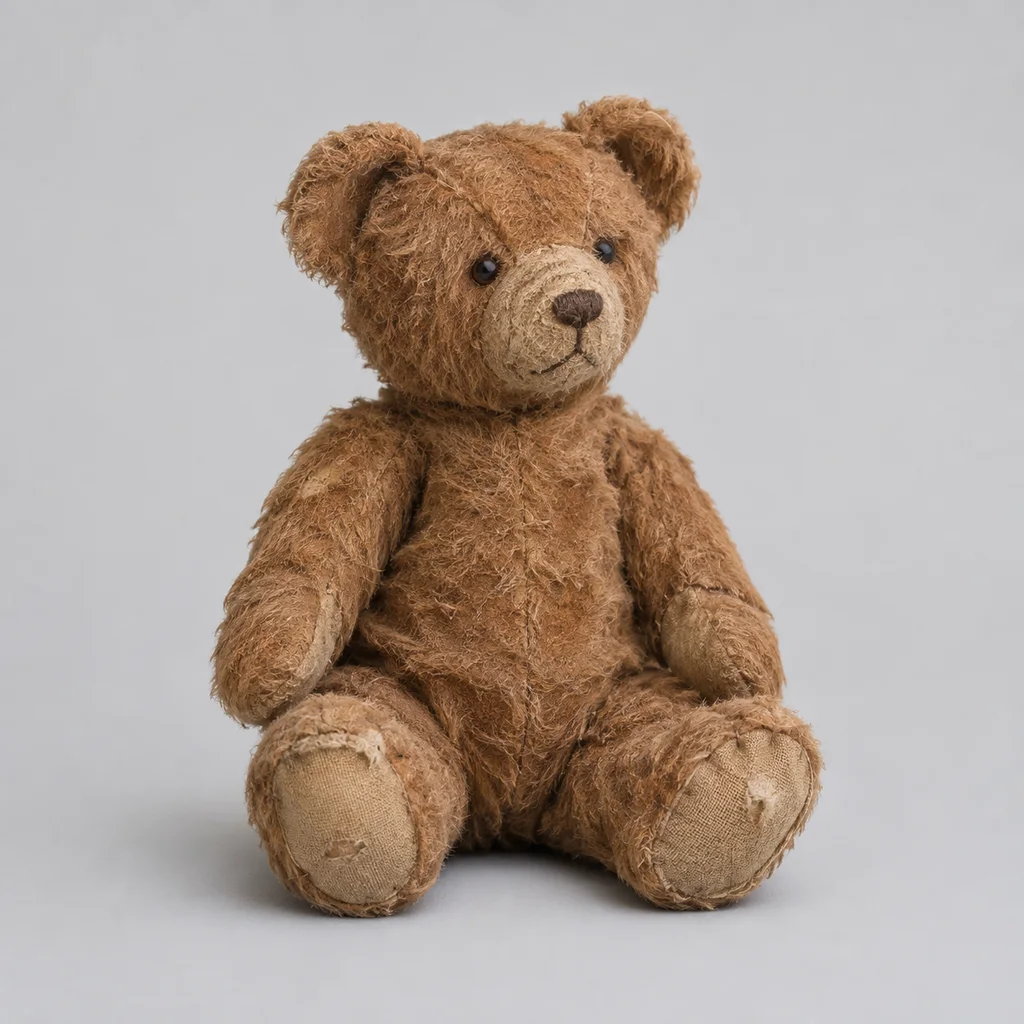
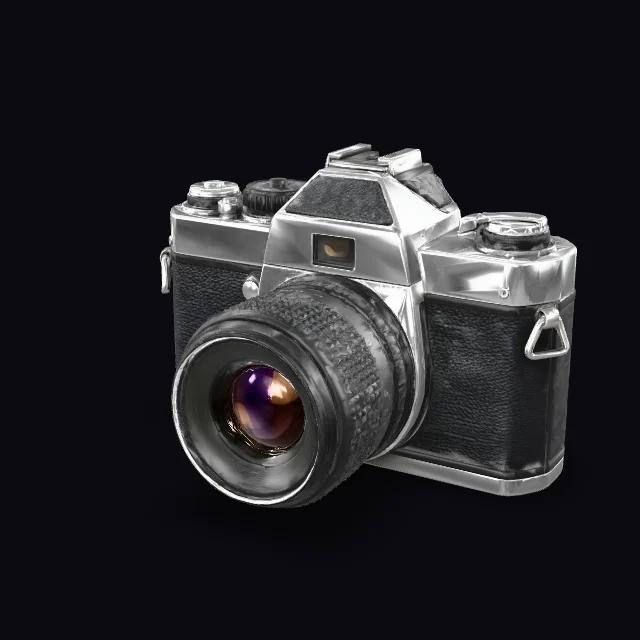
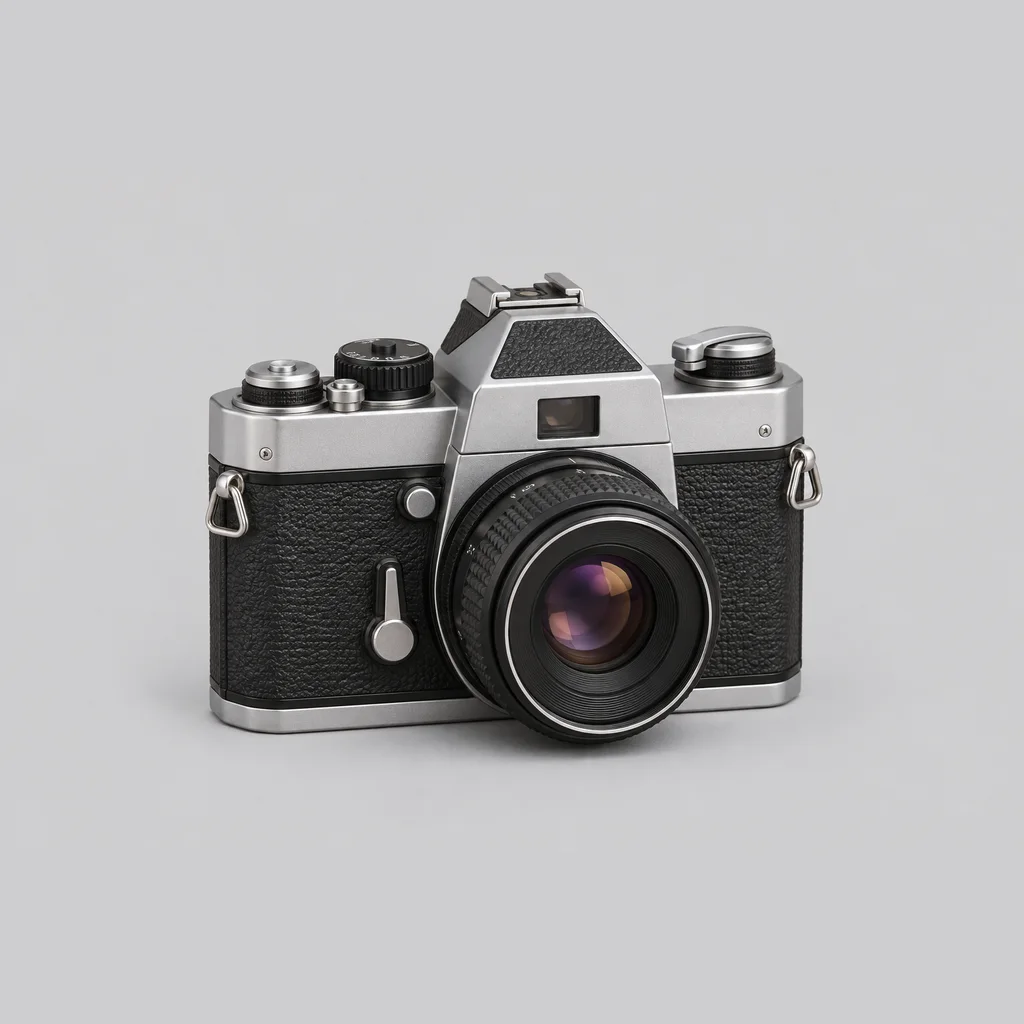
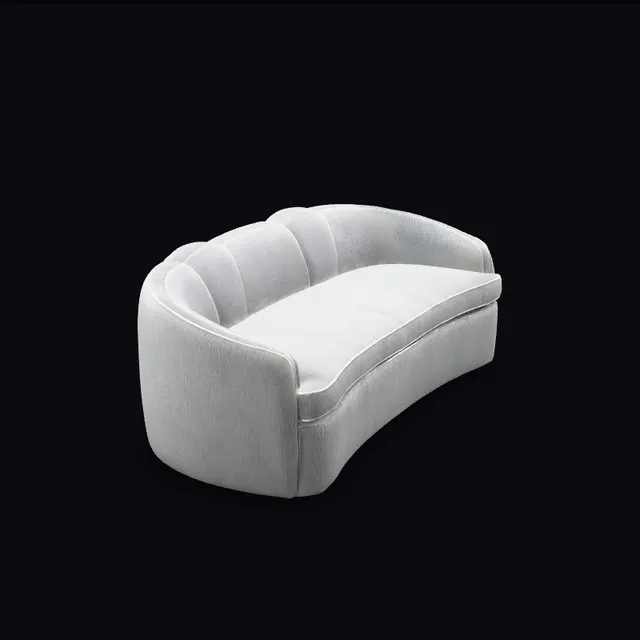
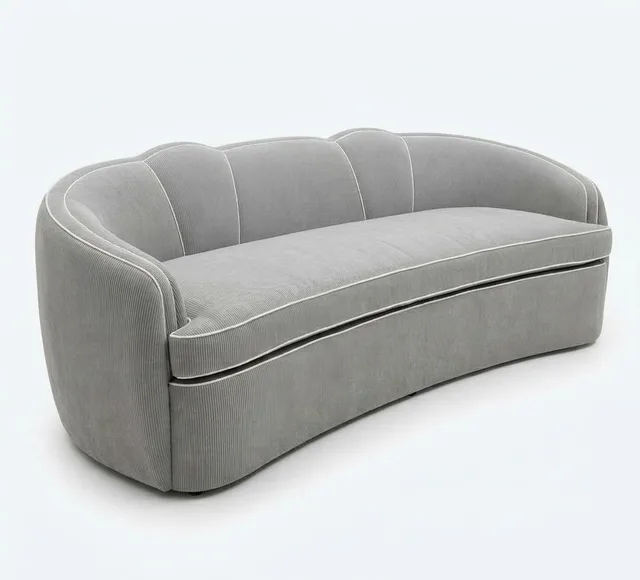
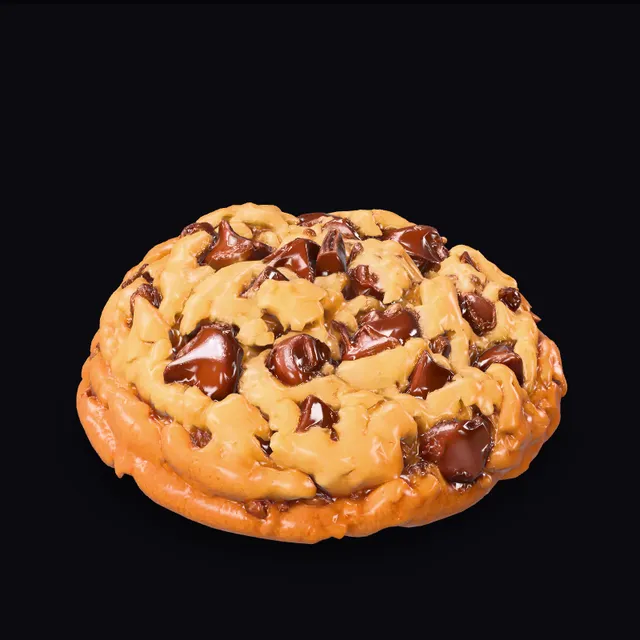
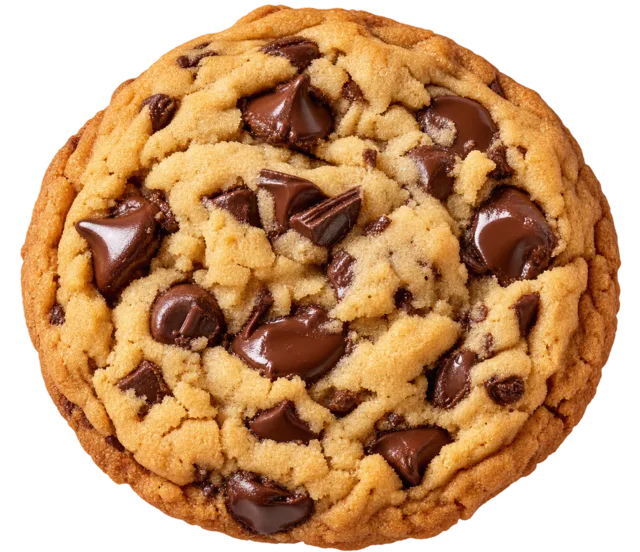
The agent sees one side of your object and has to work out the rest. The more clearly that one side reads, the better the guess about the back.
A good input shows one object, sharp, fully in frame, on a plain background, with soft light. A slight three-quarter angle helps, because it shows depth on two faces at once. File type barely matters: a cut-out PNG, a JPG straight off a phone and a WebP saved from a shop page all go through the same way.
What hurts is clutter. If the picture holds a table of objects, the model tries to make all of them into one shape. Crop to the thing you want first, or tell the agent which object to use.

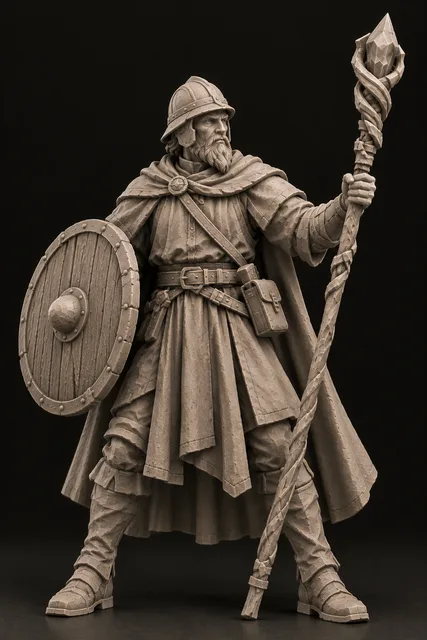
Each model is a complete, textured asset, not a depth map or a flat relief.
The back and sides are generated too, so you can turn the model a full 360 degrees and it holds up.
Every model comes painted with textures taken from your picture. There is no grey, geometry-only mode.
The GLB download is free on every plan, free accounts included, and opens in Blender, game engines and web viewers.
Remeshing to a lower triangle count costs 0 credits, so a heavy model can become a light one for the web or a print.
The same model exports in five formats from the card's Export menu.
| Format | Best for | Colour | Plan |
|---|---|---|---|
| GLB | Web viewers, game engines, Blender, checking the model | Yes | Free on every plan |
| OBJ | Editing in Blender, Maya or other 3D apps (zip with textures) | Yes | Paid |
| USDZ | AR Quick Look on iPhone and iPad | Yes | Paid |
| STL | Any 3D printer and slicer | No | Paid |
| 3MF | Bambu Studio, PrusaSlicer and other modern slicers | No | Paid |
Paid plans start at $19 a month for 400 credits, about 130 models, with the first month at $9. Pro is $29 for 600 credits. See pricing.
A colour model is the right file for a screen. A printer needs something else: a solid shape with no textures and a sensible triangle count. Ask the agent for a print version and it remeshes the model for free, strips the textures and repairs the mesh for printing.
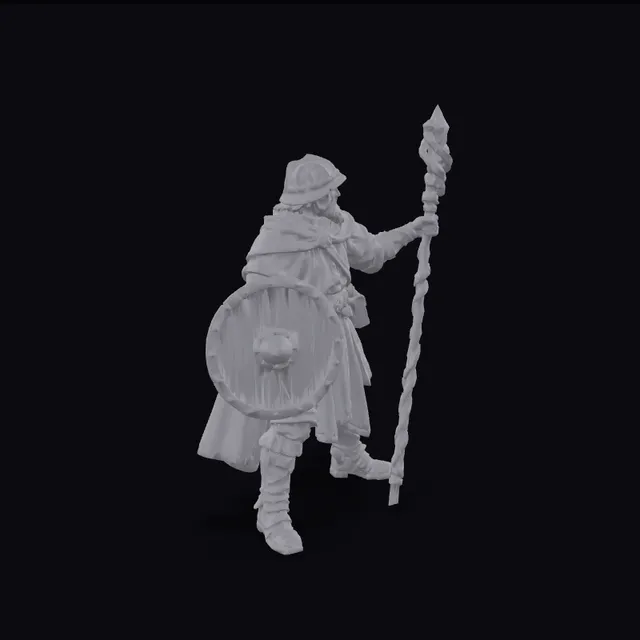
Name a size in the same message, such as "12 cm tall", and the STL comes out at that height, so you don't scale it in the slicer. The clay render shows what a slicer will see. The step-by-step version of this flow is on the image to STL page, and you can inspect any file in the free STL viewer.
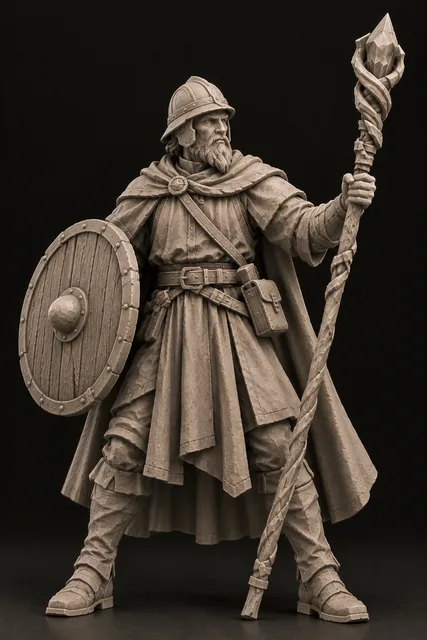
A minute spent on the picture saves a second run.
Do
Avoid
The model is a prediction. From one view, the agent infers the depth of what it sees and invents a plausible back. Symmetric things such as vases, helmets, toys, shoes and furniture come out well, because their hidden side looks like the visible one. A person shot straight from the front can lose likeness on the profile, and an object with a very different back, like a cupboard with an open side, is guessed, not seen.
It is also not CAD. You get a sculpted mesh with no exact dimensions, so a bracket, a replacement knob or a phone case won't fit the real part. Very thin parts such as wires, antennae and loose hair can thicken or merge.
When a result misses, say what is wrong ("the handle is too thick", "use the cat on the left") and run it again for another 3 credits.
The same agent takes other starting points, and they all end in the same textured model.
Describe the object and the agent draws a concept image for 2 credits, then builds the model from the one you pick. See text to 3D.
Pencil sketches, marker drawings and digital line art all work as input. Tips for drawings are on sketch to 3D.
If the goal is a physical object, the AI STL generator page walks through sizes and slicer settings.
Want a small statue of yourself, a relative or a pet? The figurine from photo guide covers the shot, the size and the paint.
Yes, once. A new account gets 3 free credits with no card, which is exactly one textured model, and you can download that model as GLB at no cost. More models need credits from a plan: Starter is $19 a month for 400 credits, about 130 models, and the first month is $9. STL, OBJ, 3MF and USDZ exports also come with a paid plan.
Most textured models are ready in 4–7 minutes. The job runs in the background, so you can close the tab and come back; the result waits on its card in the chat. Follow-up jobs are faster: remeshing a model to a lower triangle count or into a print version takes well under a minute and costs nothing.
PNG, JPG and WebP. That covers phone photos, screenshots, renders, scans of drawings and cut-out product shots with a transparent background. Resolution matters less than clarity: a sharp, well-lit picture of one object at normal phone size gives a better model than a large, cluttered or blurry one. You can upload before you sign in.
Yes. A full-body shot on a plain background works best, with the whole subject in frame and no one else in the picture. The face and front will be closest to the photo; the back and profile are inferred, so likeness drops there. Only use photos of people who agreed to it, and for small prints remember that faces blur below about 8 cm.
Each model is built from one image. You can attach up to four pictures in a chat message, and the agent can use them as references for a new concept image, but the model job itself reads one picture. Pick the clearest view, usually a front three-quarter angle, and describe anything the picture can't show.
Yes. Ask the agent for a print version: it remeshes the model for free, removes the textures and repairs the mesh. Name a size and the STL comes out at that height. STL and 3MF export need a paid plan and open in Bambu Studio, PrusaSlicer, OrcaSlicer, Cura and Lychee.
The picture never showed it, so the agent had to guess. Guesses are good for symmetric objects and weaker for things whose back differs from the front. Try a three-quarter angle that shows more of the shape, or tell the agent what the back looks like and run it again. A failed job is refunded; a finished one you don't like is not.
On a paid plan, yes. Starter and Pro both include a commercial licence for the models you make, so you can sell prints, use them in a game or show them in a store. The licence covers the model, not your input: use pictures you own or have permission to use, and leave other people's characters and brands alone.
Upload one picture and get your first textured model free, with a GLB you keep. More credits start at $9 for the first month.
Upload an image