Use case · Godot
Godot 3D Models From One Photo, in glTF, Godot's Own Format

3 free credits on sign-up — enough for one textured model. No card.
Upload one photo. The Snapshapy agent builds a textured model in 4–7 minutes and gives you a GLB, the format Godot recommends. Copy it into your project and it imports with its material. The first model is free.
- GLB free on every plan
- No plugin, no converter
- Free remesh for web and mobile
- Rigged humanoids with free clips
3 At a glance
- Godot's recommended 3D format
- glTF 2.0
- Remesh to your triangle target
- 0 credits
- Free animations for rigged characters
- 160 clips
- Per textured model on Starter
- ≈ $0.14
How to get Godot 3D models from a photo
Six steps. Godot does most of the work the moment the file lands in your project.
- 1
Generate the model
Upload one photo of one object in the box at the top of this page or the chat at /app. 3 credits, most ready in 4–7 minutes. No photo? Use text to 3D.
- 2
Remesh for your target
Ask for a triangle count with textures kept: 3,000 to 10,000 for web or mobile props, more for desktop close-ups. Free, about 30 seconds.
- 3
Copy the GLB under res://
For example
res://models/props/. Godot imports it as soon as the editor window regains focus. - 4
Check the Import dock
Select the file in the FileSystem dock and open the Import dock. Generate LODs is on by default; change what you need and click Reimport.
- 5
Add collision
Double-click the file to open Advanced Import Settings, select the mesh and add a physics body and collision shape there.
- 6
Instance it in a scene
Drag the file into your scene. To attach scripts or child nodes that survive reimports, make a New Inherited Scene from it first.
3D models for Godot, made from one photo each
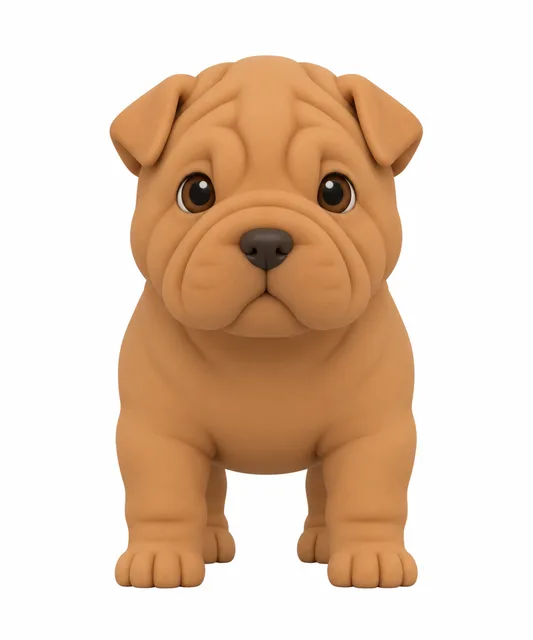
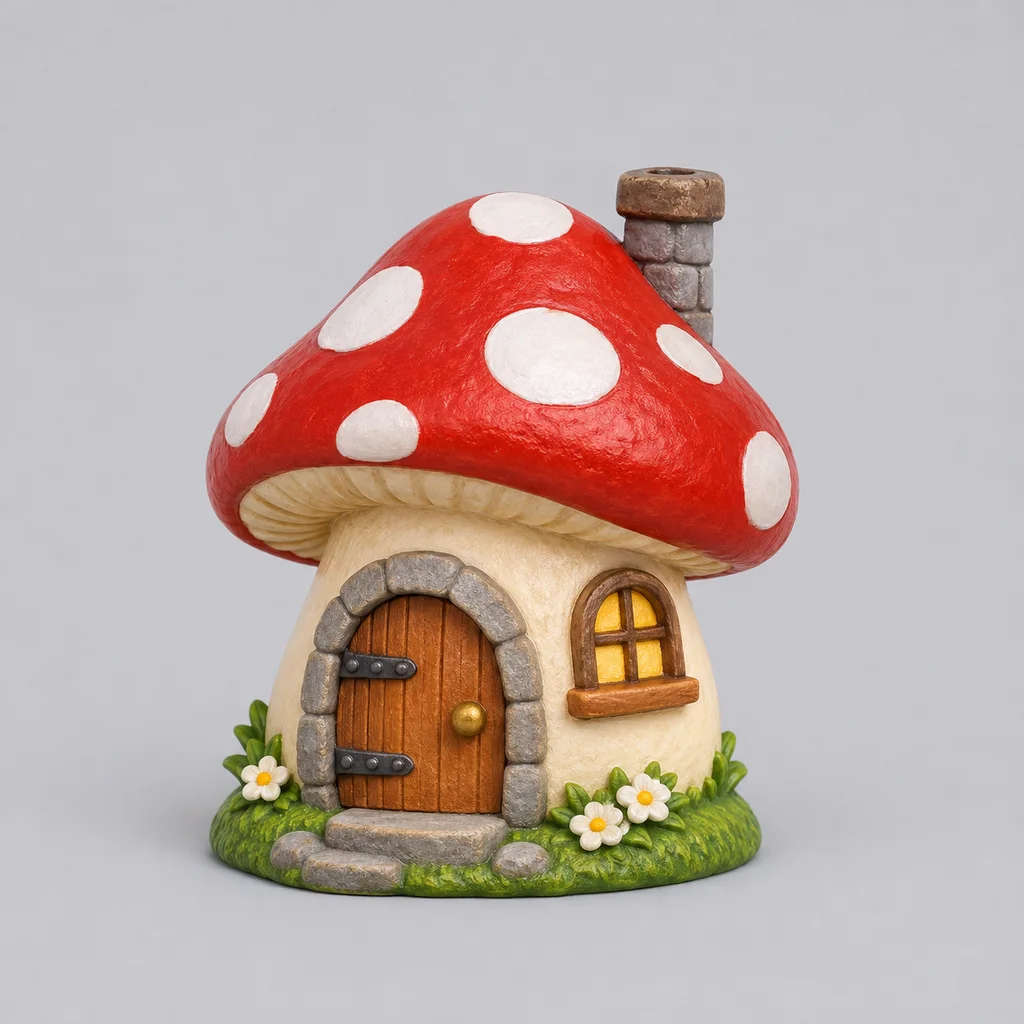
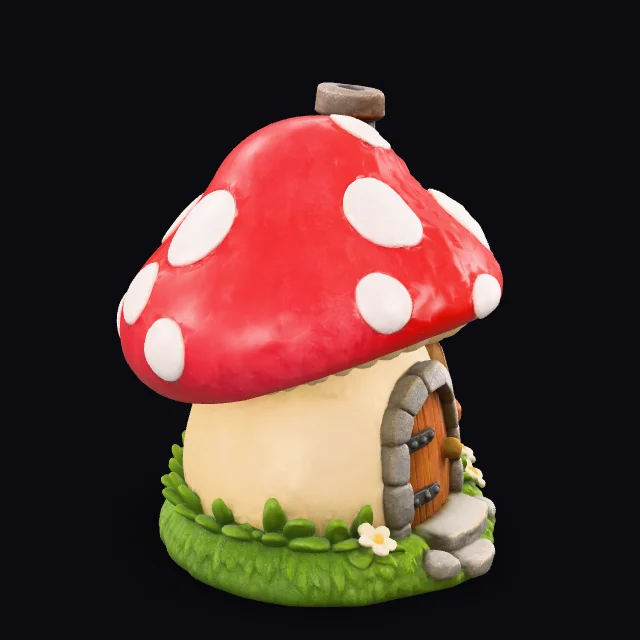
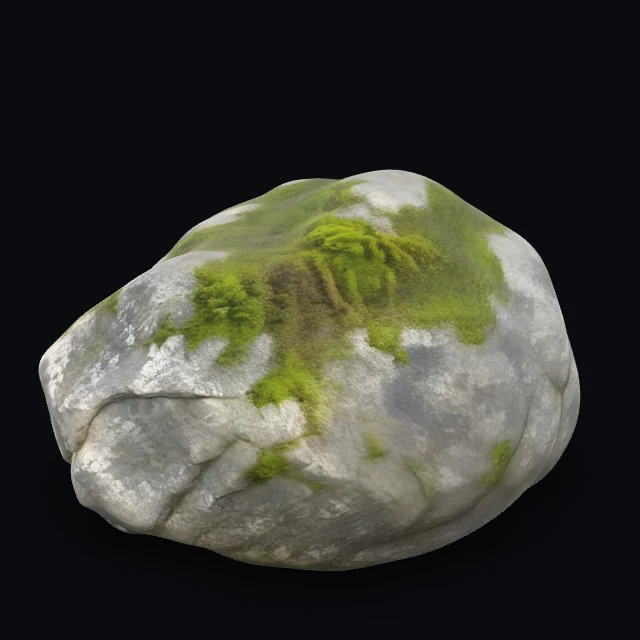
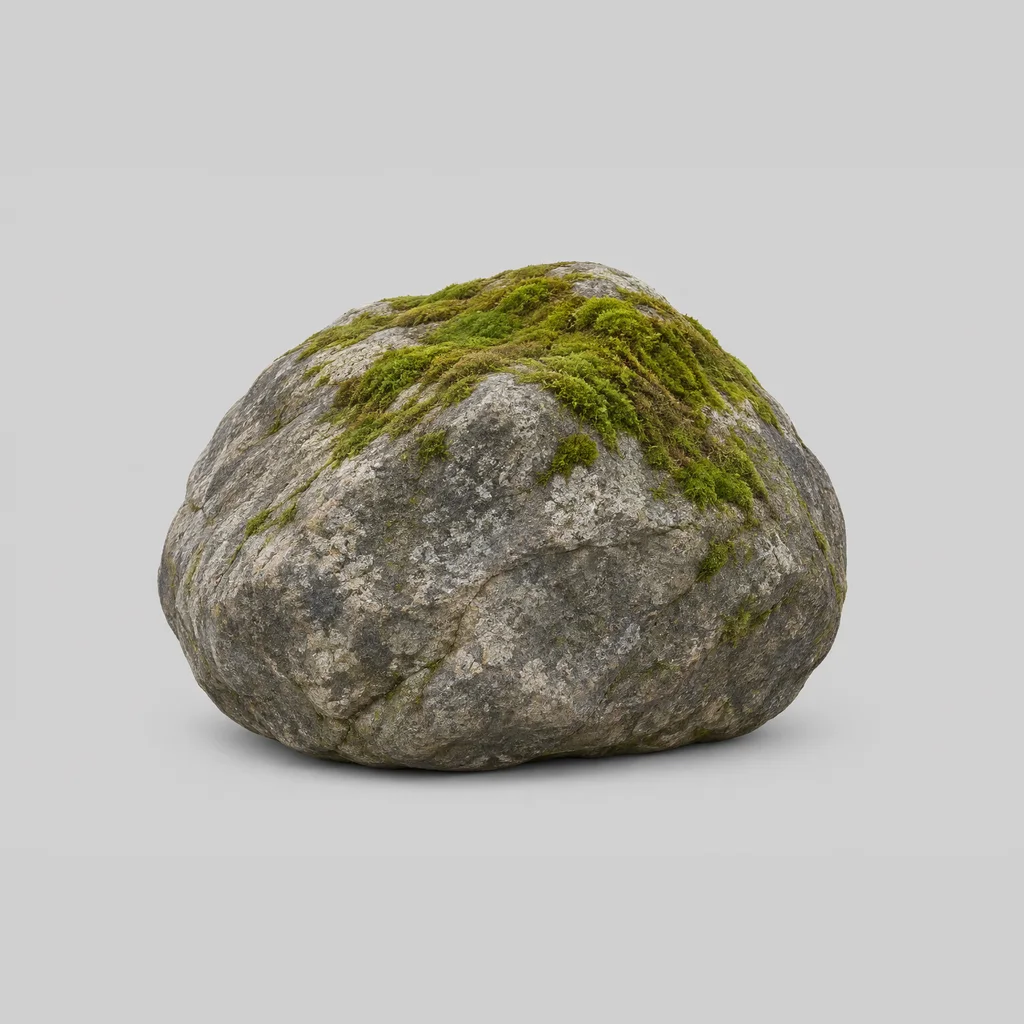
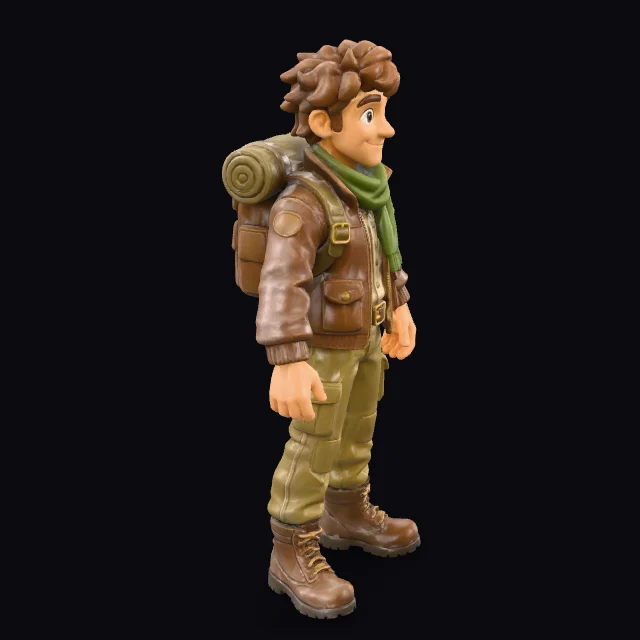
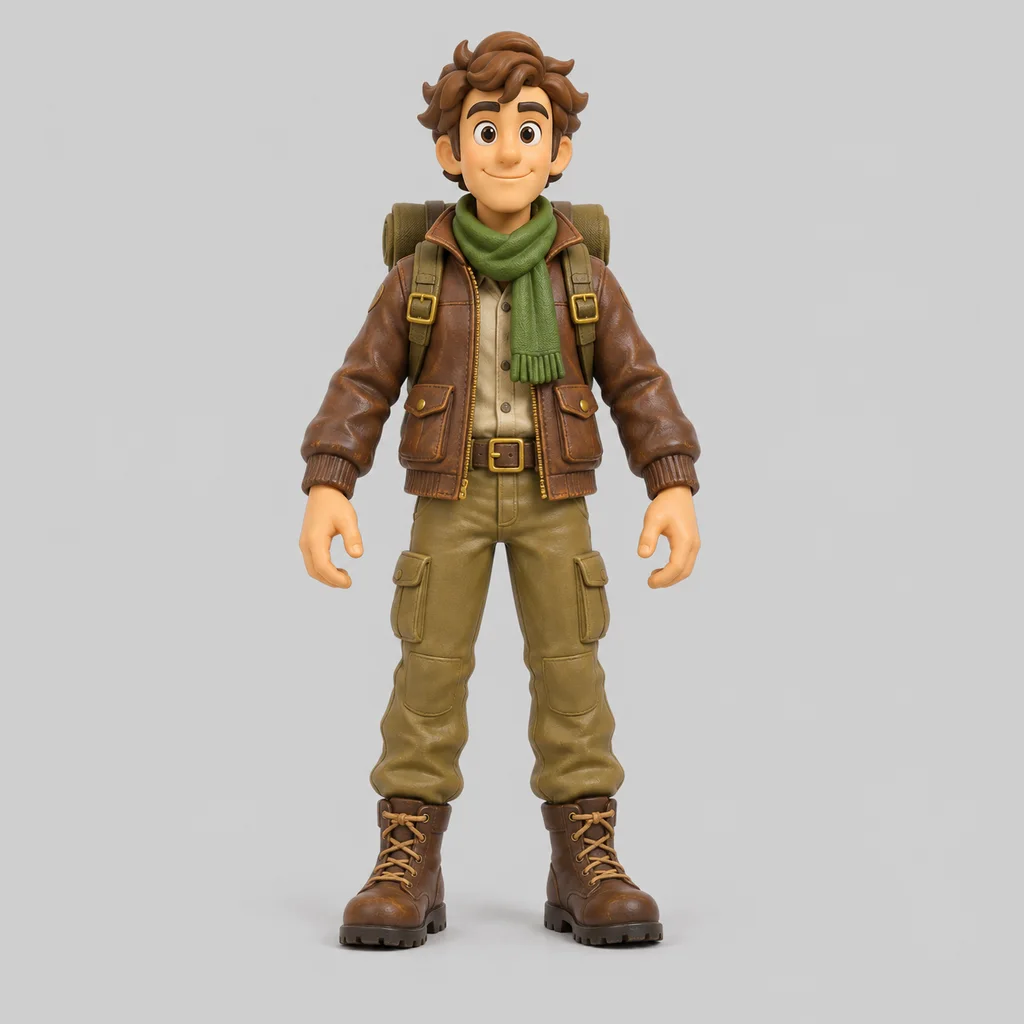
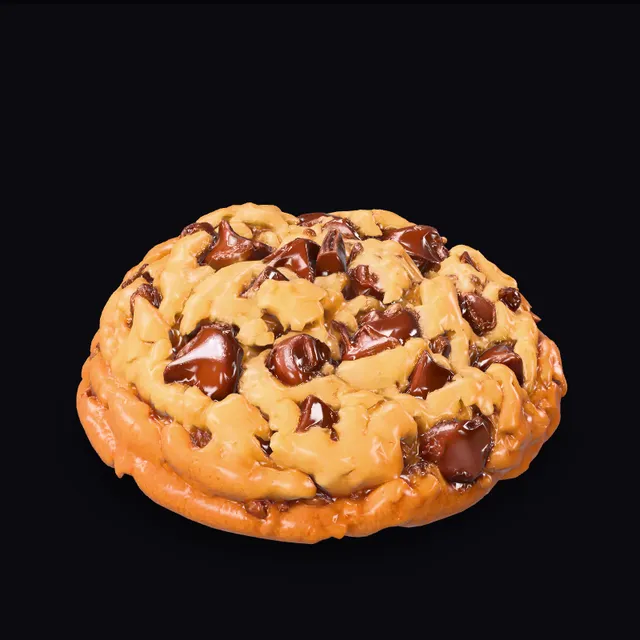
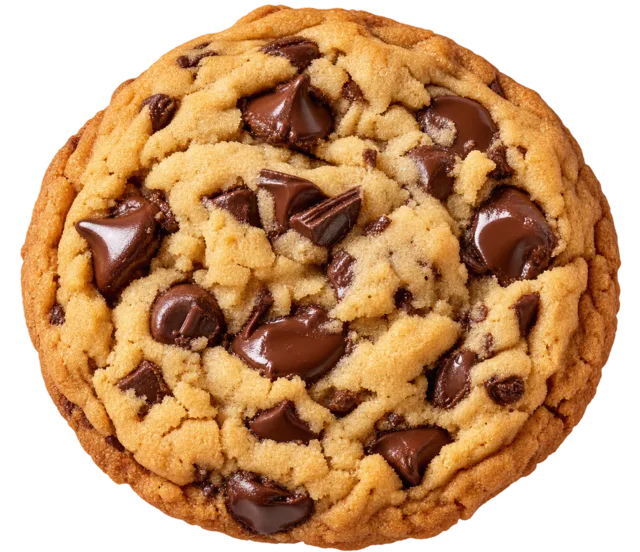
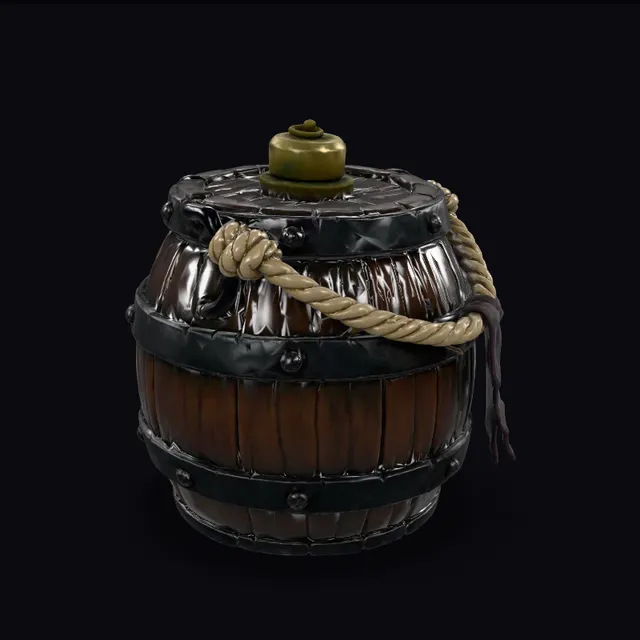
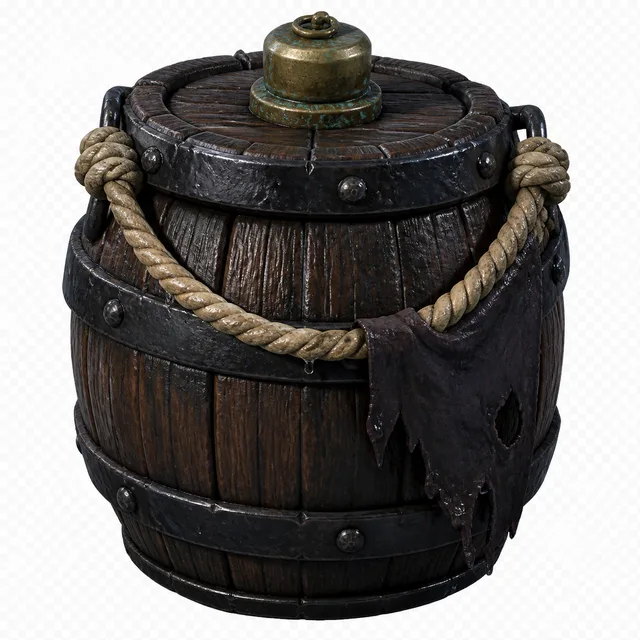
The kind of objects an indie Godot project fills its levels with. Each model came from one picture.
Which file format to use for Godot 3D models
Godot reads several formats, but glTF is the one its own documentation recommends, and it is the one Snapshapy gives you free.
| Format | In Godot | From Snapshapy | Use it when |
|---|---|---|---|
| GLB (glTF 2.0) | Native, recommended | Free on every plan | Almost always: props, scenery, animated characters |
| FBX | Supported in Godot 4.3 and later | With a rigged character | A tool in your chain only speaks FBX |
| OBJ | Supported, mesh and basic material | Paid plans | Static meshes in older pipelines |
Unrigged models are not offered as FBX. Godot prefers the GLB anyway.
Animated characters land in an AnimationPlayer
This is where Godot and glTF shine together. Ask the agent to rig an upright two-legged character for 3 credits, then add any of the 160 free library clips. They are baked into one GLB.
Copy that GLB under res:// and Godot builds the scene for you: a Skeleton3D with the skinned mesh, and an AnimationPlayer holding each clip by name. Play one from a script with play() and the clip's name, or wire them into an AnimationTree for blending.
Rigging works on humanoids only. Four-legged animals, vehicles and props fail and refund their credits. For other rigging routes, see the Mixamo animation guide.
- Rig: 3 credits, humanoids only
- 160 library clips, free, baked into one GLB
- Skeleton3D and AnimationPlayer on import
- A print mesh can't be rigged
Import dock settings worth knowing for Godot 3D models
Defaults are sensible for generated props. These are the ones you are most likely to change.
- Generate LODs
- On by default; keep it for props seen at a distance
- Create Shadow Meshes
- On; cheaper shadows at the same quality
- Light Baking
- Static Lightmaps only for scenery you bake
- Root Type
- Node3D by default; change it if the root needs to be a body
- Advanced Import Settings
- Per-mesh physics, collision shapes and materials
- Import hints
- Name an object with a
-color-convcolsuffix in Blender and Godot builds collision
Do and don't for 3D models for Godot
Most issues are scale, lighting or a lost edit after reimport.
Do
- Compare size with a 1 m box; Godot and glTF both use metres
- Add a WorldEnvironment with a sky before judging colours
- Use a New Inherited Scene for scripts and children
- Remesh copies for web exports and keep the dense master
- Check triangle counts in the free glTF viewer
Avoid
- Edit the imported scene directly; a reimport wipes it
- Use trimesh collision on objects that move
- Ship full-resolution models in a web export
- Try to rig a four-legged animal
- Upload screenshots of other games' assets
What Godot 3D models cost, and the limits
A textured model is 3 credits: about 14 cents on Starter, $19 a month for 400 credits, or about 7 cents in the $9 first month. Pro is $29 for 600 credits. Remeshing and animation clips are free, rigging is 3 credits, and failed jobs refund themselves. New accounts get 3 free credits, no card, and the GLB is free. Paid plans add a commercial licence and OBJ, STL, 3MF and USDZ. See pricing.
The limits: the back of each object is predicted from one view, meshes are triangles rather than clean quads, and there is no Godot plugin or API. For very light targets read the low poly page; if you also ship on another engine, the Unreal Engine page covers the same models there.
Questions about godot 3d models
What 3D format does Godot use?
Godot recommends glTF 2.0, as text (.gltf) or binary (.glb). It also reads .blend files through an installed Blender, OBJ, and FBX from version 4.3 on. GLB is the simplest choice because mesh, materials, textures and animations travel in one file, and it is the format Snapshapy exports free on every plan.
Are these Godot 3D models free?
You can start free. New accounts get 3 credits with no card, which makes one textured model, and the GLB download is free on every plan. Remeshing and animation clips are free too. For more models and a commercial licence you need a plan: Starter is $19 a month for 400 credits, first month $9.
How do I add collision to an imported model?
Double-click the file in the FileSystem dock to open Advanced Import Settings, select the mesh, and add a physics body with a collision shape. Use a simple or convex shape for anything that moves. If the model passes through Blender, a -col or -convcol suffix on the object name builds collision on import.
Do the models come rigged or animated?
Not by default; a fresh model is a static mesh. For an upright two-legged character, ask the agent to rig it for 3 credits and add any of 160 free library clips. Godot then imports the GLB with a Skeleton3D and an AnimationPlayer holding each clip by name.
Why does my model look dark or flat in Godot?
Usually the environment, not the texture. A new scene has little light for a PBR material to work with. Add a WorldEnvironment with a sky and a DirectionalLight3D, then judge the colours again. If the model is the wrong size, scale it against a 1 m box; both Godot and glTF use metres.
Will it work in Godot 3?
Godot 3 also imports glTF 2.0, so the GLB opens there too. The import options and node names on this page are the Godot 4 ones, though, and Godot 4's automatic LODs and shadow meshes make generated props cheaper to render. For a new project, use Godot 4.
Can I use the models in a commercial Godot game?
Yes, on a paid plan. Starter and Pro include a commercial licence for the models you generate, covering games you sell, as long as you have the rights to the photos you upload. Godot itself is MIT-licensed, so the engine adds no restrictions of its own.
Make Godot 3D models from your own photos
Upload one photo, copy the GLB under res://, and it imports with its material. The first model is free.
Upload a photo