A figure of yourself
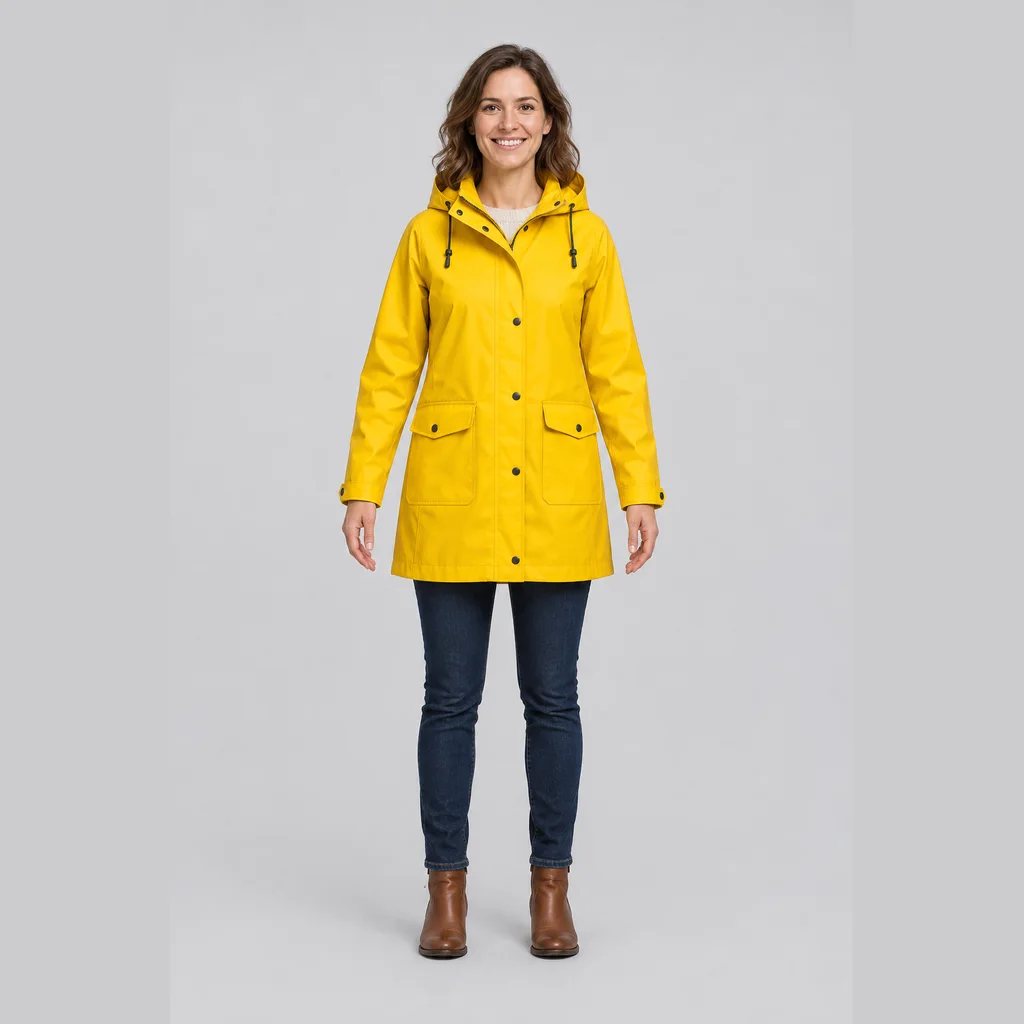
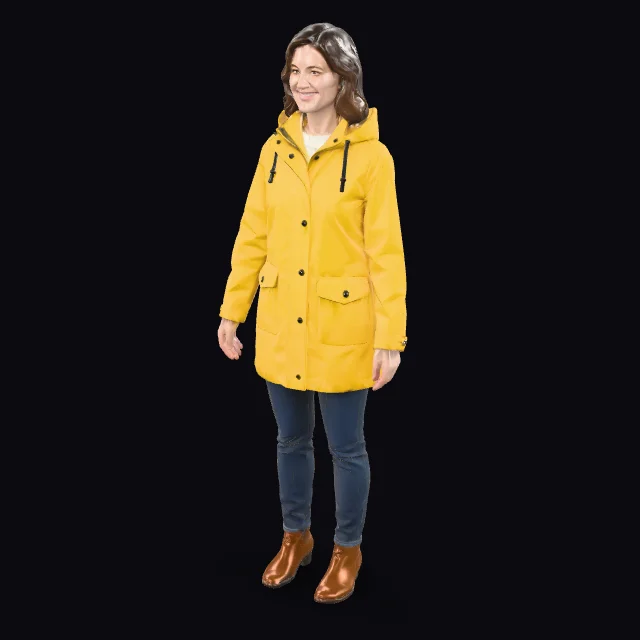
A full-body photo becomes a desk figure, a wedding cake topper or a gift for a grandparent. Stand straight, arms a little away from the body, and keep your feet in frame. Print it 10 to 15 cm tall so the face still reads.
Use case · Figurines

3 free credits on sign-up — enough for one textured model. No card.
Upload one photo of yourself, your pet or your kid's drawing. The Snapshapy agent sculpts a full-colour 3D model in 4–7 minutes, then a print version for your slicer. The first model is free; STL export comes with a paid plan.
3 At a glance
Almost every order falls into one of three jobs. Each one wants a slightly different photo and a different print size.
A full-body photo becomes a desk figure, a wedding cake topper or a gift for a grandparent. Stand straight, arms a little away from the body, and keep your feet in frame. Print it 10 to 15 cm tall so the face still reads.
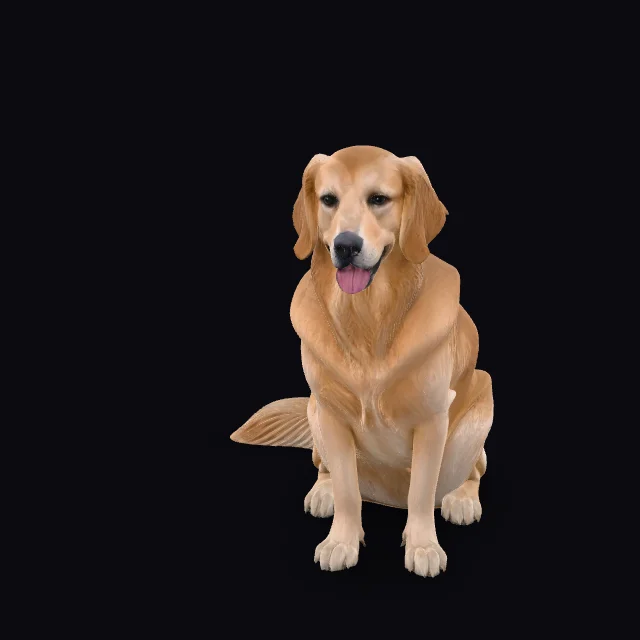
Dogs and cats sitting still on a plain floor give the cleanest models. Fur turns into soft sculpted ridges, which paint well. A sitting pose also gives the print a wide, stable base, so an 8 cm figure needs few or no supports.
A crayon monster or a drawn superhero works too. The agent reads the drawing as a character and invents the back and sides. Thick, chunky shapes print best, which is how most children draw anyway. Expect a toy-like result, not a copy of every line. More on this in sketch to 3D.
Five steps, and you only talk to the agent for the first three. Plan on 10 minutes at the computer and a few hours at the printer.
Use the box at the top of this page or the chat at /app. PNG, JPG or WebP. One subject, plain background, nothing cut off at the edges.
The agent builds a full-colour 3D figure in 4–7 minutes for 3 credits. Spin it round and check the back. If something is off, say what and run it again.
Type "make this printable at 12 cm". The agent remeshes it for free: textures off, triangle count down to what a slicer handles easily.
Download STL or 3MF and open it in Bambu Studio, PrusaSlicer, OrcaSlicer, Cura or Lychee. Check it first in the free STL viewer if you like.
Print upright with tree supports, remove them, sand the marks and prime. Keep the colour model open on screen as your paint guide.
The photo decides more than any setting. A phone camera is plenty; light and framing are what matter.
Do
Avoid
Every model here started as a single image and came out of the same pipeline you use. Load it, turn it round and look at the side the picture never showed.
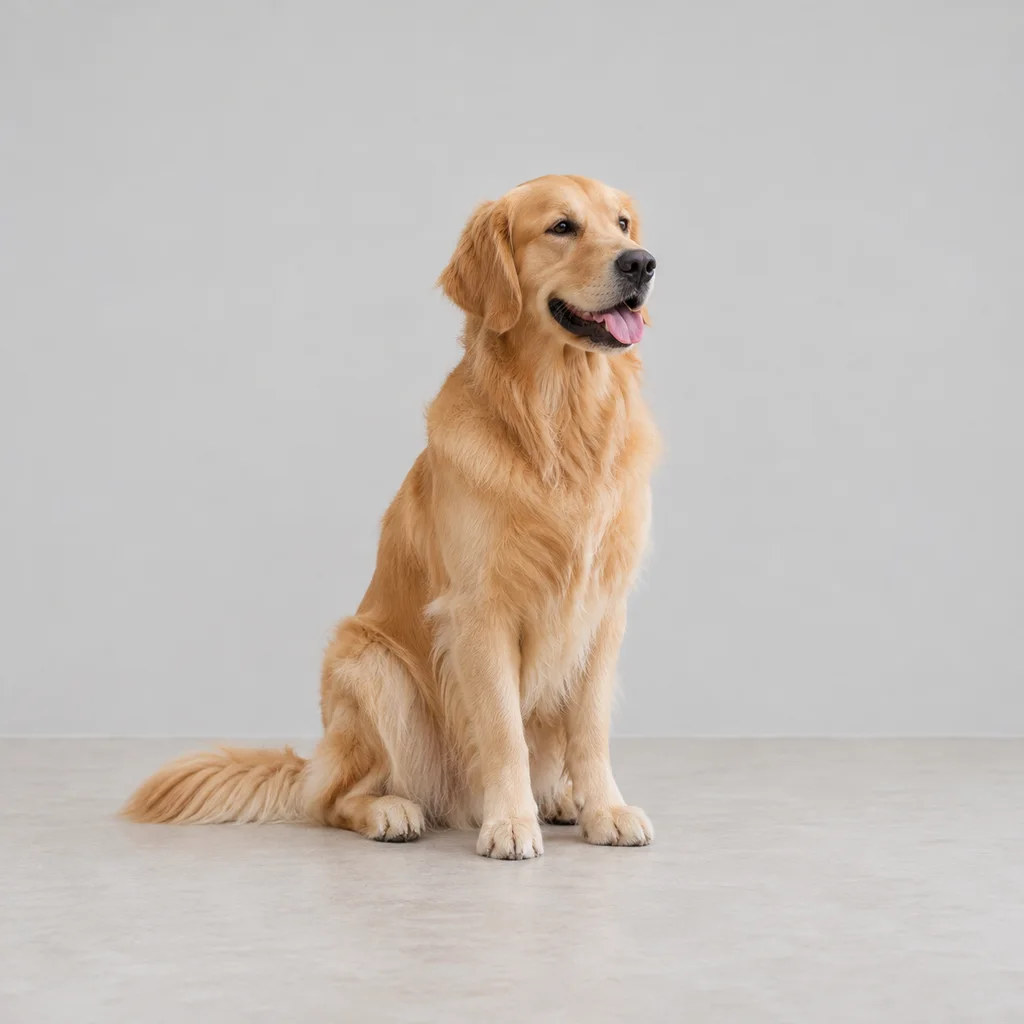
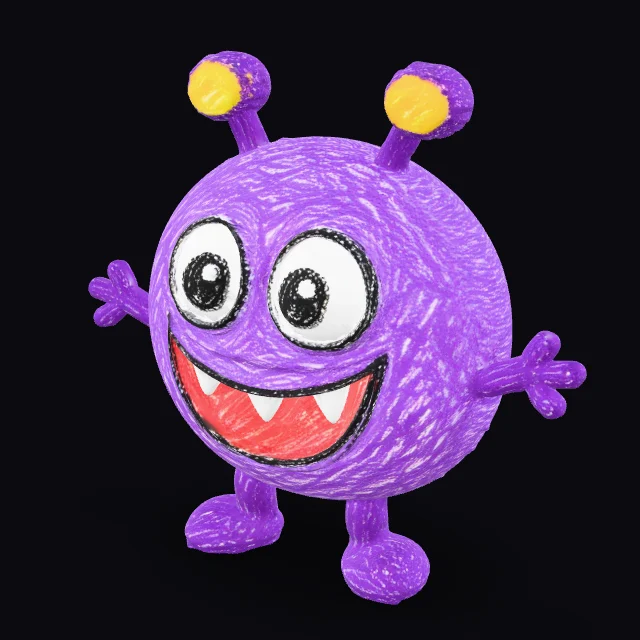
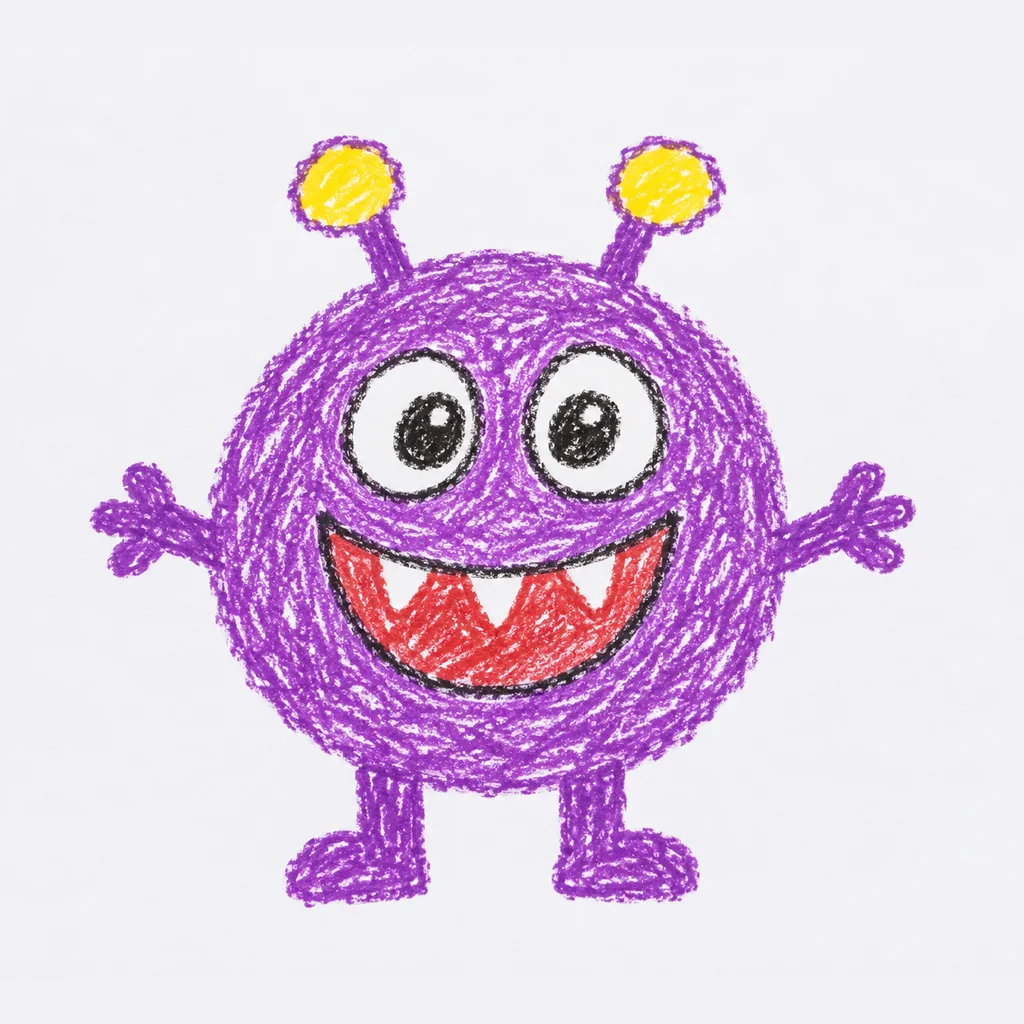

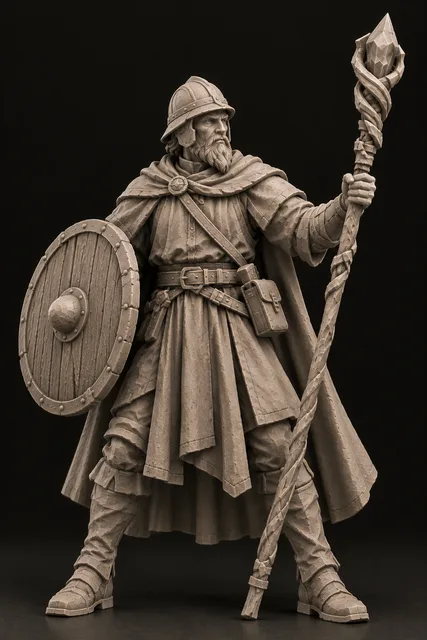
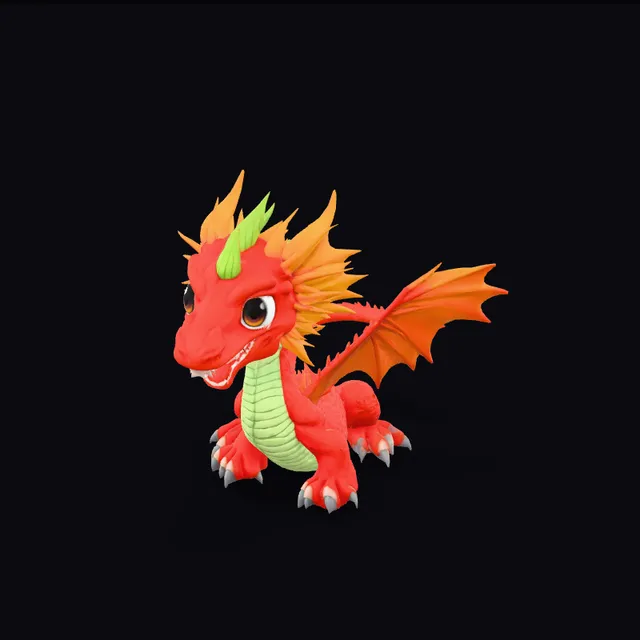
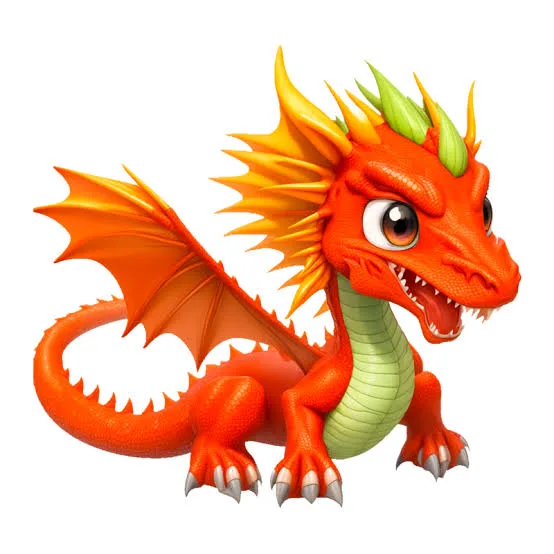
Every figurine starts as a textured model: skin, clothes and fur in full colour. That is what you preview, and you can download it as GLB on any plan, free accounts included.
A home printer can't use those colours. An STL describes only the surface, so the print version is the same shape with the textures stripped and the triangle count cut to what you choose. The clay render here is exactly what your slicer will show.
You keep both files. Print the shape in white or grey filament, then paint it with the colour model open next to you as the reference.
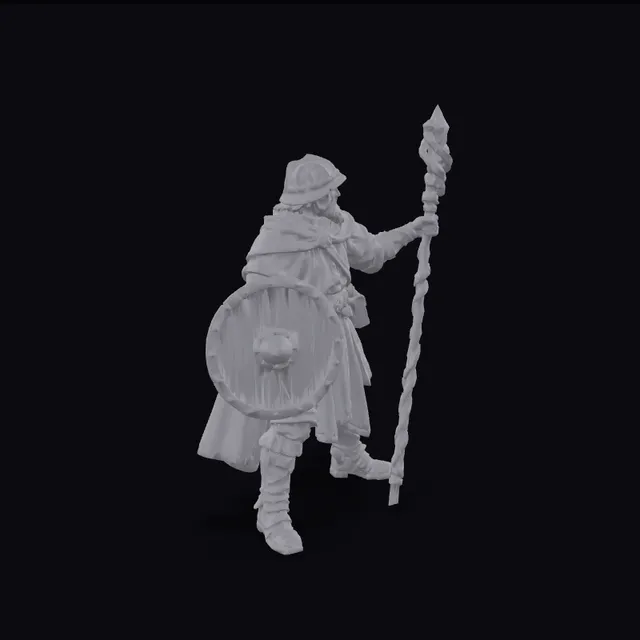
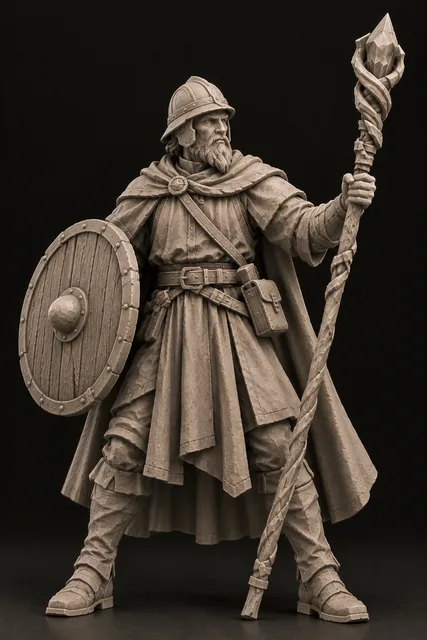
Height drives everything: how much of a face survives, how long the print runs and how much filament it eats. Rough figures for a standing figure at 15% infill.
| Height | Printer | Layer height | Material, roughly | Print time, roughly |
|---|---|---|---|---|
| 5 cm | Resin | 0.05 mm | 5–8 ml resin | 1.5–2.5 h |
| 8 cm | FDM, 0.4 mm nozzle | 0.12 mm | 10–15 g PLA | 2–3 h |
| 12 cm | FDM, 0.4 mm nozzle | 0.12–0.16 mm | 30–45 g PLA | 5–7 h |
| 18 cm | FDM, 0.4 mm nozzle | 0.16–0.2 mm | 100–140 g PLA | 12–16 h |
Your slicer gives the real number once the file is loaded. At $20 for a 1 kg spool, a 12 cm figure uses well under $1 of PLA.
Starting points for a 12 cm figure in PLA on a 0.4 mm nozzle. They work on most current printers; tune from there.
A raw FDM print shows layer lines and support marks. Twenty minutes of work removes most of them.
The colour model is your painting map. Rotate it on screen to match the angle you're working on and copy what you see.
A model costs 3 credits. On Starter ($19 a month for 400 credits, about 130 models) that is roughly 14 cents per figurine, and about 7 cents in the first month, which costs $9. Pro is $29 for 600 credits, about 200 models. Remeshing for print is free, and a failed job refunds its credits on its own.
New accounts get 3 free credits, enough for one textured model, with no card. That model downloads free as GLB, so you can check the likeness before you pay anything. To print it you need STL or 3MF, which come with a paid plan. See pricing for the plan details.
Add 50 cents to a dollar of filament for a 12 cm figure, and a home-printed figurine lands under $2 before paint.
The back of the figure is predicted, not seen. With one front photo, the sides of a face and the back of the hair are the agent's best guess. That is fine for a pet or a toy and usually good for a person, but don't expect a portrait-grade likeness from the side.
Small faces blur. At 5 to 8 cm on an FDM printer, eyes and mouth are a few layers thick, so print a person at 12 cm or more, or use resin.
Thin parts break. Glasses arms, whiskers, a leash or fingers spread apart come out under 1.5 mm at small sizes. Ask the agent to thicken them, or cut them off and add wire later. For tabletop-scale pieces under 5 cm, the miniature generator is the better starting point.
One subject at a time. For a couple, make two figurines and stand them side by side on one base.
You can make the model for free. New accounts get 3 credits with no card, which is one textured figurine, and you can download it as GLB to check it from every side. To 3D print it you need an STL or 3MF file, and those exports come with a paid plan. Starter costs $9 for the first month.
Most models are ready in 4–7 minutes after you upload the photo. Asking for the print version takes another short wait and costs nothing. The print itself is the slow part: about 2 to 3 hours for an 8 cm figure and 5 to 7 hours at 12 cm on a typical FDM printer.
From the front, usually yes, if the photo is sharp and evenly lit. The sides and back are predicted, so likeness drops as you turn the figure. Print at 12 cm or taller so facial features survive, and use a clear, full-body photo with your face toward the camera. If the first try misses, tell the agent what to change.
Yes, pets are among the easiest subjects. Photograph the animal sitting, at its eye level, on a plain floor, with the whole body and tail in frame. Fur comes out as sculpted ridges that paint well. A sitting pose also gives a wide base, so an 8 cm pet figure often prints with few supports.
Not directly. The STL and 3MF exports carry the shape only, so a home printer prints it in one filament colour. The colour model stays available as GLB and OBJ, which you can use as a painting reference. Most people print in white or grey, prime it and paint with acrylics, which also hides layer lines.
Resin gives sharper faces at small sizes: a 5 cm resin figure can show eyes and a mouth clearly. FDM is cheaper, cleaner to handle and fine from about 10 cm up with 0.12 mm layers. If you only own an FDM printer, go bigger rather than smaller and sand and prime before painting.
The agent always makes a textured model first, downloadable as GLB on every plan. Paid plans add STL, OBJ, 3MF and USDZ. For printing, ask for the print version and export STL or 3MF; both open in Bambu Studio, PrusaSlicer, OrcaSlicer, Cura and Lychee. OBJ keeps the colours if you want to edit in Blender.
Paid plans include a commercial licence for the models you generate, so you can print and sell them. Get the customer's permission for their photo, and don't make figurines of people who haven't agreed to it. Each figurine costs about 14 cents in credits on Starter, which leaves room in any price.
Upload one picture of you, your pet or a drawing. The first textured model is free, and the print version costs nothing extra.
Upload your photo