Compare · Tripo AI
A Tripo Alternative You Can Pay For Month by Month
Snapshapy is a Tripo alternative you run by chatting with a 3D agent: send a photo or a description and get a textured model back for 3 credits, most ready in 4–7 minutes. Starter is $9 for the first month, then $19, with no year paid in advance.
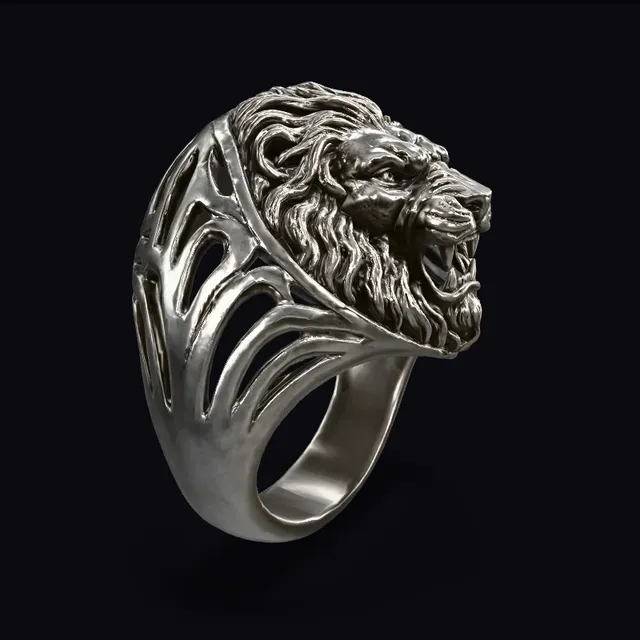
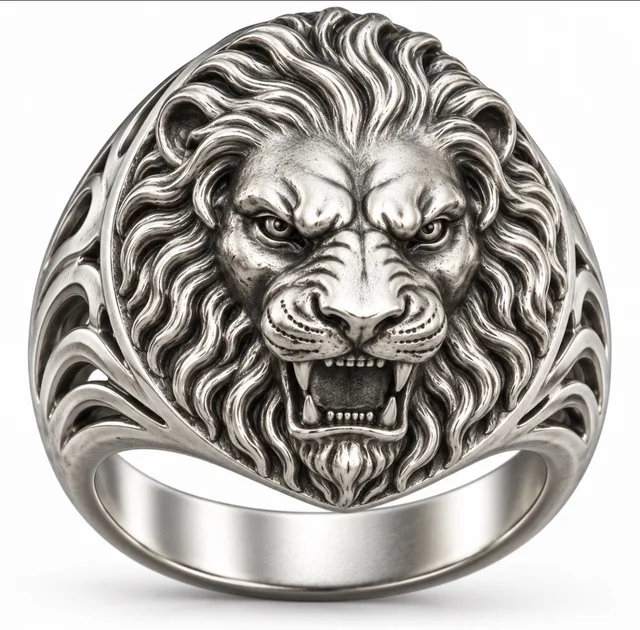 Photo 3D
Snapshapy
Tripo
- $9 first month, billed monthly
- 3 credits per textured model
- Rigging 3 credits, 160 free clips
- Failed jobs refunded
On this page
Tripo vs Snapshapy: the short verdict
If you make a few dozen models a month and don't want to pay for a year up front, Snapshapy is the easier Tripo alternative to start with. Starter costs $9 for the first month, then $19 a month for 400 credits, and every textured model is a flat 3 credits, about $0.14. As of November 2026, Tripo's headline prices are its annual rates, so Pro at $20 a month means $240 paid for the year; month-to-month billing is offered at a higher price. Failed jobs on Snapshapy refund their credits automatically; Tripo lists no such policy. Tripo is cheaper per model if you really use its allowance: Pro's 3,000 monthly credits buy about 200 models, roughly $0.10 each. It also leads on quad topology, an API and DCC bridges.
Pick Snapshapy if you…
- Want to pay $9 for a first month instead of $240 for a year
- Want every model textured at one flat price: 3 credits
- Would rather describe the result in a chat than set every option yourself
- Rig two-legged characters for 3 credits and pick from 160 free animation clips
- Want failed jobs refunded automatically
Pick Tripo if you…
- Need quad meshes or an exact polycount for games and animation
- Need an API, a CLI or bridges for Blender, Maya, Unity or Unreal
- Generate hundreds of models a month and will use the whole allowance
This Tripo alternative in four numbers
- First month of Snapshapy Starter, 400 credits
- $9
- Tripo Pro for a year, billed annually (as of November 2026)
- $240
- Per textured model on Snapshapy Starter (3 of 400 credits)
- $0.14
- Per model on Tripo Pro if you use all 3,000 monthly credits
- $0.10
Tripo pricing vs Snapshapy pricing (as of November 2026)
Both sell credits, so the fair way to price a Tripo alternative is the cost of one finished model. Formula: plan price ÷ models the plan buys. For Tripo we use its own estimate of how many models each plan covers.
| Plan | Price | Credits | Models a month | Cost per model |
|---|---|---|---|---|
| Snapshapy Free | $0 | 3, once | 1 textured | Free (GLB download) |
| Snapshapy Starter | $19/mo ($9 first month) | 400 a month | About 133 | $0.14 |
| Snapshapy Pro | $29/mo | 600 a month | 200 | $0.145 |
| Tripo Free | $0 | 200 a month | About 13 | Free; public, non-commercial, 15 exports |
| Tripo Pro | $20/mo billed annually ($240/yr) | 3,000 a month | About 200 | About $0.10 |
| Tripo Max | $90/mo billed annually ($1,080/yr) | 25,000 a month | About 1,660 | About $0.05 |
| Tripo credit pack | $10 once | 1,000 | Top-up | Not offered |
Tripo also lists a Team plan at $55 per seat per month, billed annually, and month-to-month billing on every paid plan at a higher price than the annual rates shown here, with a 50% off first-month offer for new users.Tripo's per-model rates assume you spend every credit before it resets; Snapshapy's assume the same. Snapshapy plan details are on pricing.
Where Tripo falls short, and why people look for a Tripo alternative
Tripo is a strong generator built for game and animation pipelines. These are the limits that send people looking for a Tripo alternative, based on its public plans as of November 2026.
- The headline price means a year paid up front. Pro's $20 and Max's $90 a month are annual rates, $240 and $1,080 before you know how much you'll use; paying month to month costs more. On Snapshapy the first month is $9.
- Free models aren't yours to sell. The free plan's 200 monthly credits make about 13 models, but those models are public, marked non-commercial and capped at 15 exports.
- Credits reset monthly. A quiet month on an annual plan is a month already paid for.
- No refund policy listed for failed runs. We found none on its public pages. Snapshapy refunds the credits of a failed job automatically.
- More settings, more decisions. Tripo gives you topology modes and polycount sliders. On Snapshapy you tell the agent what you need, for example "make it printable at 10 cm", and it does the remesh for free.
If one of these is your reason for a Tripo alternative, the next sections show what changes.
Feature comparison: Tripo AI or this Tripo alternative?
What each product offers, as of November 2026. "Not listed" means we found no mention of it on Tripo's public plan or feature pages.
| Feature | Snapshapy | Tripo AI |
|---|---|---|
| How you work | Chat with a 3D agent | Workspace with generation settings |
| Billing | Monthly; $9 first month on Starter | Annual rates shown; monthly billing costs more |
| Image to 3D | Yes, always textured | Single image or up to 4 views |
| Text to 3D | Agent draws a concept image (2 credits), then builds it | Yes, direct |
| Topology control | Remesh to a triangle count, free | Quads 500–25,000, triangles 500–50,000 |
| Rigging | Two-legged characters, 3 credits | Humanoids and animals |
| Animation | 160 free clips | Yes |
| Part segmentation | Not offered | AI segmentation |
| Failed jobs | Credits refunded automatically | Not listed |
| Free plan | 3 credits once, one textured model, GLB | 200 credits a month; public, non-commercial, 15 exports |
| Export formats | GLB free; STL, OBJ, 3MF, USDZ on paid plans | GLB, FBX, OBJ, STL, USD, 3MF |
| Licence | Commercial licence on every paid plan | Commercial use on paid plans |
| API and plugins | Not offered | API, CLI and DCC bridges |
Tripo facts as of November 2026. Snapshapy has no FBX export; it exports GLB, STL, OBJ, 3MF and USDZ.
Which is cheaper: Tripo or a Tripo alternative?
It depends on how many models you make. Take a steady 20 textured models a month. On Snapshapy that is 60 credits a month, well inside Starter's 400, so the first year costs $218 ($9, then 11 × $19), about $0.91 a model. On Tripo Pro the year is $240, about $1.00 a model, and you pay it on day one.
Now take someone who generates all day. Tripo Pro covers about 200 models a month, so at full use it works out to about $0.10 a model, and Max to about $0.05. Snapshapy Starter at full use is $0.14, Pro $0.145. At that volume Tripo is cheaper per model, and we say so plainly.
The difference is commitment. With Snapshapy you can try one textured model free, pay $9 for a month, and stop if it isn't right. That makes it the lower-risk Tripo alternative for anyone who isn't sure yet how much they'll use. See what each plan includes on pricing.
When Tripo is the better pick
We'd rather you choose the right tool than switch to a Tripo alternative and regret it. Tripo is the better fit if one of these describes you:
- You need clean topology. Native quad meshes with a set face budget, and part segmentation, suit rigging, subdivision and game engines better than a remeshed triangle mesh.
- You build a pipeline. Tripo offers an API, a CLI and bridges for Blender, Maya, Unity and Unreal, plus FBX and USD export. Snapshapy has none of these.
- You use the whole allowance. At about 200 models a month, Pro is roughly $0.10 a model, below our $0.14.
When Snapshapy is the better Tripo alternative
Pick Snapshapy when you want a finished, textured model without learning a set of generation settings. Upload a photo or describe the object, and the agent returns a textured model for 3 credits, most ready in 4–7 minutes. Every model is textured; there is no geometry-only mode to choose between.
Ask it to rig a two-legged character and it does, for 3 credits, then applies any of 160 free animation clips. Ask for a print file and it remeshes the model for free: textures come off and the triangle count drops to what you set, ready for Bambu Studio, PrusaSlicer, OrcaSlicer, Cura or Lychee. Start from a photo on image to 3D or image to STL.
- $9 first month, then $19, billed monthly
- 3 credits per textured model, about $0.14
- Rigging 3 credits, 160 free clips
- Free remesh for printing

Models made with this Tripo alternative
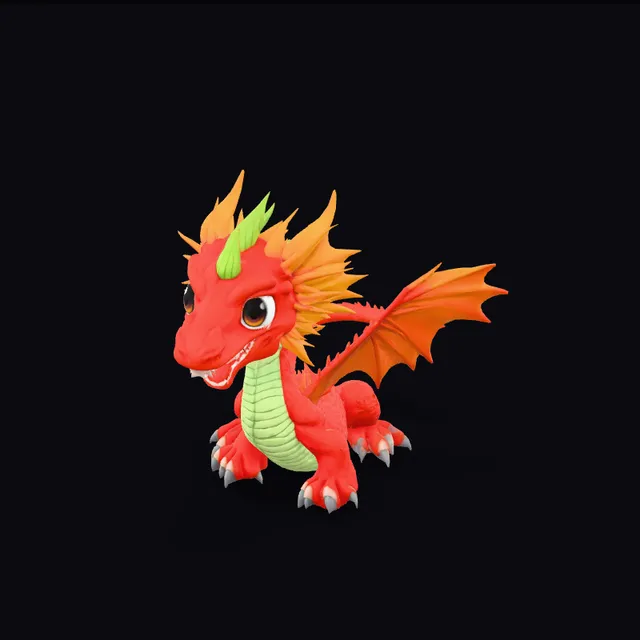
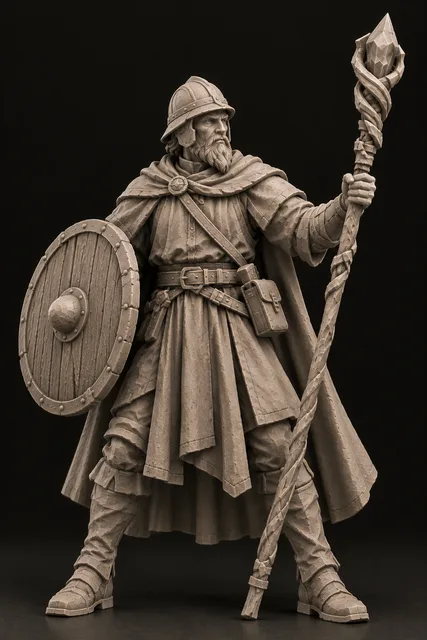
Each one started as a single image and came back textured. Load the 3D file and turn it around. More are on the Snapshapy home page.


How to test a Tripo alternative fairly
You don't need to cancel anything to compare. Run the same picture through both and judge the files, not the marketing.
Keep your source images
Snapshapy builds from a picture or a description, not from a Tripo model, so the original image is what you carry over.
Run the same image through the Tripo alternative
A new account gets 3 credits with no card, enough for one textured model. Upload the picture at /app and time it yourself.
Check both files the same way
Open each GLB or STL in our free STL viewer, compare triangle counts and file sizes, and look at the back of each model.
Upgrade only if ours wins
Starter is $9 for the first month, then $19, and unlocks STL, OBJ, 3MF and USDZ export plus a commercial licence.
Frequently asked questions
What is the best Tripo alternative?
It depends on how you work. If you want textured models at a flat 3 credits each, about $0.14 on Starter, with monthly billing and $9 for the first month, Snapshapy is a good fit. If you need quad topology, an API or DCC bridges, or you'll use hundreds of models a month, Tripo itself is the better tool.
Is there a free Tripo alternative?
Snapshapy gives every new account 3 free credits with no card, which is one textured model you can download as GLB. That is a trial, not a recurring plan. Tripo's free plan is bigger, 200 credits a month for about 13 models, but as of November 2026 those models are public, non-commercial and capped at 15 exports.
How much does Tripo cost compared with Snapshapy?
As of November 2026, Tripo Pro is $20 a month billed annually, $240 for the year, for 3,000 credits a month. Snapshapy Starter is $19 a month, $9 for the first month, for 400 credits. Per model at full use Tripo Pro is about $0.10 and Snapshapy about $0.14; for 20 models a month the first year costs $240 against $218.
Is Tripo faster than Snapshapy?
Tripo advertises fast base models, and its high-detail mode takes longer. Most Snapshapy models are ready in 4–7 minutes, and every one comes back textured. We haven't run a timed test of the two, so put the same picture through both and time it yourself before deciding which is fast enough for you.
Can Snapshapy rig and animate like Tripo?
For two-legged characters, yes. Rigging on Snapshapy costs 3 credits, and the agent can then apply any of 160 free animation clips. Tripo rigs both humanoids and animals and exports FBX, which Snapshapy doesn't. If your characters are four-legged or your pipeline needs FBX, Tripo is the better fit for rigging.
Can I sell models made on the free plans?
On Tripo's free plan, as of November 2026, models are public and marked non-commercial, so you can't sell them; paid plans allow commercial use. On Snapshapy every paid plan includes a commercial licence for the models you make. On both, your rights also depend on the input image, so only upload pictures you own or may use.
Does Snapshapy make quad meshes like Tripo?
No. Snapshapy outputs textured triangle meshes, and the agent can remesh any model to a triangle count you choose, free. If you need native quads for subdivision or animation, Tripo is the better tool. For 3D printing quads make no difference, because slicers turn every mesh into triangles anyway.
Can I bring my Tripo models into Snapshapy?
Snapshapy generates from pictures and descriptions, so you re-run the source image rather than import a Tripo model. Your existing Tripo GLB, OBJ or STL files still open in our free browser viewer with no account, so you can put old and new results side by side before you decide which tool to keep paying for.
Try this Tripo alternative on your own image
3 free credits, no card: enough for one textured model, most ready in 4–7 minutes. Compare it with what you get on Tripo.