Compare · Meshy
A Meshy Alternative That Costs Less per Model
Snapshapy is a Meshy alternative built as a 3D agent you chat with: one photo or description in, a textured model out for 3 credits (most are ready in 4–7 minutes), about $0.14 on Starter. Below are the numbers, our own side-by-side test, and where Meshy wins.
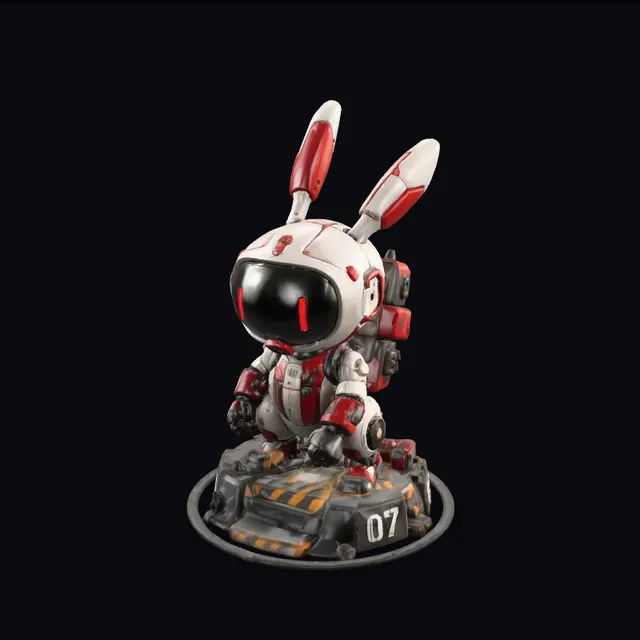
 Photo 3D
Snapshapy
Meshy
- 3 credits per textured model
- Rigging 3 credits, 160 free clips
- Remesh for print: free
- Failed jobs refunded
On this page
Meshy vs Snapshapy: the short verdict
If you pay per finished model, Snapshapy is the cheaper Meshy alternative by a wide margin. A textured model costs 3 credits, which is $0.14 on Starter ($19 for 400 credits). In our own test, the same textured model on Meshy's default settings cost 30 credits, or $0.60 on Meshy Pro ($20 for 1,000 credits). Taking one character from four concepts to a rigged, waving model and a print file used 14 credits ($0.67) on Snapshapy and 76 credits ($1.52) on Meshy. Meshy still wins on a few things: a far bigger free tier, faster generation in our test, an API, and more plans for heavy volume. Meshy prices as of November 2026.
Pick Snapshapy if you…
- Want each textured model to cost 3 credits, not 30
- Rig two-legged characters without placing bone markers by hand
- Need a light, print-ready STL without paying extra for a repair step
- Would rather describe what you want in a chat than click through approvals
- Want failed jobs refunded automatically
Pick Meshy if you…
- Want a recurring free plan with 100 credits a month
- Need an API, plugins, or FBX and BLEND export
- Generate at heavy volume and want the Premium or Ultra tiers
The Meshy alternative in four numbers
- Per textured model on Snapshapy Starter (3 of 400 credits)
- $0.14
- Per textured model on Meshy Pro in our test (30 of 1,000 credits)
- $0.60
- Credits for the same character, concept to print, in our test
- 14 vs 76
- Bone markers placed by hand to rig it
- 0 vs 13
Meshy pricing vs Snapshapy pricing (as of November 2026)
Both products sell monthly credits, so when you price a Meshy alternative the honest comparison is what one finished model costs. Formula: plan price ÷ (plan credits ÷ credits per model). For Meshy we use the 30 credits a textured model cost in our test with its default settings.
| Plan | Price | Credits a month | Models a month | Cost per textured model |
|---|---|---|---|---|
| Snapshapy Free | $0 | 3, once | 1 | Free (GLB download) |
| Snapshapy Starter | $19 ($9 first month) | 400 | About 133 | $0.14 |
| Snapshapy Pro | $29 | 600 | 200 | $0.145 |
| Meshy Free | $0 | 100 | Up to 10 Lite downloads | Free (CC BY 4.0) |
| Meshy Pro | $20 ($10 first month) | 1,000 | About 33 | $0.60 |
| Meshy Premium | $40 ($20 first month) | 3,000 | 100 | $0.40 |
| Meshy Ultra | $100 ($50 first month) | 8,000 | About 267 | $0.375 |
Meshy advertises up to 100 assets a month on Pro, which assumes 10 credits an asset, or $0.20 each. A textured model with Meshy's default settings cost 30 credits in our test, which matches Meshy's published credit table for its default model. That table also lists lighter models (Meshy 6 Lite, T2) at 15 credits for a textured result: $0.30 on Pro, $0.20 on Premium and about $0.19 on Ultra, still above $0.14 on Snapshapy Starter. Meshy's monthly credits reset and don't roll over. Snapshapy prices are on pricing.
Meshy vs Snapshapy: our same-prompt test
To see whether Snapshapy holds up as a Meshy alternative, we sent the same four messages to both 3D agents: draw four concept images of a chibi fox adventurer, turn one into a textured model, rig it and make it wave, then prepare a 10 cm print. Meshy ran on 2 November 2026 and Snapshapy on 4 November 2026. Each ran once.
| Measured | Snapshapy | Meshy |
|---|---|---|
| Credits, whole task | 14 | 76 |
| Cost at list price | $0.67 (Starter) | $1.52 (Pro) |
| Characters a month at about $20 | 28 | 13 |
| Four concept images | 8 credits (2 each) | 36 credits (9 each) |
| Textured 3D model | 3 credits | 30 credits |
| Rig and animate | 3 credits | 0 credits |
| Prepare for print | 0 credits | 10 credits |
| Approval clicks along the way | 0 | 5, plus 2 choice cards |
| Bone markers placed by hand | 0 | 13 (5 dragged) |
| Triangles in the rigged model | 100,000 | 10,182 |
| Downloaded print STL | 7.5 MB, 149,740 triangles | 190.3 MB, 3,805,512 triangles |
| STL non-manifold edges | 0 (watertight) | 30 |
| Time to build the 3D model | 536 s | 234 s |
| Job time, whole task | 691 s | 623 s |
Dollar figures use list monthly prices: Snapshapy Starter $19 for 400 credits, Meshy Pro $20 for 1,000. Meshy's server-side repaired GLB checked watertight; the STL its download dialog produced did not.
Where Meshy falls short, and why people look for a Meshy alternative
Meshy is a capable suite. These are the limits that showed up in our test and in its plan terms as of November 2026.
- Credits go fast. A textured model on the default settings cost 30 credits and each concept image 9, so Pro's 1,000 credits covered about 13 full characters in our test. On Snapshapy the same task used 14 credits.
- Rigging fights its own output. The first rig failed: the 3.8-million-polygon model was over Meshy's 300,000-face rigging limit. It then suggested reducing to about 10,000 triangles, and the rigging wizard still asked for 13 bone markers placed by hand.
- Print files are heavy. The print repair step cost 10 credits, and the STL we downloaded was 190.3 MB with 30 non-manifold edges.
- The free plan is for trying, not keeping. Downloads are capped at 10 Meshy 6 Lite models a month, and free outputs are CC BY 4.0, so anything you share or sell needs attribution.
- Approvals by default. Its agent asked for 5 approval clicks across four messages.
If any of these is your reason for wanting a Meshy alternative, the sections below show what changes.
Feature comparison: Meshy alternative or the original?
What the original and this Meshy alternative each offer, as of November 2026. "Not listed" means we found no mention of it on that product's plans or feature pages.
| Feature | Snapshapy | Meshy |
|---|---|---|
| How you work | Chat with a 3D agent | Workspace tools plus a 3D agent |
| Image to 3D | Yes, always textured | Yes |
| Text to 3D | Agent draws a concept image (2 credits), then builds it | Yes, direct |
| Rigging | Two-legged characters, 3 credits, no markers | Auto-rig with a marker wizard |
| Animation | 160 free clips | Over 500 motions on paid plans |
| Remesh to a triangle count | Free | Yes |
| Print preparation | Free remesh, textures removed | Repair step, 10 credits in our test |
| Failed jobs | Credits refunded automatically | Free retries on paid plans |
| Free plan | 3 credits once, one model, GLB | 100 credits a month, 10 Lite downloads, CC BY 4.0 |
| Export formats | GLB free; STL, OBJ, 3MF, USDZ on paid plans | FBX, OBJ, GLB, USDZ, STL, BLEND, 3MF |
| Licence | Commercial licence on every paid plan | Private on paid plans; CC BY 4.0 on free |
| API and plugins | Not offered | API, Blender, Unity and Bambu Studio plugins |
| Plans | Starter $19, Pro $29 | Free, Pro $20, Premium $40, Ultra $100 |
Meshy facts as of November 2026.
What a year of each costs
Take a steady year of 20 textured models a month. On Snapshapy that is 60 credits a month, well inside Starter's 400, so the year costs $218 ($9 for the first month, then 11 × $19). That works out to about $0.91 a model with 340 credits a month left for concepts, rigging or more models.
On Meshy, 20 textured models at the 30 credits we measured is 600 credits a month, which fits Pro's 1,000. The year costs $230 ($10, then 11 × $20), about $0.96 a model, with room for roughly 13 more models a month.
So at light volume the two plans cost about the same, and the gap is in how far the credits stretch. Starter covers about 133 textured models a month; Meshy Pro about 33 at our measured rate. If you use every credit, Snapshapy is $0.14 a model against $0.60, which makes it the cheaper Meshy alternative for anyone who generates often. See pricing for what each Snapshapy plan includes.
When Meshy is the better pick
We would rather you pick the right tool than switch to a Meshy alternative and regret it. Meshy is the better fit if one of these describes you:
- You want a recurring free plan. Meshy refills 100 credits every month; our 3 free credits are a one-time trial.
- You need speed or a pipeline. In our test Meshy built the 3D model in 234 s against our 536 s, its static high-poly fur was more finely sculpted, and it offers an API, plugins and FBX or BLEND export.
- You generate at very high volume. Premium and Ultra give you up to 8,000 credits a month; Snapshapy tops out at Pro.
When Snapshapy is the better Meshy alternative
Pick Snapshapy when you want each model to cost little and come back ready to use. You upload a photo or describe the object, and the agent returns a textured model for 3 credits, usually in 4–7 minutes. Ask it to rig a two-legged character and it does, for 3 credits, with no markers to place, and it can apply any of 160 free animation clips.
For printing, the agent remeshes the model for free: textures come off and the triangle count drops to what you set. In our test that gave a 7.5 MB watertight STL, ready for Bambu Studio, PrusaSlicer, OrcaSlicer, Cura or Lychee. Start from a photo on image to STL, or open the agent at /app.
- 3 credits per textured model, about $0.14
- Rigging 3 credits, 160 free animation clips
- Free remesh for printing
- Failed jobs refunded automatically

Models made with this Meshy alternative
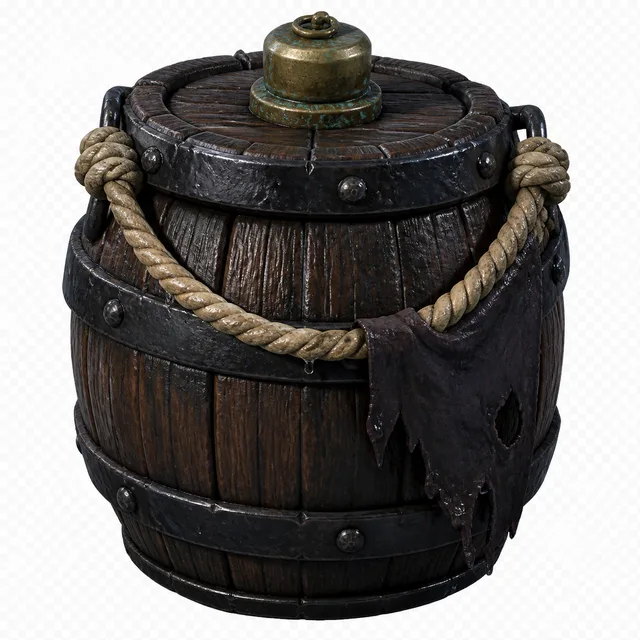
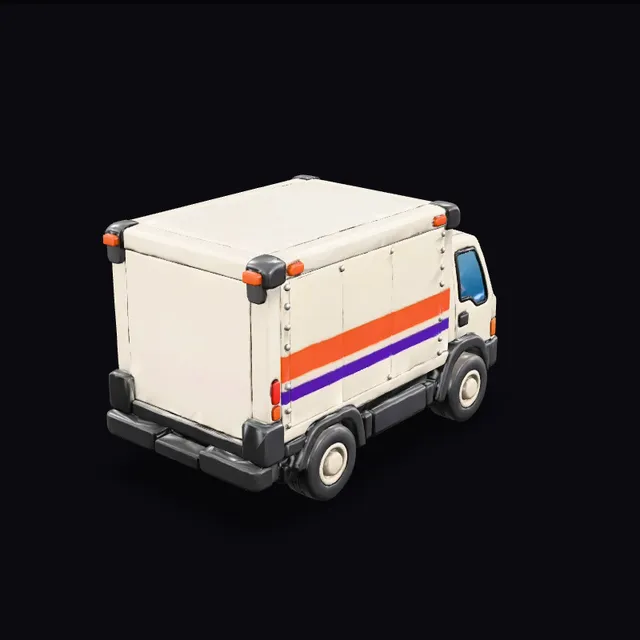
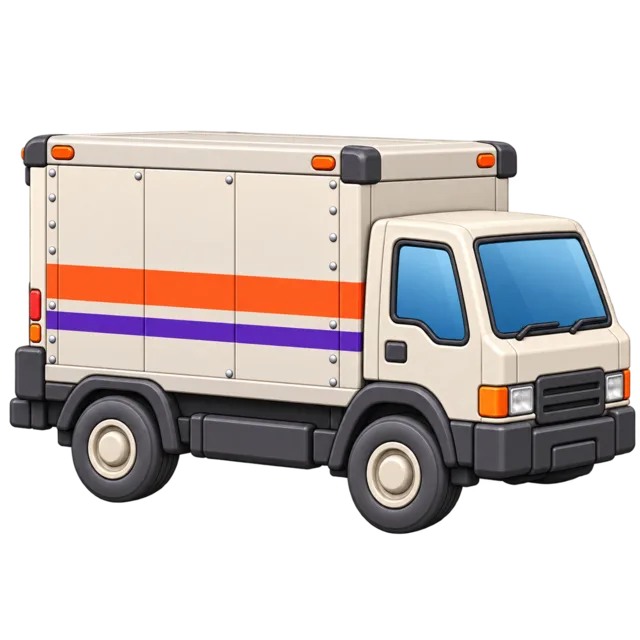
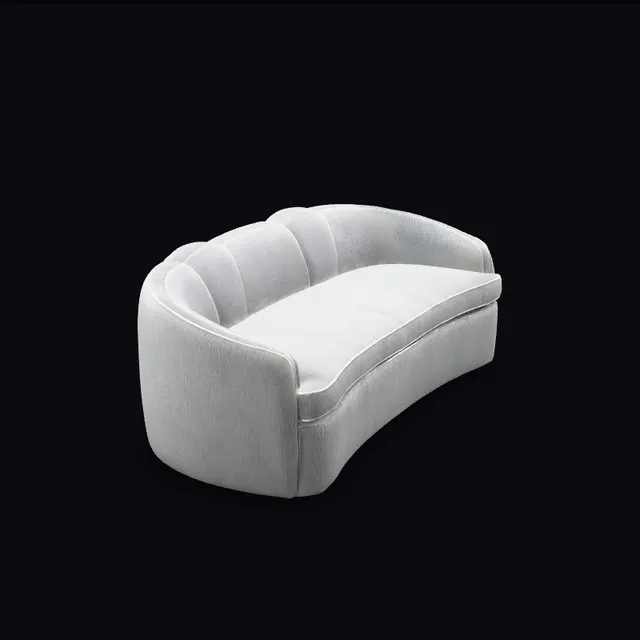
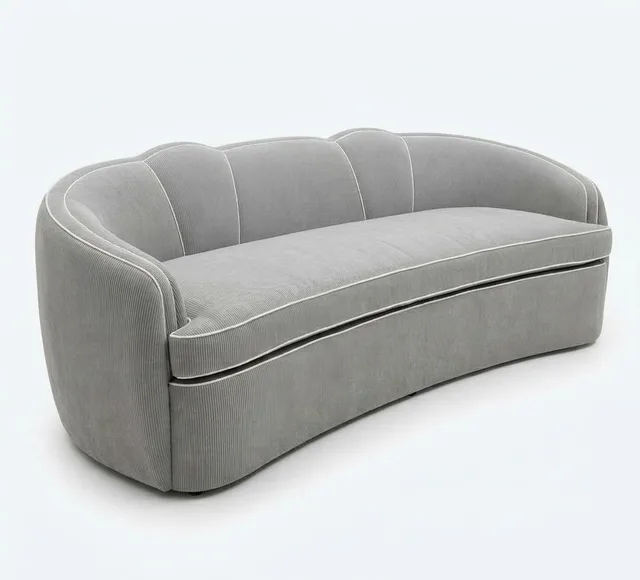
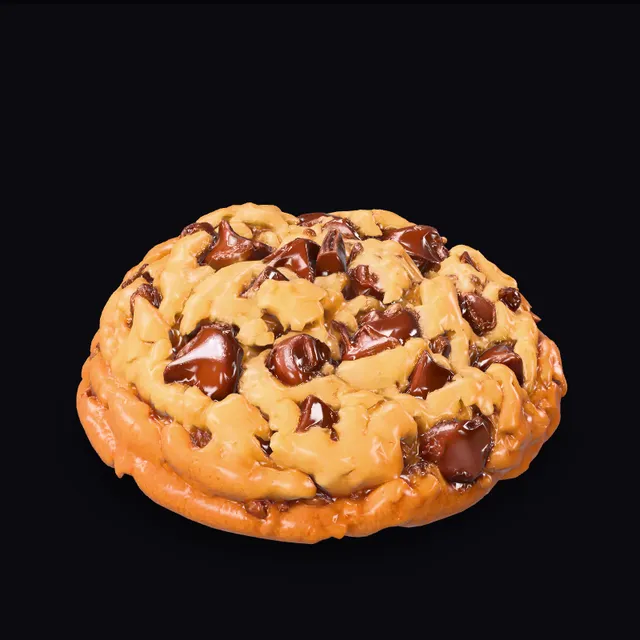
Each started as a single image and came back textured. Load the 3D file and turn it around. More are on the Snapshapy home page.

How to test a Meshy alternative fairly
You don't have to cancel anything to compare. Run the same picture through both and judge the files, not the marketing.
Keep your source images
Snapshapy builds from a picture or a description, not from a Meshy model, so the original image is what you carry over.
Run the same image through the Meshy alternative
A new account gets 3 credits with no card, enough for one textured model. Upload the picture at /app and time it yourself.
Check both files the same way
Open each GLB or STL in our free STL viewer, compare triangle counts and sizes, and slice both at your real layer height.
Upgrade only if ours wins
Starter is $9 for the first month, then $19, and unlocks STL, OBJ, 3MF and USDZ export plus a commercial licence.
Frequently asked questions
What is the best Meshy alternative?
It depends on what you pay for. If you want the lowest cost per textured model, Snapshapy charges 3 credits a model, about $0.14 on Starter, against the 30 credits a default textured model cost on Meshy in our test. If you need an API, plugins or a recurring free plan, Meshy itself is the better fit.
Is there a free Meshy AI alternative?
As an alternative to Meshy, Snapshapy gives every new account 3 free credits with no card, which is one textured model you can download as GLB. That is a trial, not a plan. Meshy free is more generous on paper, with 100 credits a month, but downloads are capped at 10 Meshy 6 Lite models and outputs are CC BY 4.0.
How does Meshy AI pricing compare with Snapshapy?
As of November 2026, Meshy Pro is $20 a month for 1,000 credits and Snapshapy Starter is $19 for 400. Per model, Snapshapy is cheaper: 3 credits for a textured model is $0.14, while the 30 credits Meshy charged for one in our test is $0.60. Premium and Ultra drop Meshy's rate to about $0.40 and $0.375. Meshy's lighter models cost 15 credits for a textured result, which is about $0.19 at best on Ultra, still above Snapshapy's $0.14.
Is Meshy faster than Snapshapy?
In our test, yes, for the main step: Meshy built the textured model in 234 seconds and Snapshapy in 536. Across the whole task, from concepts to a print file, Meshy took 623 seconds of job time and Snapshapy 691. Most Snapshapy models are ready in 4–7 minutes. Time both on your own image before deciding.
Can Snapshapy rig and animate like Meshy?
Yes, for two-legged characters. Rigging costs 3 credits and needs no bone markers, and the agent can apply any of 160 free animation clips. In our test the rigged fox kept 100,000 triangles. Meshy rigs for free but reduced the same character to 10,182 triangles first, and offers over 500 motions on paid plans.
Is Snapshapy a better Meshy alternative for 3D printing?
In our test, Snapshapy. Its free print step removed the textures and reduced the mesh, giving a 7.5 MB watertight STL with 0 non-manifold edges. Meshy's repair step cost 10 credits, and the STL its download dialog produced was 190.3 MB with 30 non-manifold edges. STL export on Snapshapy needs a paid plan.
Can I bring my Meshy models into Snapshapy?
Switching to a Meshy alternative doesn't strand your files. Snapshapy generates from pictures and descriptions, so you re-run the source image rather than import a Meshy model. Your existing GLB, OBJ, 3MF or STL files still open in our free browser viewer, with no account, so you can compare old and new files side by side before deciding which one to keep.
Who owns the models I make?
On Snapshapy, every paid plan includes a commercial licence for the models you make. On Meshy's free plan outputs are CC BY 4.0, which allows commercial use only with attribution, while its paid plans keep assets private. On both, your rights also depend on the input image, so only upload pictures you own or may use.
Try this Meshy alternative on your own image
3 free credits, no card: enough for one textured model, most ready in 4–7 minutes. Compare it with what you get elsewhere.