Use case · Augmented reality
AR 3D Models of Your Products, From One Photo

3 free credits on sign-up — enough for one textured model. No card.
Upload one photo of a product. The agent builds a textured model in 4–7 minutes for 3 credits. GLB for Android and the web downloads free; USDZ for iPhone AR comes with a paid plan.
- 3 credits per product
- Ready in 4–7 minutes
- GLB free on every plan
- USDZ on paid plans
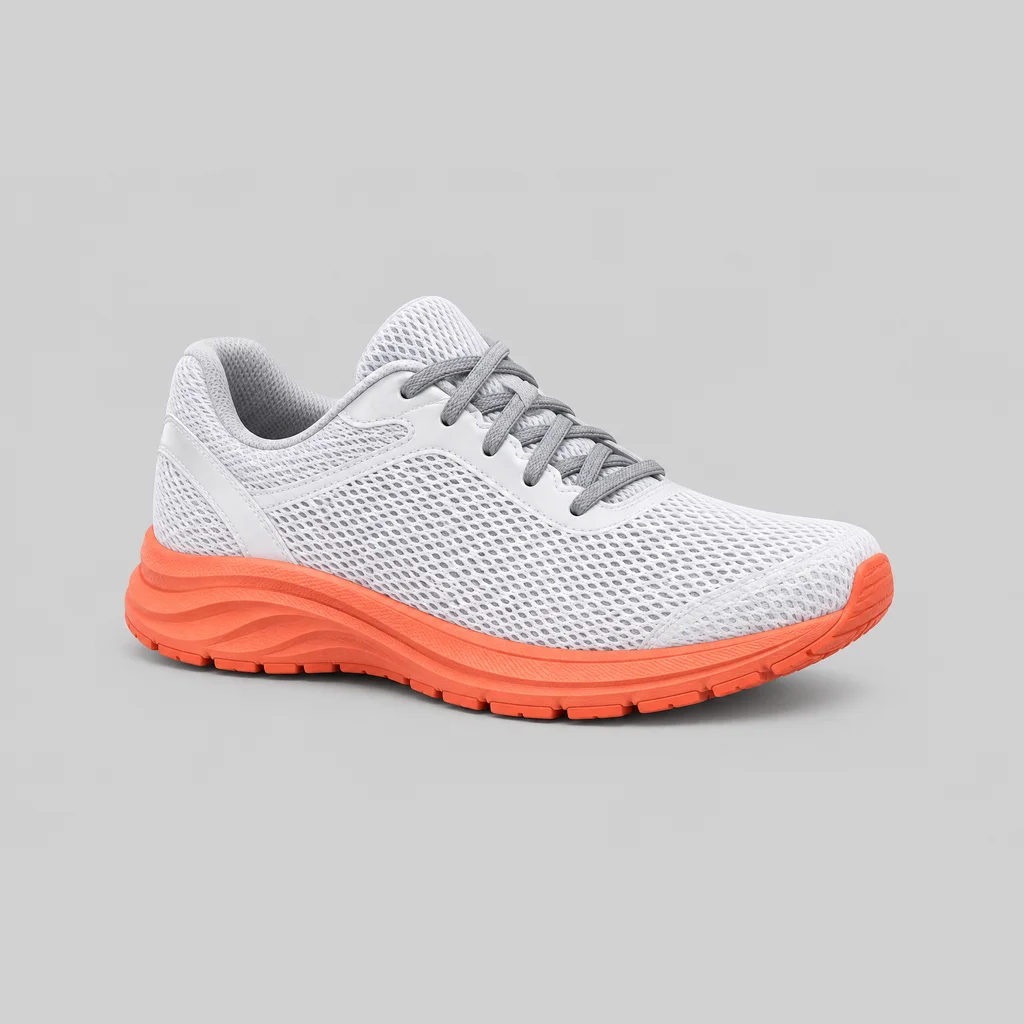
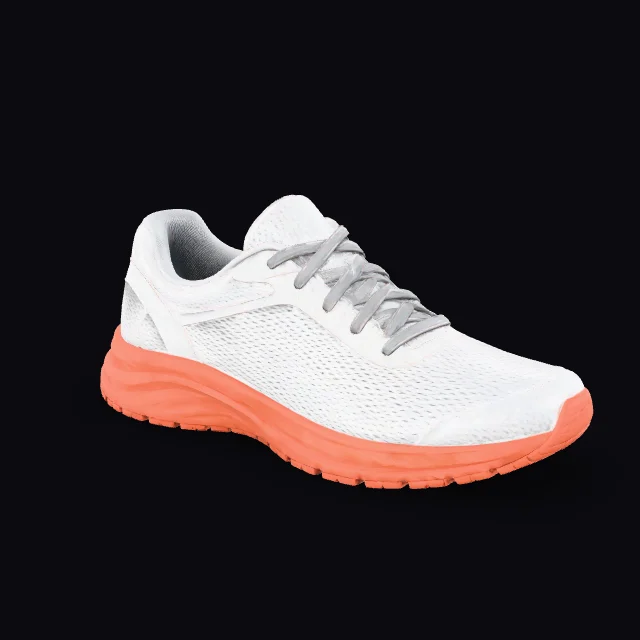
3 At a glance
- One textured product model
- 3 credits
- Per model on the Starter plan
- ≈ $0.14
- Most models are ready in this window
- 4–7 min
- GLB for Android, USDZ for iPhone
- 2 files
How to make AR 3D models people can place in their room
Five steps, about 15 minutes of your time per product. The agent runs in the box on this page or at /app.
- 1
Upload a product photo
One object, three-quarter view, plain background, whole thing in frame. Your shop's main product image is often exactly right.
- 2
Get the textured model
3 credits, most ready in 4–7 minutes. Orbit it and check the back, the base and any logo placement.
- 3
Make it phone-light
Ask for a lower triangle count, for example "remesh to 50,000 triangles". It's free and makes the model load faster on a phone.
- 4
Set the real size
Scale the model to the product's real dimensions in Blender. AR shows objects at true scale, so this is the step that matters most.
- 5
Export both formats
GLB for Android and the web, free on every plan. USDZ for iPhone and iPad, on a paid plan. Most shops publish both.
Augmented reality models: what each platform needs
There is no single AR file for every device. Two formats cover nearly every phone.
| Where | Viewer | File | From Snapshapy |
|---|---|---|---|
| iPhone and iPad | AR Quick Look | USDZ | Paid plans |
| Android phones | Scene Viewer | GLB | Free on every plan |
| A web page, both platforms | A 3D viewer with an AR button | GLB plus USDZ | GLB free, USDZ paid |
| Game engines and apps | Your own AR app | GLB | Free on every plan |
Scene Viewer needs an Android phone with Google's AR services. AR Quick Look is built into iOS and opens USDZ files from Safari, Messages, Mail and Files.
AR 3D models made from one photo each
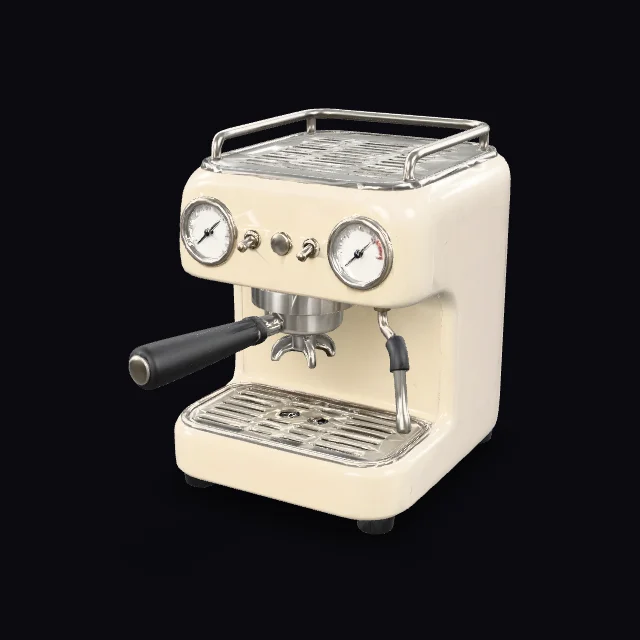
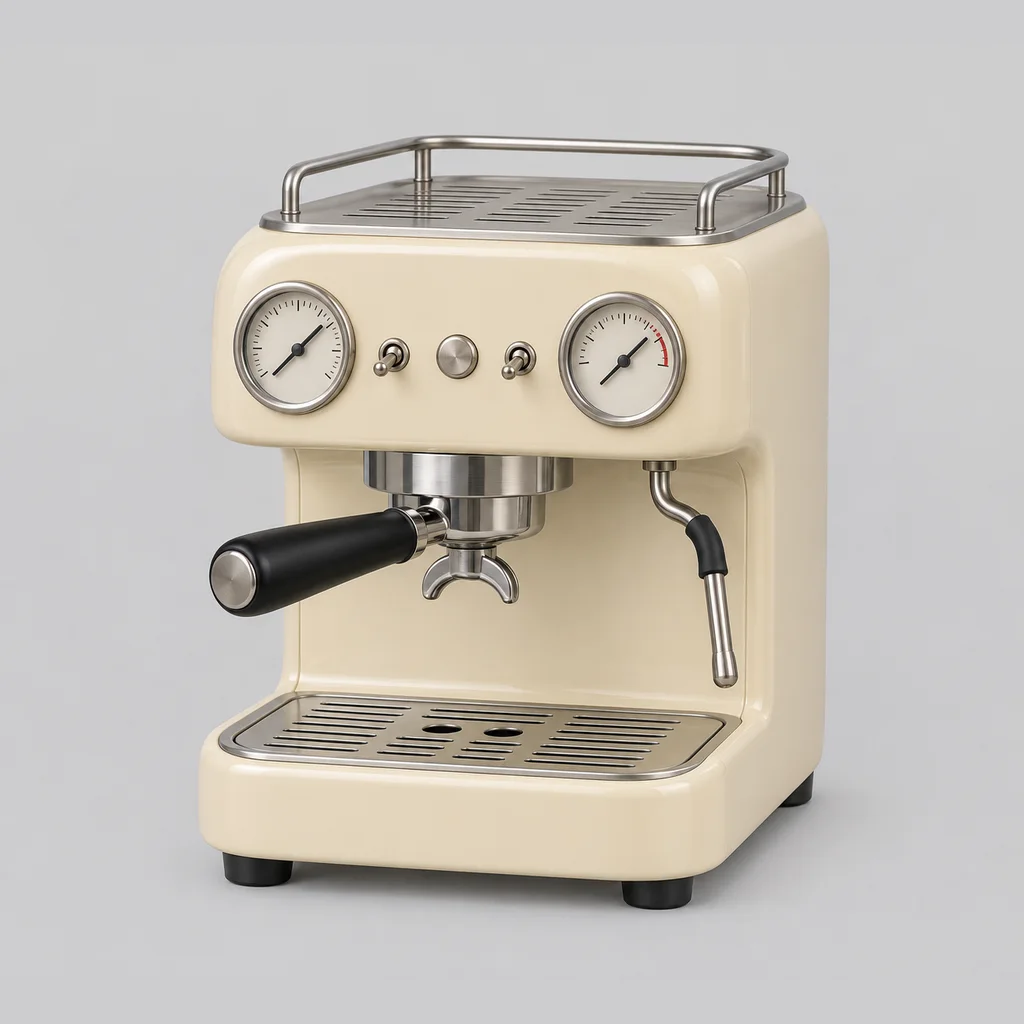
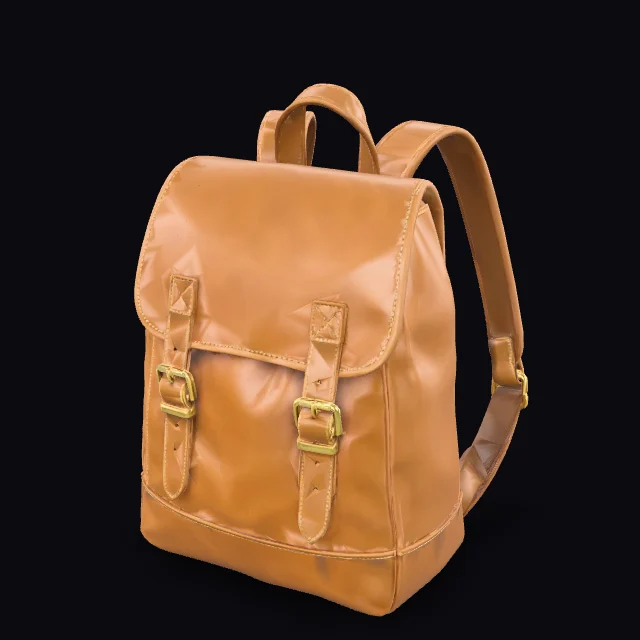
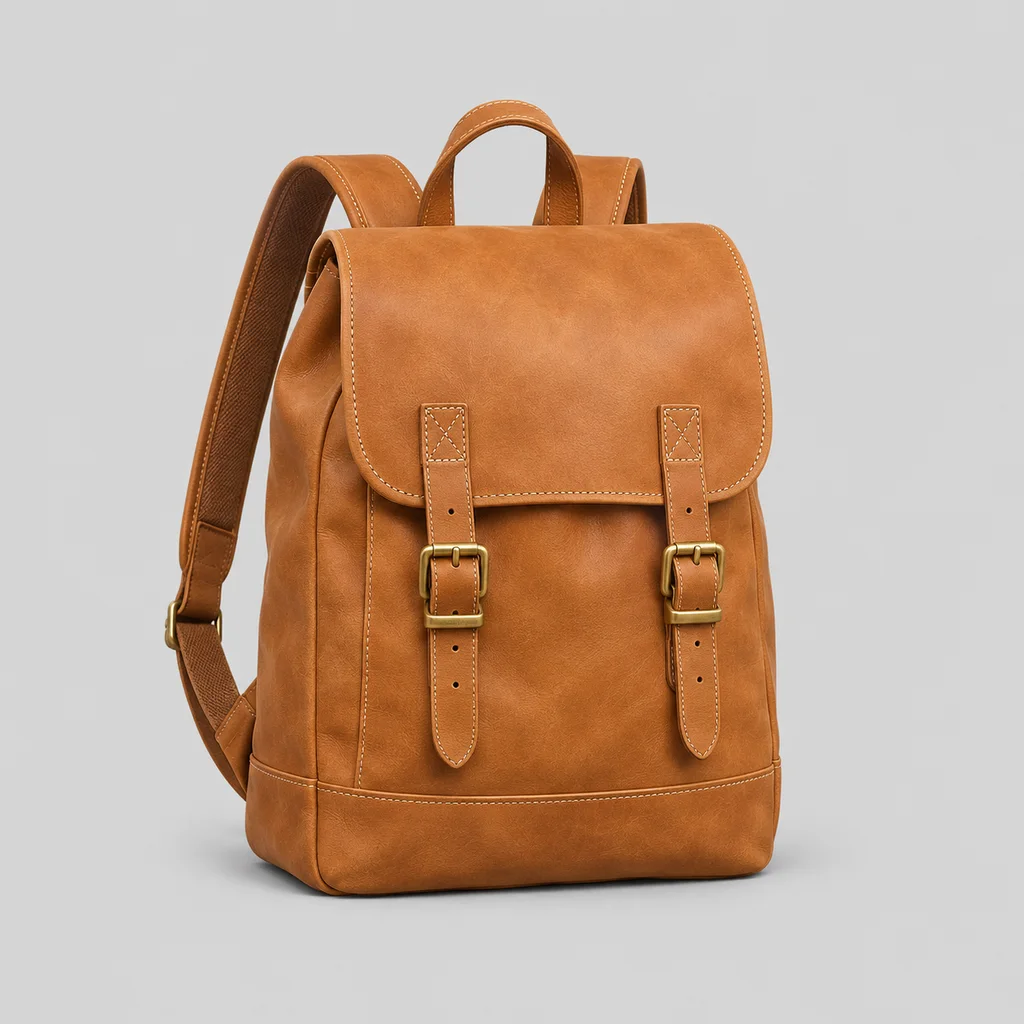
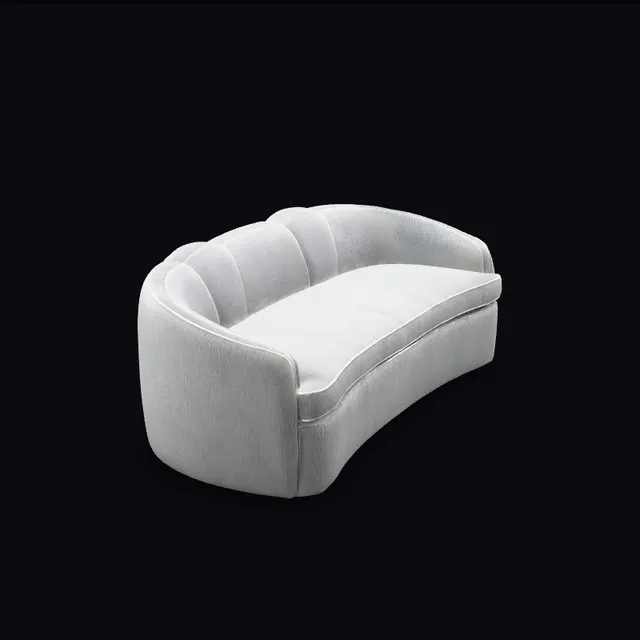
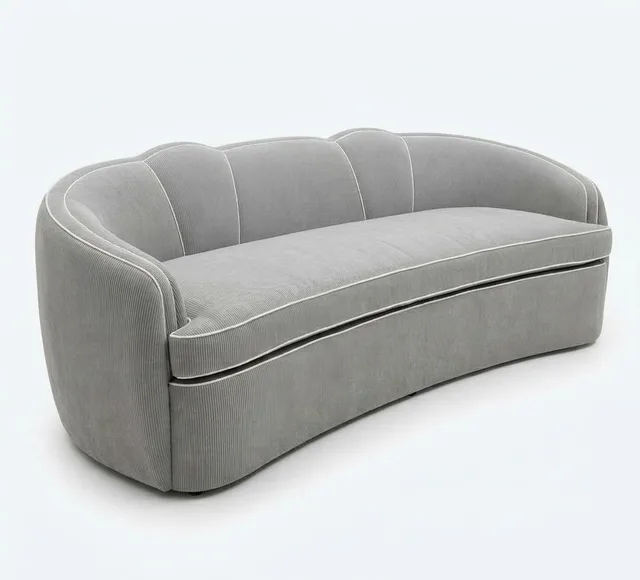
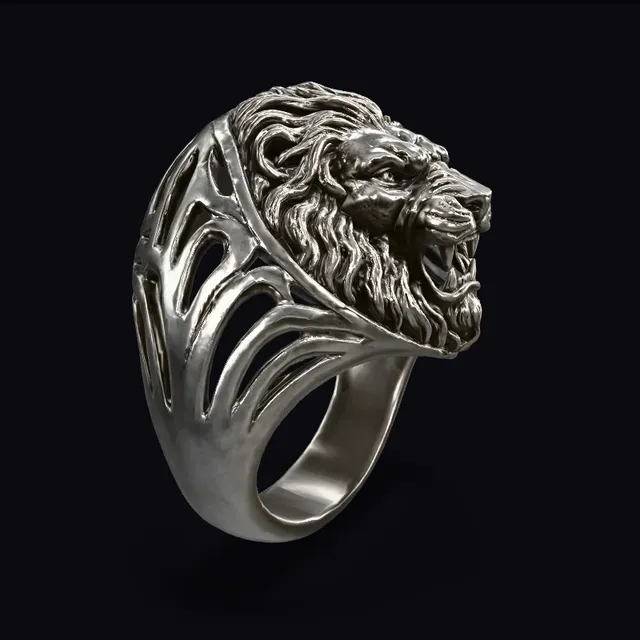
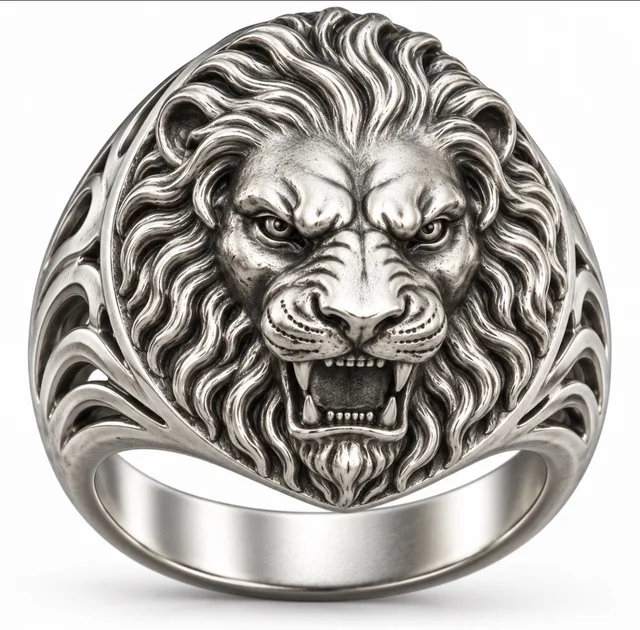
Each product below came from a single photo through the same pipeline you use. These are the kinds of objects AR shoppers want to see at size.


USDZ for AR: getting the size and weight right
AR puts a model on the floor at the size its file says. A photo has no size, so a model fresh from the agent will be the wrong size until you set it.
Take the product's listed dimensions, open the GLB in Blender, scale it so its widest side matches, and export again. GLB counts in metres, so a 30 cm shoe should measure 0.3. Then check it in the free USDZ viewer or GLTF viewer, which show the bounding box in centimetres or inches.
Weight is the other half. A phone has to download and draw the model, so keep it light: ask the agent for a lower triangle count, which is free, and keep the file to a few megabytes for a product page.
- Scale to the listed dimensions
- GLB units are metres
- Fewer triangles load faster
- A few MB per product page
Putting AR 3D models on a website
A product page needs a 3D viewer with an AR button. The common choice is Google's free model-viewer web component, the same one this site uses for its own demos. You give it the GLB, and it hands off to Scene Viewer on Android and to AR Quick Look on iPhone when you also give it the USDZ.
So each product gets two files from one model: the GLB, free on every plan, and the USDZ, on a paid plan. Put both next to each other on your server and point the viewer at them.
If your shop platform has its own 3D or AR block, it will ask for the same files. Check its upload size limit before you export, and remesh lower if you are over it.
Do and don't for augmented reality models
AR is unforgiving about size and quick to show a bad texture. These habits keep products looking right in someone's room.
Do
- Set the real dimensions before you export
- Shoot the source photo in even, neutral light
- Remesh to a modest triangle count for phones
- Test on one iPhone and one Android phone
- Publish GLB and USDZ side by side
Avoid
- Ship a model at whatever size it arrived
- Use a photo with coloured studio lighting
- Expect glass or mirror finishes to look real
- Send a 50 MB file to a shopper's phone
- Assume one file works on every device
Honest limits of AI-made AR content
The model is a likeness from one photo. The visible sides follow the picture closely; the back and the base are predicted, so check them before a shopper does.
Lighting from the photo can end up in the texture. A strong highlight on a glossy kettle becomes a painted highlight that doesn't move when the phone does. Matte, evenly lit photos avoid this.
Each model is one closed object. Lids don't open, straps don't swing, and there is no separate glass. Two-legged characters can be rigged for 3 credits and animated with 160 free clips, which outputs an animated GLB; whether a given AR viewer plays the animation depends on that viewer, so test it.
For anything that must be dimensionally exact, such as a part that fits another part, use a measured CAD model instead.
What AR 3D models cost per product
A model costs 3 credits: about 14 cents on Starter ($19 a month for 400 credits, about 130 models), and about 7 cents in the $9 first month. Pro is $29 for 600 credits, about 200 models. Remeshing is free, and failed jobs refund themselves. See pricing.
New accounts get 3 free credits with no card: one textured model, downloadable as GLB. That already covers Android and most web viewers. USDZ for iPhone needs a paid plan, as do OBJ, STL and 3MF. If you already have a USDZ from elsewhere, check it in the USDZ viewer first; for buildings in AR, see 3D architecture models.
Questions about ar models
What file format do AR 3D models use?
Two formats cover nearly every phone. iPhone and iPad use USDZ in AR Quick Look. Android uses GLB in Scene Viewer, and most web viewers start from GLB too. Snapshapy exports GLB free on every plan and USDZ on paid plans, so one model gives you both files for the same product.
How do I view a USDZ for AR on iPhone?
Send the file to the iPhone by AirDrop, Messages or Mail, or save it to Files, then tap it. AR Quick Look opens it; tap the AR tab to place it on a surface. On a website, a 3D viewer with an AR button hands the USDZ to Quick Look the same way.
How do I open a GLB in AR on Android?
Android's Scene Viewer opens GLB files on phones that support Google's AR services. The usual route is a web page with a 3D viewer that has an AR button, which passes the GLB to Scene Viewer. You can also check the GLB first on a computer in a free GLTF viewer to confirm its size.
Are AR 3D models from Snapshapy free?
Your first one is. New accounts get 3 free credits with no card, which is one textured model downloaded as GLB, and GLB is free on every plan. USDZ for iPhone AR needs a paid plan. Starter costs $9 for the first month, then $19 for 400 credits, which covers about 130 models.
Why is my AR model the wrong size?
Because a photo carries no measurements. The model arrives at an arbitrary scale, and AR shows it at whatever size the file says. Take the product's real dimensions, scale the model in Blender so its widest side matches, remembering GLB counts in metres, then export the GLB and USDZ again.
Can I use augmented reality models on a product page commercially?
Yes. Paid plans include a commercial licence for the models you generate, so you can show them on your own shop pages and in ads. Use product photos you own or have permission to use. The free plan is for trying the result; switch to a paid plan before you publish.
Can the AR models be animated?
Characters can. Upright, two-legged characters can be rigged for 3 credits and animated with any of 160 free clips, which gives you an animated GLB. Products such as shoes or furniture don't animate, because each model is one closed object. Test an animated file in your target AR viewer before you publish.
Can one file work in AR on both iPhone and Android?
Not reliably. iPhone AR Quick Look wants USDZ, and Android Scene Viewer wants GLB. Publish both and let a web 3D viewer pick the right one for each device. From Snapshapy, GLB is free on every plan and USDZ comes with a paid plan, both from the same model.
Make AR 3D models of your products
Upload one product photo. The first textured model is free as GLB; add USDZ for iPhone on a paid plan.
Upload a product photo