Tools · 25 pages
Free 3D Tools and AI 3D Model Generators
The generators turn a photo, a sketch or a sentence into a textured 3D model in 4–7 minutes, and your first model is free. The viewers and mesh tools are free with no account. They run in your browser, so your file is never uploaded.
AI 3D model generators
Give the Snapshapy agent a picture or a description and it builds the model. A model costs 3 credits. GLB export is free on every plan; STL, OBJ, 3MF and USDZ need a paid plan.
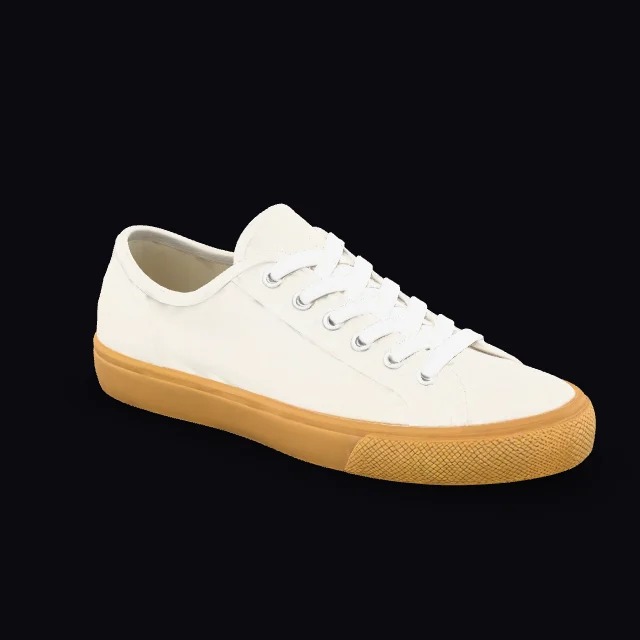
Image to 3D
Upload any photo or drawing and get a textured 3D model you can turn, print or put in a game.
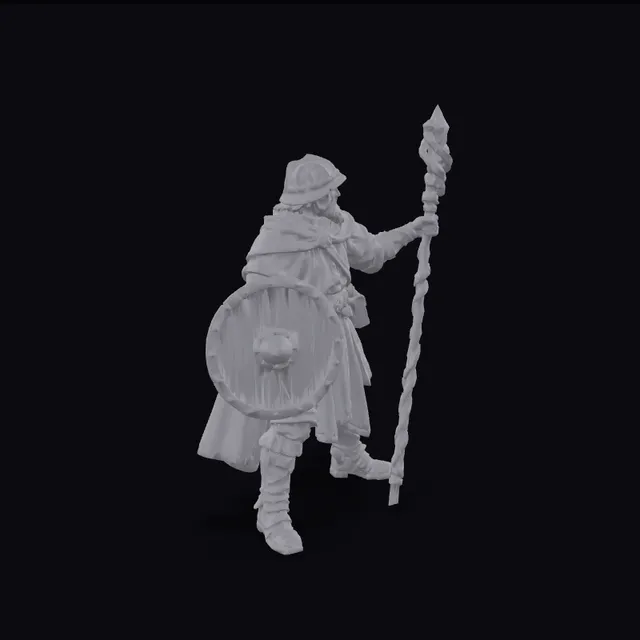
Image to STL
Upload one photo, chat with the agent, and leave with an STL your slicer opens.
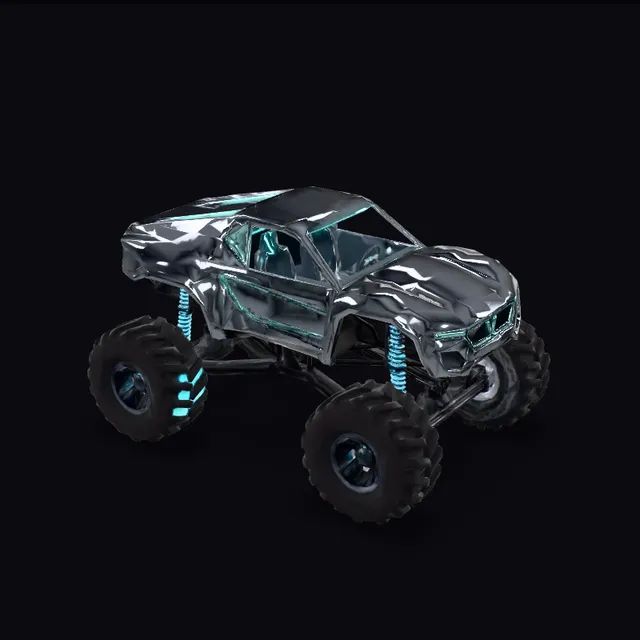
Text to 3D
Type what you want; the agent draws a concept, then builds the textured 3D model from it.

Sketch to 3D
Upload a pencil sketch or line art and get a textured 3D model you can rotate, print or animate.

Character Sheet to 3D
Crop the front view of your turnaround and get a textured 3D character, ready to rig and animate.
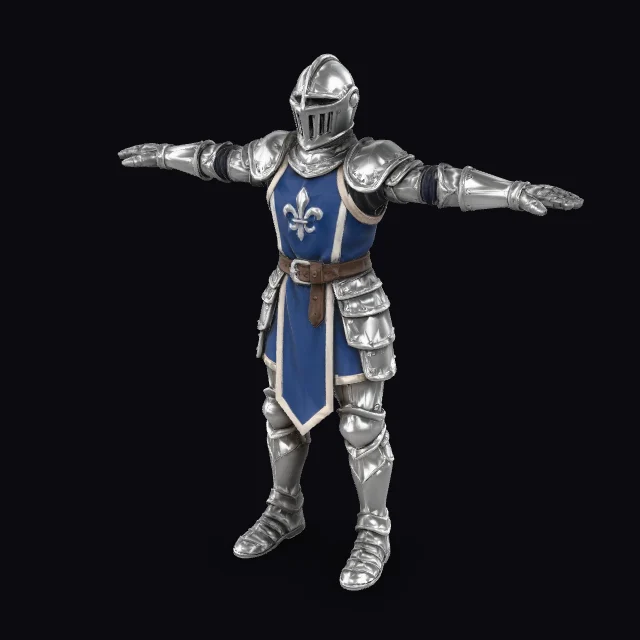
AI Pose Changer
Turn character art into a rigged 3D model and move it with about 160 free preset motions.
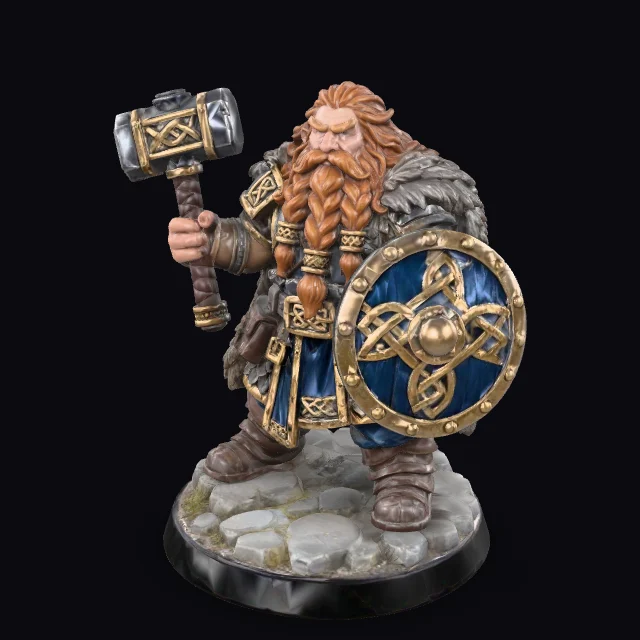
Miniature Generator
Character art in, a tabletop mini at the exact height you ask for out.
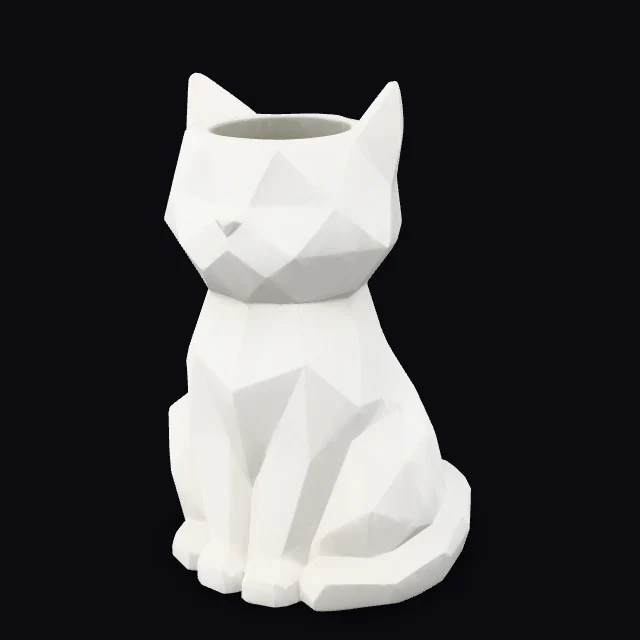
AI STL Generator
Describe an object or upload a photo and leave with an STL at the size you asked for.
Free 3D file viewers
Drop a file to orbit it, zoom in, check the wireframe and read its triangle count and size. Nothing to install, nothing uploaded.
3D Model Viewer
One viewer for ten 3D formats, from GLB and STL to FBX and STEP. Runs in your browser, nothing is uploaded.
ViewerSTL Viewer
Open an STL in your browser, turn it around and check its size before you slice. Nothing is uploaded.
ViewerOBJ Viewer
Open an .obj together with its .mtl and textures, check the mesh and its size. Runs locally, nothing is uploaded.
ViewerFBX Viewer
Open a binary or ASCII .fbx with embedded or loose textures and check it before it goes into your engine. Nothing is uploaded.
ViewerglTF Viewer
Open a .glb, or a .gltf with its .bin and textures, and check it before you ship. Files stay on your device.
Viewer3MF Viewer
Open a 3MF project from Bambu Studio, PrusaSlicer or OrcaSlicer and see what is in it, without installing a slicer.
ViewerPLY Viewer
Open a scanned .ply, mesh or point cloud, with its vertex colours. Count the points, check the size, upload nothing.
ViewerUSDZ Viewer
Open an Apple AR .usdz on any computer, check its textures and real size before it goes live. Nothing is uploaded.
ViewerDAE Viewer
Open a Collada .dae from SketchUp or an older pipeline with its textures, without installing anything.
ViewerSTEP Viewer
Open a .step or .stp CAD file in the browser, with its parts and colours, and check the size in mm. Nothing is uploaded.
Free mesh and texture tools
Shrink, clean up and texture a model without leaving the browser. Mesh tools save a GLB; texture tools save PNG maps.
GLB Compressor
Make a GLB smaller for the web, AR or a game without leaving your browser. Nothing is uploaded.
Free toolMesh Simplifier
Cut a model's triangle count to a target you set and keep its textures. Runs in your browser.
Free toolRemesh
Rebuild a messy mesh as one closed, even surface at the triangle count you choose. Runs in your browser.
Free toolUV Unwrap
Give any model a fresh, packed UV layout, check it on a checker map and download a GLB. No upload.
Free toolNormal Map Generator
One photo in, normal, height, roughness and AO maps out as PNG. Runs in your browser.
Free toolSeamless Texture Generator
Turn any surface photo into a texture that repeats without a visible edge. PNG out, no upload.
Free toolAnimate 3D Model
Put 160 free walk, run, fight and dance clips on your rigged character and download an animated GLB.
Questions
Which Snapshapy tools are free?
Every viewer, the GLB compressor, mesh simplifier, remesh, UV unwrap, normal map and seamless texture generators, and the animation tool are free with no account. The AI generators give new accounts 3 free credits, which is one textured model.
Are my files uploaded when I use a viewer?
No. The viewers and mesh tools open the file on your own device. It never leaves your browser.
What file do the free tools save?
The mesh tools and the animation tool save a GLB, and the texture tools save PNG images. STL, OBJ, 3MF and USDZ are export formats of the paid plans.
Make your first model free
Upload one photo. The Snapshapy agent builds a textured 3D model in 4–7 minutes, and GLB export is free on every plan.