Print your drawing
Ask for a print version and name a height. The agent removes the textures and repairs the mesh for free. More on sizes on image to STL.
AI sketch to 3D

3 free credits on sign-up — enough for one textured model. No card.
Photograph or scan your drawing and the Snapshapy agent builds a full-colour 3D model from it, usually in 4–7 minutes, for 3 credits. Rough sketch? Have it cleaned up into a shaded concept first for 2 credits.
You don't need a scanner, a tablet or any 3D software. A phone photo of the page and a short message are enough.
Shoot the page flat from above, in daylight, with the whole drawing in frame. Upload the PNG, JPG or WebP in the box above or in the chat at /app. Exports from Procreate, Krita or Photoshop work the same way.
If the drawing is clean and shaded, build the model straight away for 3 credits. If it is a quick doodle, ask the agent to turn it into a shaded concept first for 2 credits, check it, then build from that.
Most models are ready in 4–7 minutes and appear as a card you can spin. Download the GLB free, or on a paid plan export STL, OBJ, 3MF or USDZ. Failed jobs refund their credits.
The agent reads depth from shading. A shaded drawing tells it which parts bulge and which recede; bare outlines don't, so pure line art tends to come out flatter or puffier than you pictured.
You have two fixes. Add light shading and a few colours to the drawing before you photograph it, or let the agent do that step: ask for a concept from your sketch and it draws a shaded, coloured version that keeps your design. You approve that picture for 2 credits, and the model is built from it for 3.
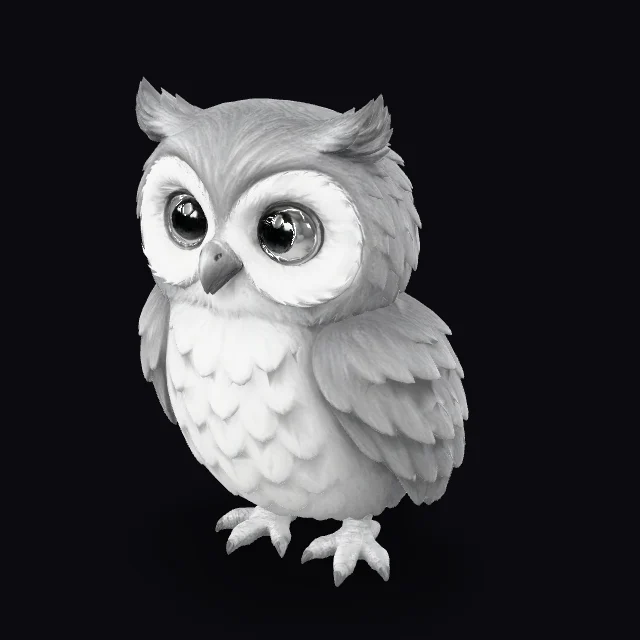
Colour matters as well, because the model's textures come from the image. A graphite sketch gives a grey model; colour it, or ask for colours in the concept, if you want a painted result.
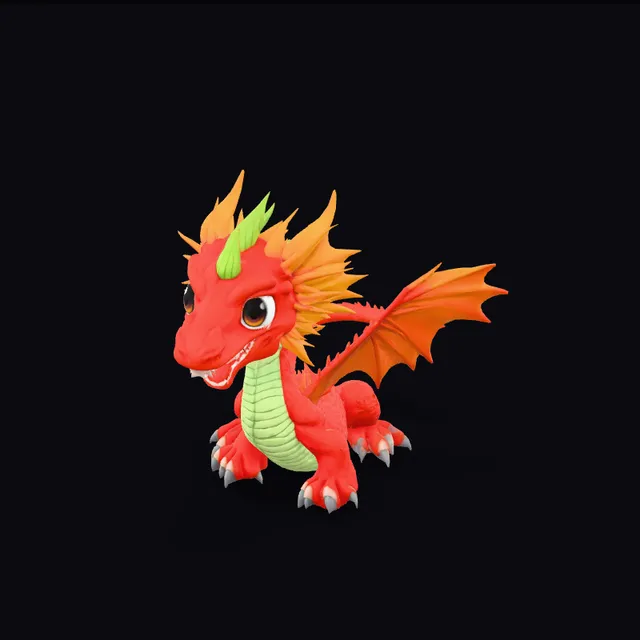
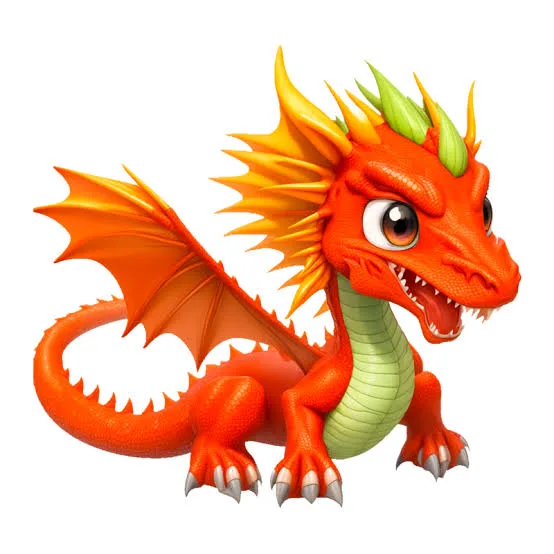
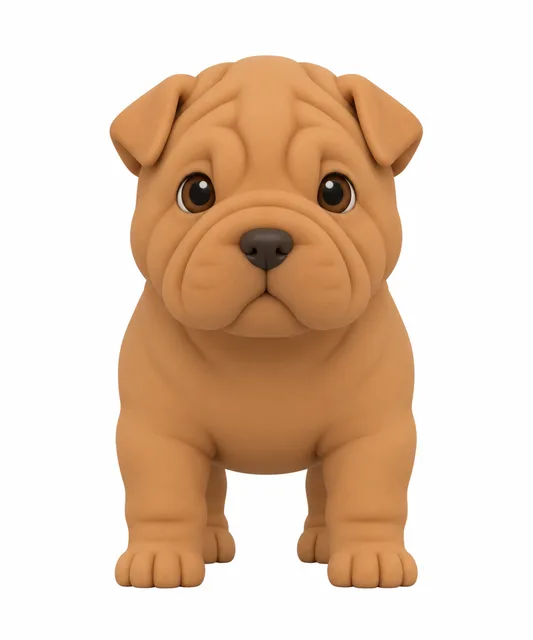
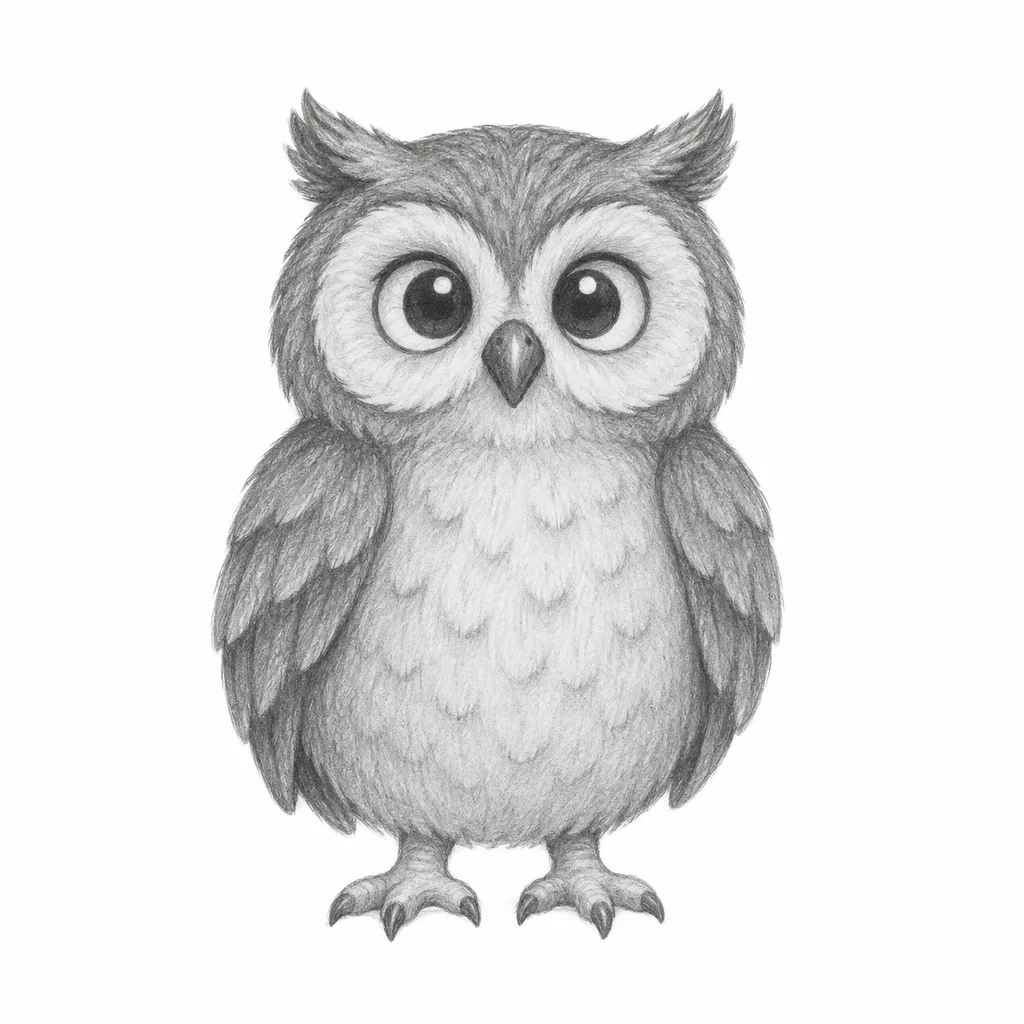
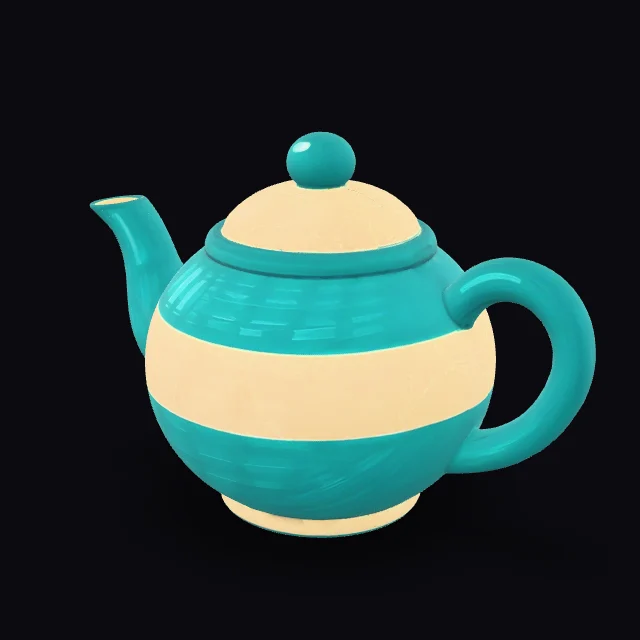
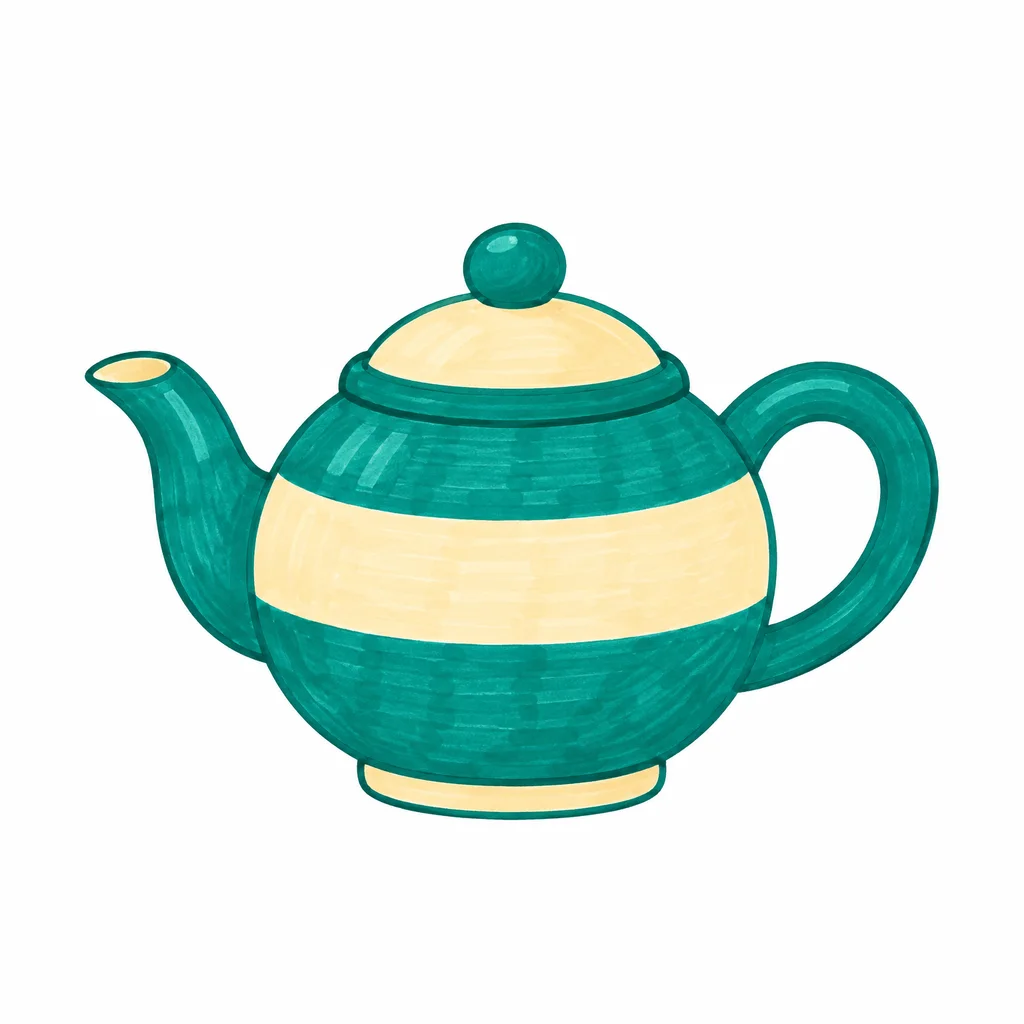
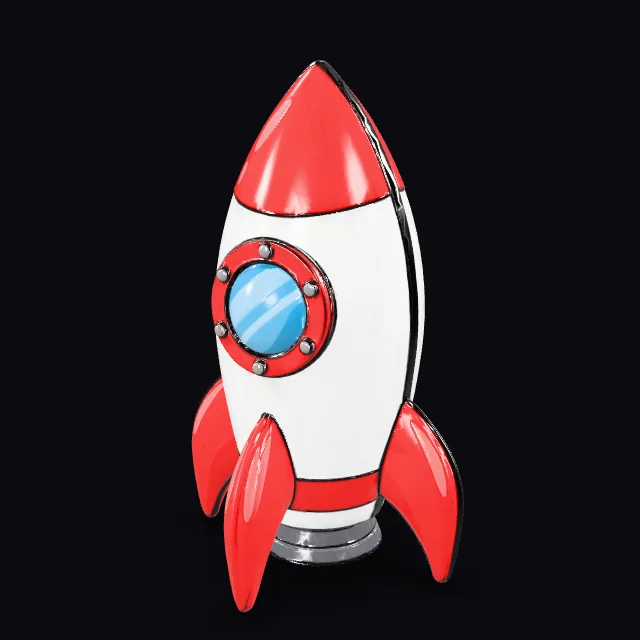
Each model started as one drawing. The small image is the input, the large one the textured result. More examples are on the home page.

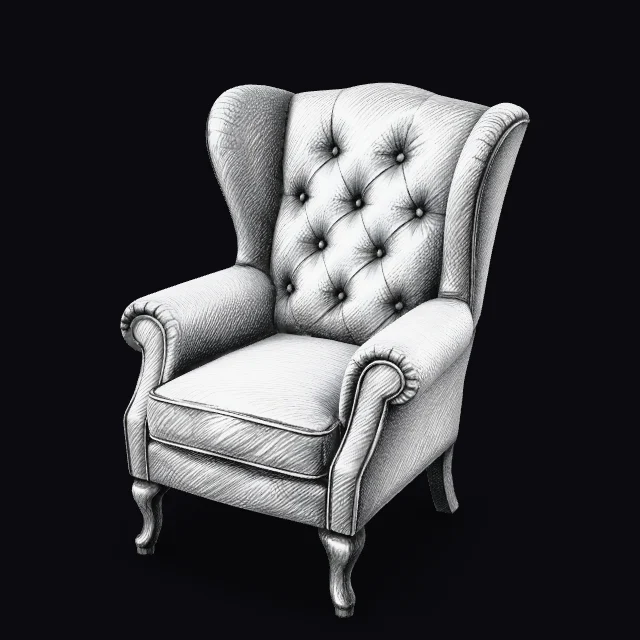
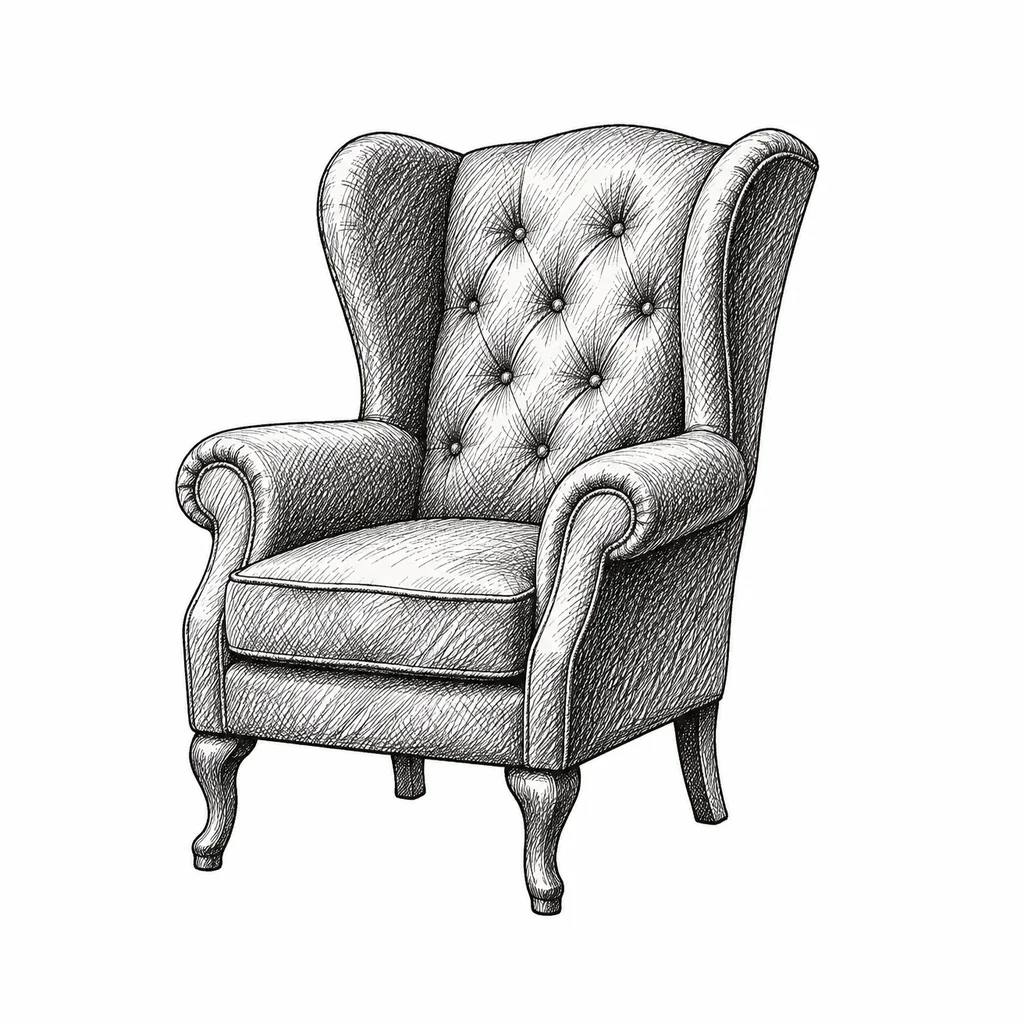
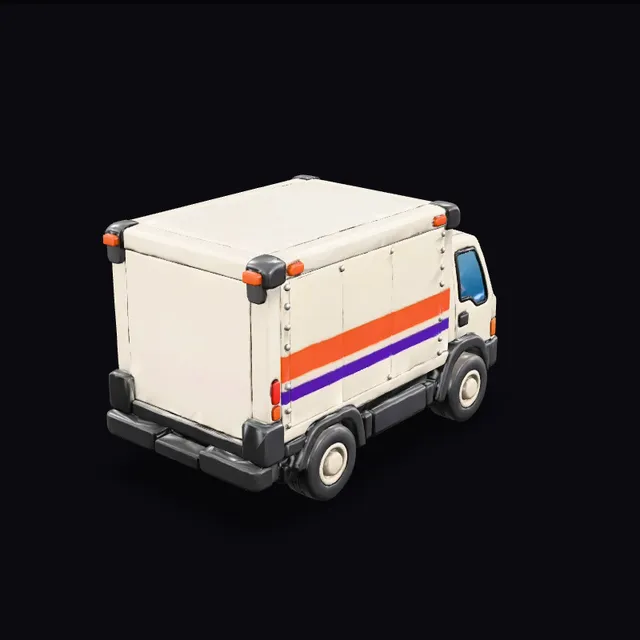
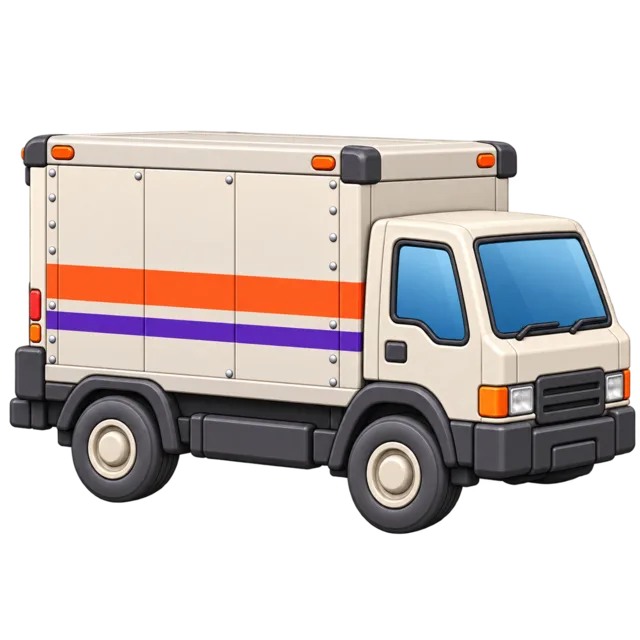
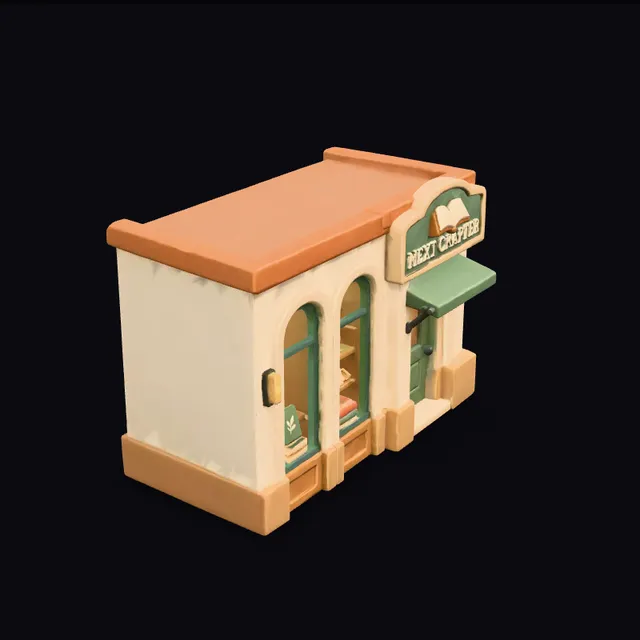
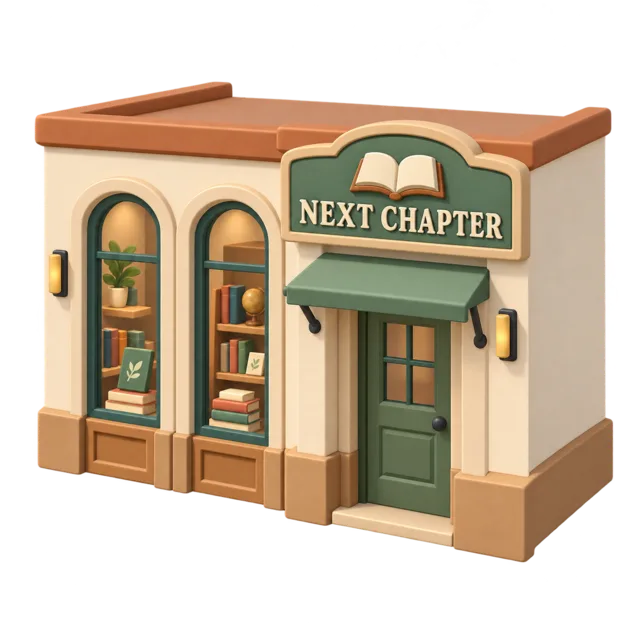
Small habits at the photo stage decide most of the result.
Do
Avoid
Any drawing can go in. Some styles need the concept step to come out well.
| Drawing | Result straight away | Suggested route |
|---|---|---|
| Shaded pencil or charcoal | Good depth, grey textures | Direct, or concept for colour |
| Marker or watercolour | Good depth and colour | Direct |
| Digital art with shading | Best results | Direct |
| Clean line art, no shading | Often flat | Concept first |
| Rough doodle or stick figure | Unpredictable | Concept first |
| Technical drawing with dimensions | Not a fit | Use CAD |
Direct: 3 credits. Concept first: 2 + 3 = 5 credits. New accounts get 3 free credits, enough for one direct model. Plans start at $19 a month for 400 credits, first month $9: pricing.
One message each, in the same chat.
Ask for a print version and name a height. The agent removes the textures and repairs the mesh for free. More on sizes on image to STL.
A two-legged character can be rigged for 3 credits and animated with 160 free clips, from a wave to a walk cycle.
Ask for a lower triangle count and smaller textures. Remeshing costs 0 credits and keeps the colours.
No drawing to hand? Describe the idea and start from text to 3D instead.
It is a fast way to see a character, creature, toy or prop design in the round. Illustrators use it to check a design from angles they never drew, game makers to get a placeholder asset in minutes, and kids' drawings make charming desk prints.
It won't follow your drawing like a technical spec. The back is invented, proportions can drift a little, and very thin strokes such as whiskers, antennae or loose hair may thicken or vanish. Exact dimensions, holes and fitting parts are a job for CAD.
One drawing is one model. A page with a character and a pet becomes one fused shape, so split them into two uploads. For tabletop figures, the miniature generator covers scale and print settings at 28–32 mm.
Yes. Upload a photo or scan of the drawing and the agent builds a textured 3D model from it, with a back and sides it works out itself. Shaded drawings give the best depth. For rough line art, ask the agent to turn the sketch into a shaded concept first, then build the model from that picture.
Your first model is. A new account gets 3 free credits with no card, enough for one model built straight from your drawing, and the GLB download is free on every plan. The concept clean-up step costs 2 more credits. Starter is $19 a month for 400 credits, about 130 models, with the first month at $9.
No. A phone photo works if it is sharp and taken straight down in even light, with the whole drawing in frame and no shadow from your hand or phone. A flatbed scan is slightly cleaner but not required. Crop out the desk and any other doodles on the page before uploading.
Usually because the drawing has outlines but little shading, so the agent can't tell how deep each part should be. Add shading where the form turns away, or ask for a shaded concept from your sketch first. A three-quarter view also helps more than a straight front or side view.
Each model is built from one image, so upload a single view, ideally the front or a front three-quarter. You can attach up to four drawings in a chat message as references for a concept image, and the agent draws one combined view you can then build. For turnaround sheets, see character sheet to 3D.
Yes. Once the model is built, ask for a print version and say how tall it should be. The agent removes the textures, repairs the mesh and sets the size at no cost. STL and 3MF export need a paid plan and open in Bambu Studio, PrusaSlicer, OrcaSlicer, Cura and Lychee.
Most models are ready in 4–7 minutes after the job starts. If you take the concept route, add the time to check and approve the concept card. Jobs run in the background, so you can leave the page while one runs. Print versions and lighter meshes are quick follow-ups that cost nothing.
Yes, and it often gives the best results, because digital art tends to have clean edges, solid colours and deliberate shading. Export a PNG, JPG or WebP of a single character or object on a plain or transparent background, then upload it. Hide grid layers, text and reference images before exporting.
Photograph the page, upload it and get your first textured model free. More credits start at $9 for the first month.
Upload a drawing