Plain-language changes
Say "lower the triangle count" or "I'm printing this at 8 cm" and the agent runs the right job. You never hunt for a setting.
AI image to STL

3 free credits on sign-up — enough for one textured model. No card.
Drop in one photo and the Snapshapy agent builds a full-colour 3D model, usually in 4–7 minutes, then remeshes it into a clean STL for printing. Your first model is free; STL export comes with a paid plan.
There is no settings panel to learn. You talk to the agent the way you would brief a 3D artist, and it runs each job for you.
Drop a PNG, JPG or WebP into the box above, or into the chat at /app. Say what the object is and how big you plan to print it. One clear object on a plain background gives the best result.
The agent turns the picture into a full-colour model with a back and sides it had to work out on its own. It costs 3 credits and most models are ready in 4–7 minutes. If a job fails, the credits come back automatically.
Type something like "make this printable". The agent remeshes the model for free: the textures come off and the triangle count drops to the number you set, so the file stays light enough for any slicer.
Open Export → STL on the print card. The file opens in Bambu Studio, PrusaSlicer, OrcaSlicer, Cura and Lychee. Set the size, add supports where it overhangs and print. STL export needs a paid plan.
Snapshapy always builds a textured model first. That colour version is what you see in the preview, what you would put in a game or an AR viewer, and the one you can download as GLB on any plan, free accounts included.
A printer can't use any of that colour. A single-filament STL only describes the surface, and a 1.5-million-triangle mesh just slows your slicer down. So when you ask for a print version, the agent makes a second model from the first: textures removed, geometry kept, triangles reduced to the count you choose. The clay render here is exactly what a slicer sees. You keep both files, so you can print the figure and still show the painted version in your shop listing.
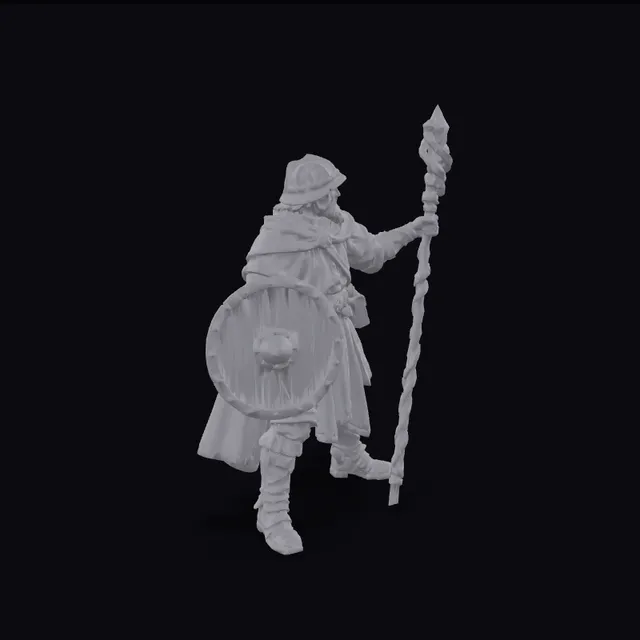
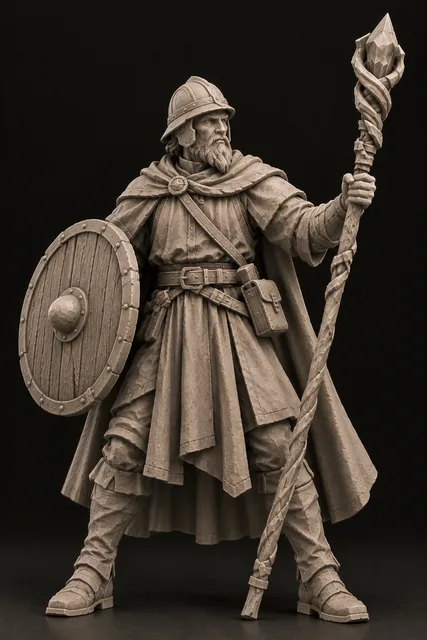
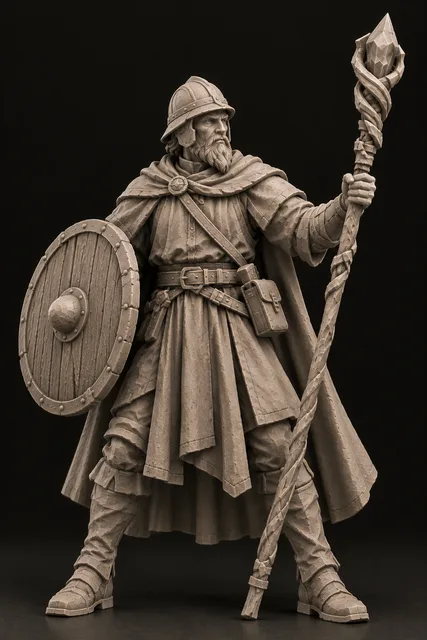
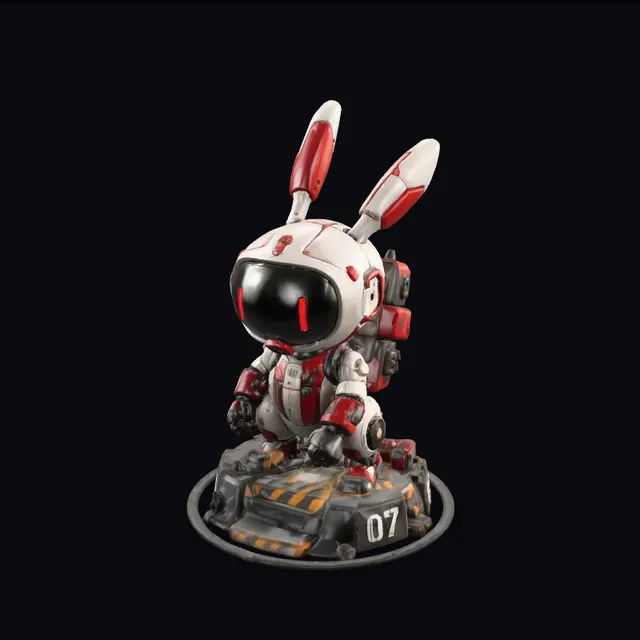
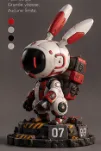
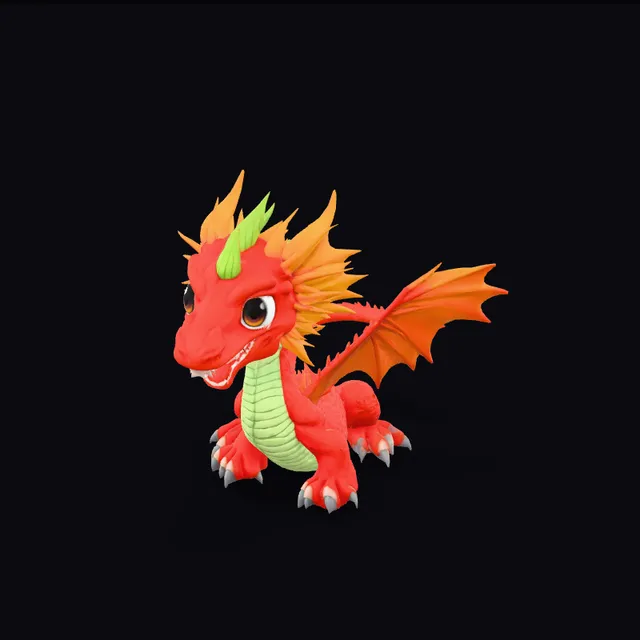
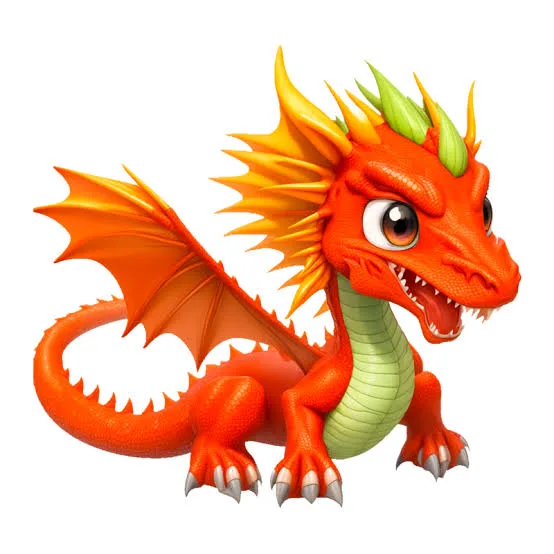
Each of these started as one image. Load the 3D file and turn it around to check the side the picture never showed. More live models are on the Snapshapy home page.

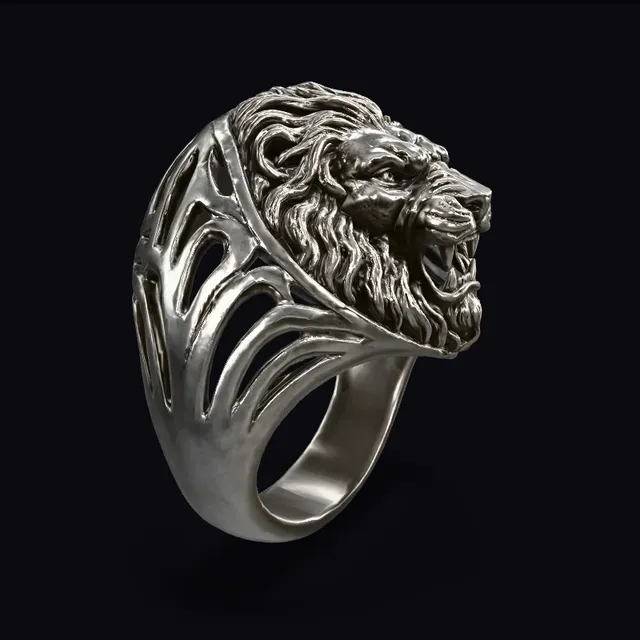
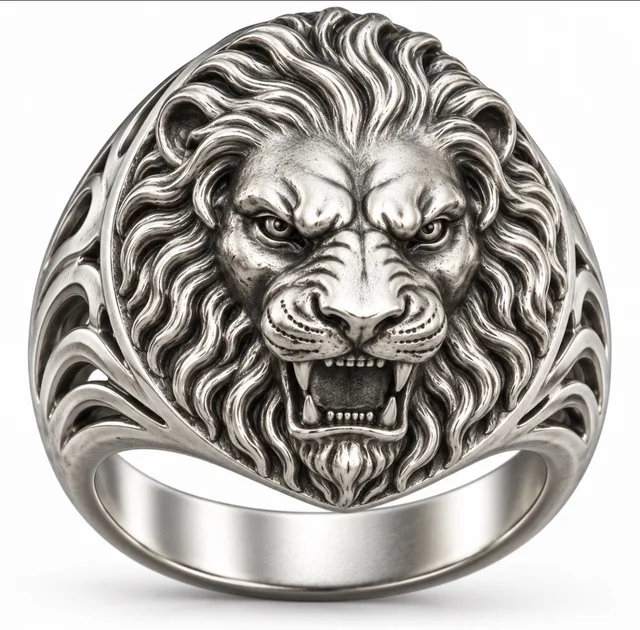
STL is the safe default for a printer, but the agent can hand you the same model in five formats.
| Format | Use it for | Keeps colour | Plan |
|---|---|---|---|
| STL | Any FDM or resin printer, any slicer | No | Paid |
| 3MF | Bambu Studio, PrusaSlicer and OrcaSlicer projects | No (print version) | Paid |
| OBJ | Painting or editing in Blender before you print | Yes, with texture files | Paid |
| USDZ | Showing the model in AR on an iPhone | Yes | Paid |
| GLB | Web preview, games, checking the model | Yes | Free on every plan |
Plans start at $19 a month for 400 credits (about 130 models), and the first month is $9. Every paid plan unlocks all five formats and a commercial licence. Compare them on pricing.
Starting points for a figure about 10 cm tall. Tune them for your machine and material.
The file type matters far less than what is in the frame. These habits save credits.
Do
Avoid
The agent makes a sculpture, not a CAD part. It does well with figurines, toys, animals, busts, props and decor. It does badly with anything that has to fit something else: a replacement knob, a bracket with screw holes or a phone case won't come out with exact dimensions. For those, measure and model in CAD.
The back is predicted, not seen. Symmetric objects such as vases, helmets and chess pieces come out convincing; a person shot straight from the front can lose likeness on the sides. If the result misses, tell the agent what is wrong and run it again.
Very fine detail is softened. At 4 cm on an FDM printer, facial features blur no matter how good the mesh is, so print bigger or use resin. And the print version carries no colour: for a painted look, print in one filament and paint it, or keep the GLB for screens.
Most converters give you one button and one result. Talking to an agent changes what you can ask for.
Say "lower the triangle count" or "I'm printing this at 8 cm" and the agent runs the right job. You never hunt for a setting.
Type what you want and the agent draws a concept image first for 2 credits, then builds the model from the one you pick.
When a job fails, its credits go back to your balance on their own. You only pay for models you actually get.
Paid plans include a commercial licence, so you can sell prints of models made from photos you own.
You can start free. A new account gets 3 credits with no card, which is exactly one textured model, and you can download it as GLB on any plan. Exporting STL, OBJ, 3MF or USDZ needs a paid plan. Starter is $19 a month for 400 credits, about 130 models, and the first month costs $9.
Yes. PNG, JPG and WebP all work, including a screenshot of a drawing or a render. A PNG with a transparent background gives the cleanest outline. What matters most is that the picture shows one object clearly, in focus, on a plain background, without strong shadows across it and without the edges cut off.
Most textured models are ready in 4–7 minutes. Asking the agent for a print version is a separate, quick remeshing job that costs nothing, and the STL export itself takes a few seconds more. Each finished job appears as a card in the chat, with its own Export menu.
In most cases, yes. The print version is remeshed into a lighter mesh, and its card tells you the triangle count and whether the mesh is watertight. If your slicer still flags an error, accept its automatic repair on import. You still choose the size, supports and orientation, as with any downloaded model.
Snapshapy always builds a textured model first, because that version is useful for previews, games and AR. When you ask for a print version, the agent strips the textures and reduces the triangles, and that is the file you export as STL or 3MF. You keep both versions in your account.
The STL and 3MF exports open in Bambu Studio, PrusaSlicer, OrcaSlicer, Cura and Lychee, and in any other slicer that reads standard STL. Import the file, set the height you want, add supports under overhangs and slice. To check a file before slicing, drop it into our free STL viewer.
Yes. Describe the object in the chat and the agent draws a concept image first, which costs 2 credits. Pick the version you like and it builds the textured model from that picture for 3 credits, then makes a print version for free. It is the same flow, with a drawing in place of your photo.
On a paid plan, yes: Starter and Pro both include a commercial licence for the models you make. The licence covers the model, not the source image, so use photos you took yourself or have permission to use. A model of a licensed character or someone else's artwork still belongs to its rights holder.
Upload a picture, chat with the agent and get your first textured model free. STL export comes with Starter, $9 for the first month.
Upload a photo