Photon (resin)
Best for miniatures, busts, jewellery and anything with a face under 80 mm. Layers of 0.05 mm keep eyes and hair texture. You pay for it with washing, curing, gloves and supports that need careful removal.
Use case · Anycubic printers

3 free credits on sign-up — enough for one textured model. No card.
Upload one photo and the Snapshapy agent builds a textured 3D model in 4–7 minutes, then a print mesh sized for resin or FDM. The same file prints on a Photon or a Kobra. The first model is free; STL export comes with a paid plan.
3 At a glance
Anycubic sells both resin printers, the Photon line, and FDM printers, the Kobra line, and plenty of owners have one of each. A model made from a photo can go to either. The question is which one suits the object.
Snapshapy makes the model once. You chat with the agent at /app and it builds a textured model from one photo in a few minutes. Then you ask for a print version, and you can ask twice: a small, dense mesh for the Photon and a larger, lighter one for the Kobra. Each remesh is free.
You download the Anycubic STL and open it in Photon Workshop or Anycubic Slicer Next, or in Lychee, Chitubox, OrcaSlicer or Cura if you prefer. There is no plugin and no direct send to the printer; it is a normal file.
Decide by size and detail. A rough rule: under 80 mm with a face, resin; over 150 mm or a toy that gets handled, FDM.
Best for miniatures, busts, jewellery and anything with a face under 80 mm. Layers of 0.05 mm keep eyes and hair texture. You pay for it with washing, curing, gloves and supports that need careful removal.
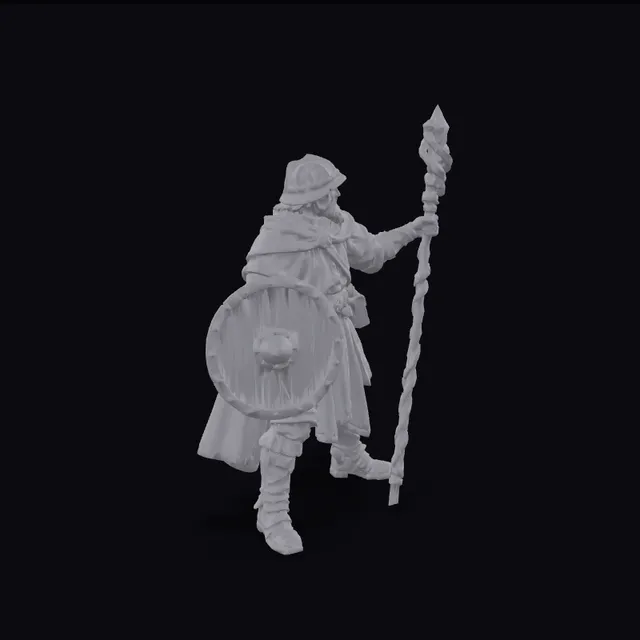
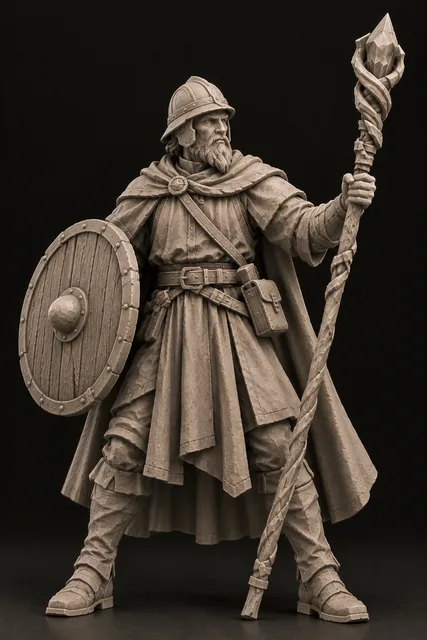
Best for toys, desk figures, decor and larger prints. PLA is cheaper per gram and tougher in a child's hand. Fine detail softens below about 80 mm, so go bigger.
A Kobra 3 Combo with its ACE Pro unit prints four colours. Paint the zones in Anycubic Slicer Next using the textured model as the map; more on that below.
Five steps. The fourth is where the two printers part ways.
Use the box at the top of this page. PNG, JPG or WebP, one subject, plain background, nothing cut off.
The agent builds it in 4–7 minutes for 3 credits. Turn it round, check the back, and ask for a fix if something is off.
Type the size and printer: "printable at 50 mm for resin" or "printable at 150 mm for FDM". Remeshing is free.
Photon: open the STL in Photon Workshop, hollow if large, tilt and support. Kobra: open it in Anycubic Slicer Next, place it upright and add tree supports.
Resin prints get washed and cured; FDM prints get supports snipped and seams sanded. Check the file first in the free STL viewer if you like.
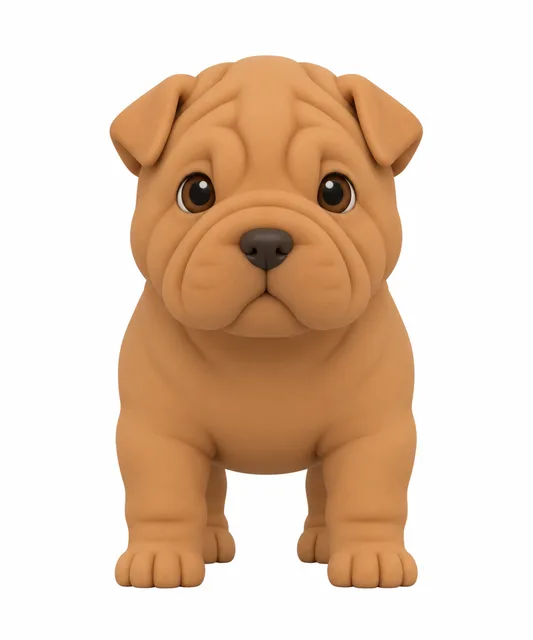
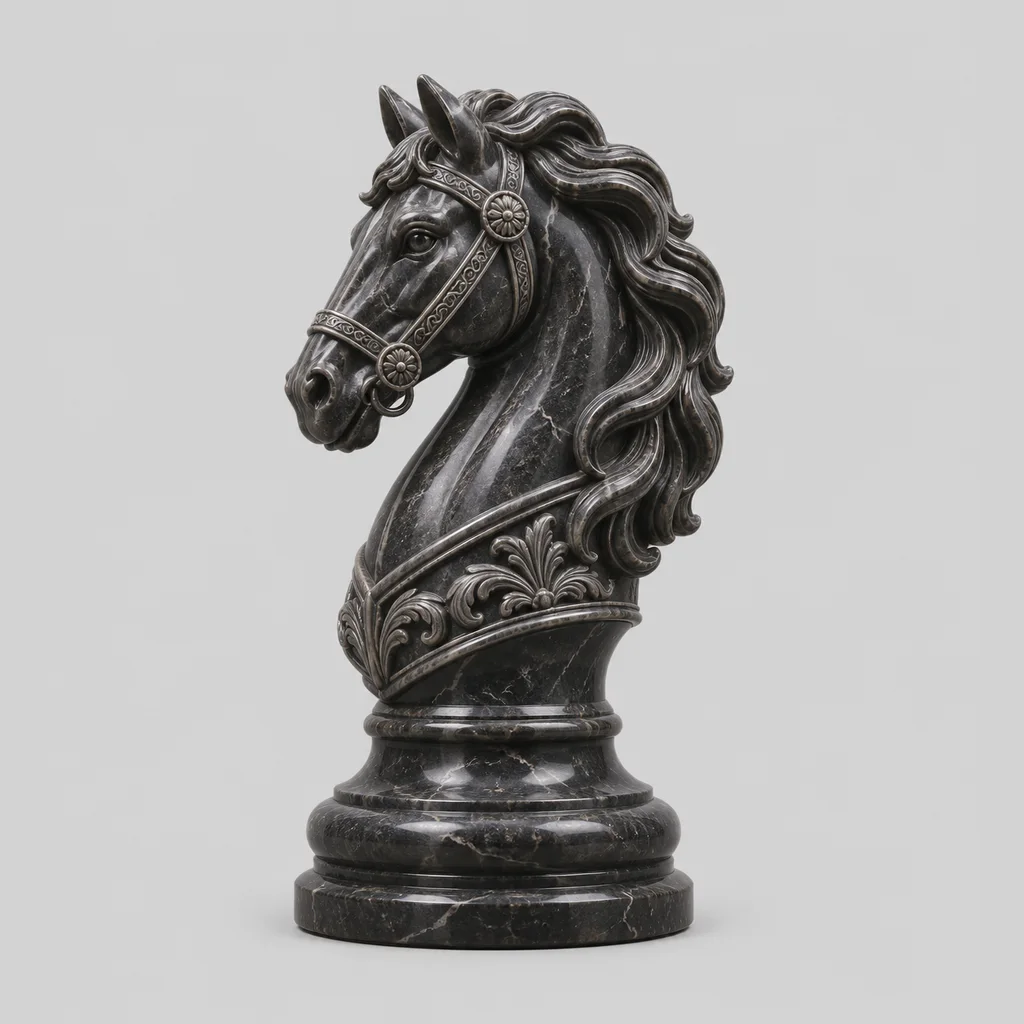
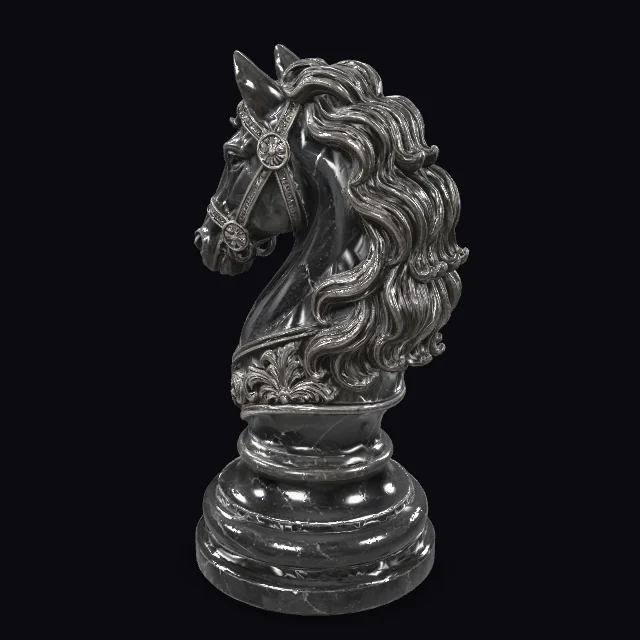
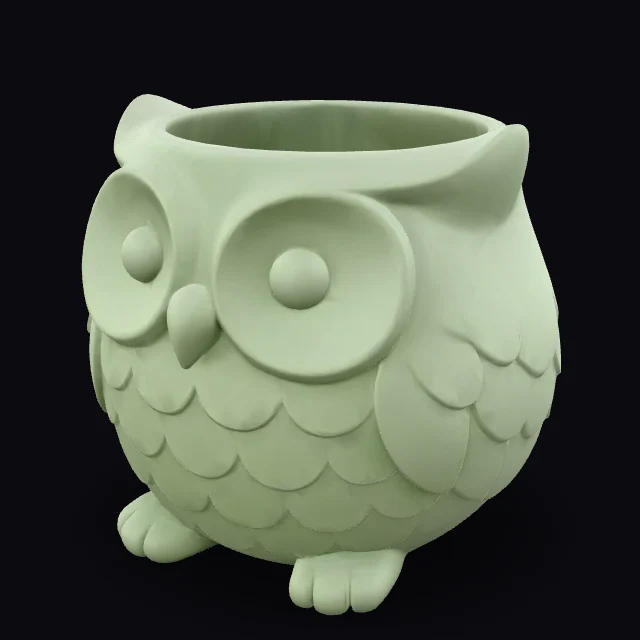
Each model started as one image. The three made for this page cover both printers: one for resin, one for FDM, one that works on either.
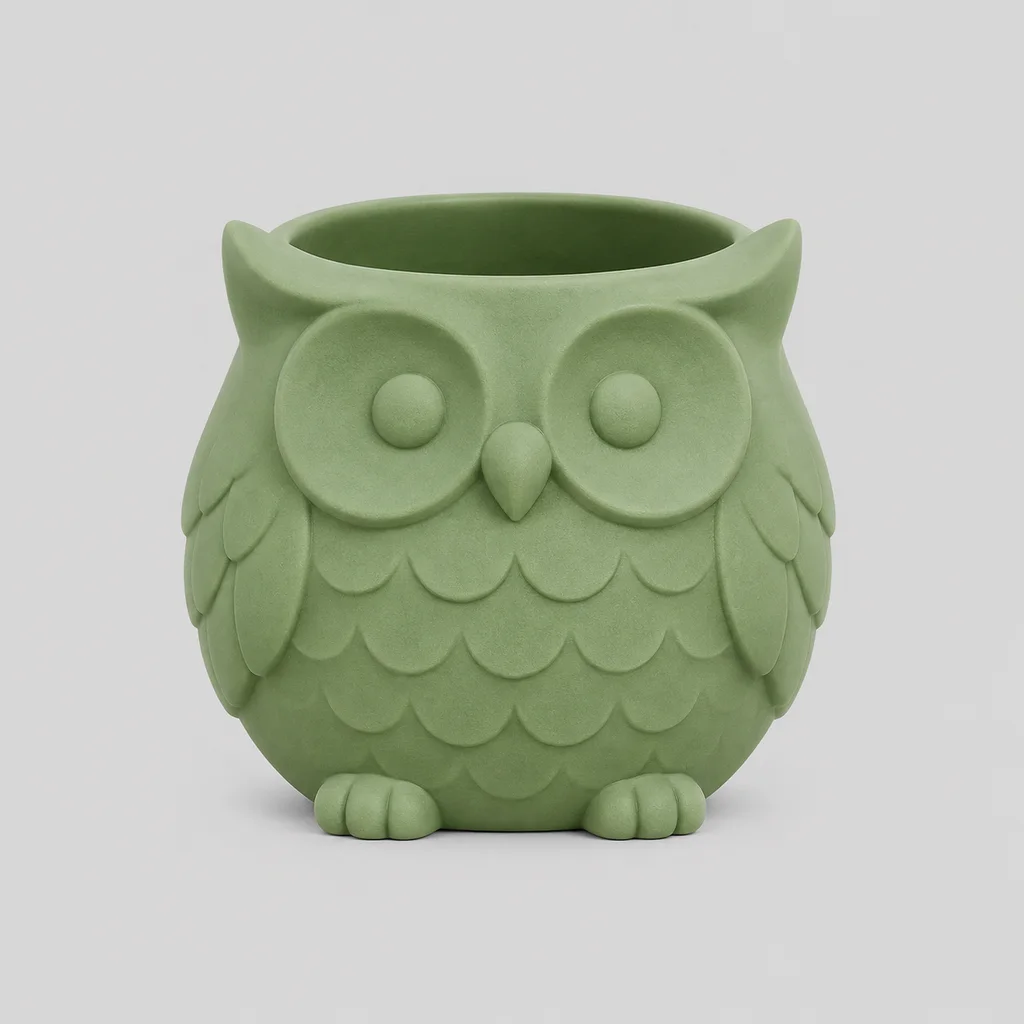
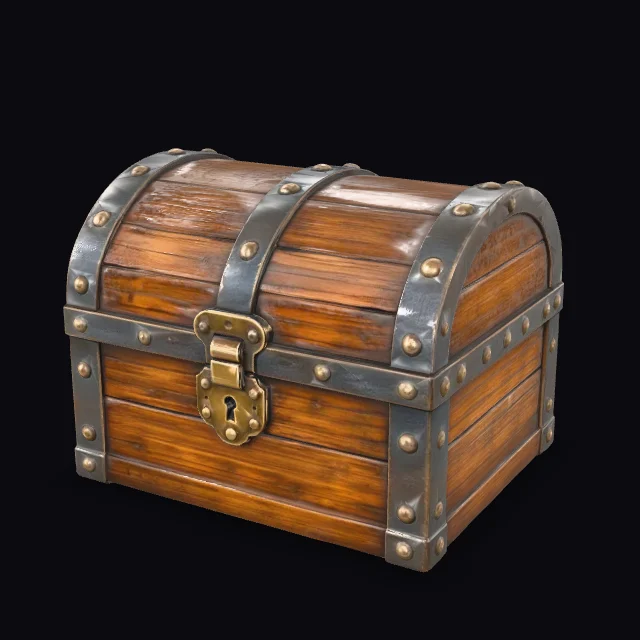
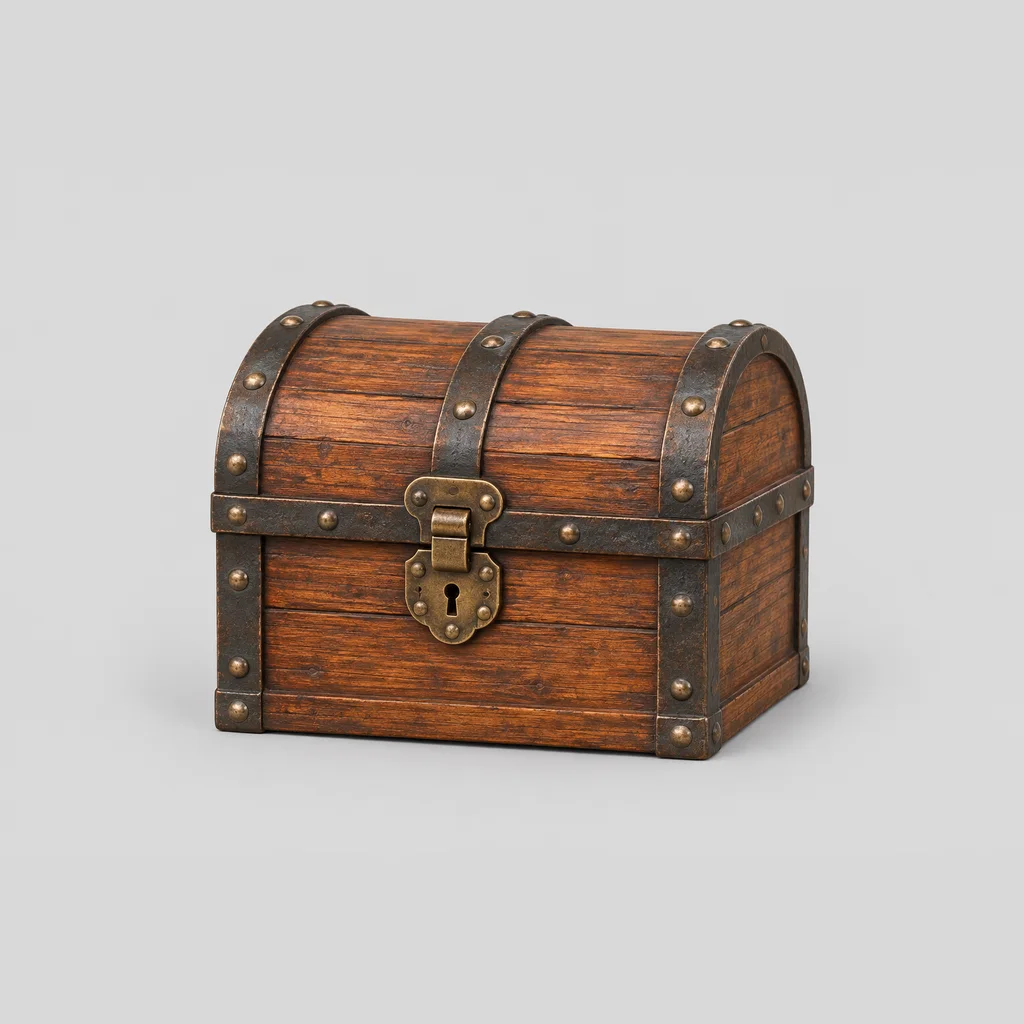
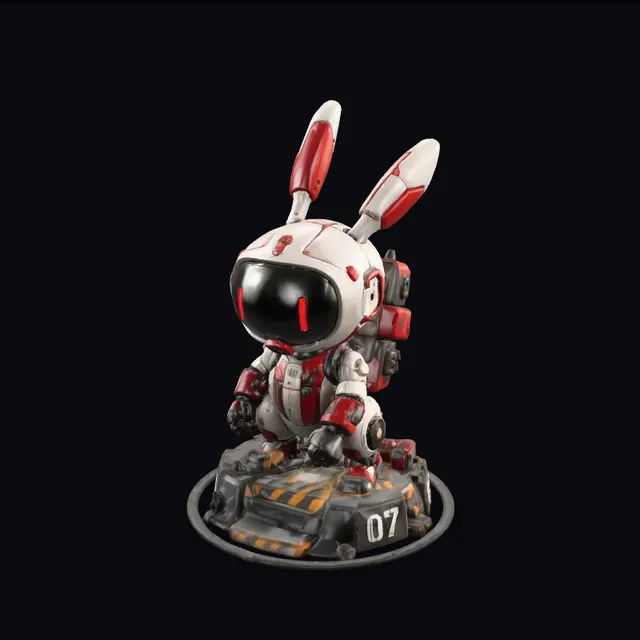
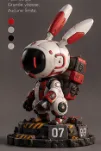
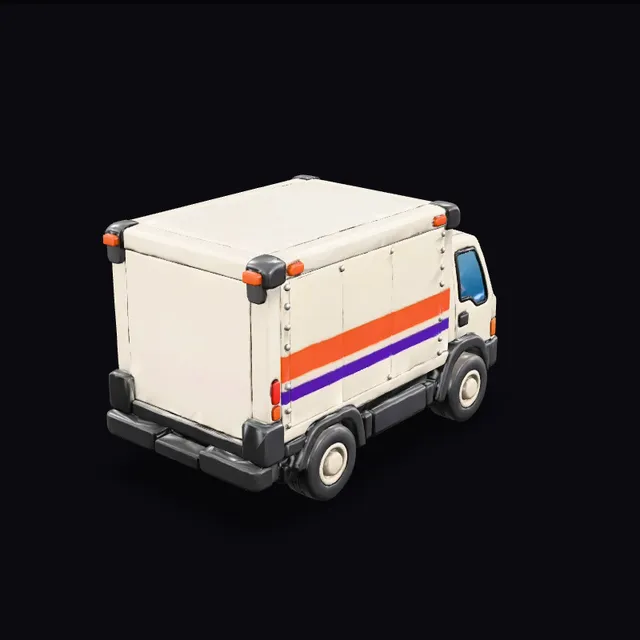
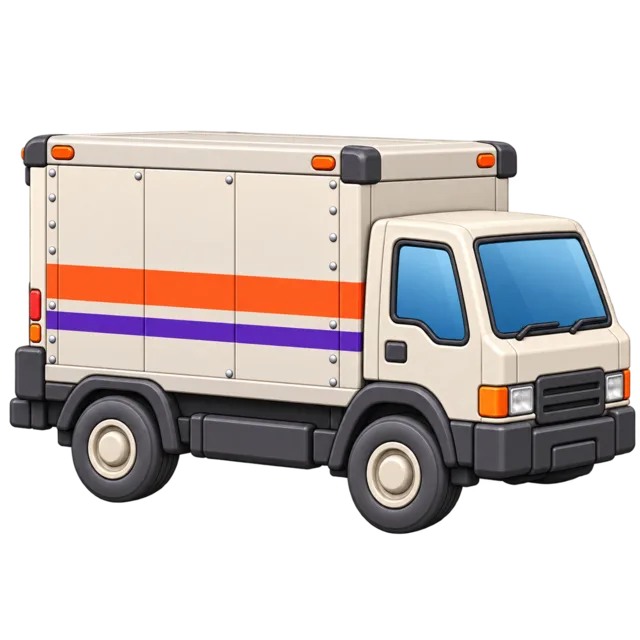
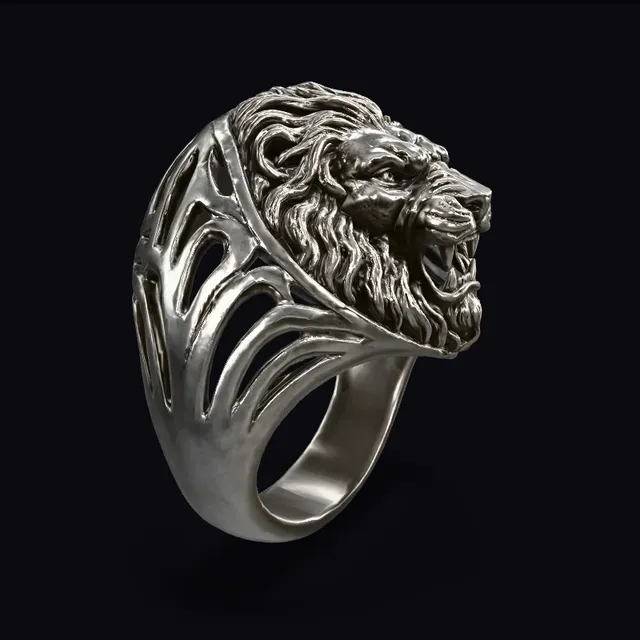
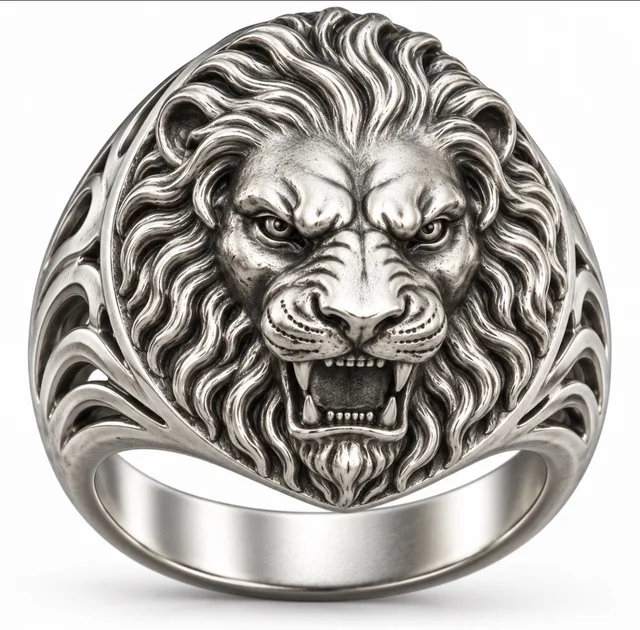
Starting points for a figure made from a photo. Run your resin's exposure test first; on FDM, start from your filament's profile.
| Setting | Photon (resin) | Kobra (FDM, PLA) |
|---|---|---|
| Good size | 25–80 mm | 80–200 mm |
| Triangles to ask for | 250k–400k | 100k–200k |
| Layer height | 0.05 mm, 0.03 mm for small faces | 0.12 mm for faces, 0.16 mm for toys |
| Orientation | Tilted 30–45° | Upright on the base |
| Supports | Light on details, medium at the base | Tree supports under arms and chins |
| Hollowing / infill | Hollow over 15 mm, 2 mm walls, drain holes | 10–15% gyroid, 3 walls |
| After printing | IPA wash, UV cure | Snip supports, sand, prime |
Ask the agent for a separate print version for each printer rather than scaling one mesh up or down in the slicer.
The exported STL has no colours. To print in four colours with an ACE Pro, open the model in Anycubic Slicer Next, use its colour painting tool and assign each zone to a filament slot.
The textured model is your map. Download it as GLB, free on every plan, and keep it open beside the slicer while you paint.
Keep the plan to three or four bold colours. Every swap purges filament through one nozzle, so tiny accents cost time and plastic; paint them by hand afterwards instead. The full workflow is on the multicolor 3D print page.
Most problems come from picking the wrong printer for the size, then forcing it.
Do
Avoid
A model costs 3 credits. On Starter ($19 a month for 400 credits, about 130 models) that is roughly 14 cents per model, and about 7 cents in the first month, which costs $9. Pro is $29 for 600 credits, about 200 models. Each print version is free, so one model gives you a resin file and an FDM file for the same 3 credits.
New accounts get 3 free credits, one textured model, no card. It downloads free as GLB. To slice it you need STL or 3MF, which come with a paid plan; see pricing.
Material: a 50 mm resin piece uses a few millilitres to about 15 ml; a 150 mm PLA figure uses roughly 80 to 120 g. Paid plans include a commercial licence for the models you generate.
The back is predicted. One photo shows one side, so check the back on the colour model before you print.
The file has no supports and no hollowing. Both happen in your slicer, where you can see them.
It is a sculpt, not a CAD part. Use it for figures, toys, props and decor; a bracket that must fit a screw belongs in a CAD program.
Thin parts need care on both printers. Under about 1 mm in resin or 1.5 mm on FDM, ask the agent to thicken them or print larger. For tabletop scale, start from the miniature generator. Running a Prusa as well? See Prusa 3D models. For a quick single-colour print, image to STL is the shortest route.
The first model is. New accounts get 3 free credits with no card, which is one textured model, and GLB download is free on every plan. Slicing needs an STL or 3MF, which come with a paid plan. Starter is $9 for the first month, then $19 a month for 400 credits, about 130 models.
Photon Workshop is Anycubic's own resin slicer and writes the file your Photon reads. Lychee and Chitubox also support most Photon models and have stronger support and hollowing tools. Open the print-version STL in any of them, hollow it if it is thicker than about 15 mm, tilt it, add supports and slice.
Yes. Make the model once for 3 credits, then ask the agent for two print versions: a small dense mesh for the Photon and a larger lighter one for the Kobra. Each remesh is free. Don't scale one mesh across both, because resin and FDM want very different sizes and triangle counts.
Yes, with the ACE Pro unit and some painting. The STL itself has no colours, so open it in Anycubic Slicer Next, use the colour painting tool and assign zones to the four filament slots. Use the textured GLB model as your reference, and keep it to three or four bold colours.
On a Photon, 0.05 mm for most models and 0.03 mm for small faces or miniatures. On a Kobra, 0.12 mm for anything with a face and 0.16 mm for toys and decor. Resin layer height matters less than exposure, so run your resin's calibration print before you tune anything else.
Most models are ready in 4–7 minutes after you upload the photo, and each print version takes another short wait at no cost. Printing is the slow part: a 50 mm resin piece takes about one to two hours, and a 150 mm PLA figure on a Kobra about eight to twelve hours at fine layers.
Usually too few or too light supports at the lowest points, or a large flat layer that pulled hard on each peel. Tilt the model 30 to 45 degrees, add medium supports under the base and the lowest tips, and hollow anything thick. Check exposure too: under-exposed supports are weak.
Paid plans include a commercial licence for the models you generate, so you can print and sell them on either printer. Use photos you have the rights to, and don't copy trademarked characters or another designer's model. At about 14 cents of credits per model on Starter, material and time set the price.
Upload one photo. The first textured model is free, and print versions for resin and FDM cost nothing extra.
Upload your photo