Use case · Game assets
A Game Asset Generator for the Long Tail of Your Game

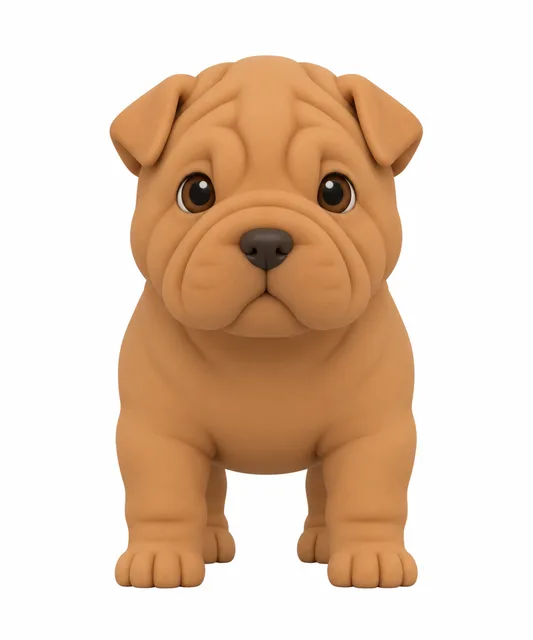
3 free credits on sign-up — enough for one textured model. No card.
Crates, potions, statues, creatures and background characters: upload a picture or describe the asset, get a textured model in 4–7 minutes, then remesh, rig and animate it in the same chat. The first model is free.
- ≈ $0.14 per textured prop
- Free remesh and LODs
- Rig for 3 credits
- 160 free animation clips
3 At a glance
- A concept image, if you start from an idea
- 2 credits
- One textured model
- 3 credits
- Rigging a two-legged character
- 3 credits
- Remeshing and 160 animation clips
- 0 credits
Where a game asset generator saves the most time
Most of a game's meshes are not the hero. They are the hundred props that fill a level: barrels, signs, food, furniture, rocks, pickups, background creatures. Each one is a day of modelling and texturing by hand, and none of them is what players remember.
That long tail is where a game asset generator pays off. Snapshapy turns one picture or one sentence into a textured model, so a solo developer or a small team can block out a level with real-looking assets in an afternoon, then decide which ones deserve a hand-made replacement.
It is a weaker fit for the main character that fills the screen in every cutscene. That model needs clean topology for deformation and an art director's eye, and a generated mesh is a starting point there, not the final file.
The game asset generator pipeline, one chat
Each step is a message to the agent, and each result stays in the chat so you can branch from any version.
- 1
Concept, if you only have an idea
Describe the asset and ask for a concept image first, 2 credits. Fix the look there, where changes are cheap, before you spend on 3D. Or start from words directly with text to 3D.
- 2
Textured model
Turn the concept or your own picture into a full-colour model: 3 credits, most ready in 4–7 minutes. Use the box at the top of this page or the chat at /app.
- 3
Remesh to your budget
Ask for a target from 1,000 to 300,000 triangles, textures kept. Free, about 30 seconds. Run it two or three times for a set of LODs.
- 4
Rig and animate characters
An upright two-legged character can be rigged for 3 credits. The rig comes with walk and run clips and FBX downloads, and any of 160 library clips can be added for free.
- 5
Export and import
Download GLB, free on every plan, and import it into your engine. Paid plans add OBJ, STL, 3MF and USDZ.
Assets from the game asset generator
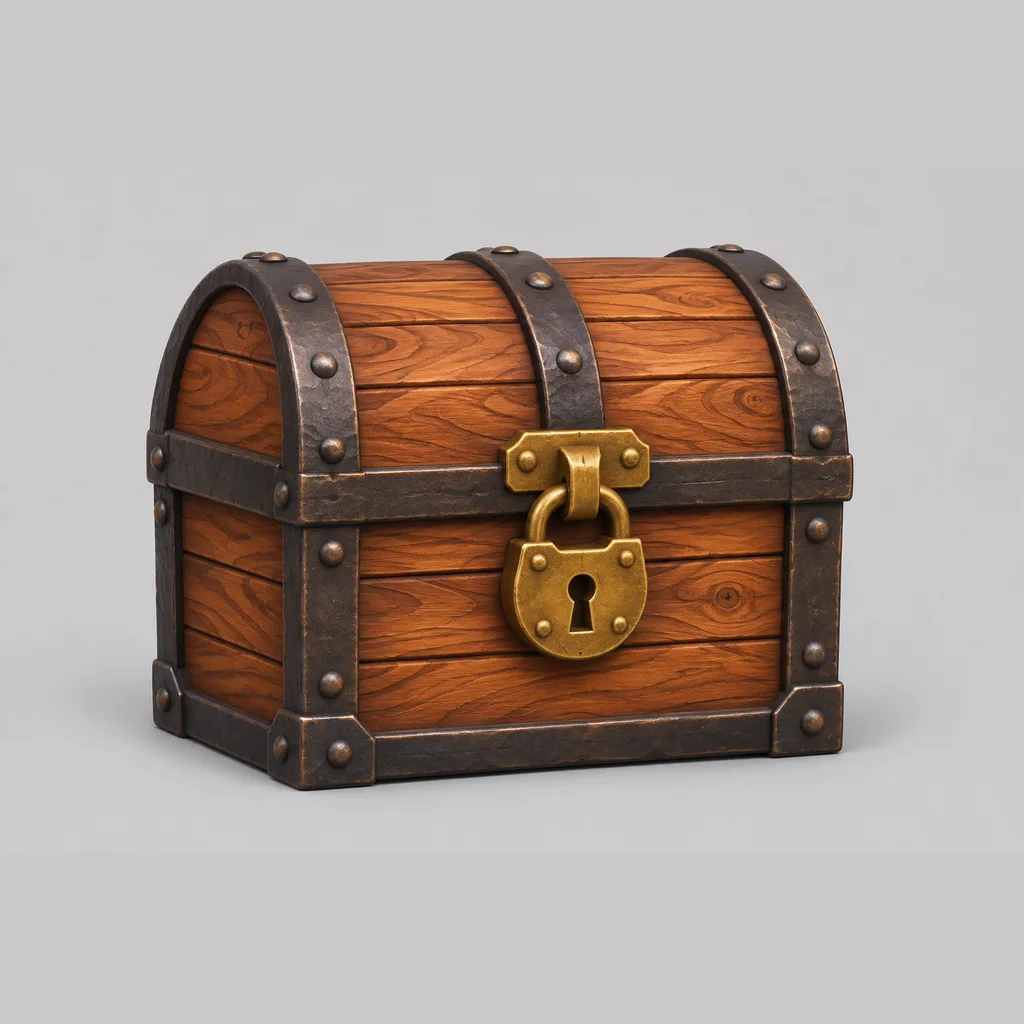
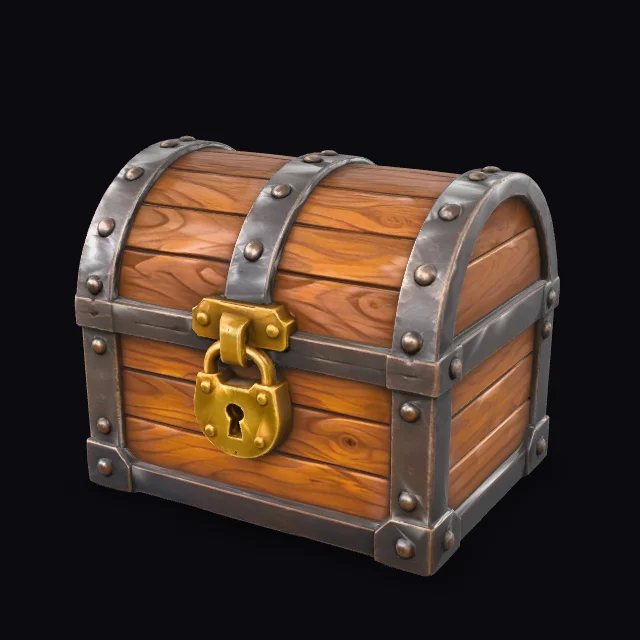
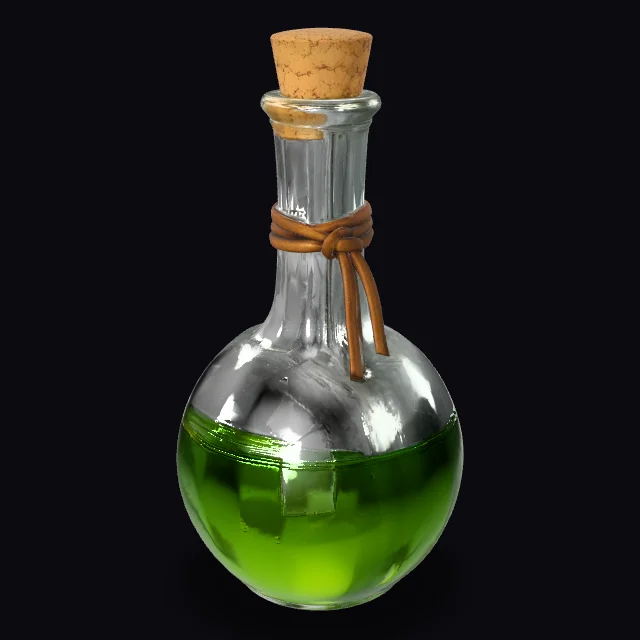
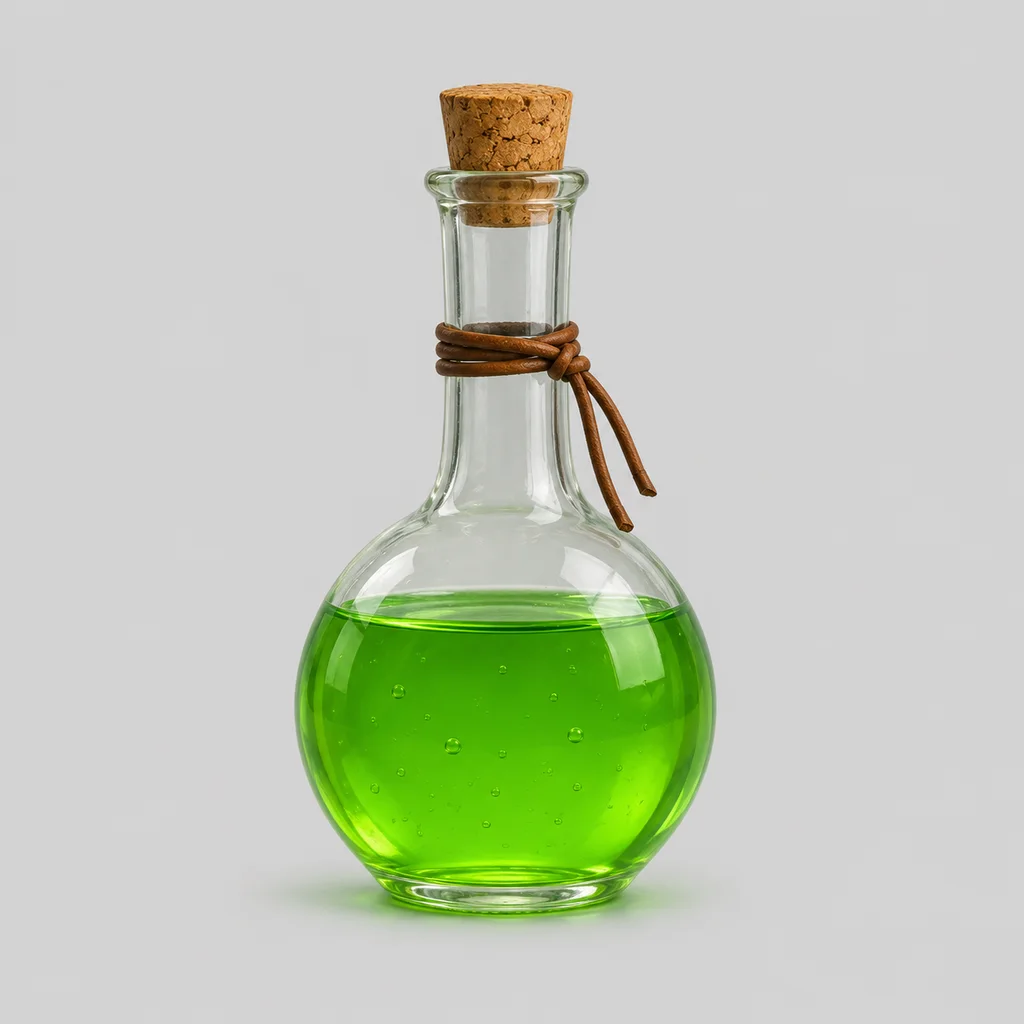
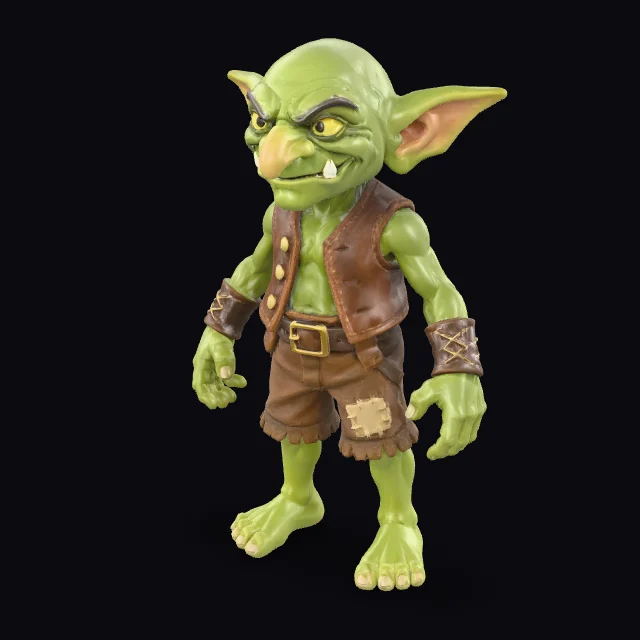
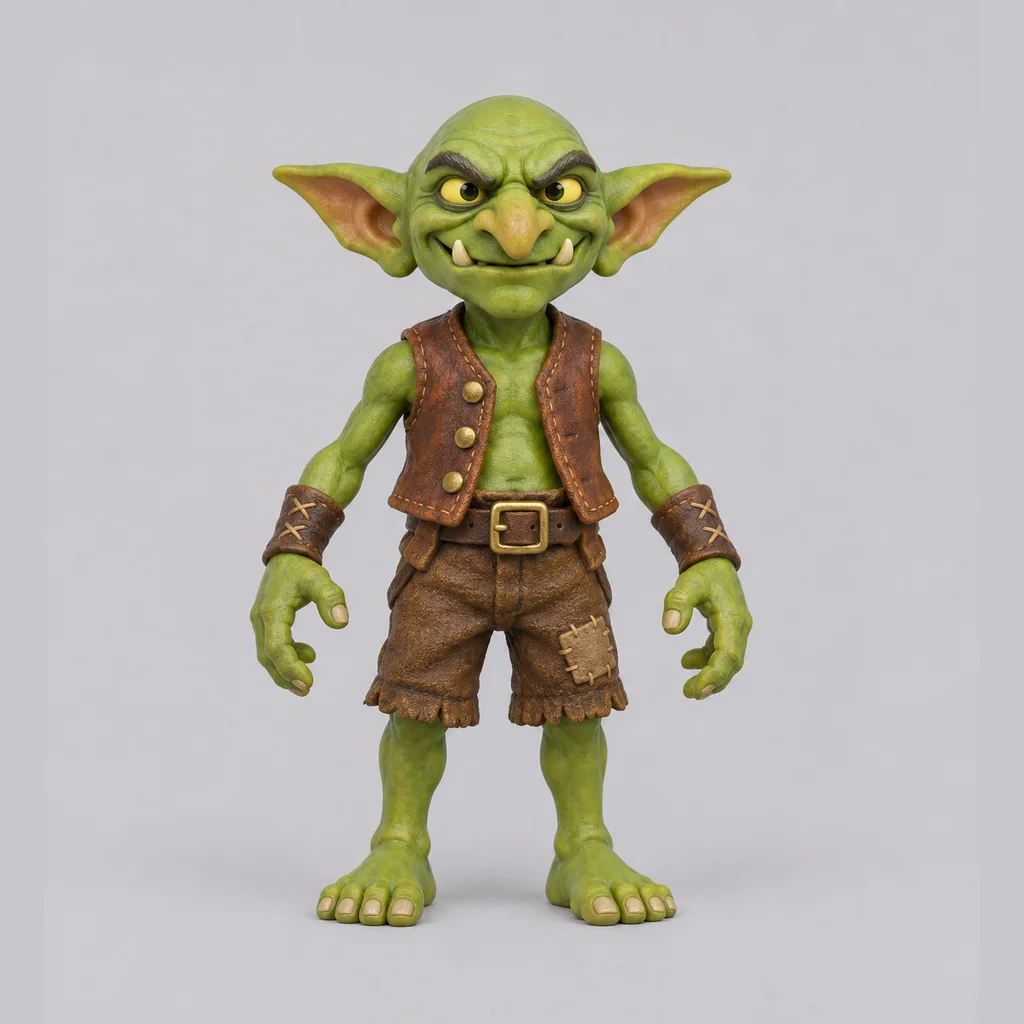
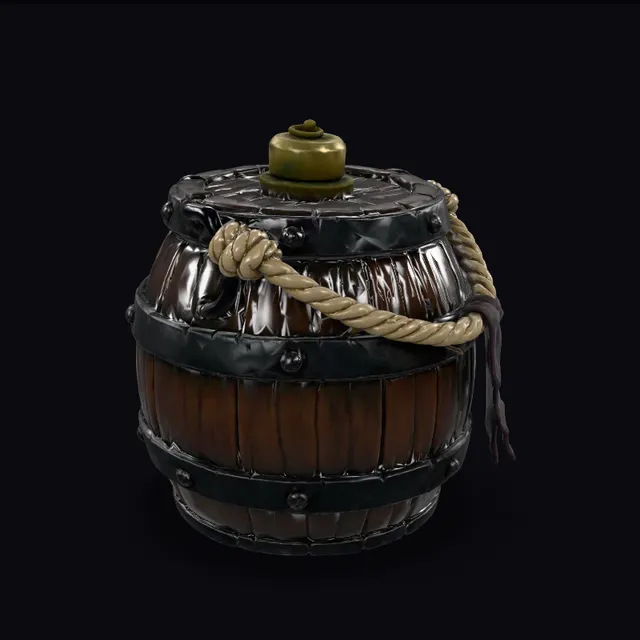
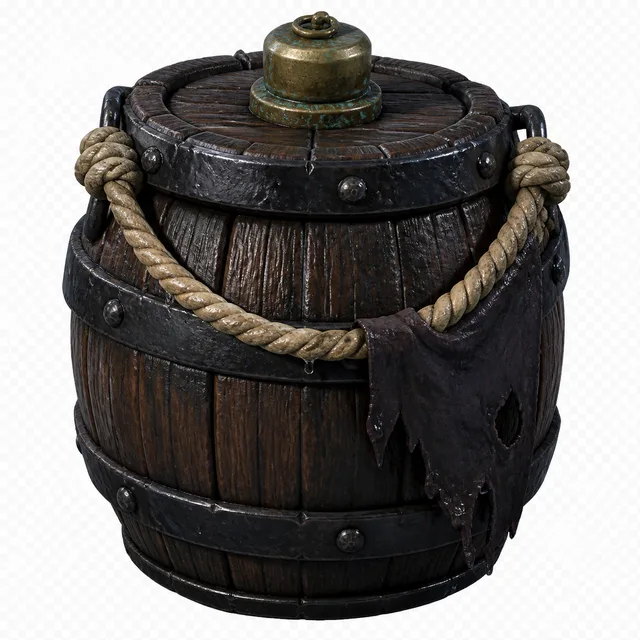
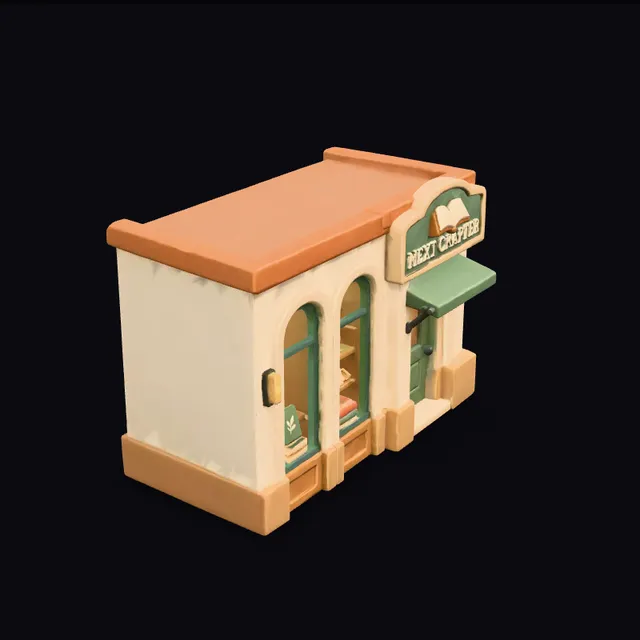
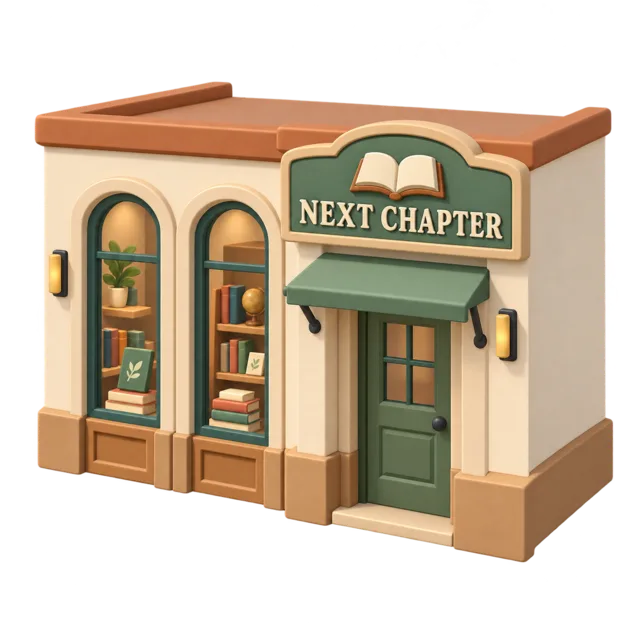
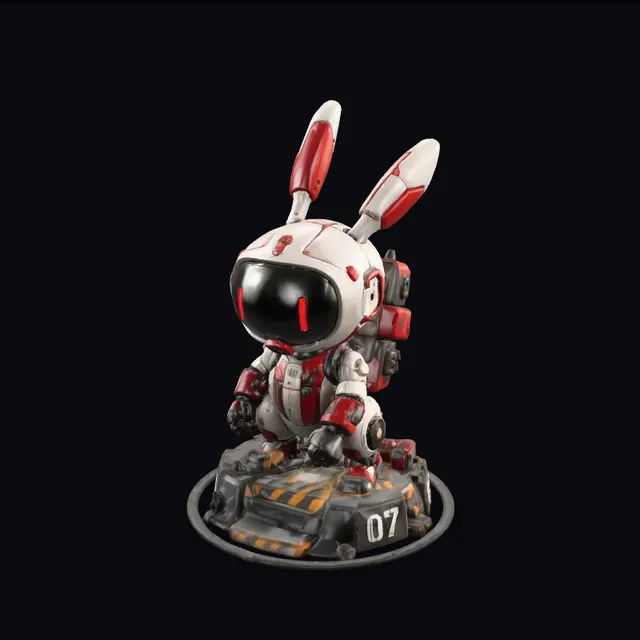
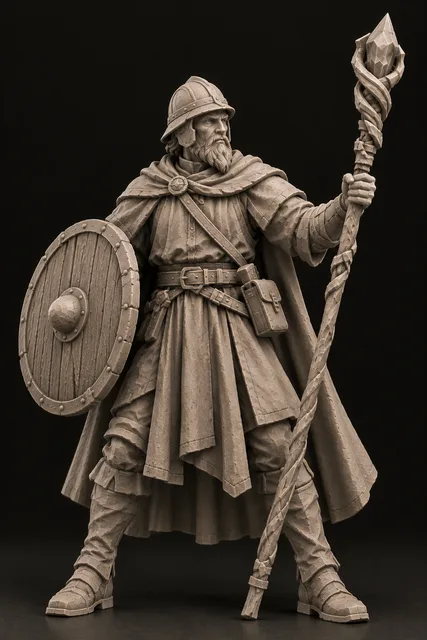
A small kit for a fantasy tavern level, plus props from the home page. Every model started as one picture.
What a level's worth of game assets costs
Example kits, priced in credits. On Starter, $19 a month for 400 credits, one credit is about 4.75 cents.
| Kit | What is in it | Credits | Starter cost, roughly |
|---|---|---|---|
| Prop pack | 20 props from your own pictures | 60 | $2.85 |
| Prop pack from ideas | 20 concepts, then 20 models | 100 | $4.75 |
| Enemy set | 5 characters, all rigged | 30 | $1.43 |
| Full level | 40 props, 5 rigged characters, LODs | 150 | $7.13 |
| Remeshes and clips | Any number | 0 | $0 |
Failed jobs refund their credits automatically, so a miss costs you nothing but a few minutes. Pro is $29 for 600 credits.
Keeping a generated asset kit in one art style
The hardest part of a kit is that every asset looks like it belongs in the same game. The input decides the style, so control the input.
Do
- Write one style line and reuse it in every description
- Generate concepts first and keep only those that match
- Shoot real props under the same light and background
- Use the same triangle target for assets of the same size
- Unify colour and lighting in the engine, not in each file
Avoid
- Mix photo-real pictures and cartoon drawings in one kit
- Upload screenshots of another game's assets
- Ask for a character in a pose with arms pinned to the body if you plan to rig it
- Expect readable text on signs or labels; add it as a decal
- Judge a prop only from the front; turn it round first
Rigged and animated characters from the game asset generator
Background characters are where rigging pays off. Ask the agent to rig an upright two-legged character and, for 3 credits, you get a skeleton bound to the mesh, walk and run clips, and FBX downloads next to the GLB. Dense models are reduced for rigging inside the job.
After that, the animation library is free: pick any of 160 clips, from a wave to a walk cycle, and the agent bakes them into a GLB. Engines that read glTF animation import those clips as named actions.
Rigging needs a humanoid. Four-legged animals, vehicles and props can't be rigged and fail with a refund. For a step-by-step on other rigging routes, see our guide to Mixamo animation.

- Rig: 3 credits, two-legged characters only
- Walk and run clips plus FBX with the rig
- 160 library clips, free
- A print mesh without textures can't be rigged
Getting game assets into each engine
GLB is the common file. Every engine below reads it; the details are on each engine's page.
- Unity
- Install the glTFast package once, then drop the GLB into Assets. Unity notes
- Unreal Engine
- Drag the GLB into the Content Browser; Nanite handles dense meshes. Unreal notes
- Godot
- Copy the GLB under res://; glTF is Godot's preferred format. Godot notes
- Roblox
- The 3D Importer accepts GLB; stay under 20,000 triangles per mesh. Roblox notes
- Blender
- File > Import > glTF 2.0 for cleanup, UV edits or retopology. Blender notes
Licence, ownership and the honest limits
Paid plans include a commercial licence, so you can ship generated assets in games you sell, as long as you have the rights to the pictures you upload. Don't feed it another studio's characters or screenshots.
The limits: meshes are triangles, not clean quad topology. The backs of objects are predicted from one view. Very thin parts (chains, antennae, hair strands) come out thick or blobby. There is no plugin, no API and no batch upload; each asset is a message in the chat. And the free tier is one model, so budget for a plan once you are building a real kit. See pricing.
Questions about game asset generator
Is the game asset generator free?
You can start free. New accounts get 3 credits with no card, which makes one textured model, and the GLB download is free on every plan. Remeshing and the 160 animation clips are always free. For a full kit you need a plan: Starter is $19 a month for 400 credits, with the first month at $9.
Can I use the assets in a commercial game?
Yes, on a paid plan. Starter and Pro both include a commercial licence for the models you generate, covering games and apps you sell. You need the rights to the pictures you upload, so use your own photos, drawings, concepts made in the chat, or images you have licensed.
How long does one game asset take?
Most textured models are ready in 4–7 minutes. A concept image first adds a short wait, a remesh takes about 30 seconds, and rigging a character is one more job. In practice a prop is in your engine within fifteen minutes, and a rigged, animated character within half an hour.
Are the models game-ready?
They are textured, UV-mapped and triangulated, and the free remesh brings them to the triangle count you choose, so most props import and run as they are. They are not hand-retopologised: characters that deform in close-up benefit from a cleanup pass in Blender. Always check collision and scale in your engine.
Can it make animated characters?
Upright two-legged characters, yes. Rigging costs 3 credits and includes walk and run clips plus FBX downloads. Any of 160 library clips can then be added for free and baked into a GLB. Animals with four legs, vehicles and props can't be rigged; a failed rig refunds its credits.
What file formats do I get for game engines?
GLB on every plan, which Unity with glTFast, Unreal Engine, Godot, Roblox Studio and Blender all import. A rigged character also comes with FBX files. Paid plans add OBJ, STL, 3MF and USDZ exports. FBX is not offered for unrigged models; import the GLB instead.
Can the game asset generator make a whole level at once?
No. Each asset is its own job, made from one picture or description, and there is no batch upload or API. A level is built one message at a time. At 4–7 minutes per model, a dozen props is an afternoon's work, and every result stays in the chat history so you can return to any of them.
Start your kit with the game asset generator
Upload one picture of a prop. The first textured model is free, the GLB is free, and remeshing it for your engine costs nothing.
Upload a picture