Short answer
The short answer
Save and share 3MF when the slicer on the other end supports it, which Bambu Studio, PrusaSlicer, OrcaSlicer and Cura all do. It opens at the right size, keeps separate parts and colours, and can carry the whole print setup.
Use STL when you do not know who will open the file, or when a print service or model site asks for it. It is the oldest file format for 3D printing and every slicer reads it, but it stores only one bare surface.
Reach for the others in specific cases: STEP for engineering parts that came from CAD, OBJ when the model carries colour you want a slicer to map, and never send G-code to anyone who does not own the same printer.
Contents9 sections
3D printing file types, ranked
Ranked for a typical home FDM or resin printer user, by how much useful information each format keeps and how widely it opens.
3MF
The best default. One zip with the mesh, units, parts, colours, thumbnail and slicer settings.
Best for: Your own projects, multi-colour prints, sharing a ready-to-print setup
- Stores units, so no scaling surprises
- Separate parts and colours stay assigned
- Every major slicer uses it as its project file
- Saved settings are slicer-specific
- Some print services and old tools still ask for STL
STL
The universal fallback. Every slicer, service and model site reads it.
Best for: Single-colour prints, uploads, files for people with unknown slicers
- Opens literally everywhere
- One file, nothing to forget
- Simple to check and repair
- No units: inch files land 25.4 times too small
- No colour, no parts, no settings
OBJ
A textured mesh. Useful when colour on the model should guide a multi-colour print.
Best for: Coloured models from 3D apps, scans and AI generators
- Keeps UVs and texture via its .mtl file
- Bambu Studio can map its colours to filaments
- Opens in every 3D app
- No units
- Texture files must travel with it
- Most slicers ignore the colour
STEP
Exact CAD geometry. The right file for engineering parts when your slicer imports it.
Best for: Functional parts designed in CAD
- Exact curves, tessellated at import
- Units stored in the file
- Still editable in CAD afterwards
- Not every slicer imports it
- No use for scans, sculpts or AI models, which are meshes
AMF
An XML format standardised to replace STL, now mostly overtaken by 3MF.
Best for: Older PrusaSlicer projects and tools that still write it
- Units, colours and several objects
- An ISO/ASTM standard
- Few tools still write it
- 3MF does the same job with wider support
G-code
Not a model: the sliced instructions for one specific printer.
Best for: Sending a finished job to your own printer
- Runs directly on the printer
- Contains every setting already applied
- Tied to one printer, nozzle and filament
- Cannot be edited back into a model
File format for 3D printing: what each one keeps
The facts that decide most choices, format by format.
| Format | Units | Colour | Several parts | Slicer settings | Geometry |
|---|---|---|---|---|---|
| 3MF | Yes | Yes | Yes | Yes (slicer-specific) | Indexed triangle mesh |
| STL | No | No | No | No | Triangle soup |
| OBJ | No | Via .mtl and images | Groups | No | Polygon mesh with UVs |
| STEP | Yes | Per part (AP214, AP242) | Yes | No | Exact B-rep surfaces |
| AMF | Yes | Yes | Yes | No | Triangle mesh, optionally curved |
| G-code | Machine units | Tool changes only | Already sliced | Baked in | Toolpaths, not a model |
Which 3D printing file types each slicer opens
Model formats the three most common FDM slicers import directly. Cura also opens STL, OBJ and 3MF.
| Format | Bambu Studio | PrusaSlicer | OrcaSlicer |
|---|---|---|---|
| STL | Yes | Yes | Yes |
| 3MF | Yes (project format) | Yes (project format) | Yes (project format) |
| OBJ | Yes, can map colours | Yes | Yes |
| STEP / STP | Yes | Yes | Yes |
| GLB, glTF, FBX | Not on the import list | Not on the import list | Not on the import list |
The best file format for multicolour 3D printing
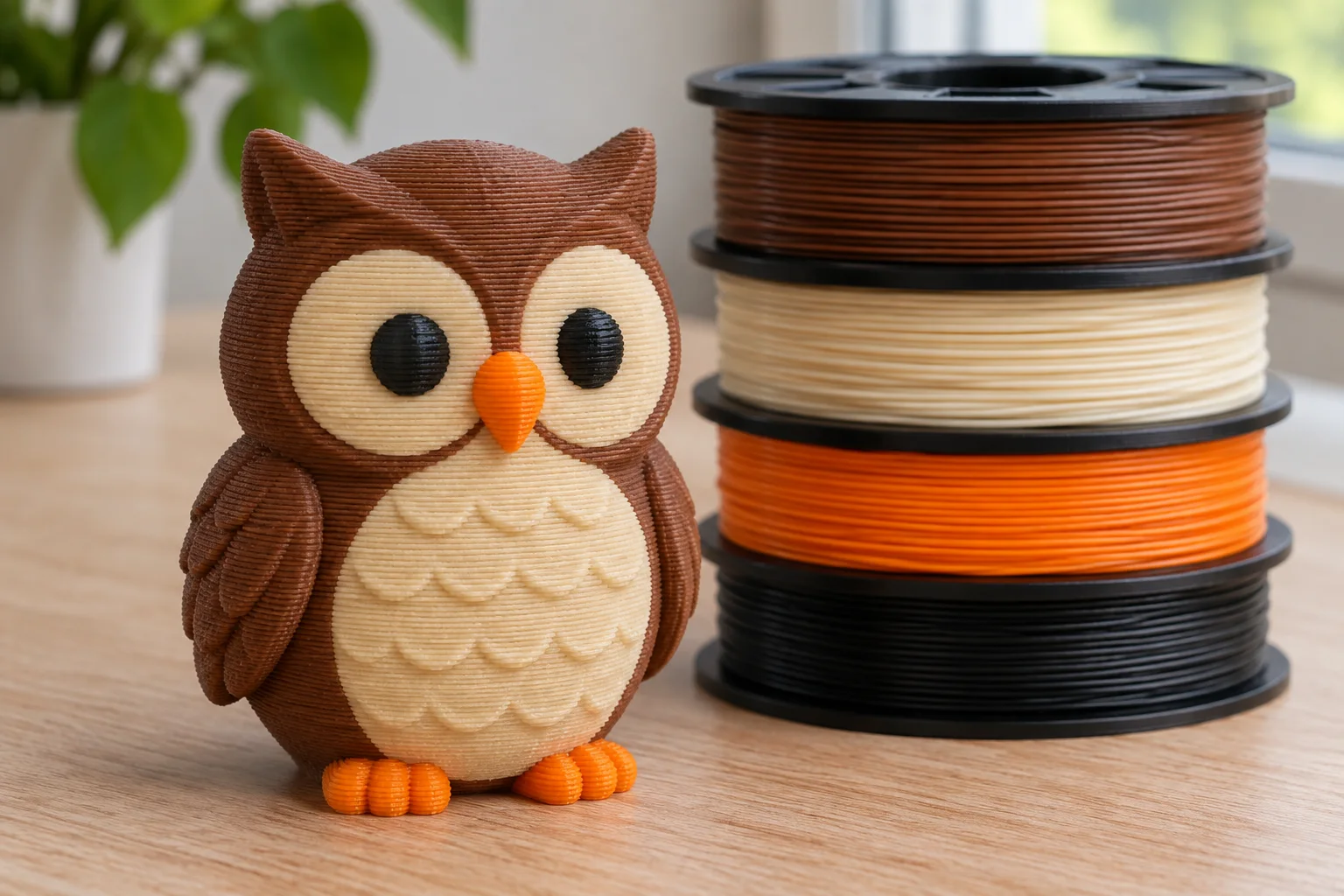
For multi-colour work, 3MF wins clearly. An AMS, a tool changer or a multi-extruder printer needs to know which part, or which triangle, gets which filament. A 3MF stores that, either as separate objects with their own filament or as colours painted onto the surface in the slicer.
With STL, the same print means one file per colour, loaded together and aligned by hand, with no record of which file was which filament.
OBJ sits in between. If the model was textured, Bambu Studio can read its colours on import and help you reduce them to the few filaments you have loaded. Save the result as a 3MF project so the assignment is kept. For the full workflow from a photo, see the multicolor 3D print guide.
The best file format for 3D printing depends on where the model came from
The right format often follows from how the model was made.
- Designed in CAD (Fusion, Onshape, FreeCAD): keep the STEP for editing and machining, and export 3MF or STL for the print. If your slicer imports STEP, you can slice it directly.
- Sculpted or modelled in Blender: export STL for one colour or 3MF for several. Apply scale first.
- Downloaded from a model site: use the 3MF if one is offered for your slicer, otherwise the STL.
- Scanned or generated by AI: these are meshes from the start. Export STL or 3MF; if the model has colour, OBJ or GLB keeps it until you decide how to print it.
In every case, look at the file before slicing. The STL viewer shows the size in millimetres and the triangle count.
File format mistakes that ruin prints
Most failed prints blamed on a format are really mesh or scale problems that the format let through.
Getting a print-ready file from a photo
If you have a picture instead of a model, Snapshapy builds the model and exports the print format.
Upload one photo
Use image to STL with a clear photo of one object, not cropped at the edges. A textured model costs 3 credits and most are ready in 4–7 minutes.
Remesh for print
Ask the agent to remesh the model. Textures come off and the triangle count drops to the number you set, which keeps the file light for a slicer. Remeshing is free.
Export STL or 3MF
STL, 3MF, OBJ and USDZ exports need a paid plan, from $19 a month on Starter. They open in Bambu Studio, PrusaSlicer, OrcaSlicer, Cura and Lychee. GLB is free on every plan.
Questions people ask
What is the best file format for 3D printing?
For most people today it is 3MF. It stores units, so models open at the right size, keeps separate parts and colours, and can save the slicer setup for reprinting. Bambu Studio, PrusaSlicer, OrcaSlicer and Cura all use it. When you need a file that absolutely every program and service accepts, STL is still the safe fallback.
Is STL still the standard for 3D printing?
It is still the most widely accepted format, so many model sites and print services default to it. It is no longer the best format, though: it has no units, no colour and no parts. Modern slicers treat 3MF as their main format, and many designers now publish both an STL and a 3MF of the same model.
Can I 3D print a GLB, glTF or FBX file?
Not directly in the common slicers, which do not list those formats. Import the file into Blender, check that the mesh is closed and solid, apply any pose, then export STL or 3MF. GLB and glTF are in metres, so a model may arrive 1,000 times too small in millimetres. Snapshapy can export STL or 3MF directly on a paid plan.
Which file format is best for resin printers?
STL, OBJ or 3MF go into the resin slicer, with STL accepted by all of them. The slicer then writes a printer-specific sliced file, such as .ctb, .goo or another format your printer's brand uses. That sliced file only works on the printer model it was made for, so share the STL or 3MF, never the sliced output.
Why does my model import at the wrong size?
Because STL and OBJ do not store units. Slicers assume millimetres, so a model saved in inches arrives 25.4 times too small and one saved in metres 1,000 times too small. Scale it by that factor in the slicer. 3MF and STEP record their unit in the file, which is one more reason to prefer them.
What file do I need for multicolour printing on a Bambu AMS?
A 3MF. It keeps each part or painted region linked to a filament slot, and Bambu Studio saves the plate and colours in the same file. You can also start from a textured OBJ and let Bambu Studio map its colours to your filaments, then save the project as 3MF. Several STL files work too, but you must align them by hand.
What is the difference between a model file and G-code?
A model file such as STL or 3MF describes the shape. G-code is the slicer's output: the exact moves, temperatures and extrusion amounts for one printer, nozzle and filament. You print G-code, but you share and archive the model file, because G-code cannot be turned back into an editable model and will not suit another printer.
How do I get a printable file from a photo?
Use an image-to-3D tool, then export a print format. With Snapshapy you upload one clear photo, the agent builds a textured model for 3 credits in about 4–7 minutes, and it can remesh the model for printing for free. STL and 3MF exports come with a paid plan, starting at $19 a month.
Picked your file format for 3D printing? Make the model from a photo
Upload one picture and the agent builds a textured model in 4–7 minutes for 3 credits, ready to remesh and export as STL or 3MF. New accounts get 3 free credits.