Use case · Blender
Blender AI That Starts From a Photo, Not a Blank Cube

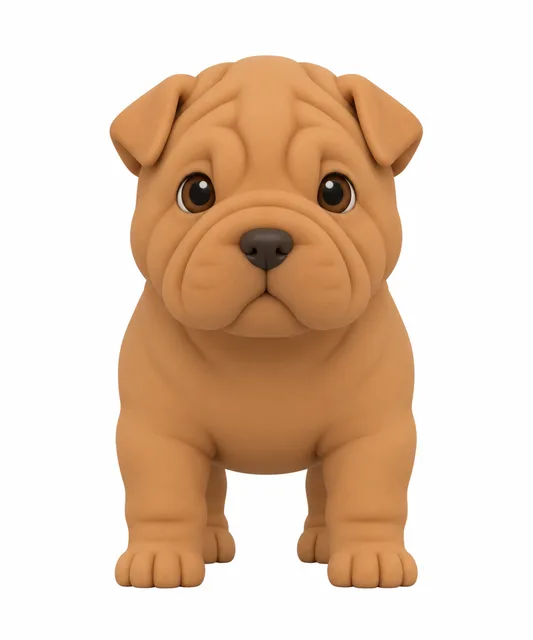
3 free credits on sign-up — enough for one textured model. No card.
Upload one photo and the Snapshapy agent sculpts and paints a textured model in 4–7 minutes. Import the GLB into Blender with its material already connected, then clean it up, sculpt on it or rig it. The first model and the GLB are free.
- Textured GLB, free on every plan
- Imports with Blender's built-in glTF importer
- Free remesh before import
- No add-on to install

3 At a glance
- Photo to textured model, most jobs
- 4–7 min
- GLB: mesh, UVs and texture together
- 1 file
- Remesh to your triangle target
- 0 credits
- Per model, about 14 cents on Starter
- 3 credits
What Blender AI means here, and what it doesn't
Searches for Blender AI usually want one thing: skip the hours between a reference picture and a usable textured mesh. That is the part Snapshapy does.
You don't install anything into Blender. You chat with the agent in the browser, give it one photo or a description, and download a textured GLB. Blender opens it with its own glTF importer, which ships with Blender and is on by default. From there it is a normal Blender object: edit it, sculpt it, unwrap it again, render it.
So this is AI for Blender in the sense of a modelling shortcut, not a button inside the interface. There is no add-on, no API and no live link. The upside is that the same file also drops into Unity, Unreal Engine or Godot without a converter.
From image to 3D: Blender import in five steps
Ten minutes the first time, most of it waiting for the model.
- 1
Generate the model
Upload one photo in the box at the top of this page or in the chat at /app. One object, plain background, nothing cut off. No photo? Describe it with text to 3D.
- 2
Remesh if you need a lighter mesh
Generated models are dense. Ask "remesh to 50,000 triangles, keep textures" if you plan to edit in Edit Mode; keep the full version for sculpting or renders. Free, about 30 seconds.
- 3
Download the GLB
GLB is free on every plan and carries the mesh, UV map and texture in one file, so nothing goes missing on the way.
- 4
Import into Blender
Choose File > Import > glTF 2.0 (.glb/.gltf) and pick the file. Blender builds a Principled BSDF material with the texture connected.
- 5
Look at it in colour
Switch the viewport to Material Preview. Solid mode shows the mesh grey, which makes many people think the texture didn't import.
AI 3D models for Blender, from one photo each
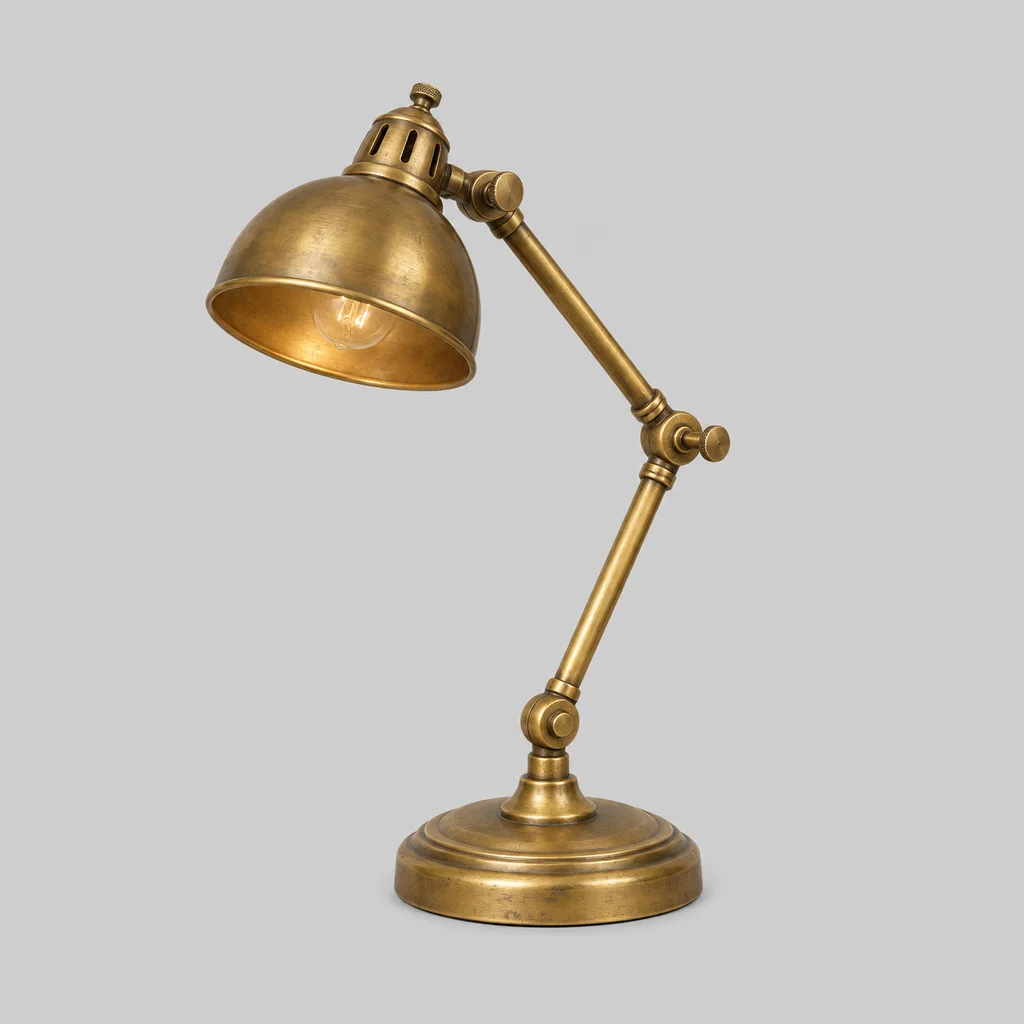
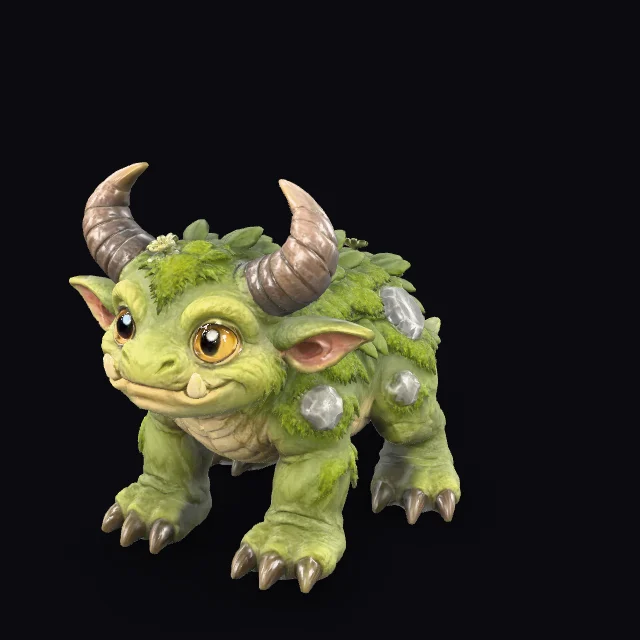
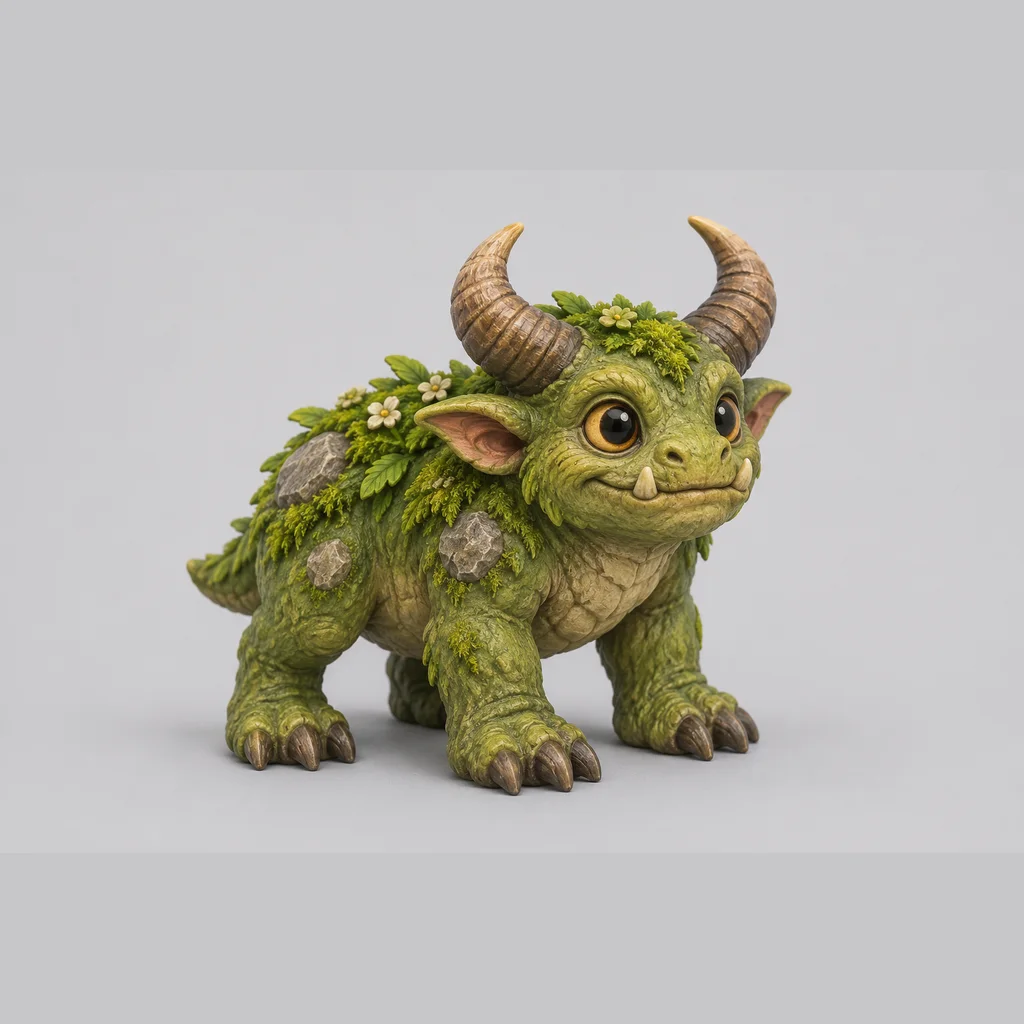
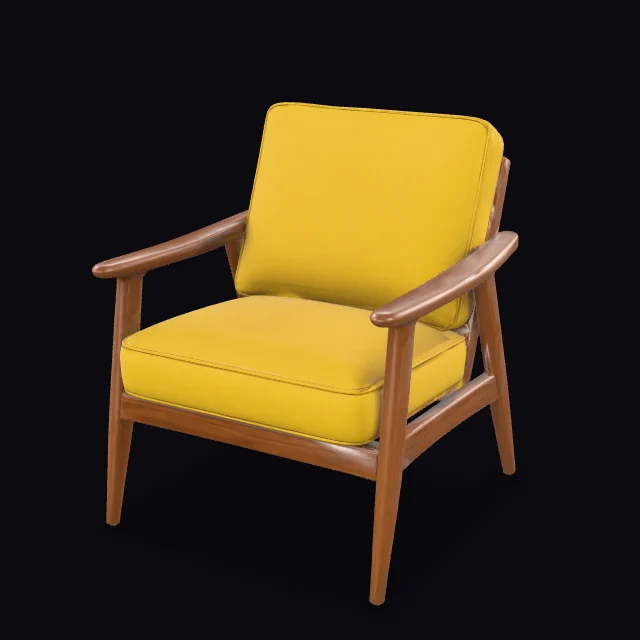
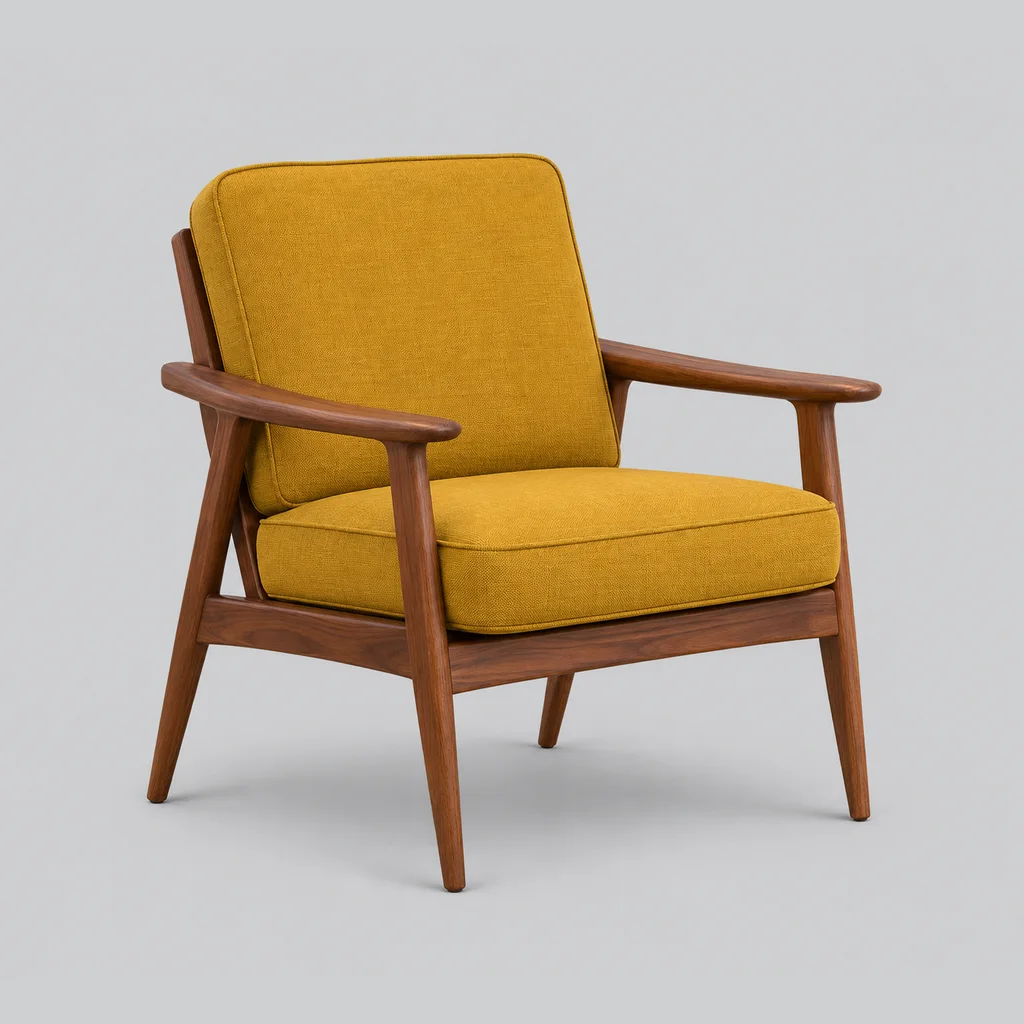
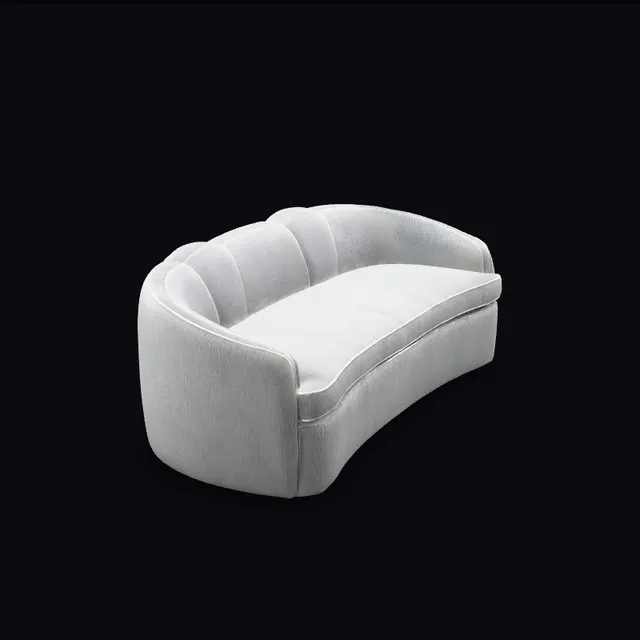
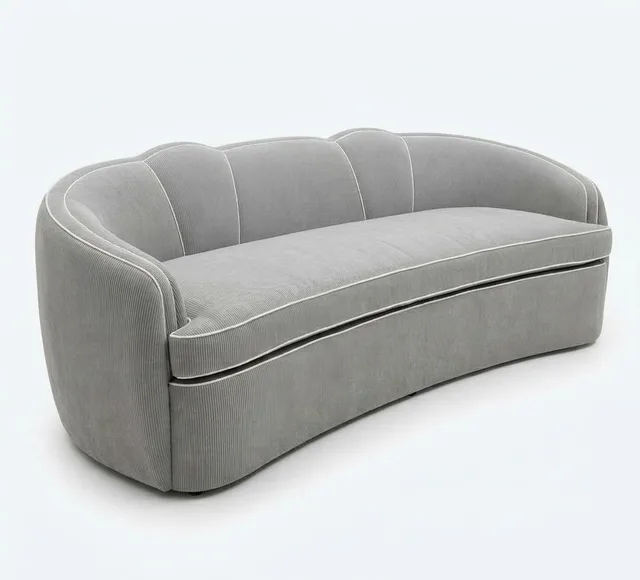
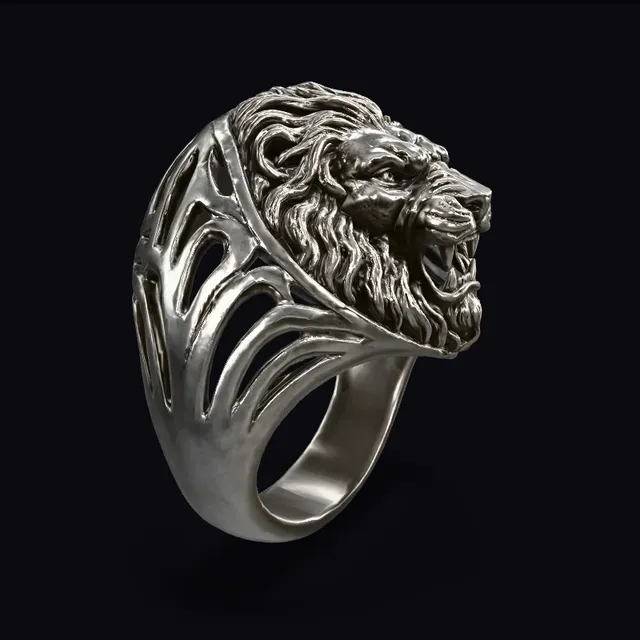
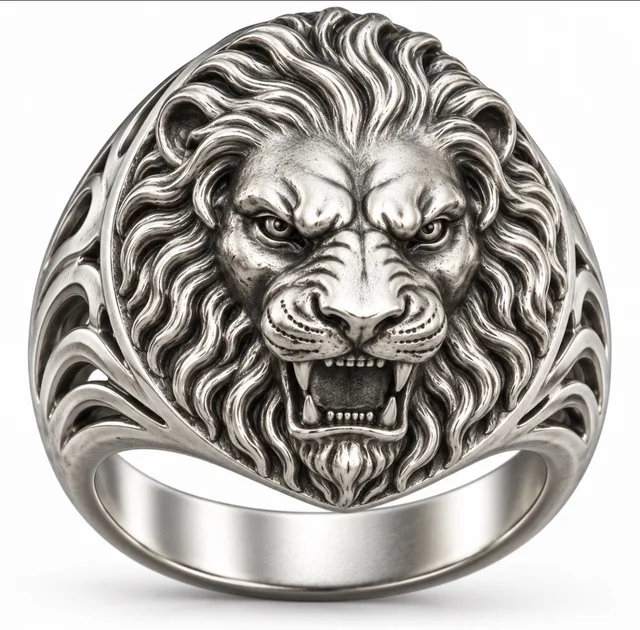
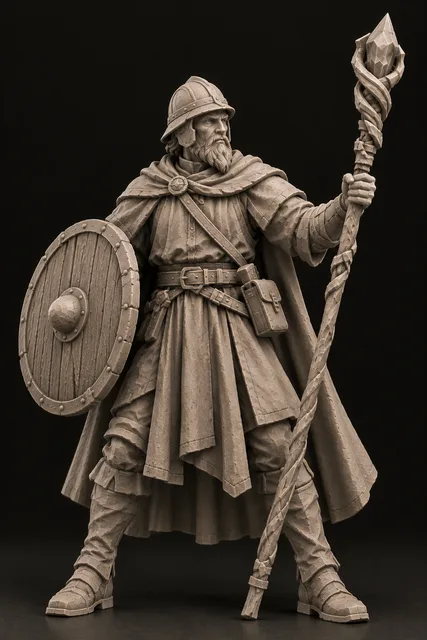
The jobs Blender AI is good at, where you would rather start from something than build from nothing: props for a scene, a creature to sculpt over, a hard-surface base. Each came from a single picture.

A cleanup checklist after you import an AI 3D model for Blender
Five minutes of housekeeping makes a generated model behave like one you made yourself.
- Scale
- glTF and Blender both use metres; set the size you want, then Ctrl+A > Scale
- Origin
- Object > Set Origin > Origin to Geometry, then move it to the base
- Duplicate vertices
- Edit Mode, Mesh > Clean Up > Merge by Distance
- Shading
- Right-click > Shade Smooth if the surface looks faceted
- Normals
- Turn on Face Orientation in Overlays; recalculate if you see red
- Texture
- Check it in Material Preview; Pack Resources before you share the .blend
- Triangles
- Statistics overlay shows the count; Decimate or remesh again if heavy
What to do with a Blender AI model once it is imported
The generated mesh is triangulated and UV-mapped, with one baked colour texture. That makes some jobs easy and others worth a little planning.
- Render and set dressing: use it as is. It is textured, so it looks right in Eevee or Cycles straight away.
- Sculpting: work on the full-resolution version. Add a Multiresolution modifier or sculpt directly.
- Hard edits in Edit Mode: remesh lower first; 30,000 to 50,000 triangles is far easier to select and move.
- Animation: a generated mesh is not clean quad topology. For close-up deformation, retopologise with your usual tools and bake the texture across.
- Printing: ask the agent for a print version instead; textures come off and the mesh is prepared for slicers.
- Triangulated, UV-mapped, one colour texture
- Full resolution for sculpting
- Remeshed for editing
- Retopology for close-up animation
Which file to bring into Blender
Blender reads all of these with importers it ships with. GLB is the one to pick unless you have a reason not to.
| File | On which plan | Blender import | Use it for |
|---|---|---|---|
| GLB | Every plan, free | File > Import > glTF 2.0 | Almost everything: mesh, UVs and material in one file |
| OBJ | Paid | Unzip, then File > Import > Wavefront (.obj) | Older pipelines that expect OBJ + MTL |
| FBX | Rigged characters only | File > Import > FBX | A rig to tweak or send on to another tool |
| STL | Paid | File > Import > STL | Print checks; no colour |
OBJ downloads as a zip holding the .obj, the .mtl and the texture images. Keep them in one folder.
Rig first, then open it in Blender
Rigging is where Blender AI saves the most hours. If the model is an upright two-legged character, you can skip weight painting. Ask the agent to rig it for 3 credits: you get a skeleton bound to the mesh, walk and run clips, and FBX files next to the GLB.
After that, any of 160 animation clips can be added for free and baked into a GLB. Import it with the glTF importer and each clip arrives as an Action you can play, trim or mix in the NLA editor.
Rigging works on humanoids only. Animals with four legs, vehicles and props fail and refund their credits. For other rigging routes, see the Mixamo animation guide.
- Rig: 3 credits, humanoids only
- Clips arrive as Blender Actions
- 160 library clips, free
What Blender AI modelling costs
Each model is 3 credits. On Starter, $19 a month for 400 credits, that is about 14 cents a model; the first month is $9. Pro is $29 for 600 credits. Remeshing and animation clips are free, rigging is 3 credits, and failed jobs refund themselves.
New accounts get 3 free credits, no card: one textured model, downloadable as GLB, enough to test the whole round trip into Blender. Paid plans add OBJ, STL, 3MF and USDZ exports and a commercial licence. See pricing.
Questions about blender ai
Is there a Blender AI add-on?
No. Snapshapy runs in the browser and hands you a file; there is no add-on, plugin or API to connect to Blender. You download a GLB and import it with File > Import > glTF 2.0, which is built into Blender. The same file also works in game engines and web viewers without converting.
Is it free to use with Blender?
You can start free. New accounts get 3 credits with no card, which makes one textured model, and the GLB download is free on every plan. Remeshing is free too. Paid plans, from $9 for the first month, add OBJ, STL, 3MF and USDZ exports and a commercial licence.
Why does the imported model look grey in Blender?
The viewport is probably in Solid mode, which ignores textures. Switch to Material Preview or Rendered and the colours appear. If it is still grey, open the Shader Editor and check that an Image Texture node feeds the Base Color of the Principled BSDF. With a GLB, the importer connects that for you.
How do I turn an image to 3D in Blender with AI?
Upload the image to Snapshapy, wait 4–7 minutes for the textured model, download the GLB, and import it with File > Import > glTF 2.0. If you want a lighter mesh for editing, ask the agent to remesh it to a target triangle count first. Remeshing is free and keeps the texture.
Can I sculpt on a generated model?
Yes. The full-resolution version is dense enough for detail sculpting, and Blender's sculpt tools work on it like on any mesh. Sculpting changes the shape but not the baked texture, so big changes may need a fresh texture paint or a bake. For heavy reshaping, generate a closer starting point instead.
Are the models good topology for animation?
They are triangulated and UV-mapped, but not hand-built quad topology. For props and characters seen at a distance that is fine. For a hero character that deforms in close-up, retopologise it in Blender and bake the texture across. Upright humanoids can also be rigged by the agent for 3 credits.
Which Blender version do I need?
Blender AI models from Snapshapy arrive as GLB, and any current Blender release reads GLB with its bundled glTF importer, so you don't need a particular version or extra add-ons. Rigged FBX files open with the built-in FBX importer. If an older Blender complains about a file, update to the current release before troubleshooting anything else.
Make your first Blender AI model from a photo
One photo in, a textured GLB out. The first model is free, and so is the file your AI 3D model for Blender comes in.
Upload a photo