Drawing reference
Open the animated GLB in Blender, scrub to the frame you like and orbit the camera. You get the same character in the same pose from the front, side and above.
AI pose changer for 3D characters

3 free credits on sign-up — enough for one textured model. No card.
Give the Snapshapy agent a drawing, a photo or a description of a character. It builds a textured 3D model (most are ready in 4–7 minutes), adds a skeleton for 3 credits and applies any of about 160 preset motions for free.
This AI pose changer moves a character by giving it a body you can bend. The agent turns your character into a textured 3D model, adds a skeleton to it, then plays preset motions on that skeleton: idle, wave, walk, run, sit, punch, dance and many more. Because the character is now 3D, every pose can be seen from any angle and the character looks the same in all of them.
It is not a photo editor. It won't redraw the pose inside your original picture, and it doesn't take a typed pose like "kneeling with the left hand raised" and freeze it. You choose from a library of about 160 motions, and you can pose the rigged file by hand in Blender if you need something the library lacks.
It works on upright, two-legged characters. Props, animals and vehicles can still become textured 3D models, but the rigging step refuses them and refunds the credits.
Everything happens in one chat at /app. You describe what you want and the agent runs each job in order.
Upload a drawing, a render or a photo of one character, or just describe it. For the cleanest rig, ask the agent to redraw it as a concept in a T-pose or A-pose first. A concept image costs 2 credits and follows your upload as a reference.
The agent turns the image into a full-colour 3D model for 3 credits. Most are ready in 4–7 minutes. Check the back and sides in the preview before you go on, because the rig will follow this shape.
Say "rig it". Adding the skeleton costs 3 credits and takes a couple of minutes. A very dense model is reduced to about 100,000 triangles inside the rig job, so you never prepare it yourself. If the character isn't recognised as a humanoid, the job fails and the credits come back.
Ask for what you want ("make it wave", "add three dance moves") or browse the library by category: walk and run, body, daily actions, fighting and dancing. Up to 10 clips go into one animated model, and animating is free.
The rig card's Export menu has the rigged FBX plus separate walking and running clips. The animation card gives you one GLB that holds every clip you picked. Open them in Blender, a game engine or a web viewer.
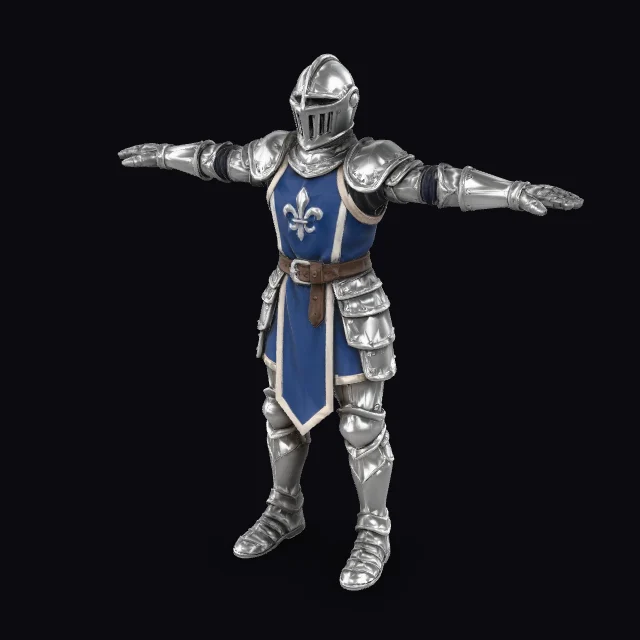
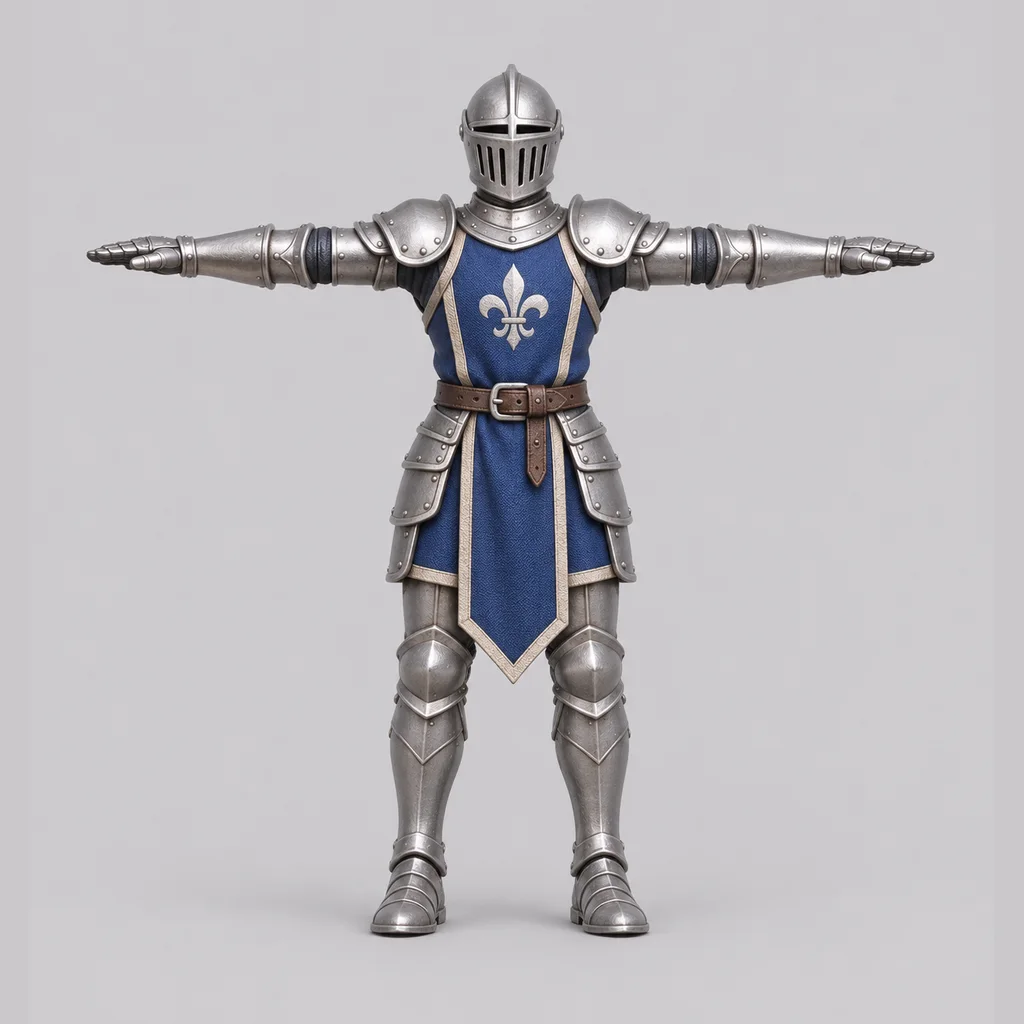
A skeleton has to know where the shoulders, elbows, hips and knees are. That is easy to find when the arms hang away from the body and the legs stand apart, and hard when a hand is glued to a hip or a cape hides the legs. So the best input to an AI pose changer is a boring pose: a T-pose with the arms straight out, or an A-pose with the arms relaxed at about 45 degrees.
You don't have to draw that yourself. Upload your character in whatever pose you have and ask the agent for a T-pose concept of it. The new drawing keeps the outfit and colours, stands the character up straight and frames the whole body. That concept becomes the 3D model, and the model becomes the rig. From there, every motion in the library starts from a clean, neutral body, which is why arms swing and knees bend without tearing the mesh.
Both answer "show my character in a different pose", but they leave you with very different files.
| 2D image pose editing | Snapshapy 3D route | |
|---|---|---|
| What you get | A new flat picture | A rigged 3D model plus motion clips |
| Viewing angle | The one in the picture | Any angle, orbit freely |
| Same character every time | Can drift between edits | Same model in every pose |
| How poses are chosen | A text prompt or a reference image | About 160 preset motions, or by hand in Blender |
| Files | PNG or JPG | Rigged FBX, animated GLB, walk and run clips |
| Works on | Almost any subject | Upright, two-legged characters |
Pick the 3D route when you need the same character many times, from many angles, or moving. Plans start at $19 a month for 400 credits, and the first month is $9. See pricing.
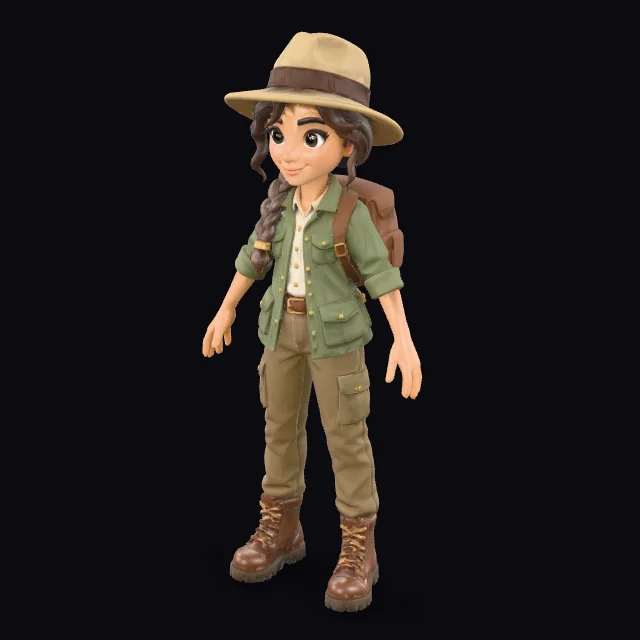
The first three were built standing upright with the arms away from the body, the shape a rig wants. The last three show where the route gets harder or stops.
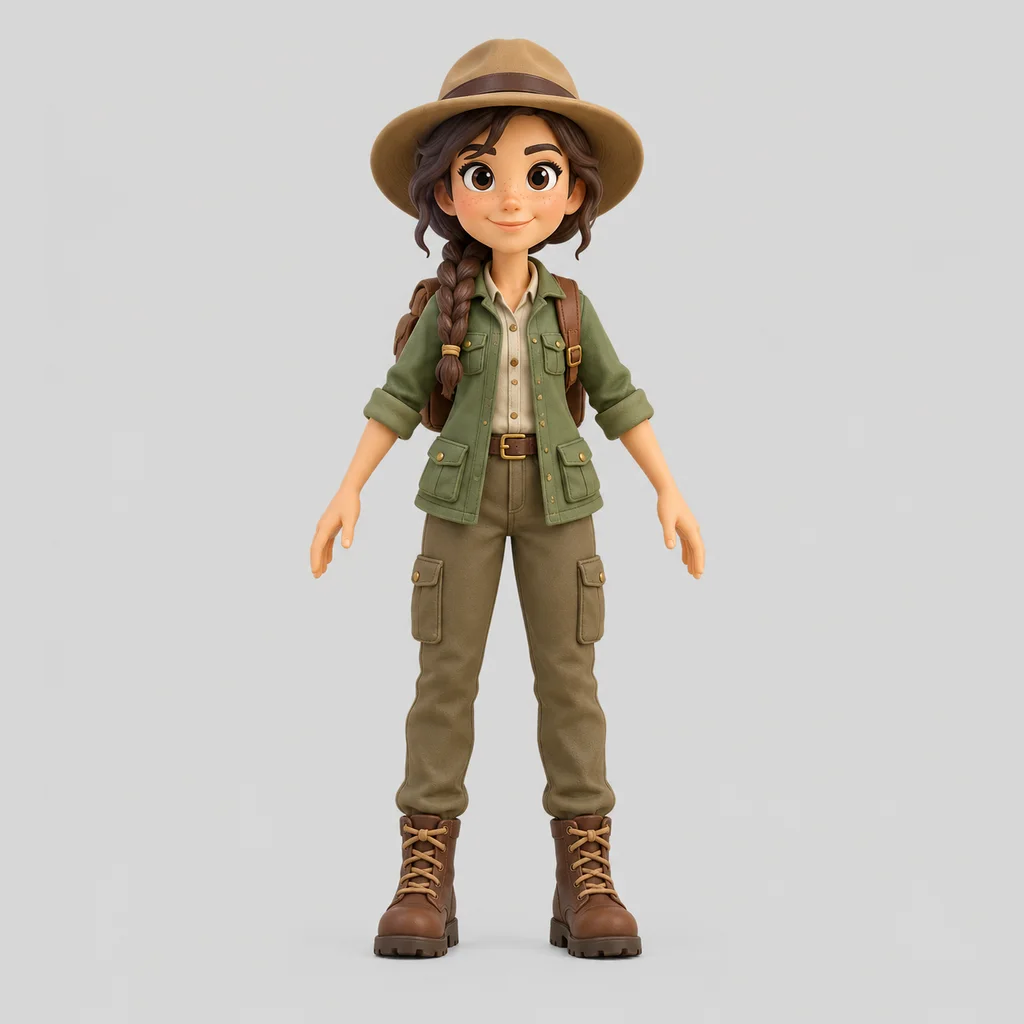
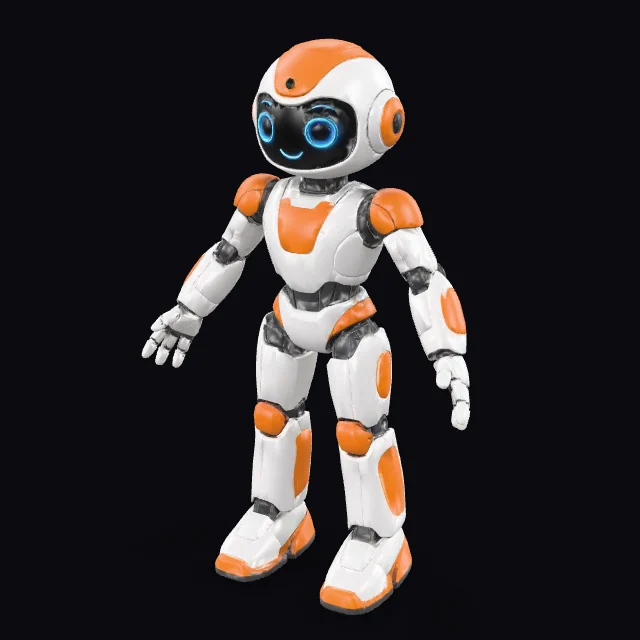
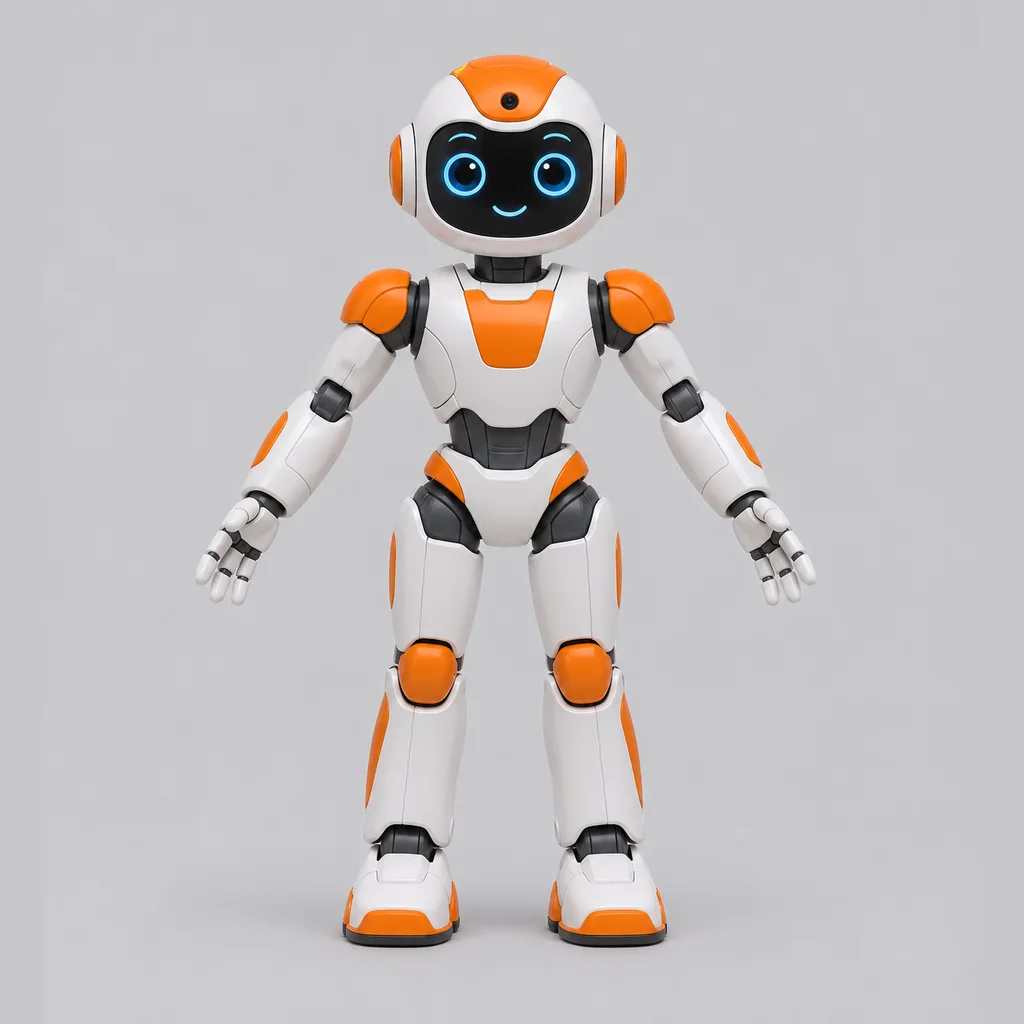
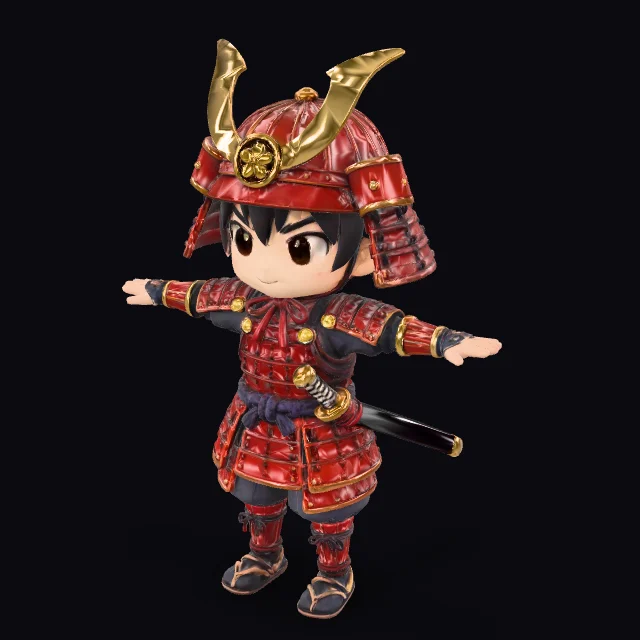

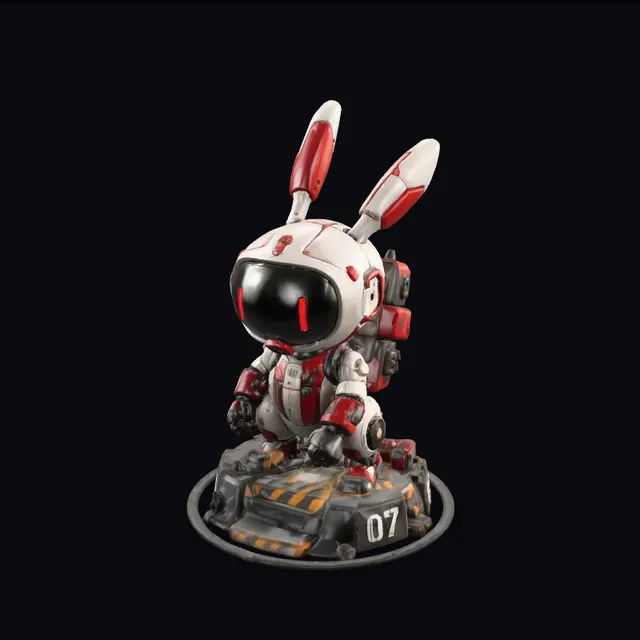

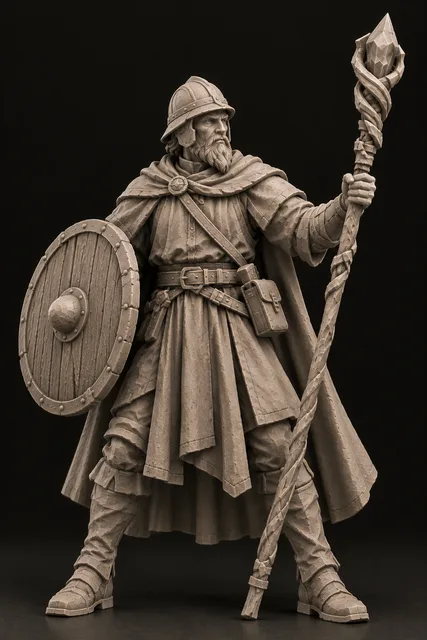
A rigged character is a reusable asset. These are the jobs it is good for.
Open the animated GLB in Blender, scrub to the frame you like and orbit the camera. You get the same character in the same pose from the front, side and above.
Drop the animated GLB or the rigged FBX into your engine to block out a level with a moving character long before final art exists.
The rigged FBX has a full skeleton. Rotate its bones in Blender to build a pose the preset library doesn't have.
Check every clip in a browser with the free 3D model viewer before you send the file to anyone.
Most failed rigs come from the input, not the rigging. These habits keep your credits where they belong.
Do
Avoid
Poses come from motion clips, not from a sentence. If no clip in the library is close to the pose you have in mind, the rigged FBX is your way out: pose it by hand in Blender.
Characters without two separate legs still rig, but the skeleton treats the lower body as two legs. A dress to the floor, a tail or a round base bends out of shape in walk, run, jump and dance clips. The agent warns you before rigging such a design and suggests upper-body motions instead.
There is no button that freezes one frame of an animation into a print file. Snapshapy's STL export is the model as it was built. To print a character in a new pose, pose the rigged file in Blender, apply the armature and export the STL from there, or see the figurine from photo guide for printing the pose you started with. For turnaround sheets with front, side and back views, the character sheet to 3D page covers that input.
Not this one. Snapshapy doesn't edit the pixels of your picture. It turns the character into a textured 3D model, adds a skeleton and moves that skeleton with preset motions. The upside is that the character stays identical in every pose and can be seen from any angle. If you only need one new flat image, a 2D image editor is the simpler tool.
You can start free, but a posed character needs more than the free credits. New accounts get 3 credits, which buys one textured model. Rigging costs 3 more credits, so in practice you need a plan: Starter is $19 a month for 400 credits, and the first month is $9. Applying motions to a rigged model is free, and failed jobs refund their credits.
The library holds about 160 preset motions in five groups: walking and running, body movements, daily actions such as greetings, waving, sitting and idling, fighting, and dancing. Ask for one in plain words or browse by category. You can put up to 10 clips into one animated GLB, and every rig also comes with separate walking and running clips.
The rig has to find shoulders, elbows, hips and knees. With the arms held away from the body and the legs apart, those joints are easy to place and the mesh bends cleanly. If your art shows a different pose, ask the agent to redraw it as a T-pose concept first. That costs 2 credits and keeps the outfit and colours.
Only if they stand upright on two legs like a person. Four-legged animals, snakes, fish, vehicles and props are not recognised as humanoids, so the rig job fails and returns the 3 credits. Creatures on two legs, such as a robot, a lizard warrior or a cartoon bear standing up, usually rig fine. They can all still be made into textured models.
No. You type what you want in the chat and the agent builds the model, rigs it and applies the motions. You only need Blender if you want a custom pose that isn't in the library, or a single posed frame for printing. Otherwise you can preview the files in a browser and drop them straight into a game engine.
Yes, with one manual step. Snapshapy's STL export prints the model as it was built, and there is no option to freeze an animation frame. Open the rigged FBX in Blender, pose it or pick a frame, apply the armature and export an STL. STL export from Snapshapy itself needs a paid plan, while GLB downloads are free on every plan.
The rig card offers the rigged character as FBX, plus separate walking and running clip files. Each animation job produces one GLB holding every clip you picked, up to 10. The textured model itself can be exported as GLB on any plan, and as STL, OBJ, 3MF or USDZ on a paid plan.
Upload a drawing or describe a character. Your first textured model is free; rigging is 3 credits and every motion after that costs nothing.
Upload a character