AI STL generator
The AI STL Generator That Starts From a Sentence or a Photo

3 free credits on sign-up — enough for one textured model. No card.
Tell the Snapshapy agent what you want to print, or show it a picture. It builds a textured 3D model (most are ready in 4–7 minutes), then a repaired STL at the exact size you name. Your first model is free; STL export needs a paid plan.
- Text or photo in
- 3–5 credits per model
- Exact size in mm
- Failed jobs refunded
- 1 Photo
- 2 3D model
- 3 Print
What an AI STL generator makes, and what it doesn't
An AI STL generator turns an idea into a file your slicer can print, without you opening a 3D modelling program. With Snapshapy you get there by chatting: describe the object, or upload a photo of one, and the agent runs each job for you.
What comes out is a sculpted object: figurines, toys, ornaments, busts, planters, chess pieces, props and decor. Every model is built in full colour first, then turned into a grey print mesh at the size you ask for.
What doesn't come out is engineering. A part that must fit a shaft, hold a screw or match a measured hole needs CAD, because a generated mesh has no exact dimensions inside it beyond its overall size. If you already have a photo of the object, the image to STL page walks through that route in detail.
- Text to STL: a concept image plus the 3D model
- 5 credits
- Photo to STL: the 3D model alone
- 3 credits
- Print version: resize, repair, remesh
- 0 credits
- Most models are ready in this window
- 4–7 min
How the AI STL generator goes from words to a print file
Four messages in the chat at /app. Starting from a photo, skip the first one.
- 1
Describe it
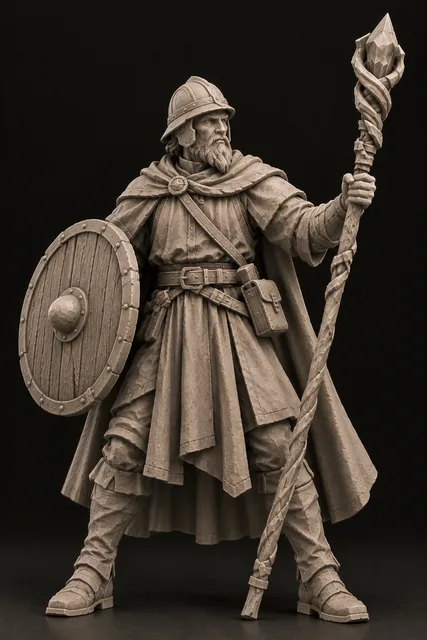
Write what you want to print and how big: "a cat-shaped planter, 9 cm tall". The agent draws a concept image for 2 credits. Ask for up to four options at once and pick the one you like.
- 2
Build the 3D model
The chosen image becomes a textured 3D model for 3 credits, usually in 4–7 minutes. Turn it around in the preview. If the back or a detail is wrong, say so and run it again.
- 3
Make the print version
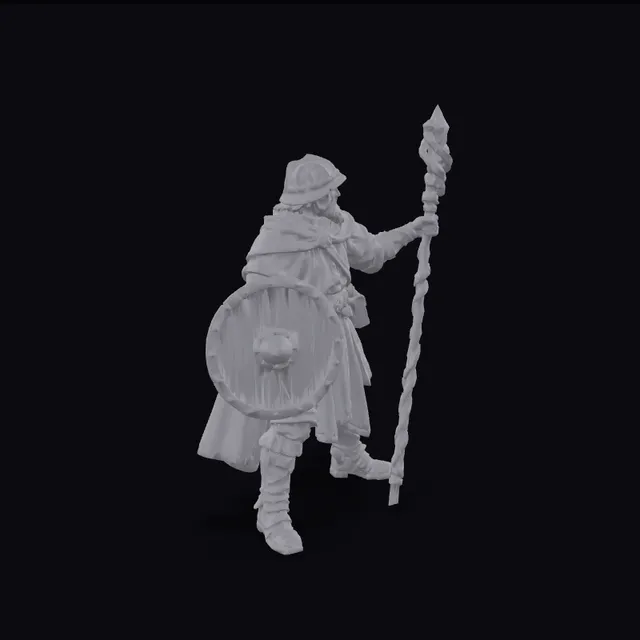
Say "make it printable at 9 cm tall". This free job drops the textures, lowers the triangle count, closes folded or doubled faces into one solid and scales the file to exactly that height. The card reports the size in millimetres and whether the mesh is watertight.
- 4
Export STL
Choose Export → STL or 3MF. The file lands upright, in millimetres, and opens in Bambu Studio, PrusaSlicer, OrcaSlicer, Cura and Lychee. STL export needs a paid plan.
What people print from an AI STL generator
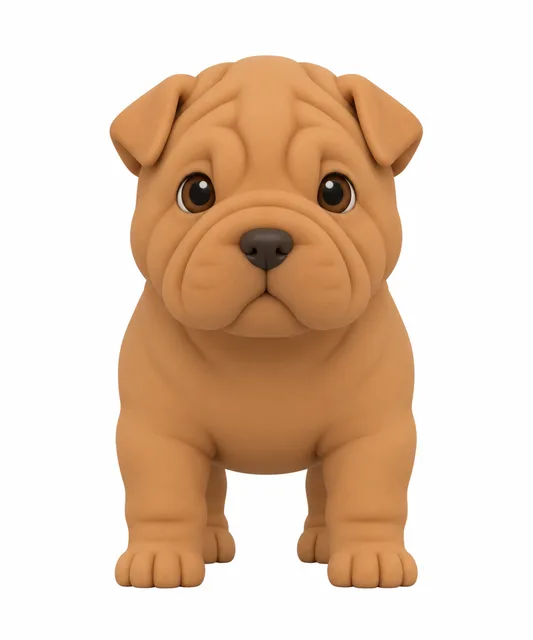
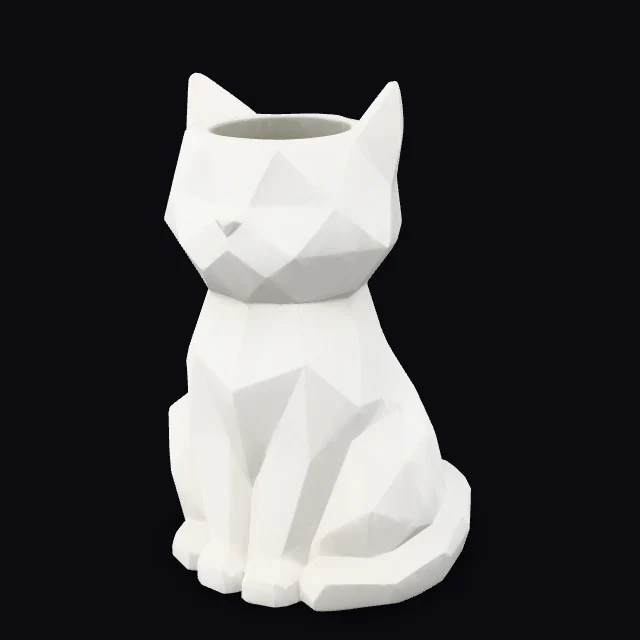
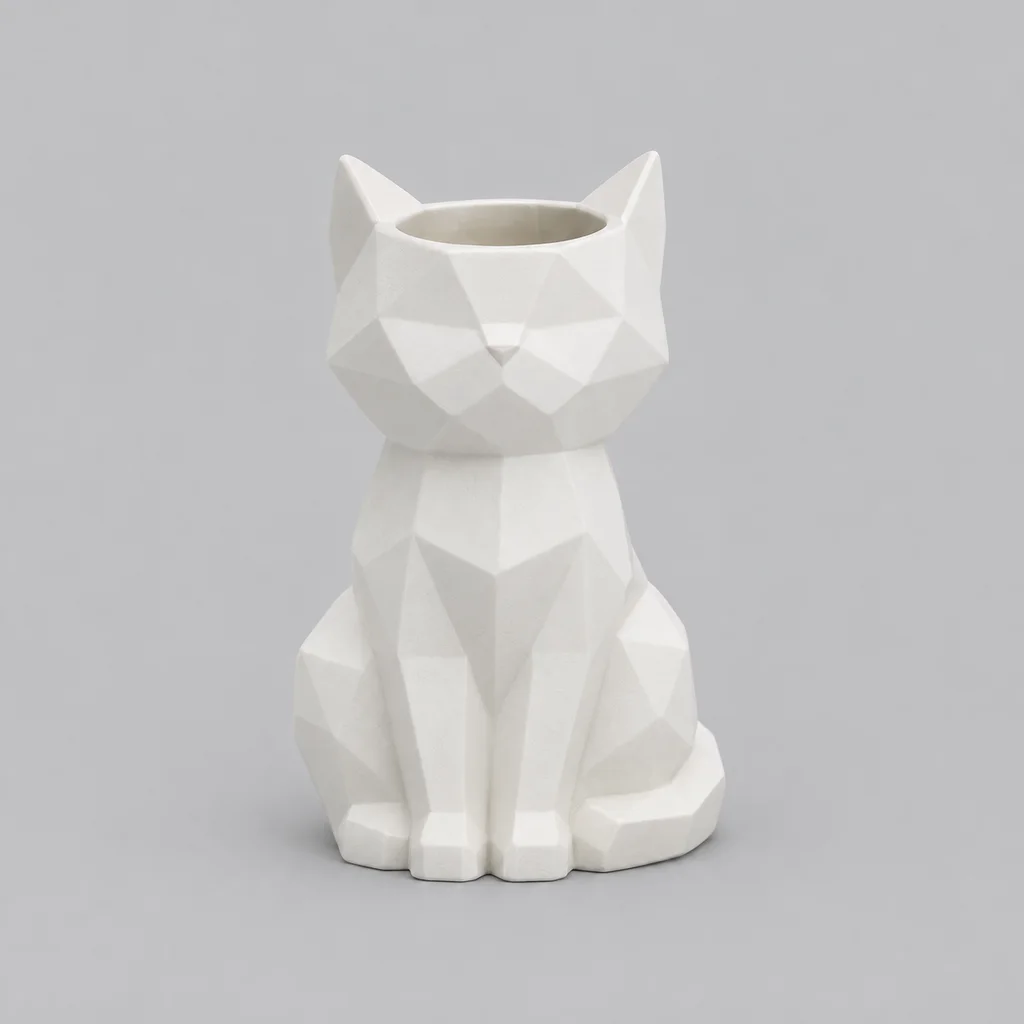
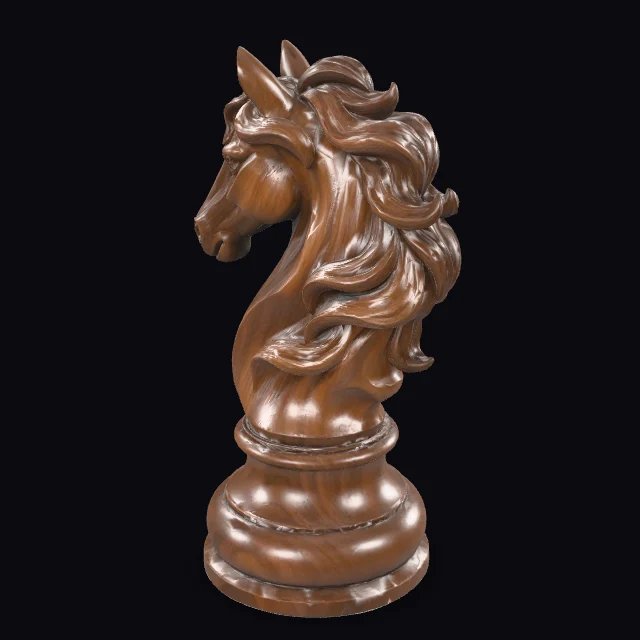
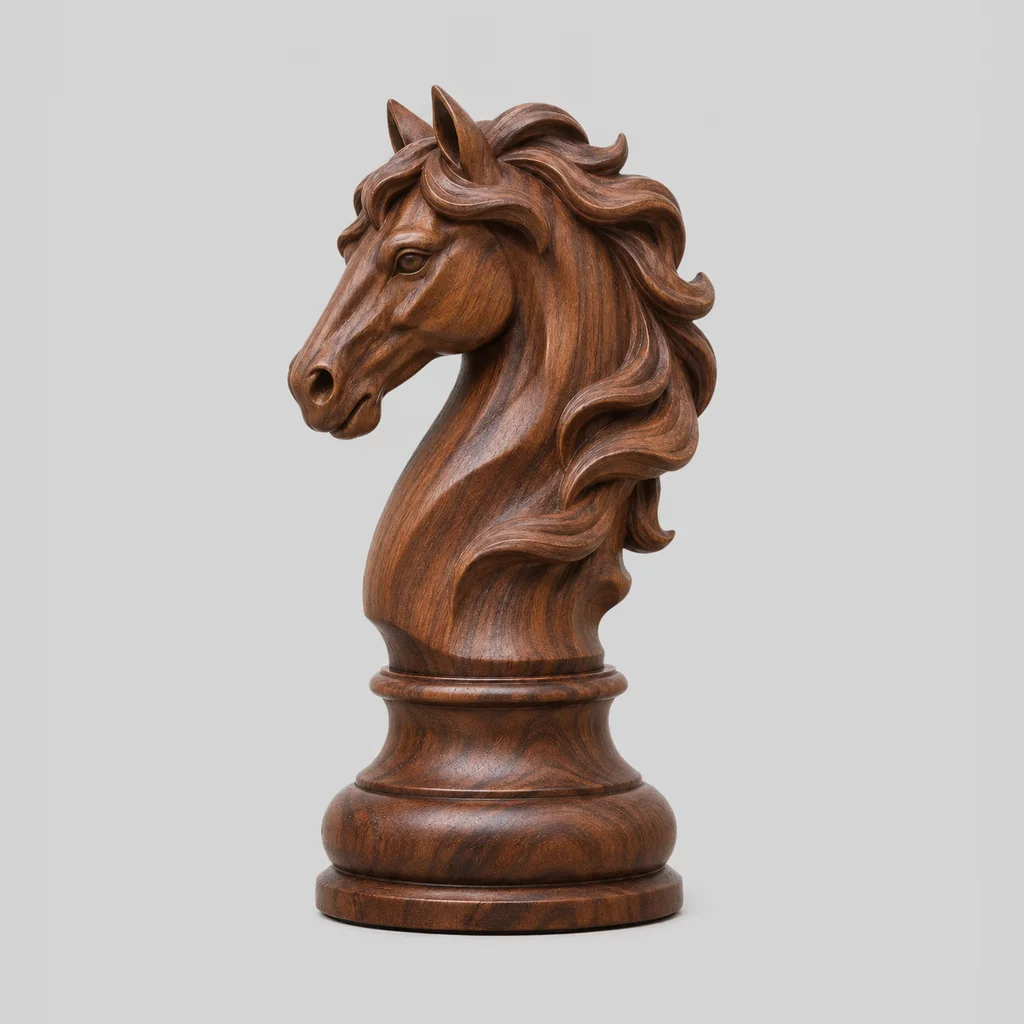
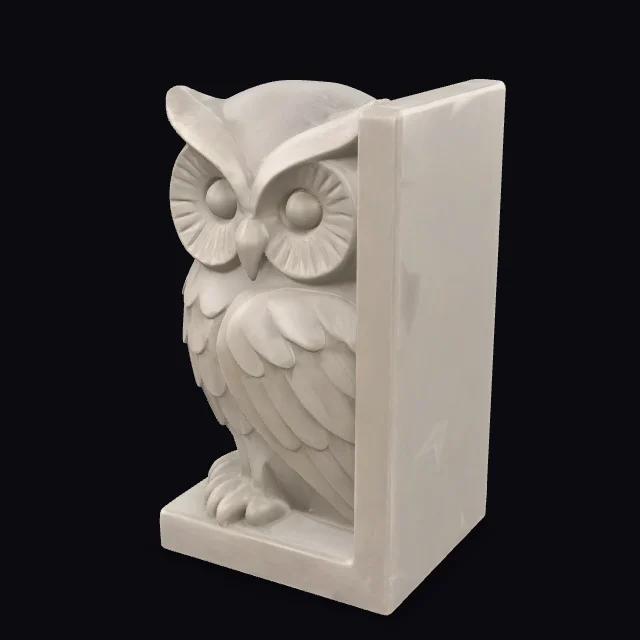
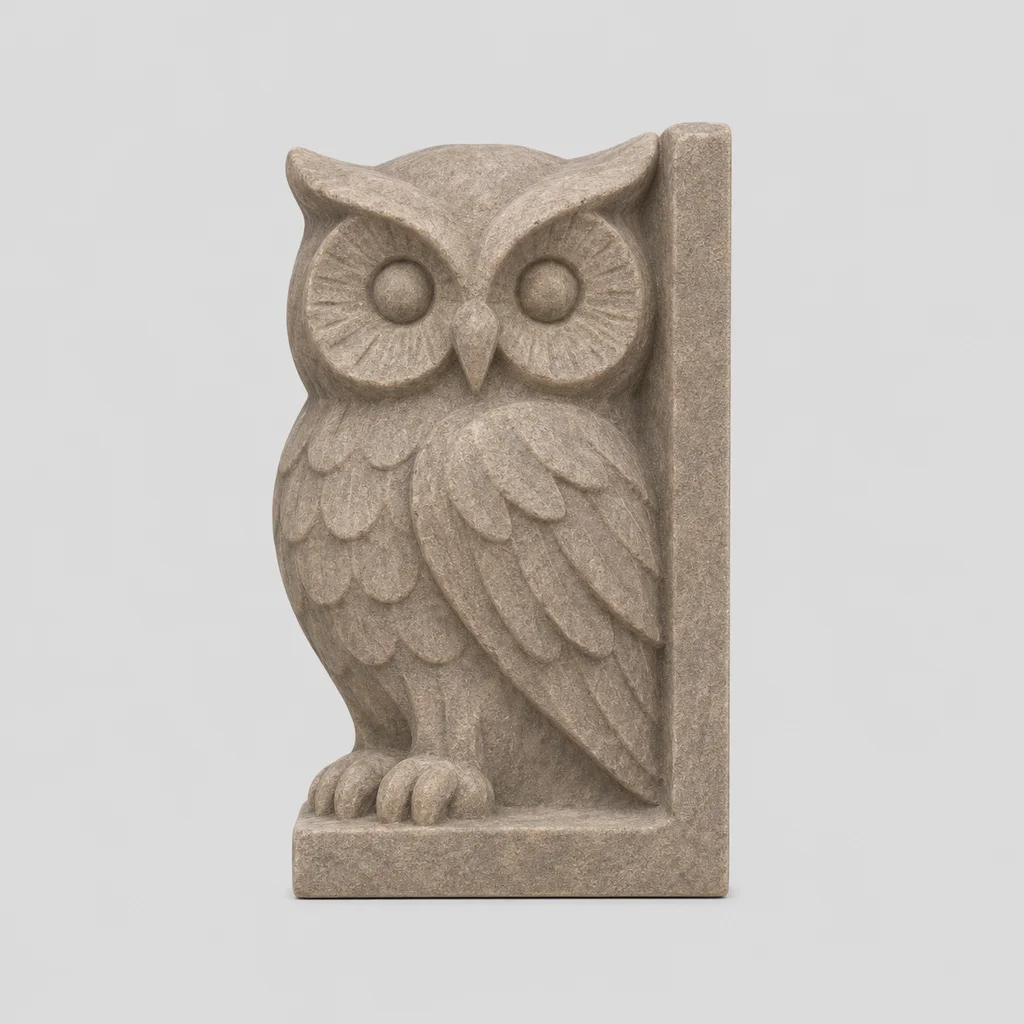
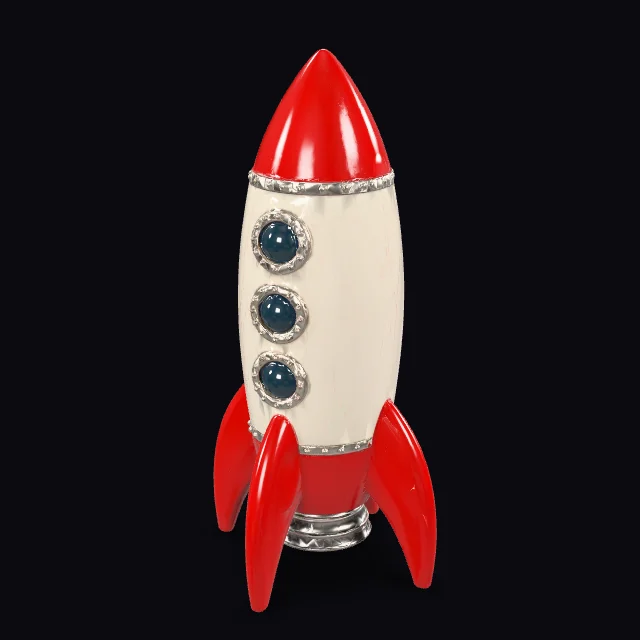
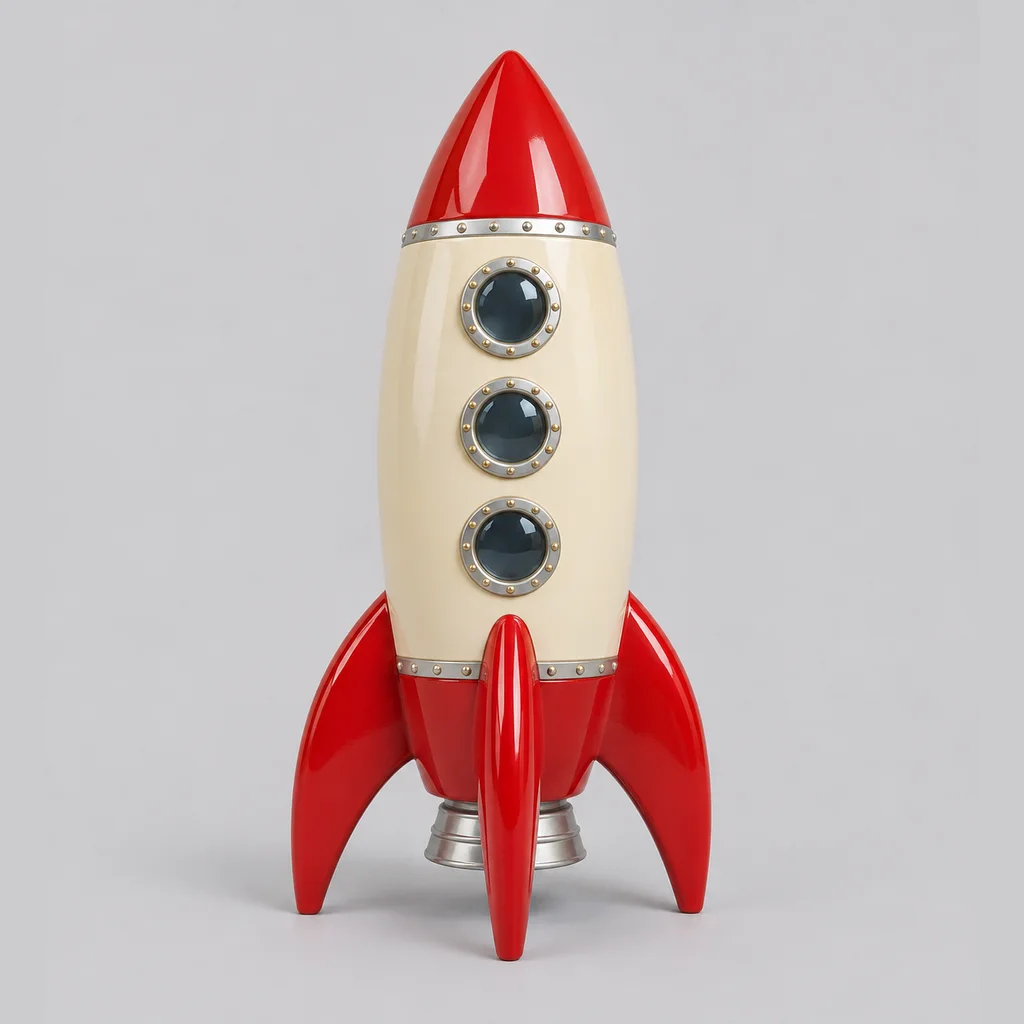
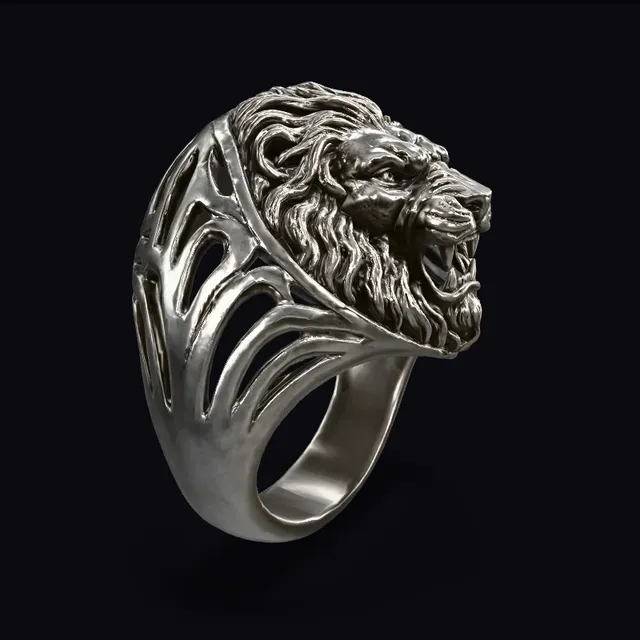
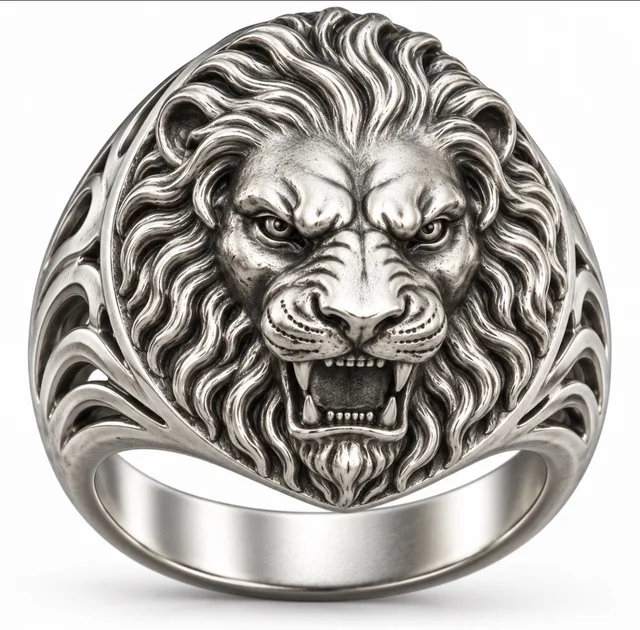
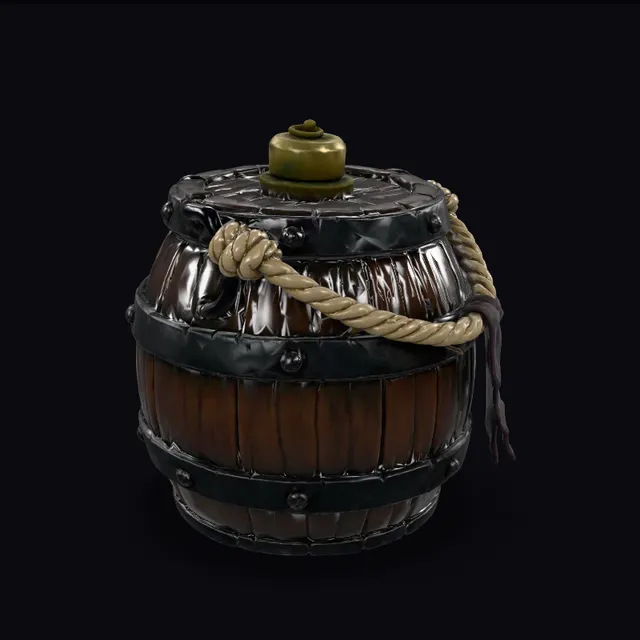
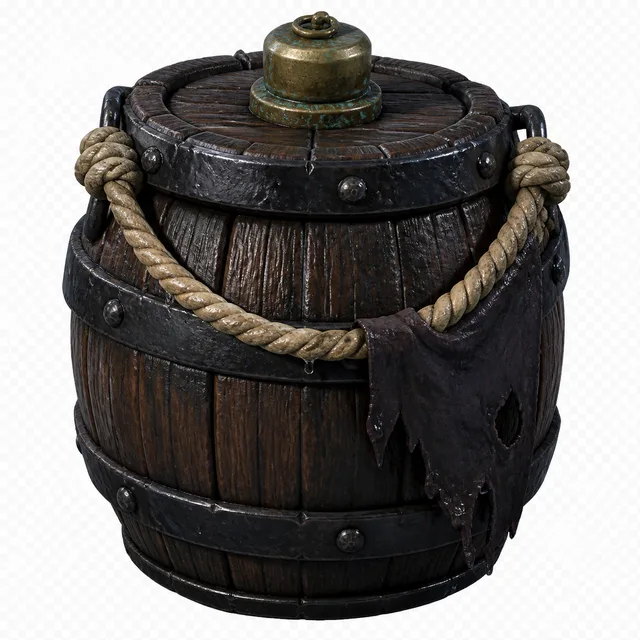
Decor, games and gifts are where generated models shine. Each of these is one textured model with a print version made from it.
Text to STL or photo to STL: which input to use
Both routes end in the same print file. They differ in cost and in how much control you have over the look.
| Text to STL | Photo to STL | |
|---|---|---|
| You start with | A sentence | One clear photo or render |
| Credits | 2 for the concept + 3 for the model | 3 for the model |
| Control over the look | Pick from up to 4 concepts | Matches your photo |
| Best for | New ideas, gifts, game props | Copying an object you own |
| Print version | Free | Free |
| STL and 3MF export | Paid plan | Paid plan |
Starter is $19 a month for 400 credits, about 80 models from text or 130 from photos, and the first month is $9. Pro is $29 a month for 600 credits. See pricing.
Prompts that make an AI 3D print generator work
The concept image decides the model, so write the prompt for something that will stand on a print bed.
Do
- Name one object and its material: "a carved wooden owl"
- Say the size you plan to print so the agent sets it later
- Ask for a flat bottom or a base so it stands on its own
- Keep thin parts thick: "chunky handle", "thick fins"
- Ask for a simple, stylised look for small prints
Avoid
- Describe a whole scene with several objects in one prompt
- Ask for a named brand or licensed character
- Expect exact holes, threads or snap-fit joints
- Plan on parts thinner than about 1.5 mm at your print size
From generated model to a clean STL
A raw generated mesh is built for screens: over a million triangles, colour baked into textures, sometimes a folded face or a thin fin where two surfaces meet. A slicer can choke on that. So the agent never exports the raw model as your STL.
The print version fixes the three things that matter. It removes the textures, which an STL can't carry anyway. It cuts the triangle count to what you set, or to a sensible default. And it repairs the mesh into one solid, then tells you whether the result is watertight. If the card says it isn't, accept the slicer's repair on import; Bambu Studio and PrusaSlicer offer it.
Size is set here too. Ask for "12 cm tall" or "5 cm wide" and the STL comes out at exactly that, upright on the plate. Without a size, the longest side is 100 mm.
- Textures removed, geometry kept
- Triangle count you choose
- Mesh repaired and checked for watertightness
- Exact size in mm, upright on the plate
Is there a free AI STL generator?
Partly, and it is worth knowing which part. Snapshapy gives every new account 3 credits with no card, which is one full textured model from a photo. You can download that model as GLB on the free plan and inspect it anywhere, including our free STL viewer once you have an STL.
The STL itself is a paid export. Starter costs $19 a month, the first month is $9, and it unlocks STL, OBJ, 3MF and USDZ plus a commercial licence. Failed jobs refund their credits automatically, so you only pay for models you actually get.
If you would rather download an existing file than make one, model repository sites already hold ready-made print files of many common objects. Generating makes sense when the thing you want doesn't exist yet: your own idea, a one-off gift, a matching set. For tabletop figures, the miniature generator page covers scale and bases.
Questions about AI STL Generator
Can AI make an STL file from text?
Yes. Describe the object in the chat and the agent draws a concept image for 2 credits, builds a textured 3D model from it for 3 credits, then makes a print version for free. Export that version as STL or 3MF. Most of the wait is the model job itself, and most models are ready in 4–7 minutes.
Is the AI STL generator free?
You can try it free, but the STL file needs a paid plan. New accounts get 3 credits with no card, enough for one model from a photo, downloadable as GLB. STL, OBJ, 3MF and USDZ exports come with Starter at $19 a month, $9 for the first month, or Pro at $29 a month.
Are the STL files watertight?
The print version is repaired into one solid before export: folded or duplicate faces are closed and thin fins merged. Its card then states whether the mesh is watertight. When it is, the file slices as is. When it isn't, the card says so, and the automatic repair that Bambu Studio and PrusaSlicer offer on import fixes it in one click.
Can this STL generator make functional parts?
Not precise ones. It makes sculpted shapes and gets the overall size exact, but it has no idea of hole diameters, wall tolerances or threads. Hooks, planters, bookends and organisers with loose fits work. Brackets, replacement knobs, enclosures and anything that must mate with another part should be modelled in CAD.
What size and settings should I print at?
Tell the agent the size and the STL comes out at exactly that, upright and in millimetres; without one, the longest side is 100 mm. For decor on FDM, use 0.16 to 0.2 mm layers, 3 walls and 10 to 15% infill. For small detailed pieces, resin at 0.05 mm layers keeps the most detail.
Can I print the model in several colours?
The STL and 3MF exports carry geometry only, so the slicer sees one grey solid. You can still paint regions by hand in a multi-colour slicer, or print in one filament and paint it afterwards. The textured model stays in your account as a colour reference, and you can export it as GLB or OBJ.
How long does it take from prompt to STL?
A concept image appears quickly, and most 3D models are ready in 4–7 minutes. The print version is a short, free job, and the STL export runs in your browser in a few seconds. If a job fails along the way, its credits return to your balance on their own, and you can run it again.
Can I sell what I print?
On a paid plan, yes. Starter and Pro include a commercial licence for the models you make, so you can sell prints or the files of your own designs. Keep to your own ideas or photos you have rights to; a model of a brand logo or a licensed character still belongs to its owner.
Try the AI STL generator on your own idea
Describe an object or upload a photo. Your first textured model is free; text to STL export comes with Starter, $9 for the first month.
Start a model