From a rough drawing
Upload a sketch and ask for a shaded concept first. Tips for line art are on sketch to 3D.
Concept art to 3D

3 free credits on sign-up — enough for one textured model. No card.
Upload the front view from your turnaround and the Snapshapy agent builds a full-colour 3D character, usually in 4–7 minutes, for 3 credits. Rigging a two-legged character is 3 more credits, and 160 animation clips are free.
Each model on Snapshapy is built from a single image. A full turnaround puts three or four copies of the same character side by side, and if you upload it as is, the agent reads them as several bodies and tries to fuse them into one shape. The result is a mess.
So crop. Cut the front view out of the sheet, with a little margin around it, and upload that alone. The front carries the face, the outfit details and the colours, which is what the textures are made from. The back and sides are worked out from that view.
What if your sheet has no clean front, or the pose is crouched? Attach the whole sheet and ask the agent for a front concept in an A-pose. It draws one from your art for 2 credits, and you build the model from that.

Everything happens in one chat at /app. Each step is a card you can check before you spend more.
Cut the front view out of your turnaround in any image editor and save it as PNG, JPG or WebP. A plain or transparent background works best. Then upload it in the box above.
Tell the agent it is a character and how you will use it. The model costs 3 credits and most are ready in 4–7 minutes. A failed job refunds its credits automatically.
Say "rig it". For 3 credits the agent adds a skeleton to an upright, two-legged character, usually in 1–3 minutes. Rig the textured model directly; it is reduced for rigging inside the job.
Pick clips from the library of 160, such as idle, wave, walk or dance, up to ten per animation file, at no cost. Download the GLB, and the rig card adds FBX files for engines that prefer them.
Only one view goes into the model job. Here is how each panel of a typical sheet helps.
| View on the sheet | Use it for | Upload it? |
|---|---|---|
| Front, A-pose or T-pose | The model and its textures; best for rigging | Yes, this one |
| Front three-quarter | A good alternative with more visible depth | Yes, if no clean front |
| Side | Checking the model's profile afterwards | No |
| Back | Telling the agent about capes, packs or tails | No, describe it |
| Expression sheet or close-ups | Checking the face on the finished model | No |
| Action poses | Picking animation clips later | No |
Hidden details such as a back pack or a tail can be described in your message, or put into a concept image first so the model builds them.
These choices decide whether the character rigs and animates cleanly.
Do
Avoid
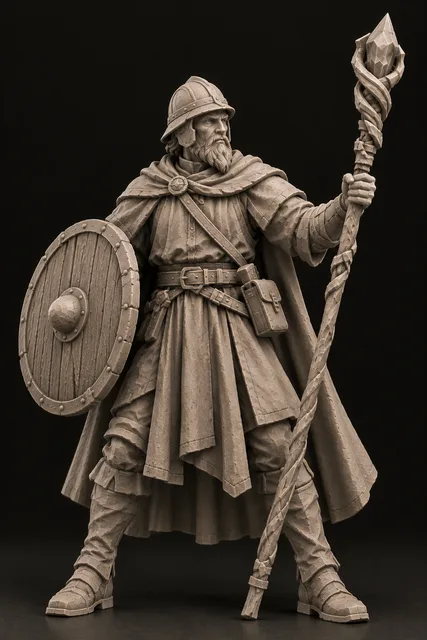
Each character below was built from one front view. The small image is the input, the large one the textured model.
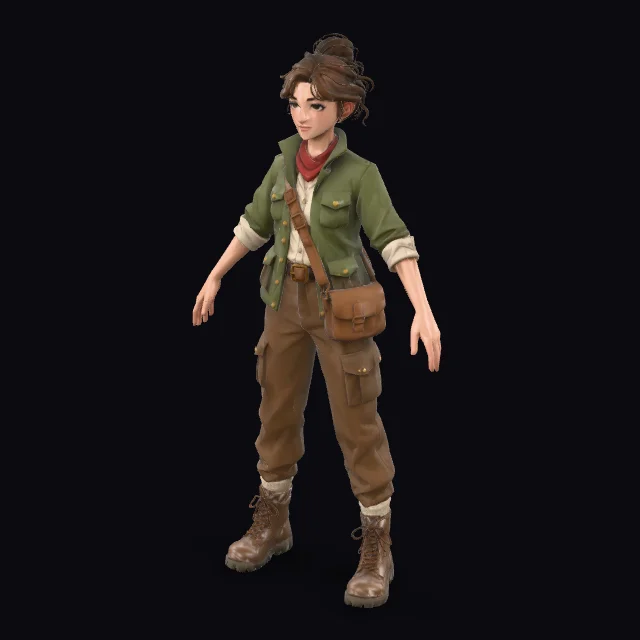
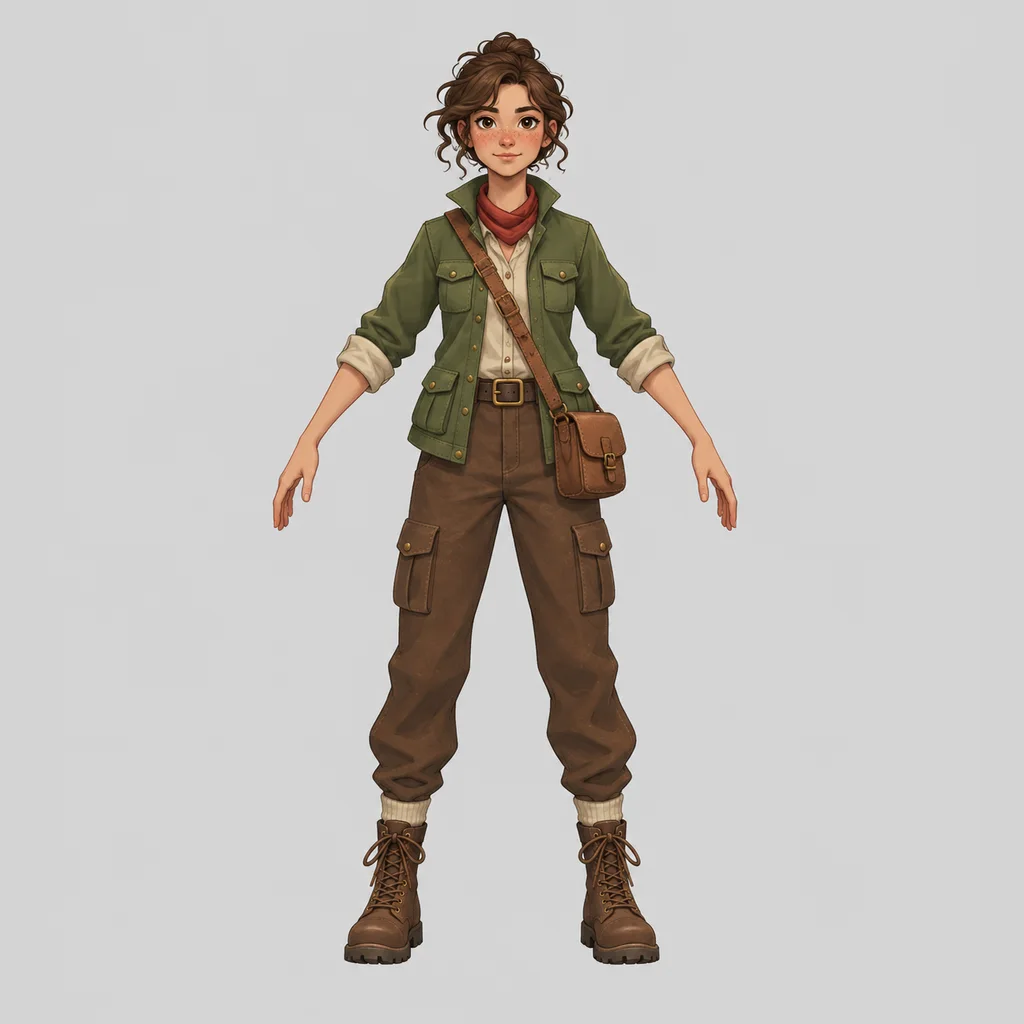
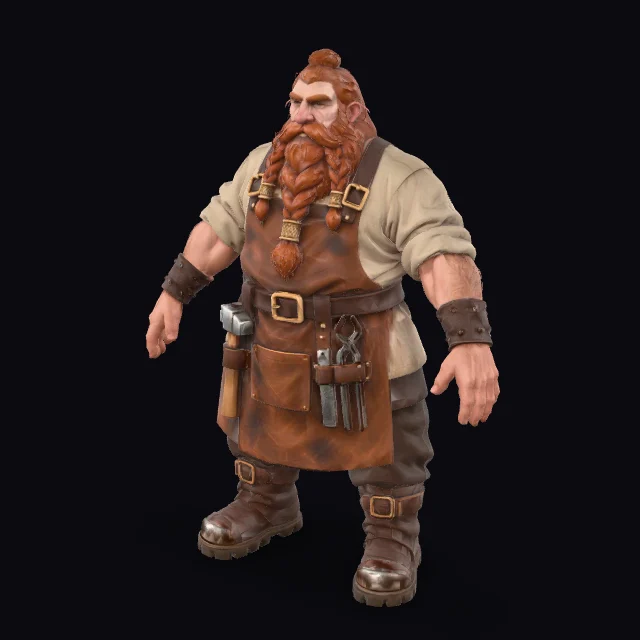
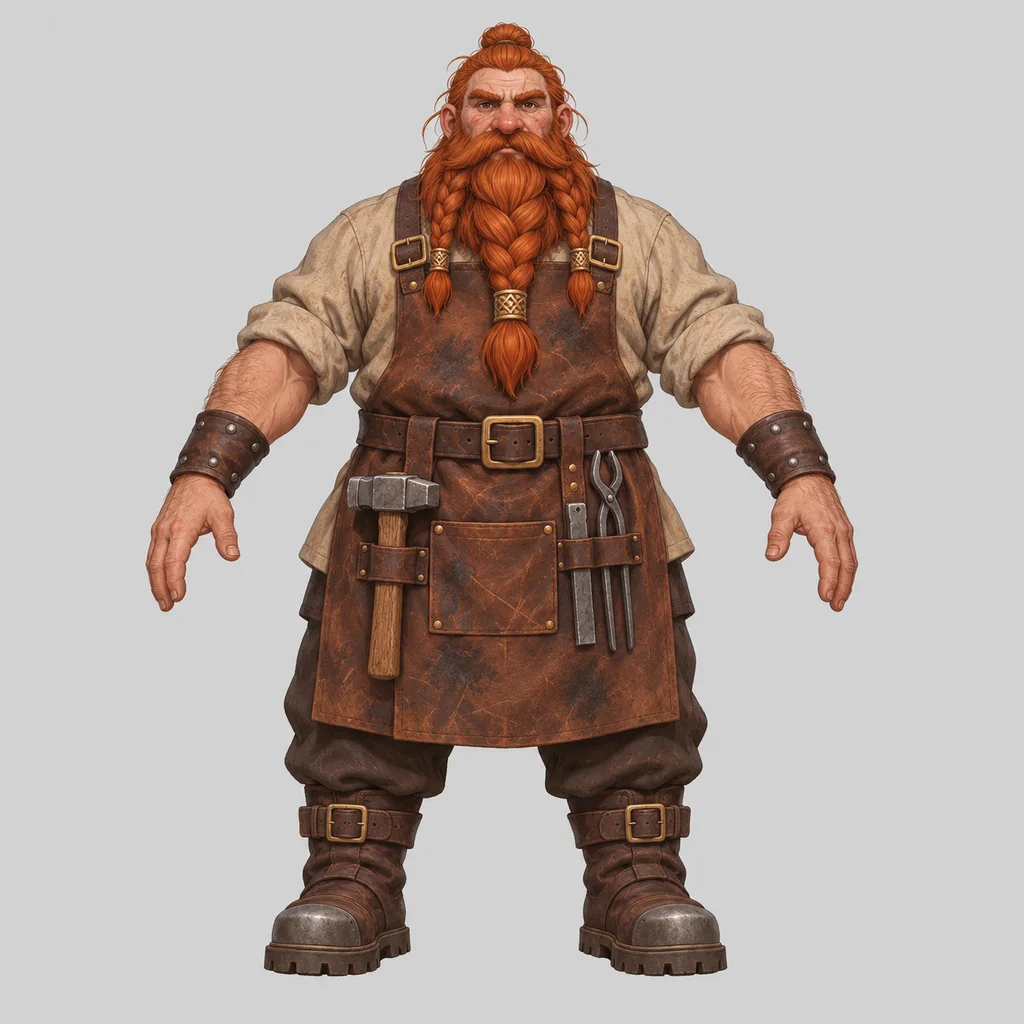
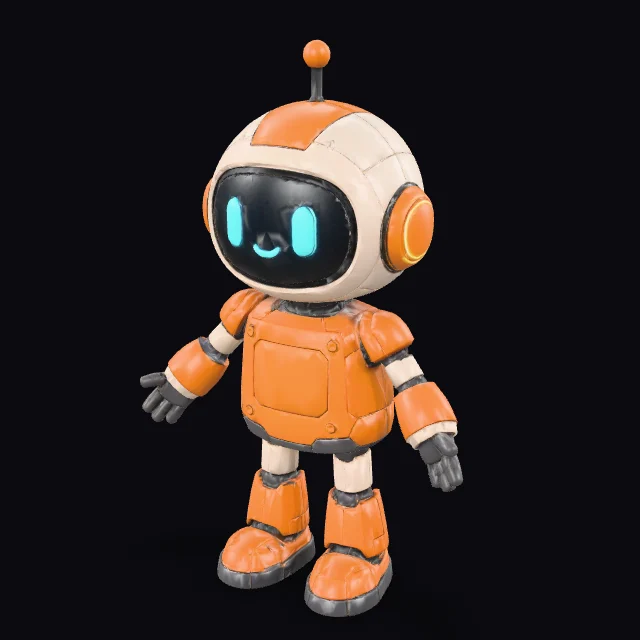
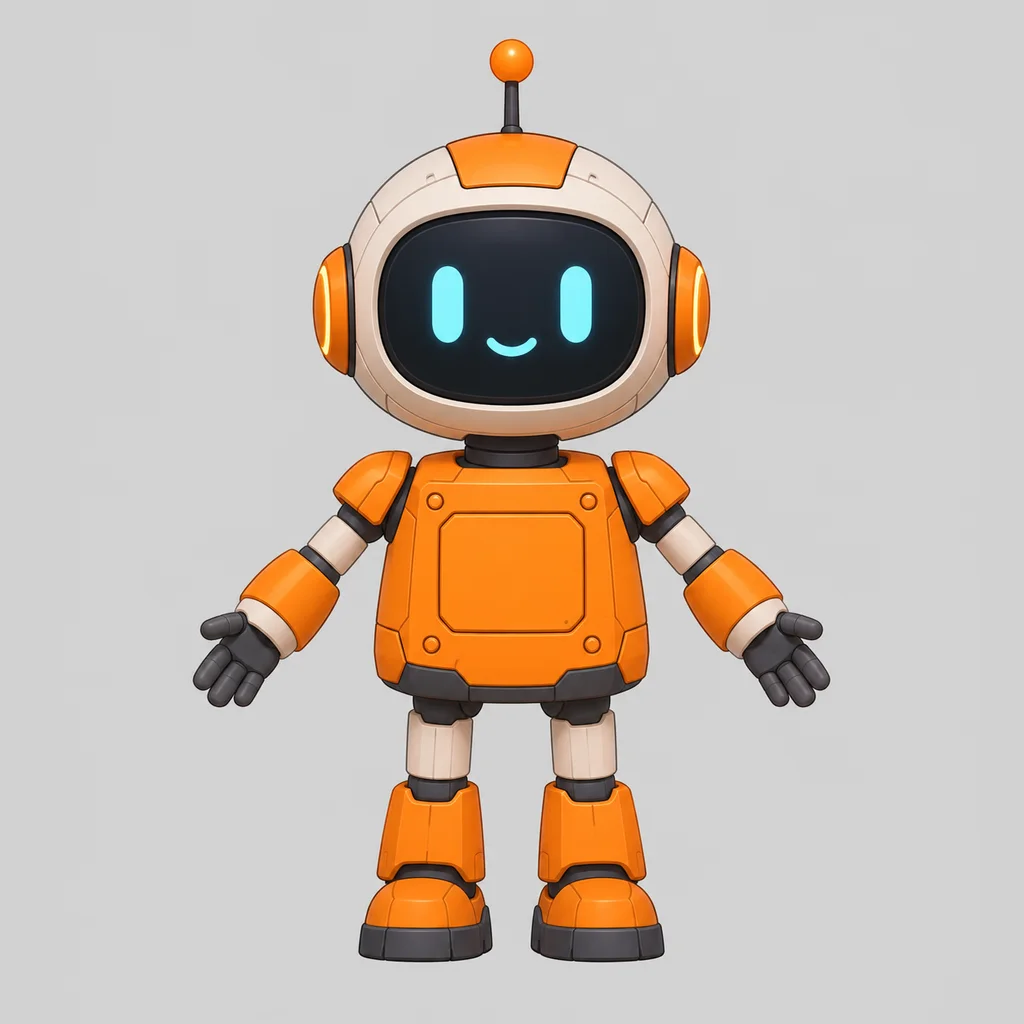
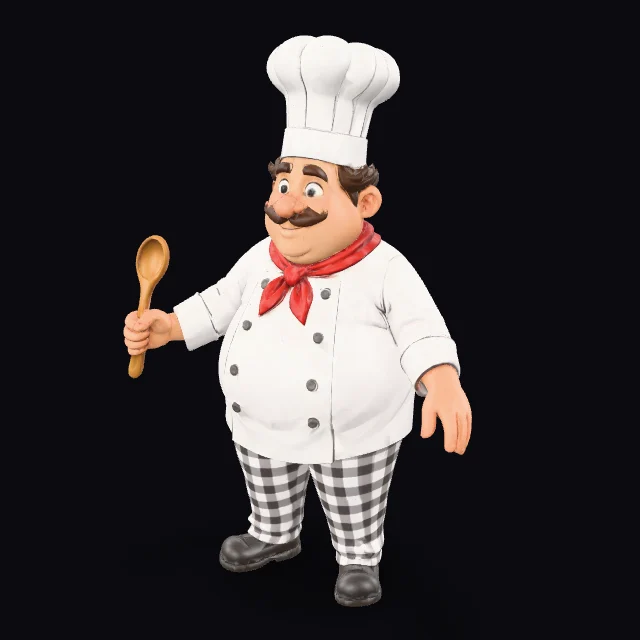
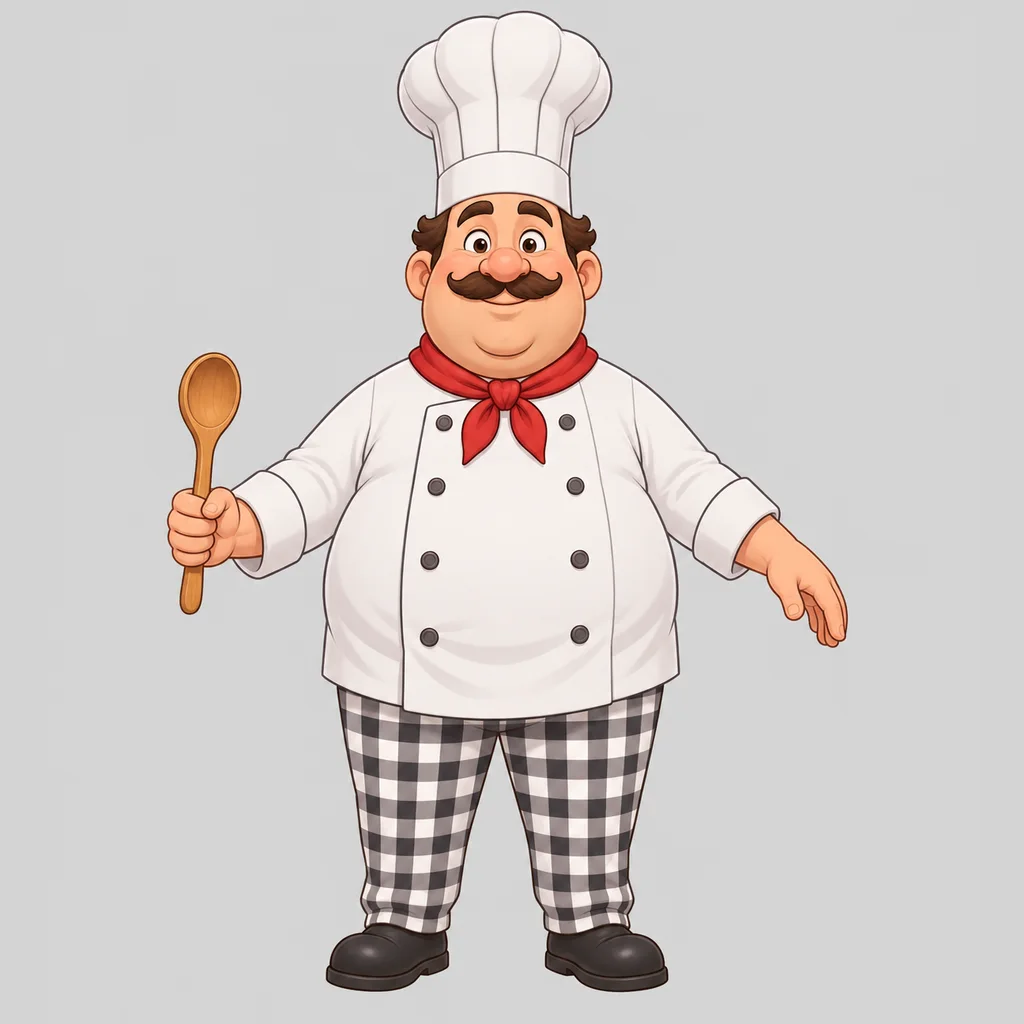
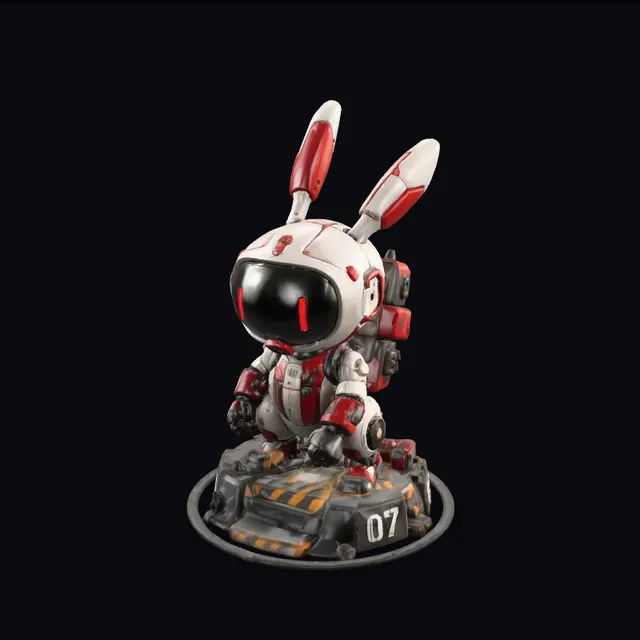
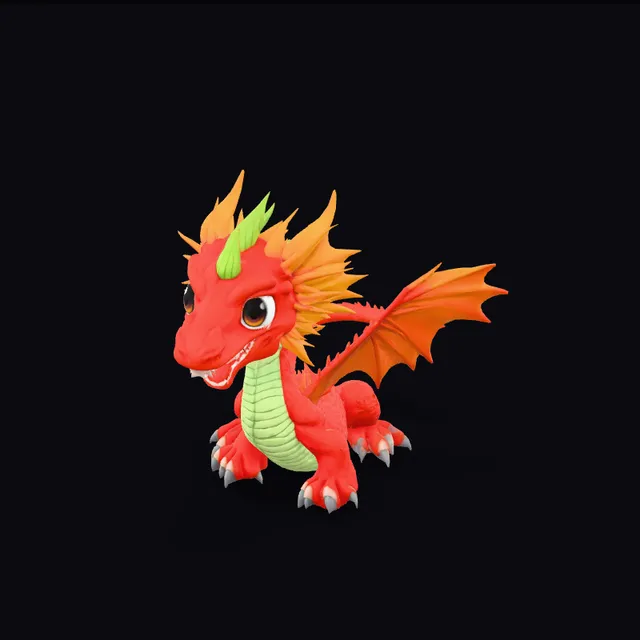
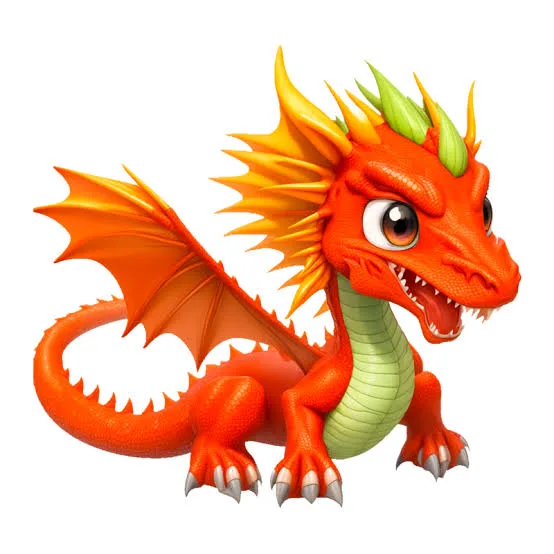
The rig needs an upright, two-legged humanoid. Knights, heroes, chibis, robots with two legs and cartoon animals that stand like people all qualify. Props, vehicles, four-legged animals and dragons fail with "not recognised as a humanoid", and the 3 credits are refunded.
Some characters rig but move badly. A mermaid tail, a ghost with no legs, a robot on a single pole or a long gown to the floor gets a skeleton that treats the lower body as two legs, so walks and dances bend it out of shape. For those, the agent suggests upper-body clips such as idle, wave, talk or clap.
Animation is free. Each request applies up to ten of the 160 library clips and takes about 20 seconds, so you can try several before you choose.
You get a closed, textured character mesh that matches your design from the front, with sides and back inferred from it. Faces and outfits read best on stylised and chunky designs; very realistic faces lose some likeness on the profile.
You don't get studio topology. The mesh is generated, not hand-retopologised, so expect it to work for games, previews, prints and animation clips rather than close-up film work. Fine details such as loose hair strands, thin straps or fingers can merge.
The back is a guess unless you tell the agent about it. For a figurine of your character, ask for a print version with a height and see figurine from photo for finishing; for tabletop scale, the miniature generator covers 28–32 mm prints.
Not every character begins as a finished sheet.
Upload a sketch and ask for a shaded concept first. Tips for line art are on sketch to 3D.
Type the character and ask for an A-pose concept for 2 credits, then build it. See text to 3D.
Toys, figurines and costumes work from a single photo. See image to 3D.
Before you slice a print version, inspect it in the free STL viewer.
Yes, from one view of it. Crop the front view out of your turnaround and upload it, and the agent builds a textured 3D character from that picture in 4–7 minutes for 3 credits. The sides and back are inferred from the front, and you can describe hidden details in your message.
Not for the model itself. Each model is built from one image, and a sheet with several views reads as several characters that get fused into one shape. You can attach the full sheet as a reference and ask the agent to draw a single front concept from it for 2 credits, then build the model from that concept.
Your first model is. New accounts get 3 free credits with no card, which covers one textured character, and the GLB download is free on every plan. Rigging costs 3 more credits; animation clips are free. Starter is $19 a month for 400 credits, about 130 models, with the first month at $9.
No, rigging is a separate step. Ask the agent to rig the model and it adds a skeleton for 3 credits, usually in 1–3 minutes. It works on upright, two-legged characters. Props, vehicles and four-legged creatures are not recognised as humanoids; when that happens the job fails and the credits are refunded.
A standing A-pose or T-pose, with the arms held away from the body and both legs visible and slightly apart. That pose gives the cleanest model and the cleanest rig. Crouched, sitting or flying poses still make a model, but they rig poorly. If your art has no such pose, ask for an A-pose concept first.
Most textured models are ready in 4–7 minutes. A rig adds about 1–3 minutes, and each animation request takes around 20 seconds. Jobs run in the background, so you can leave the page and come back to the cards in the chat. A failed job refunds its credits without you asking.
Closely on the front, because the textures come straight from your art. Stylised, chunky and cartoon designs translate best. Very thin lines, small accessories and realistic faces soften, and the back is inferred. If something is off, say what to change and run it again, or adjust the concept image first.
On a paid plan, yes. Starter and Pro include a commercial licence for the models you make, so you can ship your own character in a game, sell prints or use it in client work. The licence covers the model, not someone else's character: fan art of a licensed design still belongs to its owner.
Crop the front view, upload it and get your first textured character free. Rigging is 3 credits, animation is free.
Upload the front view