Short answer
FBX vs OBJ: the short answer
Use FBX when the model has to move or arrive as a scene: a rigged character for Unity or Unreal, an animation clip, a set of objects with their hierarchy, cameras and lights. FBX is the long-standing exchange format between animation tools.
Use OBJ when you only need a static shape with its texture: a prop, a scan, a sculpt you hand to someone else. It is plain text, its layout is openly documented, and nearly every 3D program reads it.
The FBX vs OBJ decision usually comes down to one question: does anything need to deform or animate? If yes, OBJ cannot help, because it has no place to store bones or motion. If no, OBJ is the simpler, more predictable file.
Contents9 sections
- Bones, skin weights or animation frames an OBJ can store
- 0
- The usual scale error when FBX centimetres meet a metre-based scene
- 100×
- FBX encodings: binary (common) and ASCII
- 2
- A textured OBJ: the .obj, its .mtl and the images
- 2+ files
FBX vs OBJ comparison table
What each format can hold. Exporters and importers do not always support every feature the format allows.
| Feature | FBX (.fbx) | OBJ (.obj + .mtl) |
|---|---|---|
| Owner and spec | Autodesk; proprietary, read through its SDK or reverse-engineered importers | Created by Wavefront; simple, openly documented text layout |
| Encoding | Binary or ASCII | Text |
| Meshes, UVs, normals | Yes, several UV sets and vertex colours | Yes, a single UV set |
| Materials | Inside the file | In a separate .mtl file |
| Textures | Referenced, or embedded in the file | Separate image files named in the .mtl |
| Skeleton and skin weights | Yes | No |
| Blend shapes (morph targets) | Yes | No |
| Keyframe animation | Yes, several takes per file | No |
| Scene hierarchy, cameras, lights | Yes | Groups and object names only |
| Units and axes | Stored as a unit scale and axis settings | Not stored |
What FBX can carry that OBJ cannot
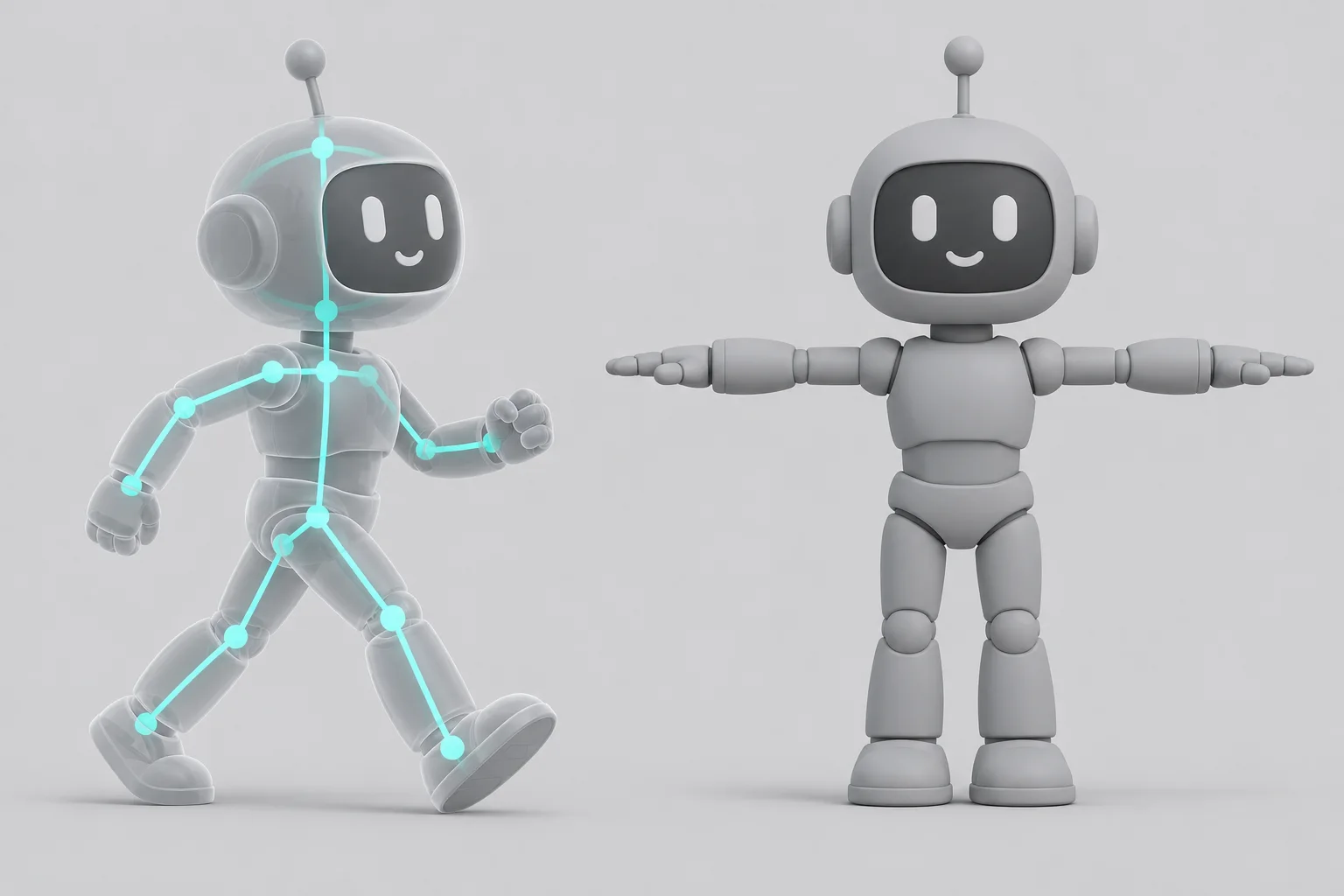
An FBX file stores a scene graph: a tree of nodes, each with a transform, and objects hung on them. A character in FBX is a mesh, a skeleton of joints, a weight for every vertex saying how much each joint pulls it, and animation curves that rotate the joints over time. Blend shapes add facial expressions or corrective shapes on top.
An OBJ file stores a list of vertex positions, texture coordinates and normals, then faces that point into those lists. It can name groups and objects, and it links one material library. That is the whole format. There is no time, no skeleton and no parent-child relationship, so the model is frozen in whatever pose it was exported.
For the OBJ vs FBX choice in a game pipeline, that is decisive: static props can be either, characters must be FBX or glTF.
Why FBX vs OBJ imports land at the wrong size
The two formats fail in opposite ways. OBJ stores no unit, so the importer guesses. FBX stores one, and importers disagree on how to apply it.
- OBJ
- Plain numbers. A model made in millimetres opens 1,000 times too big in a metre-based scene
- FBX unit scale
- Written in the file's global settings; many tools default to centimetres
- The 100× error
- A centimetre FBX read into a metre scene, or the reverse, without conversion
- Axis order
- FBX also stores which axis is up; OBJ leaves Y-up or Z-up to the importer
- Fix in the source
- Apply scale and rotation before export, and set the exporter's unit and axis options
- Fix on import
- Use the importer's unit conversion or scale factor, then apply the transform
OBJ vs FBX for 3D printing and slicers
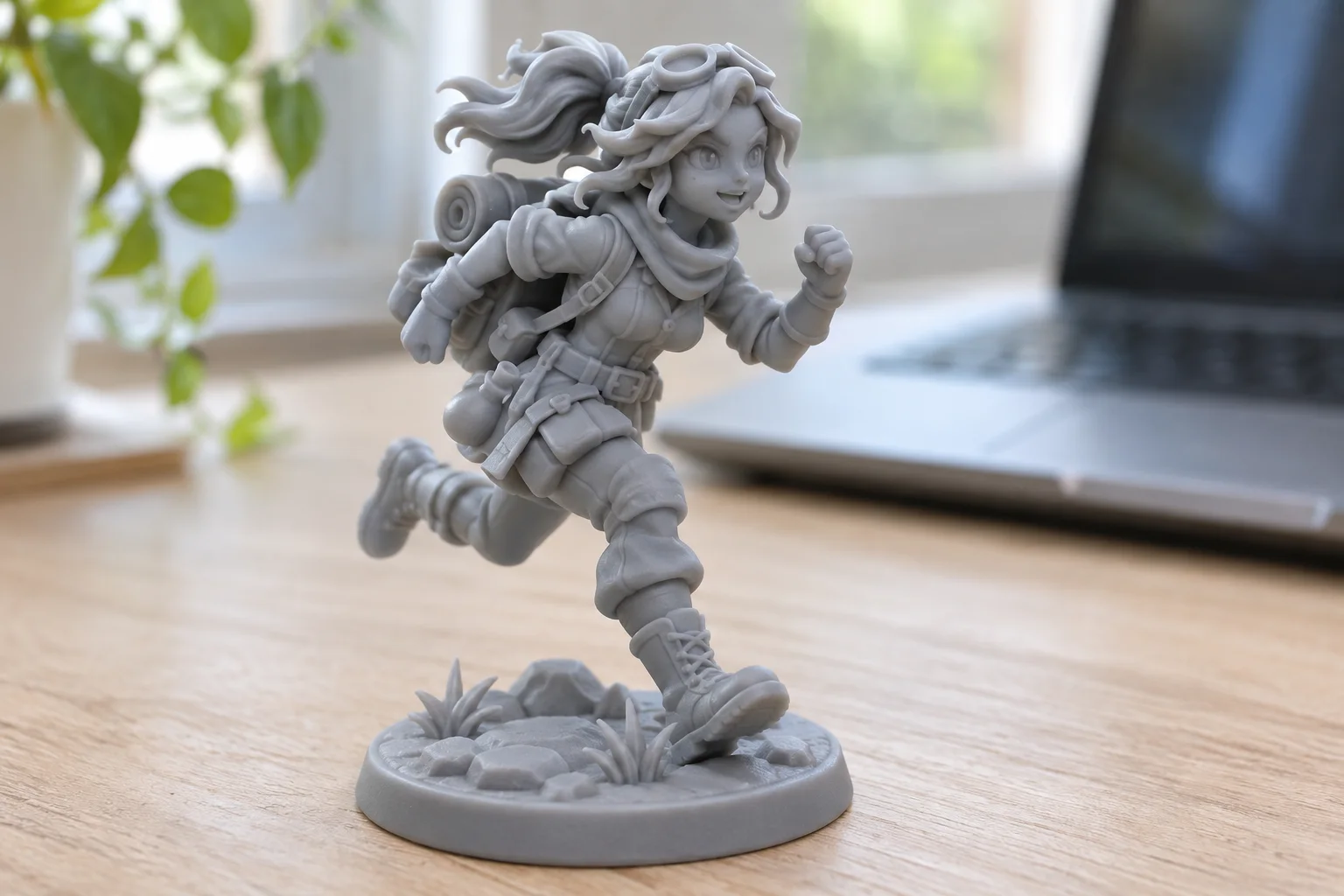
For printing, OBJ is the only one of the two that slicers commonly accept. Bambu Studio, PrusaSlicer, OrcaSlicer and Cura open OBJ, and they ignore its texture for a single-colour print. FBX is not on their import lists, so an FBX has to pass through a 3D app first.
With a rigged FBX, that pass is also where you choose the pose. Open it in Blender, pick the frame you want, apply the armature modifier so the pose becomes real geometry, then export STL or 3MF. Check the export in the FBX viewer or the OBJ viewer before slicing.
Whatever the format, a print needs a closed, solid mesh. Characters made for games often have open seams, separate eyes and thin hair cards that need fixing first.
When to use FBX and when to use OBJ
Choose by what the next program has to do with the model.
Rigged characters for engines
FBX. Unity and Unreal both import skeletons, skin weights and animation clips from it. glTF works too where the engine supports it.
Animation retargeting
FBX. Motion libraries and retargeting tools exchange skeletal animation as FBX almost everywhere.
Static props and scans
OBJ. One mesh, one material file, readable by virtually every 3D program, including older ones.
Sculpts sent for texturing
OBJ is a common hand-off between sculpting and texturing apps, because it keeps the mesh and UVs and nothing else.
Archiving and scripts
OBJ. Its text layout is easy to parse with a few lines of code, and it will still open in decades.
Web and AR
Neither. Use GLB for the web and Android, and USDZ for iPhone AR. See GLB vs glTF.
Converting OBJ and FBX: what to watch
OBJ to FBX is safe but adds nothing. FBX to OBJ always drops the moving parts.
From a photo to a static or rigged model
Snapshapy builds a textured model from one picture, and can rig two-legged characters if the model needs to move.
Build the model
Upload one clear photo to image to 3D. A textured model costs 3 credits and most are ready in 4–7 minutes. The GLB download is free on every plan.
Export OBJ for a static model
OBJ, STL, 3MF and USDZ exports come with a paid plan, from $19 a month on Starter. Static models are not offered as FBX; import the GLB or OBJ instead.
Rig a character for FBX
Ask the agent to rig an upright two-legged character for 3 credits. The rig downloads as FBX, and 160 animation clips are free to apply. See animate a 3D model.
Questions people ask
FBX vs OBJ: which is better?
It depends on whether the model moves. FBX is better for anything rigged or animated, and for whole scenes with hierarchy, cameras and lights. OBJ is better for a static mesh you want any program to open, since it is plain text with an openly documented layout. For game characters choose FBX or glTF; for props, scans and sculpts OBJ is simpler.
Does OBJ support animation?
No. An OBJ file stores one static mesh: vertex positions, texture coordinates, normals and faces, plus a link to a material file. It has no skeleton, no skin weights, no blend shapes and no timeline. Some tools export an animation as a numbered sequence of OBJ files, one per frame, but that is a workaround, not animation support.
OBJ vs FBX: which file is smaller?
For the same static mesh, a binary FBX is usually smaller than an OBJ, because OBJ writes every number as text. That changes once the FBX carries embedded textures, animation takes or a whole scene, which can make it many times larger. Compare like with like: the OBJ plus its .mtl and images against an FBX with the same content.
Can I convert FBX to OBJ without losing anything?
Only if the FBX is a static mesh. The geometry, UVs and basic materials convert fine. Skeletons, skin weights, blend shapes, animation, cameras and lights are dropped, because OBJ has nowhere to store them. If the model is posed, set the frame you want and apply the armature before exporting, or the OBJ comes out in the rest pose.
Can I 3D print an FBX file?
Not directly, because common slicers do not import FBX. Open it in Blender or another 3D app, choose the pose, apply the armature so the pose becomes geometry, make sure the mesh is closed, then export STL or 3MF. That export is what you slice. OBJ, by contrast, opens straight in most slicers.
Why does my FBX import 100 times too big or too small?
FBX records a unit scale, and many applications write centimetres by default while others work in metres. When the importer does not convert, the model arrives off by a factor of 100. Apply scale before exporting, match the exporter's unit setting to the target, or use the importer's unit conversion, then apply the transform.
Does Mixamo accept OBJ?
Yes. Mixamo accepts FBX, OBJ and ZIP uploads; a ZIP lets you include the OBJ's material file and textures. It then places a skeleton, weights the mesh and lets you apply animations, and you download the result as FBX. The character should be humanoid and stand in a T-pose or A-pose for the auto-rigger to work well.
Does Snapshapy export FBX?
For rigged characters, yes. Rigging an upright two-legged character costs 3 credits, the rig downloads as FBX, and 160 animation clips are free. Static models are not offered as FBX: download the free GLB on any plan, or OBJ, STL, 3MF and USDZ on a paid plan, and convert in Blender if your pipeline insists on FBX.
FBX vs OBJ decided? Start from one photo
The agent builds a textured model in 4–7 minutes for 3 credits, and can rig two-legged characters for FBX. New accounts get 3 free credits, no card needed.