Short answer
3MF vs STL: the short answer
Print from 3MF whenever your slicer supports it, which every major one now does. It keeps the model at the right size, keeps separate parts separate, carries colours for multi-material printers, and can save plates, supports and print settings so a project reopens exactly as you left it.
Keep STL for maximum compatibility: older software, some print services, model download sites and any tool that only needs one shape. It is a single bare surface and nothing else, which is sometimes exactly what you want.
The 3MF vs STL question is not about print quality. If the mesh is the same, the toolpath is the same. It is about how much of your work survives when the file moves between programs, people and printers.
Contents8 sections
- Year the 3MF Consortium formed to replace STL
- 2015
- Units a 3MF file can declare, from micron to metre
- 6
- The default unit when a 3MF does not name one
- mm
- Holds the model XML, colours, thumbnail and settings
- 1 zip
3MF vs STL comparison table
What each format can hold by its own specification. Slicers add their own extras on top of 3MF.
| Feature | 3MF (.3mf) | STL (.stl) |
|---|---|---|
| Container | ZIP package with XML inside | One binary or ASCII file |
| Mesh | Indexed: each vertex stored once | Every triangle writes its own 3 corners |
| Units | Declared: micron, mm, cm, inch, foot or metre | None; slicers assume millimetres |
| Several objects | Yes, each named, with its own position | No: one merged surface |
| Colour and materials | Yes: per object, per triangle or per vertex | Not in the standard |
| Textures | Yes, through the materials extension | No |
| Mesh validity | Spec requires closed, consistently oriented meshes | Anything goes, including holes |
| Thumbnail and metadata | Yes | An 80-byte free-text header |
| Slicer settings, plates, supports | Stored by Bambu Studio, PrusaSlicer, OrcaSlicer, Cura | No |
| Support | All major current slicers | Every slicer, print service and model site |
What is inside a 3MF file compared with an STL
Rename a .3mf to .zip and open it. You will find a small set of files:
- 3D/3dmodel.model: the XML model. A
<vertices>list, then<triangles>that refer to vertices by index, grouped into named objects. - Build items: which objects to print and where, each with a transform matrix.
- Materials and colours: base materials with a display colour, or colour groups assigned to triangles.
- Metadata: a thumbnail and, in slicer projects, config files with plates, painted supports and print profiles.
An STL has none of that structure. It is an 80-byte header, a triangle count and a flat run of triangles. That is why every program can read it, and why it cannot tell the slicer that the hat is a separate part printed in red.

How Bambu Studio, PrusaSlicer and Cura handle 3MF vs STL
All of them open both formats, but they treat 3MF as their own project file.
- Bambu Studio and OrcaSlicer save projects as 3MF with plates, filament assignments and painted colours. Bambu Studio also exports a sliced plate as
.gcode.3mf, which bundles the G-code a Bambu printer runs. - PrusaSlicer saves projects as 3MF with objects, modifiers and its print, filament and printer profiles.
- Cura saves projects as 3MF, including the machine and profile settings.
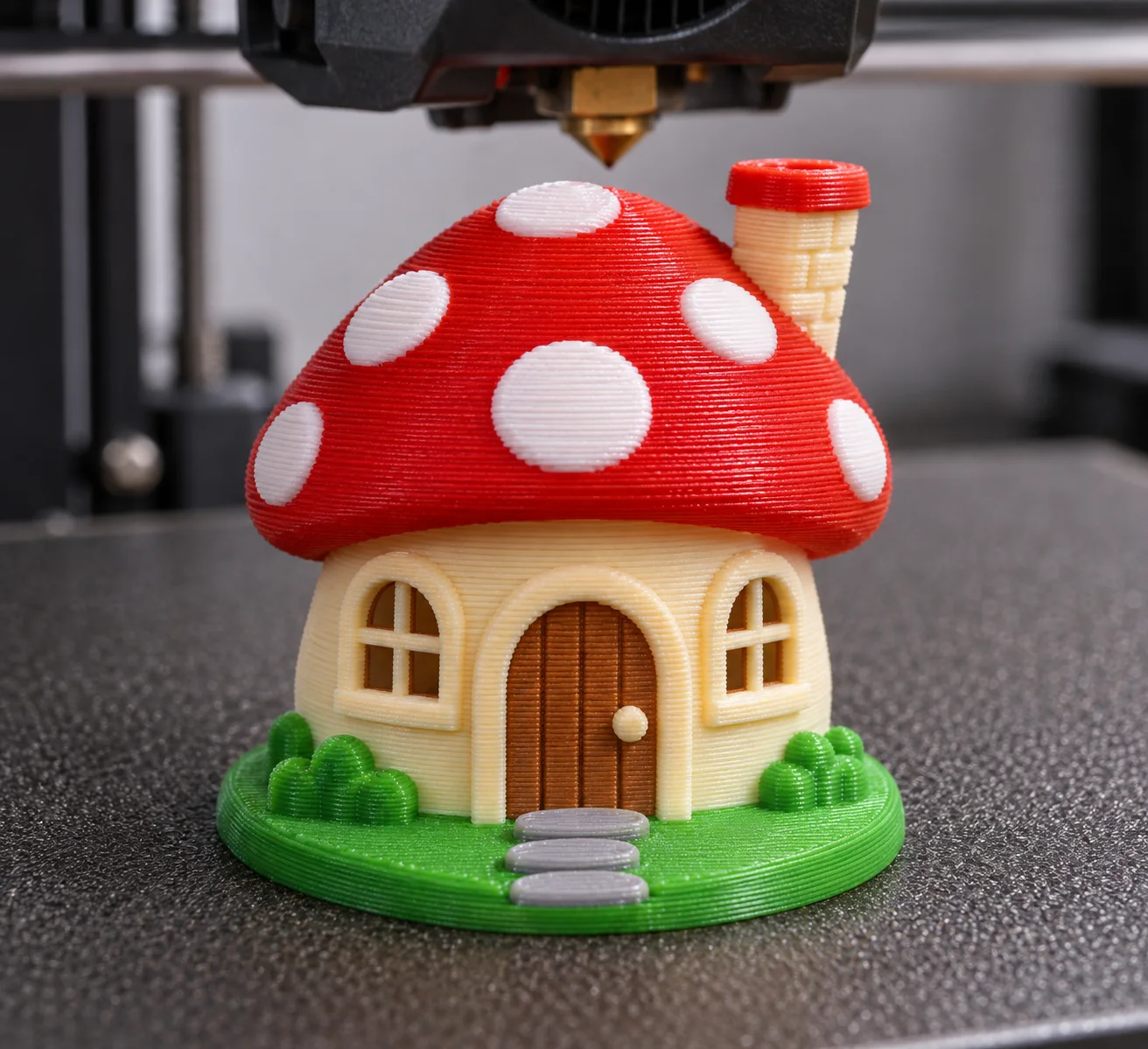
Open an STL in any of them and you get one object at the assumed millimetre scale, nothing more. For a multi-colour print on an AMS or a tool changer, STL forces you to load one file per colour and line them up by hand; a 3MF keeps them aligned. Preview a file in the 3MF viewer before you slice it.
STL vs 3MF: when to use which
Pick by who or what opens the file next.
Your own prints
3MF. Save the slicer project and you can reprint months later with the same plate, supports and settings.
Multi-colour and multi-material
3MF. Colours and part assignments stay in one file instead of one STL per filament.
Sharing a ready-to-print project
3MF from your slicer, plus a note of which slicer and printer it was made for.
Uploading to a model site
Both. STL for anyone with any slicer; 3MF for people who want your exact setup.
Print services and old tools
STL, unless the service lists 3MF. It is still the format everything accepts.
Editing in a 3D app
Neither is ideal. Use OBJ or GLB for textured work, and export STL or 3MF only for the print.
Converting between STL and 3MF: what to watch
STL to 3MF adds a container, not new information. 3MF to STL throws information away.
Getting a 3MF or STL from a photo
If you are starting from a picture, Snapshapy builds the textured model first and exports the print file you choose.
Upload one photo
Use image to STL with a clear photo of one object on a plain background. A textured model costs 3 credits and most are ready in 4–7 minutes.
Remesh it for print
Ask the agent to remesh to the triangle count you want. Textures come off and the mesh is ready for a slicer. Remeshing is free. For colour on the print, see the multicolor 3D print guide.
Export 3MF or STL
Both are on paid plans, from $19 a month on Starter, and open in Bambu Studio, PrusaSlicer, OrcaSlicer, Cura and Lychee. GLB downloads are free on every plan.
Questions people ask
3MF vs STL: is 3MF better?
For most home printing, yes. 3MF stores units, separate parts, colours and slicer settings, so the file opens at the right size and a project can be reprinted exactly. STL is better only when you need the widest possible compatibility, for example with an older tool, a print service that lists STL only, or a site where people use many different slicers.
Does 3MF print better quality than STL?
No. The slicer turns both into the same toolpath if the mesh inside is the same. Quality comes from the mesh resolution, the slicer settings and the printer. What 3MF changes is what survives the trip: scale, part separation, colours and settings. A coarse mesh saved as 3MF still prints coarse.
3MF vs STL for Bambu Lab printers: which should I use?
Use 3MF. Bambu Studio saves its projects as 3MF with plates, filament slots and painted colours, and it exports the sliced job as a .gcode.3mf file that the printer runs. STL works for single models, but for multi-colour prints with an AMS a 3MF keeps every colour assigned and every part in place.
Can I convert STL to 3MF?
Yes. Open the STL in any current slicer and save the project, and you get a 3MF. It will hold the same triangles, now indexed and zipped, with millimetres declared as the unit. It will not gain colours or separate parts on its own. You assign those in the slicer before saving, and from then on the 3MF keeps them.
Why do I get one merged part when I convert 3MF to STL?
Because STL has no concept of separate objects. Every triangle from every part goes into one list, and names, colours and positions as separate items are lost. If you need the parts apart, export each object as its own STL from the slicer or 3D app, or keep the file as 3MF and share that instead.
Why is my STL bigger than the 3MF of the same model?
Two reasons. A binary STL repeats each shared vertex for every triangle that touches it, while 3MF stores each vertex once and refers to it by number. Then the 3MF's XML is zip-compressed. The result is often noticeably smaller than the binary STL, even though the shape inside is exactly the same.
Does Cura support 3MF?
Yes. Cura opens 3MF files and uses 3MF as its own project format, saving the model with its machine and print settings. When you open a project made in another slicer, Cura reads the geometry, but vendor-specific settings from other slicers may not carry over. You can still slice it with your own Cura profile.
Can Snapshapy export 3MF and STL?
Yes, on paid plans. Snapshapy builds a textured 3D model from one photo for 3 credits, usually in 4–7 minutes, and can remesh it for printing for free. STL, 3MF, OBJ and USDZ exports start with Starter at $19 a month. GLB downloads are free on every plan, including the 3 free credits for new accounts.
3MF vs STL settled? Print something from a photo
Upload one picture and the agent builds a textured model in 4–7 minutes for 3 credits, ready to remesh and export. New accounts get 3 free credits.