Short answer
Where free Blender models come from
Most free Blender models come from seven kinds of places: public-domain (CC0) asset libraries, open-access museum and scan archives, community model-sharing platforms, the free sections of stock 3D marketplaces, asset libraries that plug into Blender through an add-on, 3D printing repositories, and game asset packs. The first two are the safest for commercial work. The others mix free and paid, and the licence changes from one model to the next.
So the real work is not finding a model; it is checking two things before you build a scene around it. First, the licence: may you use it commercially, and do you have to credit the author? Second, the file: is it a clean mesh with textures that will survive the import?
Contents9 sections
- The licence to look for: no credit, no limits, commercial use allowed
- CC0
- Common Creative Commons licences, from CC0 to BY-NC-ND
- 6
- File to keep together: GLB packs the textures inside
- 1
- What a material turns when Blender cannot find its texture
- Pink
Kinds of sources for free models for Blender
What each kind of source usually offers. Quality and terms vary inside every kind, so read each model's page.
| Kind of source | Typical licence | Typical formats | Good for | Watch for |
|---|---|---|---|---|
| CC0 asset libraries | CC0, public domain | .blend, GLB, FBX, with PBR textures | Props, nature, photo-scanned objects | Smaller catalogues |
| Museum and heritage scan archives | Often CC0 or CC BY | OBJ, GLB, STL, PLY | Statues, artefacts, realistic detail | Very heavy meshes |
| Community model-sharing platforms | Mixed: CC BY, BY-NC, BY-SA and others | GLB, glTF, FBX, OBJ | Huge variety, stylised art | Licence per model; quality varies |
| Stock 3D marketplaces, free section | Royalty-free, with marketplace terms | FBX, OBJ, .blend, often several | Furniture, vehicles, product shapes | Free items are a small slice |
| Add-on asset libraries inside Blender | Free tier plus paid plan | Appended straight into the scene | Fast scene dressing | Account needed; some items paid |
| 3D printing repositories | Mixed CC, often BY-NC | STL, 3MF | Mechanical parts, figurines | No textures, no UVs |
| Game asset packs | Often CC0 | FBX, OBJ, GLB | Low-poly kits, modular sets | Stylised, not realistic |
Are free Blender models free for commercial use?
Free to download is not the same as free to use anywhere. These are the terms you will meet most often.
| Licence | Commercial use | Credit required | Can you modify it |
|---|---|---|---|
| CC0 | Yes | No | Yes |
| CC BY | Yes | Yes | Yes |
| CC BY-SA | Yes | Yes | Yes, but share your version under the same licence |
| CC BY-ND | Yes | Yes | No: you may not share modified versions |
| CC BY-NC | No | Yes | Yes, for non-commercial work |
| Royalty-free marketplace licence | Usually yes, in your own projects | Usually no | Yes, but not resold as a model |
| Editorial use only | Not for ads or products | Varies | Varies |
How to import free Blender models by file type
Blender imports every common format out of the box. Each one needs a slightly different check.
.blend files
Open the file directly, or keep your scene and use File > Append to copy objects, materials or whole collections in. Link instead of Append if you want a read-only reference that updates with the source.
GLB and glTF
File > Import > glTF 2.0. Materials arrive as Principled BSDF with their textures, and a GLB brings the images inside it. The unit is metres, which matches Blender. See GLB vs glTF.
FBX
File > Import > FBX. Rigs and animation come along. If the model is 100 times too big or small, adjust the import scale or apply scale after import.
OBJ
File > Import > Wavefront (.obj). Keep the .mtl and textures in the same folder, or the materials open blank. The OBJ viewer shows quickly whether the textures are referenced correctly.
STL
File > Import > STL. You get one grey mesh with no UVs; fine for print preparation or sculpting, not for texturing. STL files are usually in millimetres, so a figurine can arrive 1,000 times too large.
Check free models for Blender before you build on them
A free model that looks great in its thumbnail can still cost you an afternoon. Spend two minutes on these checks right after import:
- Scale: press N and read the dimensions. A chair should be about 0.9 m tall, not 90.
- Applied transforms: Ctrl+A > All Transforms, so modifiers and physics behave.
- Normals: turn on Face Orientation in the overlays; red faces are pointing inwards.
- Triangle count: enable Statistics in the overlays. A 2-million-triangle scan will slow a whole scene.
- Textures: if anything is pink, use File > External Data > Find Missing Files, then Pack Resources so it cannot happen again.
Fix these once and save the result as your own .blend in an asset library, so the next scene starts clean.
When free Blender models don't have what you need
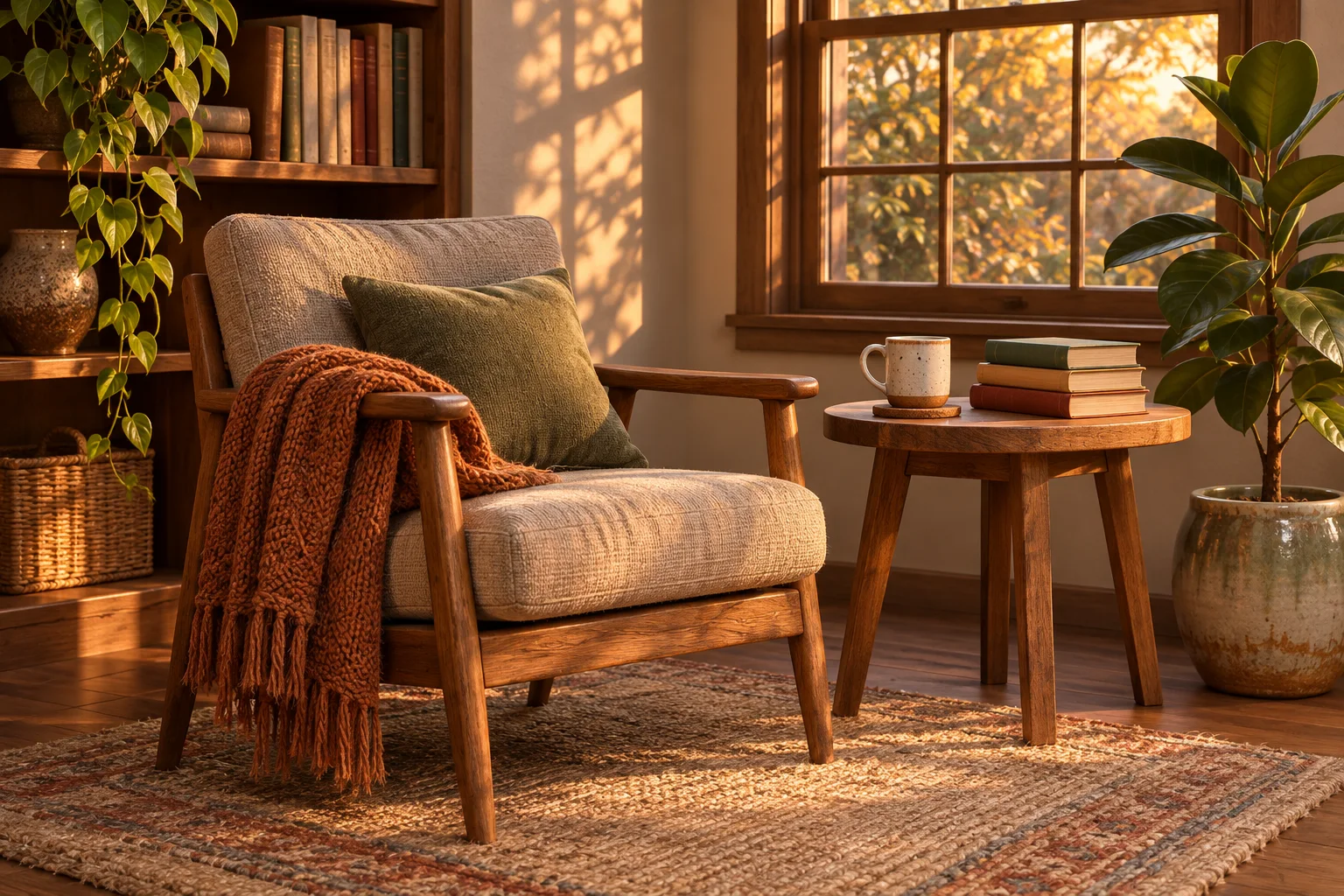
Free libraries are strong on generic objects: barrels, chairs, rocks, trees. They are weak on anything specific: your product, your pet, a prop from your own concept art, a character in your style. Buying or commissioning a custom model takes days and real money, as the guide to how much a 3D model costs shows.
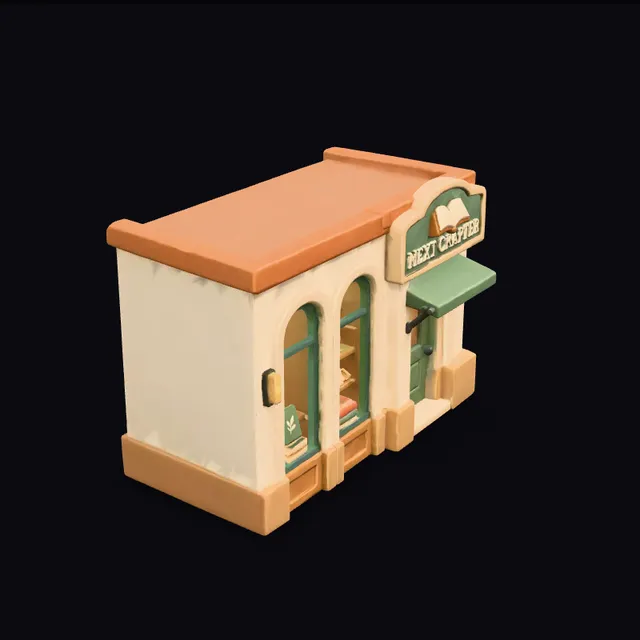
A faster route is to make the model yourself from a picture. Snapshapy is a 3D agent: upload one photo, or describe the object, and it builds a textured model. A model costs 3 credits and most are ready in 4–7 minutes. The GLB download is free on every plan and imports into Blender with its textures packed in. For the full walkthrough, read image to 3D in Blender.
Anything you make this way is yours to design, so there is no licence hunt, and paid plans include a commercial licence.
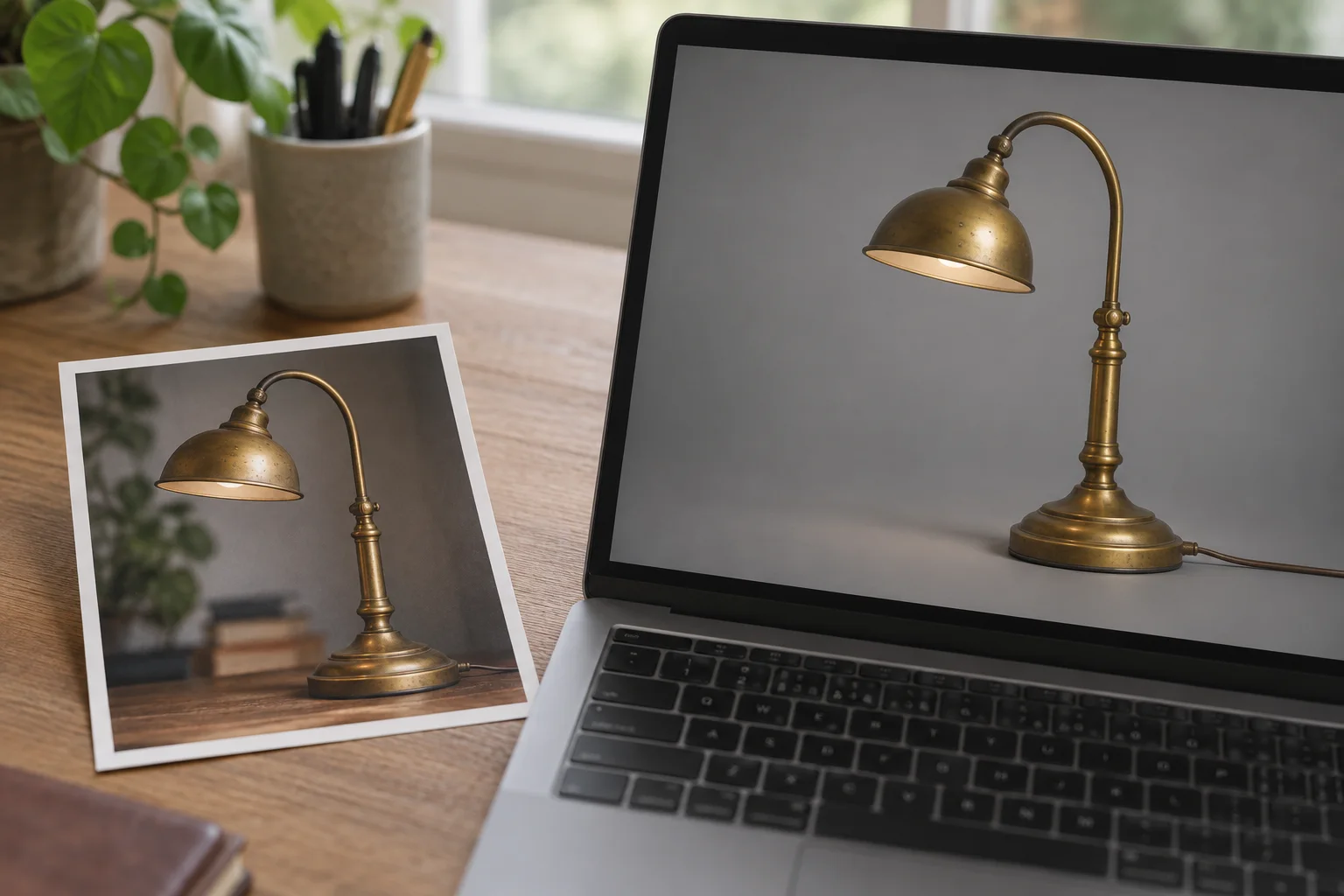
Models made from one photo, ready for a Blender scene
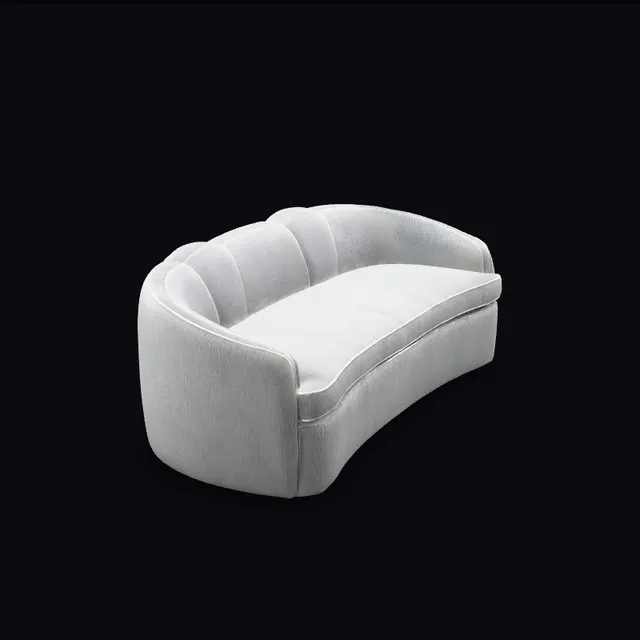
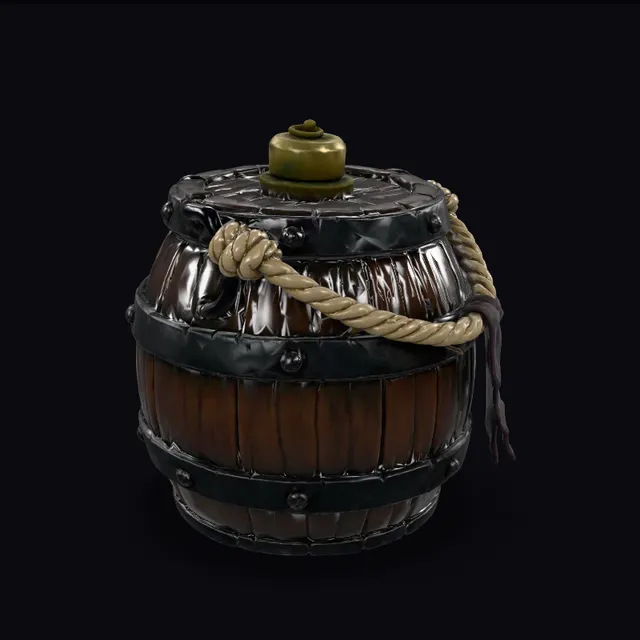
Each of these came out of Snapshapy as a single textured GLB. Drag one to turn it.
Do and don't with downloaded models
A few habits keep free assets legal and your scenes fast.
Questions people ask
Where can I get free Blender models?
From public-domain CC0 asset libraries, open-access museum and scan archives, community model-sharing platforms, the free sections of stock 3D marketplaces, add-on asset libraries that run inside Blender, 3D printing repositories and game asset packs. CC0 libraries and scan archives are the safest for commercial work; elsewhere, read the licence on each model's page before you download.
Are free Blender models free for commercial use?
Only if the licence says so. CC0 models can be used anywhere without credit. CC BY needs a credit but allows commercial use. Anything marked NC, non-commercial, cannot go into paid work, and ND means you may not share modified versions. Marketplace freebies usually allow use in your own projects but not reselling the model itself.
Which file format is best for free models in Blender?
A .blend file is easiest, because materials and modifiers come exactly as the author set them. After that, GLB is the most reliable: one file with textures packed inside, in metres like Blender. FBX is good for rigs and animation. OBJ works but needs its .mtl and images alongside, and STL has no textures at all.
How do I import a downloaded model into Blender?
Use File > Import and pick the format: glTF 2.0 for .glb and .gltf, FBX, Wavefront for .obj, or STL. For a .blend file, open it or use File > Append to copy objects into your scene. After importing, check the dimensions, apply all transforms with Ctrl+A, and make sure no textures are missing.
Why is my free model pink in Blender?
Pink, or magenta, means Blender cannot find a texture image the material points to. The file was usually moved without its texture folder, or the path refers to the author's computer. Use File > External Data > Find Missing Files and point it at the texture folder, then Pack Resources so the images are saved inside your .blend.
Are free models for Blender good enough for professional work?
Many are. CC0 libraries publish photo-scanned assets with full PBR textures, and museum scans carry real detail. Quality varies most on open community platforms, where you should check topology, triangle count and textures before relying on a model. For hero objects that must match a brief exactly, a custom or generated model is usually the better route.
Can I make my own free Blender models with AI?
Yes. With Snapshapy you upload a photo or describe an object and the agent builds a textured 3D model, usually in 4–7 minutes. New accounts get 3 free credits, enough for one model, and the GLB download is free on every plan. Further models cost 3 credits each on Starter at $19 a month, which includes a commercial licence.
Can I 3D print free Blender models?
Yes, if the licence allows your use and the mesh is printable. Many render models are not: they have open edges, thin parts or separate pieces floating inside each other. Check the mesh with the 3D Print Toolbox add-on in Blender, close any holes, apply scale in millimetres and export STL or 3MF for your slicer.
Can't find it among free Blender models? Make it from a photo
Upload one picture and the agent builds a textured model in 4–7 minutes for 3 credits, with a free GLB that drops straight into Blender. New accounts get 3 free credits.