Short answer
GLB vs glTF: the short answer
Use GLB to deliver a model: upload it, embed it on a web page, send it to a client or drop it into AR. It is one file, it loads with one request, and nothing can go missing. Use .gltf while you are still working on the model and want to read or edit the JSON, swap a texture by hand, or keep images as normal PNG files in version control.
The GLB vs glTF question is about packaging, not quality. Both are the glTF 2.0 format from the Khronos Group, and the scene inside is identical. That is why converting between them is lossless: tools only move the same bytes into a different container.
Contents10 sections
- Year glTF 2.0 was released by the Khronos Group
- 2017
- Size of the GLB header: magic, version, length
- 12 bytes
- Size added when a .gltf embeds data as base64 text
- ~33%
- The unit of every glTF and GLB file, fixed by the spec
- 1 metre
GLB vs glTF comparison table
Both follow the same glTF 2.0 specification, so the content rows match. Only the packaging differs.
| Feature | GLB (.glb) | glTF (.gltf) |
|---|---|---|
| Container | One binary file | One JSON file, usually plus .bin and image files |
| Human-readable | No (the JSON is inside, but in a binary wrapper) | Yes, open it in any text editor |
| Meshes, UVs, normals | Yes | Yes |
| PBR materials (metallic-roughness) | Yes | Yes |
| Textures | Embedded in the binary chunk | Separate PNG/JPEG files, or base64 inside the JSON |
| Skins, morph targets, animation | Yes | Yes |
| Cameras; lights via extension | Yes | Yes |
| Units and axes | Metres, Y up, right-handed | Metres, Y up, right-handed |
| Files to keep together | 1 | Often 3 or more |
| Best for | Delivery: web, AR, sharing, engines | Editing, debugging, version control |
How a GLB file is built from a glTF
A .gltf file is a JSON document. It lists the scene's nodes, meshes, materials and animations, and it refers to the heavy data by URI: vertex buffers in a .bin file and textures as image files.
A GLB keeps that same JSON and puts the heavy data next to it, in one file:
- Header, 12 bytes: the magic
glTF, the version (2) and the total file length. - JSON chunk: an 8-byte chunk header, then the scene description, padded with spaces to a 4-byte boundary.
- BIN chunk: an 8-byte chunk header, then one binary buffer holding vertices, indices, animation data and the images.
Inside a GLB, the JSON points into the BIN chunk by byte offset instead of by file name. That single difference explains everything else in GLB vs glTF: one request instead of several, and no paths that can break.
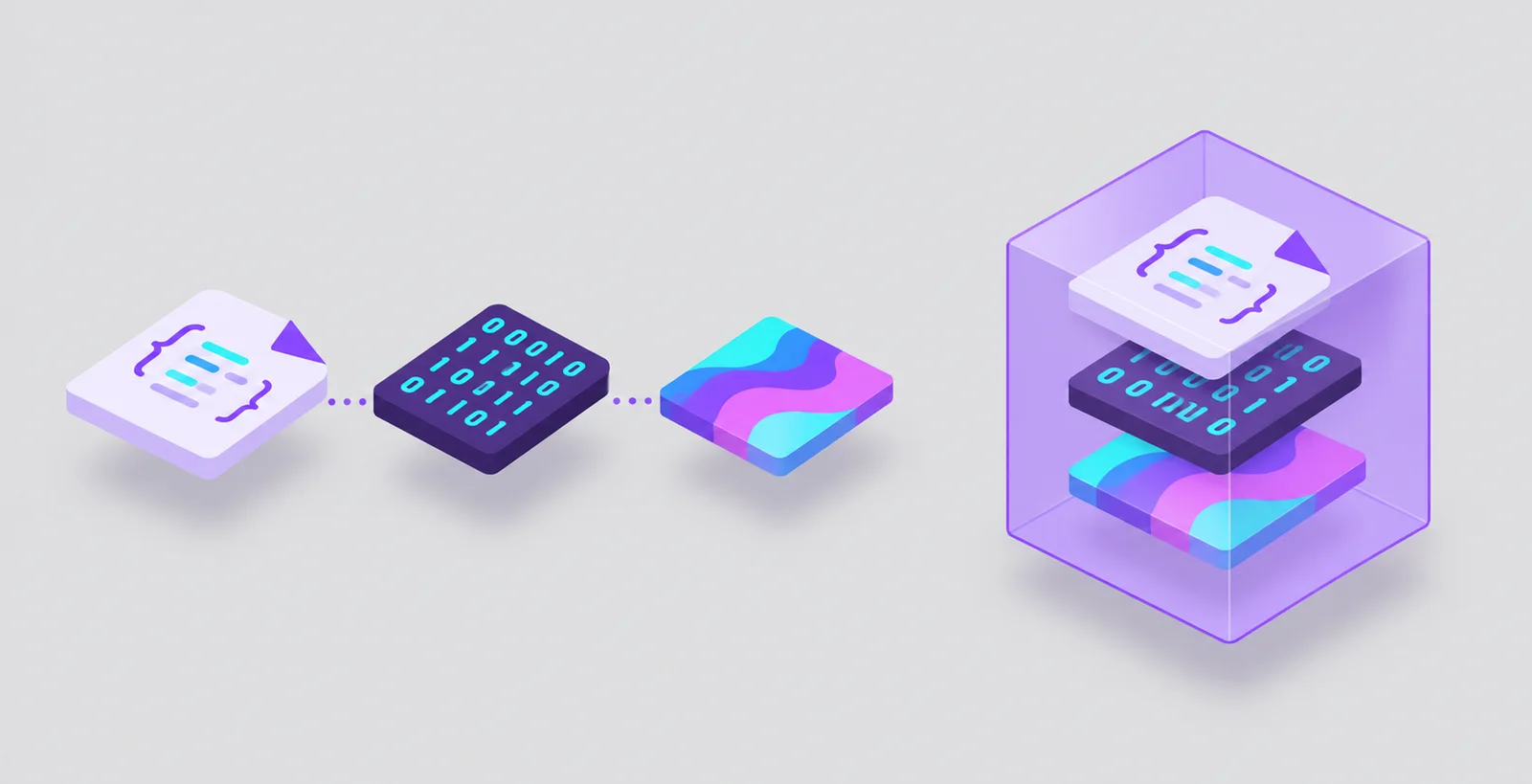
glTF vs GLB file size: three ways to package one model
The same model can be saved three ways. The mesh and textures are identical; only the overhead changes.
- GLB
- Total of the binary data and images, plus the JSON and a few dozen bytes of headers and padding
- glTF with separate files
- About the same total, split across .gltf, .bin and image files
- glTF with embedded base64
- About a third larger, because base64 spends 4 text characters on every 3 bytes
- Load requests on the web
- GLB 1; separate glTF one per file; embedded glTF 1 but slower to parse
- What really shrinks a model
- Fewer triangles, smaller textures, Draco or meshopt geometry, KTX2 textures
glTF vs GLB on the web, in AR and in Blender
Most tools read both packages, but they lean one way.
- Web viewers such as three.js and the model-viewer web component load either. GLB is the usual choice because one file is one request and one CDN object.
- Android AR (Scene Viewer) uses glTF and GLB.
- iPhone and iPad AR (Quick Look) uses USDZ, not GLB, so an AR page usually ships both.
- Blender imports and exports glTF 2.0 out of the box. The exporter offers glTF Binary (.glb) or glTF Separate (.gltf + .bin + textures).
- Godot 4 imports .gltf and .glb directly as scenes.
To check a file before you publish it, open it in the glTF viewer. It shows the textures, the triangle count and the animations in the browser.
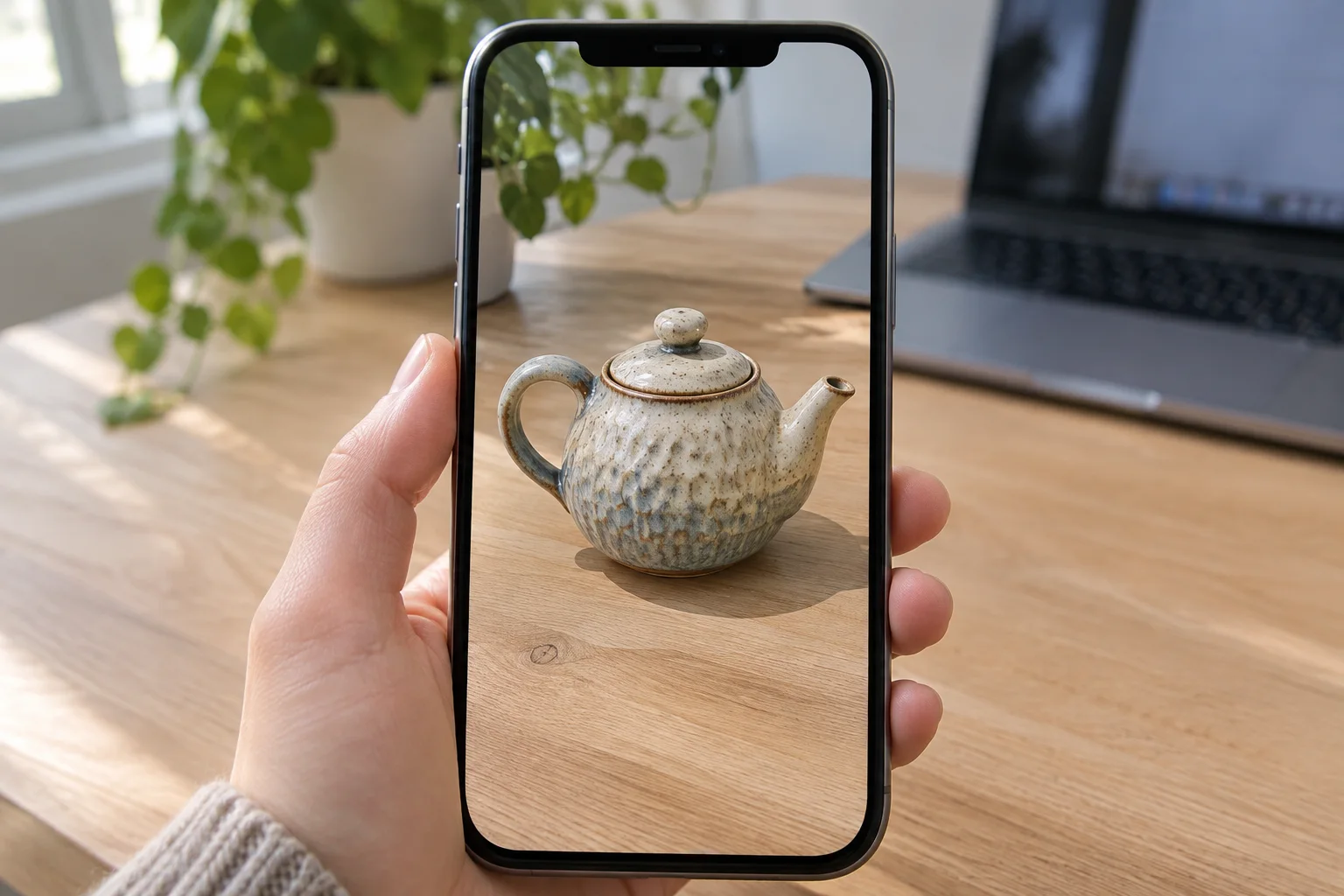
GLB vs glTF: when to use which
Pick by whether the file is finished or still changing.
Putting a model on a website
GLB. One file to upload and cache, one request to load, and no relative paths to break when the page moves.
Sending a model to someone
GLB. A .gltf without its .bin and images opens empty or grey, and people forget the side files.
Editing by hand or in code
Separate .gltf. You can read the JSON, rename a material or replace one texture without rebuilding the file.
Version control
Separate .gltf. Text diffs show what changed, and unchanged textures are not re-committed as part of one big binary.
Game engines
Either works where the engine supports glTF. GLB is easier to drag in as one asset.
3D printing
Neither is a print format. Slicers want STL or 3MF, in millimetres; a GLB is in metres and needs converting.
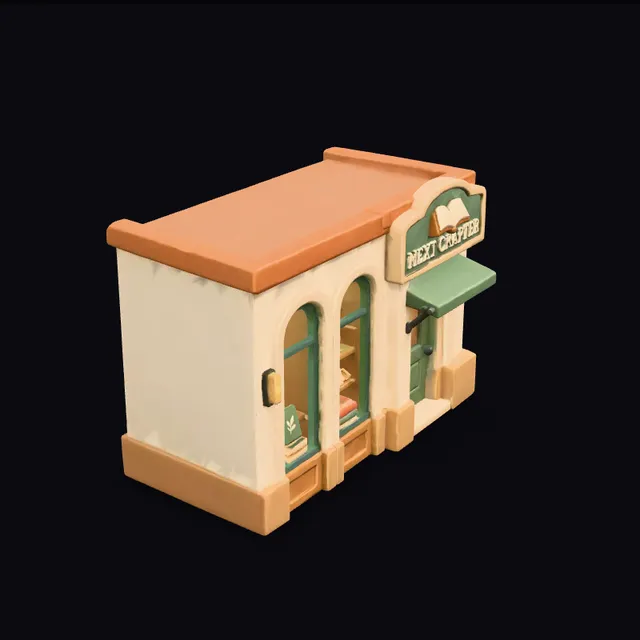
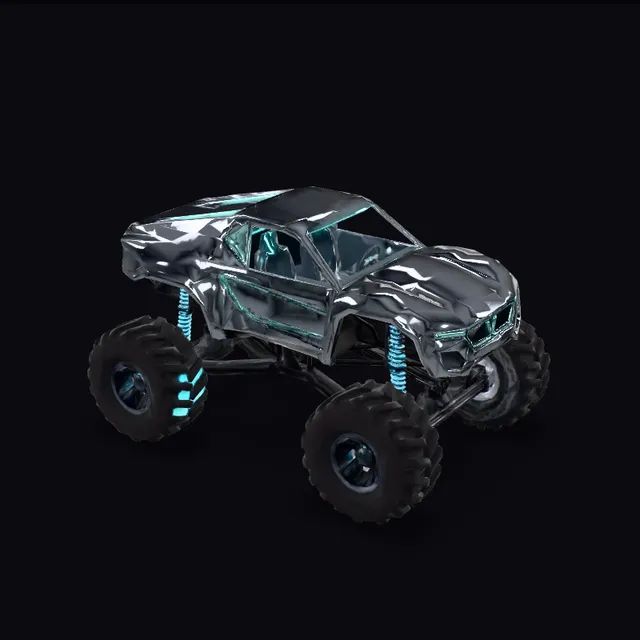
What a GLB carries: textured models in one file
Each of these is a single GLB from Snapshapy, with its texture packed inside. Drag one to turn it.

Converting between glTF and GLB without breaking anything
The conversion itself is lossless. Problems come from missing side files or from extensions the receiver does not read.
Getting a GLB from a photo
If you have a picture rather than a model, Snapshapy builds the textured model and gives you the GLB for free.
Upload one photo
Drop a clear photo of one object on a plain background into image to 3D, or describe it in text to 3D. A textured model costs 3 credits and most are ready in 4–7 minutes.
Download the GLB
GLB downloads are free on every plan, including the 3 free credits a new account gets. The textures are embedded, so the file works on its own.
Need other formats?
STL, OBJ, 3MF and USDZ exports come with a paid plan, from $19 a month on Starter. USDZ covers iPhone AR; STL and 3MF cover printing.
Questions people ask
GLB vs glTF: which one is better?
Neither is better in quality, because both store the same glTF 2.0 scene. GLB is better for delivery: one file, one download, nothing to lose. A separate .gltf is better while you are editing, since the JSON is readable and textures stay as normal image files. Most people work in .gltf or a 3D app and publish GLB.
What is the GLB glTF difference in one sentence?
A .gltf file is JSON text that points to separate binary and image files, while a .glb file packs that same JSON, the binary data and the images into one binary container. Everything the model contains, from meshes and materials to animation, is the same in both. Only the packaging and the number of files change.
Does converting glTF to GLB lose quality?
No. Converting moves the same JSON, buffers and images into one container, so meshes, textures and animations stay byte for byte the same. Quality only changes if the tool also optimises the model, for example by compressing textures, simplifying geometry or applying Draco compression. Check the export settings if the GLB looks different from the source.
Why is my GLB file so large?
Usually the textures. Several 4K images can outweigh the whole mesh, and they are packed inside the GLB. Resize textures to what the model needs on screen, switch to JPEG or KTX2 where alpha is not needed, and reduce the triangle count. Draco or meshopt compression shrinks geometry further if your viewer supports it.
Can I 3D print a GLB or glTF file?
Not directly in most slicers. Slicers expect STL, 3MF or OBJ in millimetres, while glTF and GLB are in metres and carry textures a printer ignores. Convert the model first and scale it by 1,000 if it arrives tiny. Snapshapy can remesh a model for printing and export STL or 3MF on a paid plan.
What units does glTF use?
Metres, always. The glTF 2.0 specification fixes the unit as the metre and the coordinate system as right-handed with Y up. That makes GLB and .gltf files predictable in engines and AR, where one unit is one metre. Slicers and some CAD programs assume millimetres, so a model may need scaling by 1,000 when it moves there.
Which format does Snapshapy give me?
Every Snapshapy model can be downloaded as GLB for free, on every plan, with its textures embedded. Paid plans add STL, OBJ, 3MF and USDZ exports, starting with Starter at $19 a month. A textured model costs 3 credits and most are ready in 4–7 minutes. New accounts get 3 free credits, enough for one model.
Do iPhones open GLB files?
Not in AR Quick Look, which uses USDZ. Web pages that show a 3D model on iPhones usually serve a GLB to the in-page viewer and a USDZ for the AR button. Third-party apps can open GLB files on iOS, but for a native AR experience you need USDZ, which Snapshapy exports on paid plans.
GLB vs glTF sorted? Make a GLB from one photo
Upload a picture and the agent builds a textured model in 4–7 minutes for 3 credits. The GLB download is free, and new accounts get 3 free credits.