Compare · November 2026

Meshy vs Rodin: Price, Control and Output Compared

Meshy vs Rodin, head to head: Meshy is the all-rounder with monthly plans, print tools and a big animation library; Rodin by Hyper3D lets you preview before you pay and steer the shape. Then a third option, Snapshapy, for cheap textured models month to month.

  • Prices as of November 2026
  • Free plans compared
  • Printing and pipeline advice
  • A third option where it fits

Meshy vs Rodin in four numbers

$20 vs $30
Entry plan list price a month: Meshy Pro vs Rodin Creator
$0.60 vs $0.50
Per textured model at list price: Meshy Pro default (30 credits) vs Rodin Creator (≈60 models)
$1.50
Per Rodin direct credit to confirm a result on its free plan
$20 vs $120
Cheapest plan with API access, list price a month: Meshy Pro vs Rodin Business

Meshy vs Rodin: the verdict

Meshy is easier to get into and wider in scope: a refilling free plan whose output may be used commercially with credit, monthly plans from a $10 first month, an API from the $20 Pro plan, a print toolkit with slicer plugins and over 500 animation motions. Rodin gives you more say over each result: free previews before you spend, an effort dial from about 4 to 80 seconds, ControlNet guidance from a bounding box, voxels or a point cloud, baked normals and High-Poly Quads on Business. Pick Meshy for breadth, animation and printing; pick Rodin for hero assets where control matters more than price. Prices as of November 2026.

Pick Meshy if you…

  • Want a free plan that refills 100 credits a month
  • Need an API without a $120-a-month plan
  • Print through Bambu Studio, OrcaSlicer, Cura or another slicer plugin
  • Animate characters from a library of over 500 motions
  • Need BLEND or 3MF export

Pick Rodin if you…

  • Want to preview a result before paying for it
  • Need to steer shape with a bounding box, voxels or a point cloud
  • Want baked normals, Smart Low-Poly or High-Poly Quads
  • Want many redos per model (20 geometry, 6 material on Creator)
  • Need on-premise deployment or custom fine-tuning (Enterprise)

Side by side

Meshy vs Rodin pricing (as of November 2026)

USD prices as shown on each pricing page in November 2026. Model counts are each company's own estimates.

PlanMeshyRodin (Hyper3D)
Free$0 · 100 credits a month · up to 10 assets$0 · free previews · $1.50 per direct credit to confirm
Free-plan limits10 Meshy 6 Lite downloads a month · CC BY 4.0Exports from legacy models · 10 private assets · public gallery
Trial or intro offer50% off the first month7-day free trial
Entry paid planPro $20/mo ($10 first month) · 1,000 creditsCreator $30/mo list, $24/mo billed yearly ($288) · ≈60 models
Next tierPremium $40/mo · 3,000 creditsBusiness $120/mo list, $96/mo billed yearly ($1,152) · ≈416 models
Top individual planUltra $100/mo · 8,000 creditsEnterprise, custom
APIFrom ProFrom Business
Paid-plan rightsPrivate and customer ownedUnlimited export and any use

When we checked, Rodin showed a 50% discount on monthly billing ($15 for Creator, $60 for Business); the list prices are shown here. Rodin's Creator also comes in larger credit tiers up to $240 a month. Meshy's monthly credits reset each month.

What one model costs on Meshy and Rodin

Meshy counts in credits per job. A textured model on its default model is 30 credits, so Pro's 1,000 make about 33, $0.60 each; its lighter Meshy 6 Lite and T2 models make one for 15 credits, $0.30. Premium works out to about $0.40 and Ultra about $0.375 on the default model.

Rodin prices by result. Creator's list price of $30 buys about 60 models, roughly $0.50 each, or $0.40 billed yearly; with the 50% monthly discount it was showing, about $0.25. Business at list is about $0.29 a model.

So in Meshy vs Rodin, the per-model prices are closer than their reputations suggest, and Rodin can be cheaper. What Rodin adds is pay by result: you see a free preview and only confirm the results you keep, with 20 geometry redos per model on Creator. Meshy gives 4 free retries per task on Pro.

Side by side

Rodin vs Meshy features

What each platform lists, as of November 2026. "Not listed" means we found no mention on its public plan, feature or pricing pages.

FeatureMeshyRodin
Current modelMeshy 7.1 (Meshy 6 and Lite available)Gen-2.5
Image to 3DSingle image; multi-view on paid plansSingle image; multi-image on Creator
Speed controlQueue priority by planEffort levels, about 4 s to about 80 s
Shape guidanceNot listedControlNet: bounding box, voxel, point cloud
TopologyRemeshSmart Low-Poly; High-Poly Quads on Business
TexturingAI texturing, texture editingHD and custom textures, baked normals
Rigging and animationAuto-rig; over 500 motions on paid plansNot listed for Rodin
Print toolsPrintability check, repair, split, multi-colourNot listed
ExportsFBX, OBJ, USDZ, GLB, STL, BLEND, 3MFSTL, FBX, OBJ, GLB, glTF, USDZ
PluginsBlender, Unity, Unreal, Roblox, Godot, Maya, 3ds Max; six slicersBlender, Unity, Unreal, Godot, Maya, 3ds Max, ComfyUI
API and agentsAPI from ProAPI from Business; MCP for AI agents

Where Rodin is stronger than Meshy

Rodin is built for people who want to direct a result rather than reroll it. You can block out a shape with a bounding box, voxels or a point cloud and have the model follow it. An effort setting trades time for detail, from a quick pass of about 4 seconds to a careful one of about 80, by Hyper3D's labels. Then you preview for free and confirm only what you keep.

For production work it adds baked normals from a high-poly source, Smart Low-Poly, High-Poly Quads and high-resolution textures on Business, and on Enterprise private on-premise deployment and custom fine-tuning. When the Meshy vs Rodin choice is about one hero asset or product model, that control often matters more than anything else on this page.

Where Meshy is stronger than Rodin

Meshy wins on reach. Its free plan refills 100 credits every month and its output may be used commercially with attribution, while Rodin's free plan is for previews. The API starts on the $20 Pro plan instead of a $120 one. Animation is broader: auto-rigging and over 500 motions on paid plans, where Rodin lists no rigging for its models.

For printing, Meshy is the direct route. It checks printability for free, then repairs, splits into parts or adds colour for Bambu AMS at 10 credits each, exports 3MF and has plugins for Bambu Studio, OrcaSlicer, Cura, Creality Print, Elegoo and Lychee. Rodin exports STL but lists no print tools. For every print option, see the best AI for 3D printing.

Side by side

Rodin vs Meshy by job

A quick way to decide, based on what you are making.

JobBetter fitWhy
Lots of props for a gameMeshyMonthly plans, API from $20
One hero asset or product modelRodinPreview, redos, ControlNet
Animated characterMeshyAuto-rig and motion library
A shape that must follow a blockoutRodinBounding box, voxel, point cloud guidance
FDM or resin printMeshyPrint tools, 3MF and slicer plugins
Studio with on-prem rulesRodinEnterprise on-premise deployment
Cheap textured models, month to monthSnapshapy3 credits a model, about $0.14 on Starter

3 tools, ranked

Meshy, Rodin or a third option: ranked for monthly buyers

Ranked for the most common buyer: a few dozen textured models a month, billed monthly, no studio pipeline. For a single hero asset Rodin would rank first; for printing with colour tools, Meshy. Prices as of November 2026.

  1. Our pickBest for cheap textured models, month to month

    #1 Snapshapy

    Free 3 credits · Starter $19/mo ($9 first month)as of November 2026

    Not part of the Meshy vs Rodin match, but the lowest price per textured model of the three at list price: 3 credits, about $0.14 on Starter ($19 for 400 credits, $9 first month). You chat with a 3D agent instead of setting options; rigging a two-legged character is 3 credits with 160 free clips, and a print version at your height is free. Failed jobs refund. See Snapshapy vs Meshy and Snapshapy vs Rodin.

    Strengths

    • About $0.14 per textured model on Starter
    • GLB free; STL, OBJ, 3MF, USDZ on paid plans
    • Rigging 3 credits, 160 free animation clips
    • Free print version sized in millimetres

    Trade-offs

    • Free plan is 3 credits once
    • No API, plugins, FBX or glTF export
    • No shape guidance or quad topology
    • No multi-colour print tools
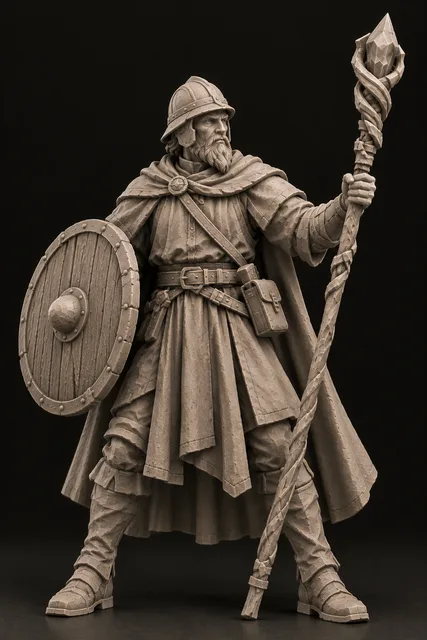
    Textured 3D model of a viking warrior figurine with a round shield and staffPhoto of a resin viking warrior figurine
    Viking figurine, made in Snapshapy
  2. Best for animation, printing and APIs

    #2 Meshy

    Free 100 credits/mo · Pro $20/mo ($10 first month)as of November 2026

    The broader platform for most buyers: a monthly free plan, an API from $20, print tools with slicer plugins and a big motion library. Its default textured model is 30 credits, about $0.60 on Pro, so check which model you use.

    Strengths

    • 100 free credits a month, CC BY 4.0
    • API from the $20 Pro plan
    • Print tools and six slicer plugins
    • Over 500 animation motions on paid plans

    Trade-offs

    • About $0.60 per default textured model on Pro
    • Print steps cost 10 credits each
    • No shape guidance listed
  3. Best for hero assets that need control

    #3 Rodin (Hyper3D)

    Free previews · Creator $30/mo list, $24/mo yearlyas of November 2026

    The control pick: preview before paying, ControlNet guidance, effort levels and many redos. About $0.50 a model on Creator at list price, $0.40 yearly, and the API needs Business.

    Strengths

    • Pay by result after a free preview
    • Bounding box, voxel and point cloud ControlNet
    • Baked normals, Smart Low-Poly, High-Poly Quads

    Trade-offs

    • API only from Business ($120/mo list)
    • No print tools or rigging listed
    • Free exports from legacy models only

Where Snapshapy fits in Meshy vs Rodin

Snapshapy is a separate 3D agent you chat with. Upload a photo or describe the object and it builds a textured model in full colour, most in 4–7 minutes. Ask for changes in plain words: "rig it and make it wave" or "print version, 12 cm tall".

It wins on price per textured model on a monthly plan and on doing print prep for free. It has no API, no ControlNet, no FBX or glTF and no multi-colour print tools, so if those are why you are comparing Meshy and Rodin, pick one of them. Try it on image to 3D, or read the Meshy vs Tripo comparison next.

  • 3 credits per textured model
  • Print version free, sized in mm
  • 3 free credits to try one model
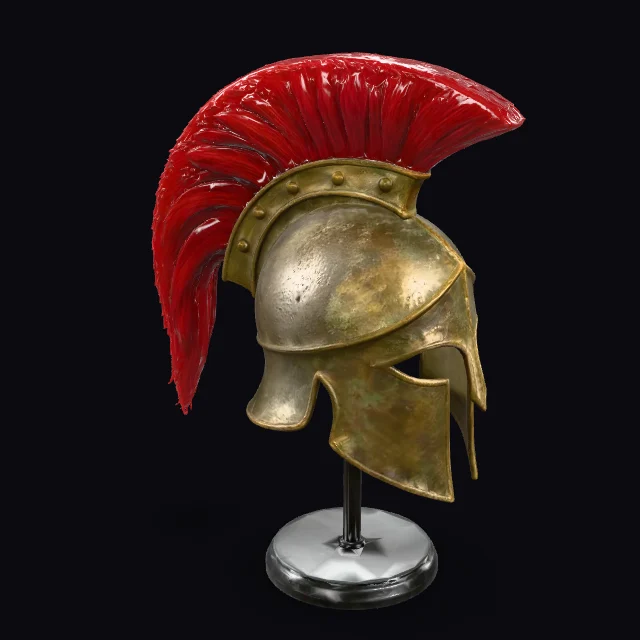
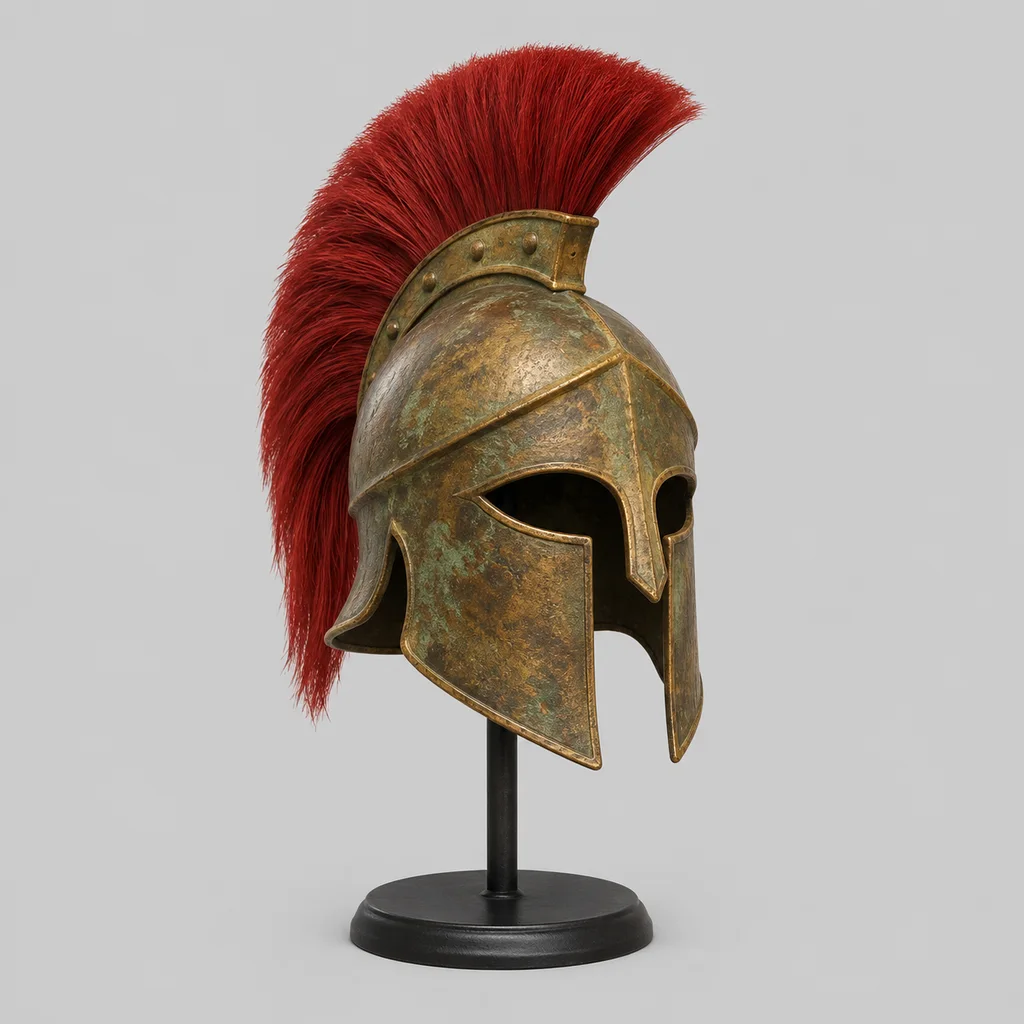
Textured 3D model of an aged bronze crested helmet on a small standSource image for: Textured 3D model of an aged bronze crested helmet on a small standSource

Questions

Frequently asked questions

Short answers, with the same dated numbers as the ranking above.

Try Snapshapy free

Is Meshy or Rodin better?

Meshy is better for most people: a refilling free plan, monthly plans from a $10 first month, an API from $20, print tools and a large animation library. Rodin is better for hero assets where you want to preview before paying and steer the shape with ControlNet. Studios with strict pipelines may prefer Rodin's quads, baked normals and on-premise option.

Meshy vs Rodin: which is cheaper per model?

At list prices they are close. Meshy Pro is about $0.60 per textured model on its default model, or $0.30 on its Lite models. Rodin Creator is about $0.50 a model at $30 a month, $0.40 billed yearly. Snapshapy, the third option, is about $0.14 per textured model on its $19 Starter plan.

Does Rodin have a free plan like Meshy?

Both have free plans that work differently. Meshy refills 100 credits a month, caps downloads at 10 Meshy 6 Lite models and licenses free output under CC BY 4.0. Rodin lets you generate and preview for free, then charges $1.50 per direct credit to confirm a result; free exports come only from legacy models. Rodin also offers a 7-day trial.

Rodin vs Meshy for 3D printing: which is better?

Meshy. It runs a free printability check, then repairs, splits or adds colour at 10 credits per step, exports STL and 3MF and has plugins for six slicers. Rodin exports STL but lists no print preparation tools. For single-colour figurines, Snapshapy makes a repaired print version at your height for no extra credits, on paid plans.

Which has an API, Meshy or Rodin?

Both. Meshy includes API access from its $20 Pro plan and lists its prices per request in credits. Rodin includes a full API on Business, $120 a month at list price or $96 a month billed yearly, at 120 or 240 requests a minute, and offers MCP for AI agents. Snapshapy has no API.

What formats do Meshy and Rodin export?

Meshy lists FBX, OBJ, USDZ, GLB, STL and BLEND for its generators, plus 3MF for printing. Rodin lists STL, FBX, OBJ, GLB, glTF and USDZ. Both cover game engines, web and AR; only Meshy lists 3MF and BLEND. Snapshapy exports GLB free and STL, OBJ, 3MF and USDZ on paid plans.

Can I sell models made with Meshy or Rodin?

On paid plans, yes: Meshy calls paid assets private and customer owned, and Rodin's paid plans include unlimited export and any use. On free plans, Meshy's output is CC BY 4.0, so commercial use needs attribution, and Rodin's free exports come only from legacy models. You also need the rights to the image you started from.

Is there a cheaper alternative to Meshy and Rodin?

For textured models on a monthly plan, Snapshapy: 3 credits per model, about $0.14 on the $19 Starter plan, with a $9 first month and 3 free credits for one model. It has no API or shape controls. For the full field, see the best AI 3D model generator ranking.

#1 Snapshapy

Weighing Meshy vs Rodin? Try the third option free

3 free credits make one textured model, no card. After that, about $0.14 a model on Starter, $9 for the first month.

Try Snapshapy free